LewisTB
New here
-
Joined
-
Last visited
Everything posted by LewisTB
-
Thanks for the great knowledge, ok I’ll get it on a VAG code reader and hopefully it shows something! Appreciate the help, will post up the results.
-
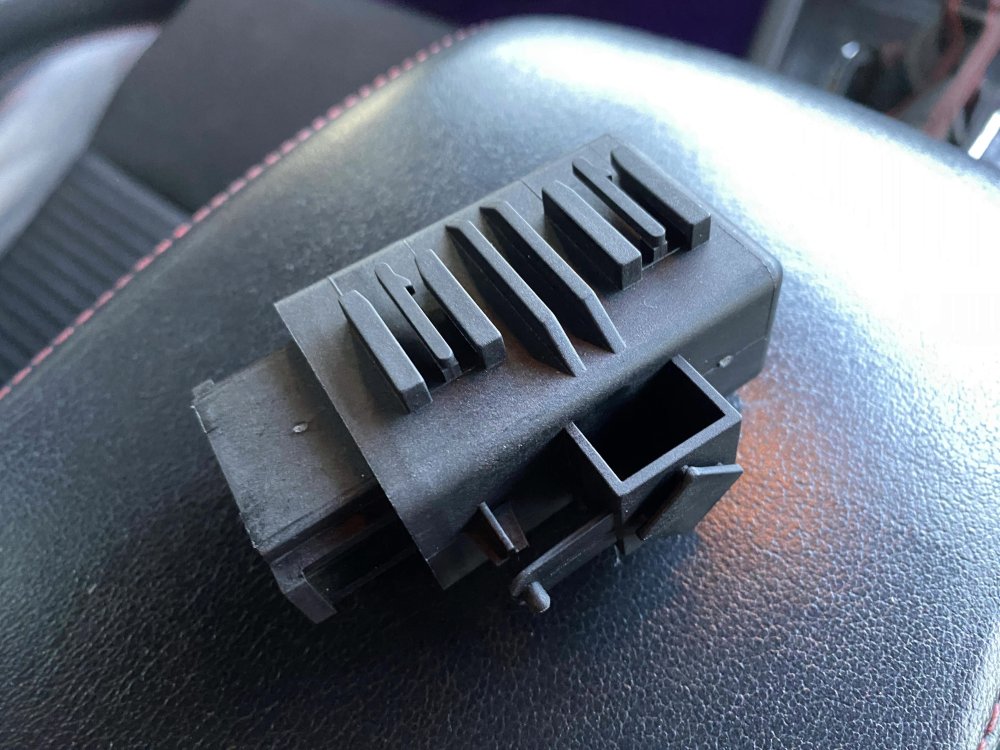
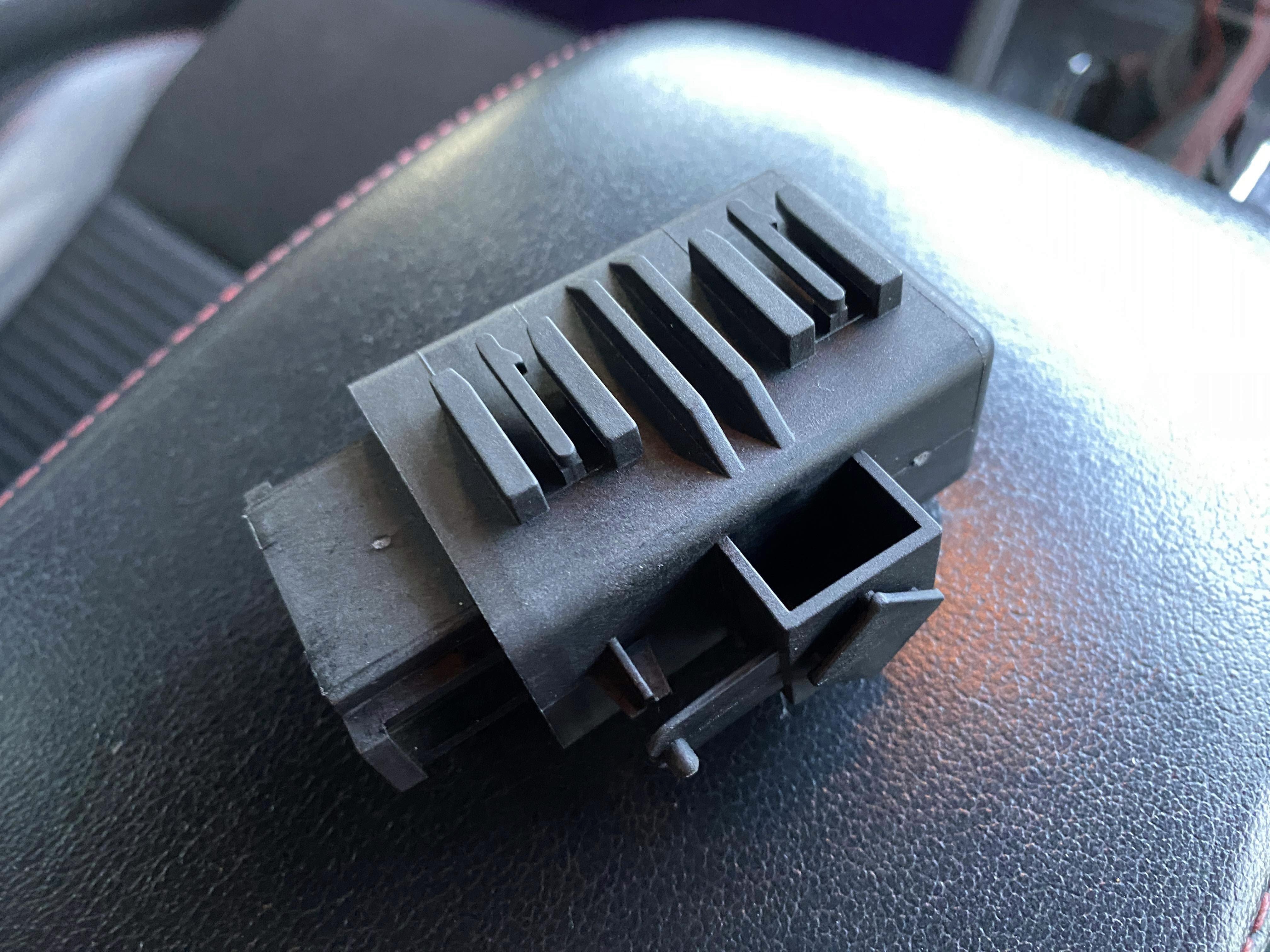
Before I bought the controller I did some online research and multiple sources referenced that part. if the heated seats are controlled by the BCM does anyone know what could cause both seats to simultaneously not work? Thanks!
-
Hey guys, I did some more checks today. My OBD2 reader came up with no fault codes found, either nothing is being recorded or my reader is sophisticated enough! I checked the fuse box again and strangely fuse 26 had nothing in it, I tried a fuse in it but no change. Still don’t work, is my car different to a standard spec Octavia or is this normal? thanks again guys!
-
Thanks for the help, is the BCM different to the module I purchased? I first checked the fuse it was ok, I’m hoping to check the fault codes today as I haven’t had access to a reader.
-
Hey everyone, I have a 2013 Skoda Octavia VRS that is absolutely brilliant. Love it already! I’ve done a thorough search and there is very little info on my issue; both my heated seats stopped working. When either button is pressed the 3 lights illuminate then go off within a second. Nothing heats up. I purchased a Heated Seat Controller part number 1K0959772 as I believed it had failed. However I can’t find the existing module to replace anywhere. I’ve removed the passenger seat and followed the loom from the seat and it isn’t where I was told it should be. Please could anyone give me any ideas where it may be? Or any other ideas to fix it. Many thanks!