Woster
Finding my way
-
Joined
-
Last visited
-
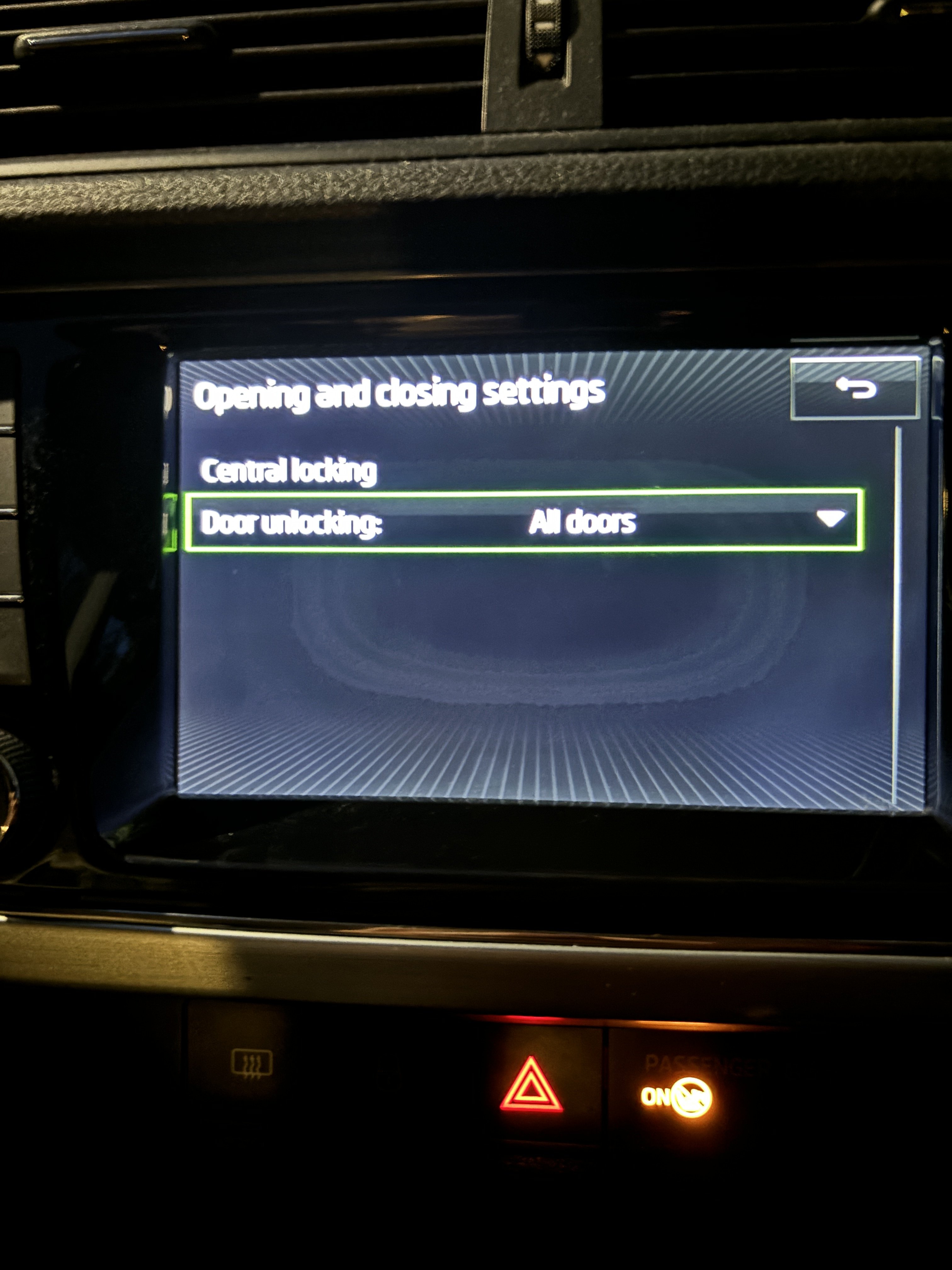
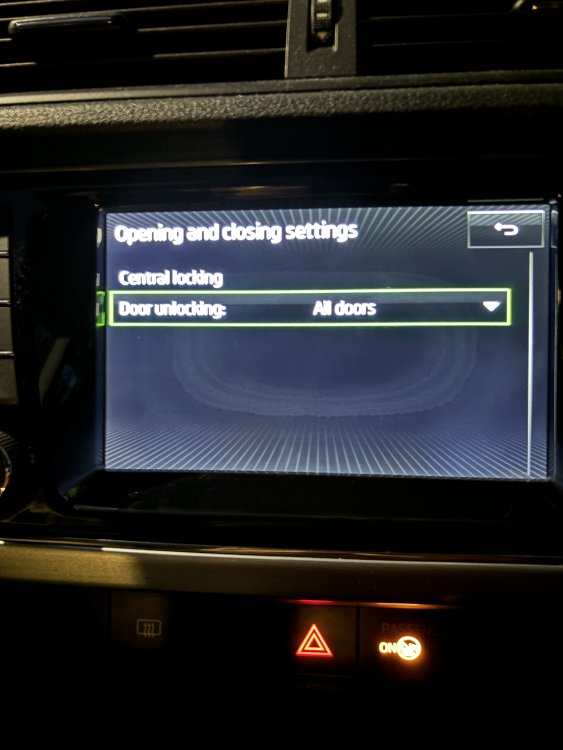
Thanks but I do not have the option “automatic locking” present on my bolero system (see above posts)
-
I guess it’s a safety thing. I think most VAG cars do this although you can turn it off (normally). BTW once it has locked over 10MPH it should remain locked until the unlock central locking button is pressed or the internal door handle is opened. In my case it is locking but there is no way to unlock it with the central locking button. for example, say I am going to pick someone up across town, my central locking should lock the doors after the first time I go above 10MPH. Once I arrive at my destination and I pick that person up, I should be able to press the central locking button to unlock the doors to let them into the car. I cannot do this as it stands. I would have to lean across to open the car door with the interior handle.
-
You’re right - many of the bolero systems do have auto locking above 10MPH and you can disable or enable it. There is no option on my Fabia. I have asked in the thread for software updates in case I have an old version. If I was able to disable it, it would reduce the annoyance when driving (it’s very annoying when you’re in a city and stop starting! 😅) but also I worry it will wear out the other locks too. the fact the central locking button isn’t working properly, and now the supposed troublesome lock has been replaced, makes me worry this is a sensor issue. I have seen similar posts (albeit the yeti or the Karoq) which people seem to say is a sensor or a soldering issue on a board somewhere. thanks again for the time taken to reply. I do appreciate it.
-
Apologies for my contradictions. Let me start again. The normal mode of operation would be: - unlock the car with the car fob. - get in car and either; lock doors by pressing central locking button on the central console and then key in ignition and drive away or key in ignition and then once I drive off and achieve 10MPH, the central locking kicks in and locks the car doors (in this instance the central locking button on the central console is illuminated). - once at destination, you can unlock car doors by pressing central locking button on the central console or open the car door handles. The central locking button is now not illuminated. - get out of car and press the lock button on the key fob. The interior lights (which are illuminated) turn off after approximate 2-3 seconds from locking the car and the red “arming” light on the drivers side flashes intermittently. what is happening is - unlock the car with the car fob. - get in car and either; press central locking button on the central console. The door makes a lock sound, then and unlock sound. The central locking central console button never illuminates. or key in ignition and then once I drive off and achieve 10MPH, the central locking kicks in and locks the car doors (in this instance the central locking button on the central console is never illuminated). Every time you drop below 10MPH and then exceed 10MPH, for example stopping at a traffic light, the central locking tries to lock again. NOTE: in both of these instances the doors are successfully locked (it is not possible for someone else to open the car from the outside) however, pressing the unlock button on the central locking button on the central console does nothing. The only way to unlock the car is to open the interior door handles. - once at destination, open the car door handles. - get out of car and press the lock button on the key fob. The interior lights (which are illuminated) turn off after approximate 20-30 seconds from locking the car and the red “arming” light on the drivers side stays solid for approximately 10 seconds before beginning to flash intermittently. im hopeful I’ve explained this okay? Please let me know if there is any more confusion. And thanks for the assistance!
-
Had the lock replaced and the issue still exists. Infuriating that Skoda possibly told me the wrong information.
-
Hey. Any update for this one thanks in advance
-
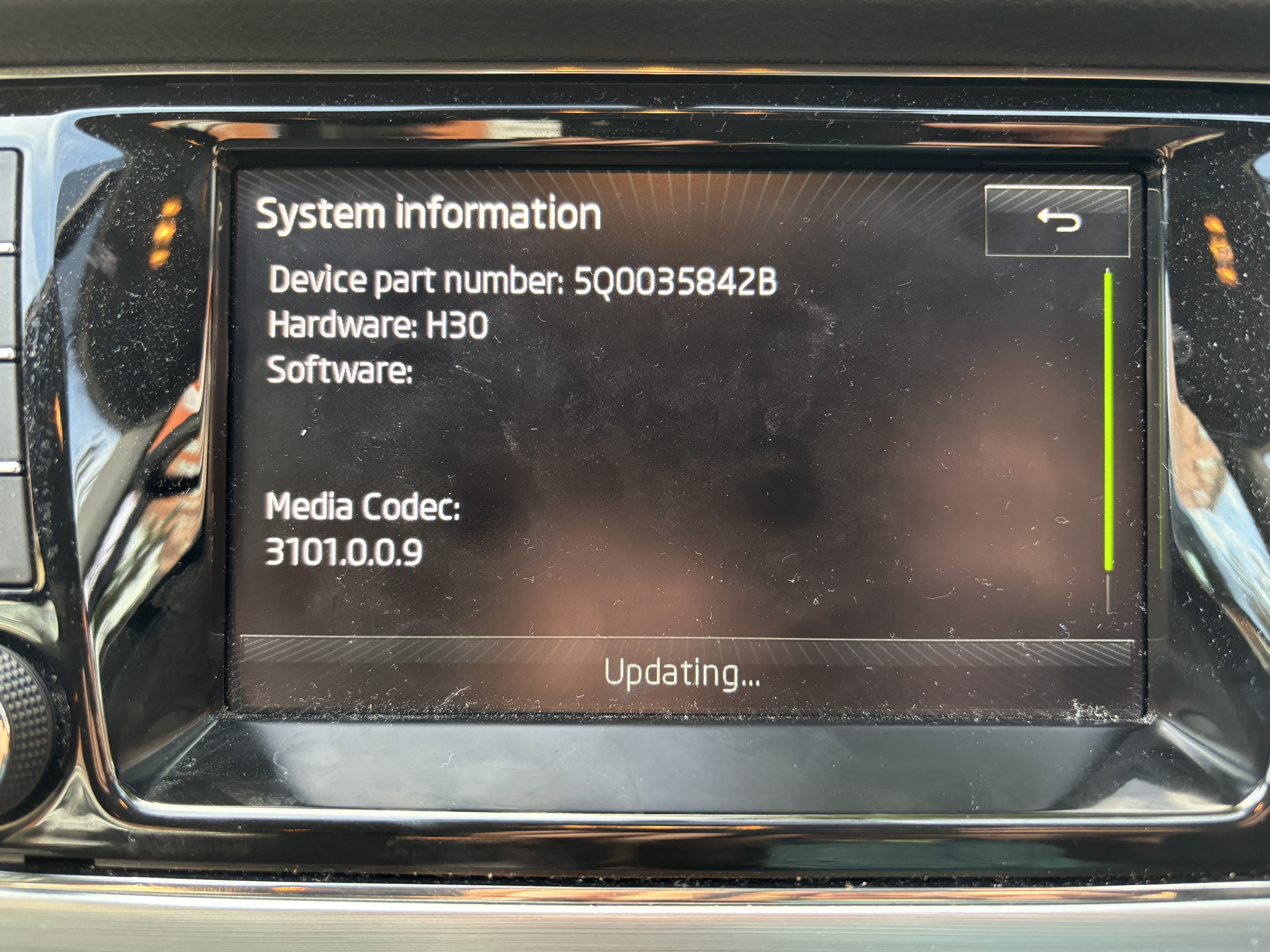
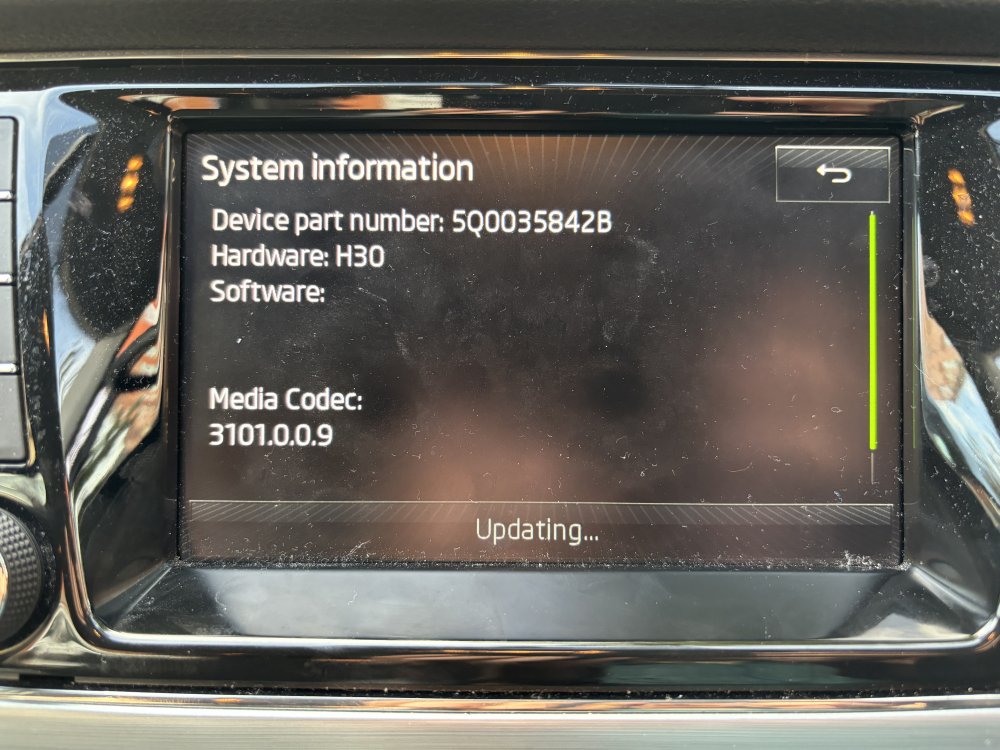
I can try it. Does a newer version of the bolero software allow the feature to be turned off maybe?
-
Automatically locks the doors. But at the moment with the fault, everytime I drop beneath 10MPH and go back above it tries to lock. I just need to find a way to stop it because it’s not great around town.
-
Thanks. Thanks not what I have an option for though :
-
Hey looking for some advice. I have an issue with the central locking on my mk3 Fabia. Started on its own after a service on Friday. When I start to go over 10MPH and try and use the central console to lock the doors, the lock makes an Unlock sound. When locking on the fob the car locks, red arming light stays solid for about 20 seconds and then starts flashing and the interior lights dim, finally. The doors are locked. The fault has been assessed and I’ve been quoted £350 for a replacement (P&L) OSR lock. anyone know how I can turn off the automatic lock at 10MPH? Cant see any obvious options in the bolero system. also is £350 reasonable? This is a main Skoda garage. I’m pretty handy with electricals and pneumatics but cars are a bit of an unknown for me, so I’d have a go but I’m under no illusion it could be significant effort. thanks all
-
Hi everyone. long time watcher of this forum and had some great advice from many when I found similar posts! driving a 2016 mk3 Fabia. Which I love but has a new issue (I’ll save for the right forum 😅) would love a superb or an Octavia, but out of reach for the time being 😂 thanks everyone