alfinou5984
New here
-
Joined
-
Last visited
-
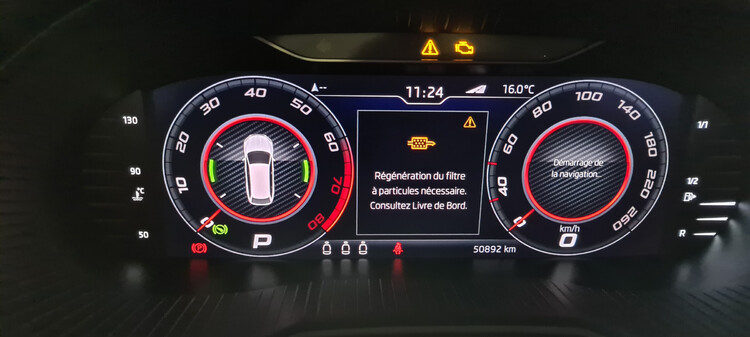
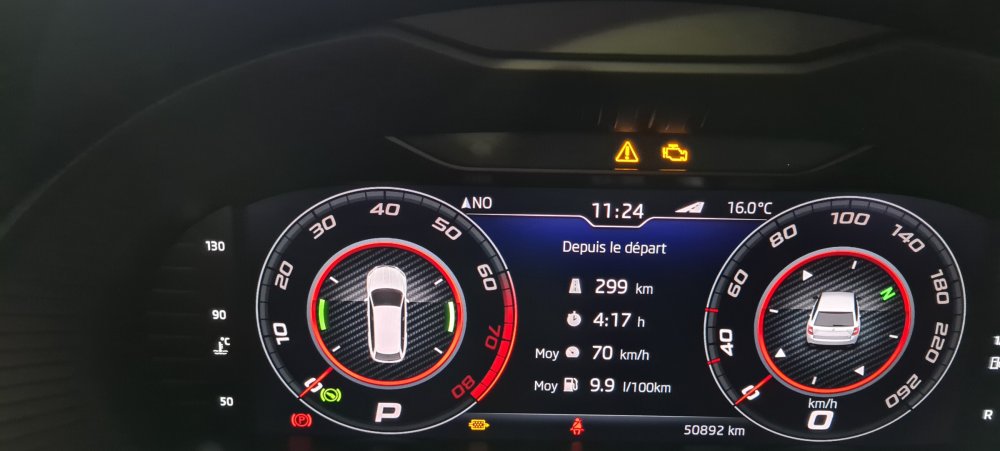
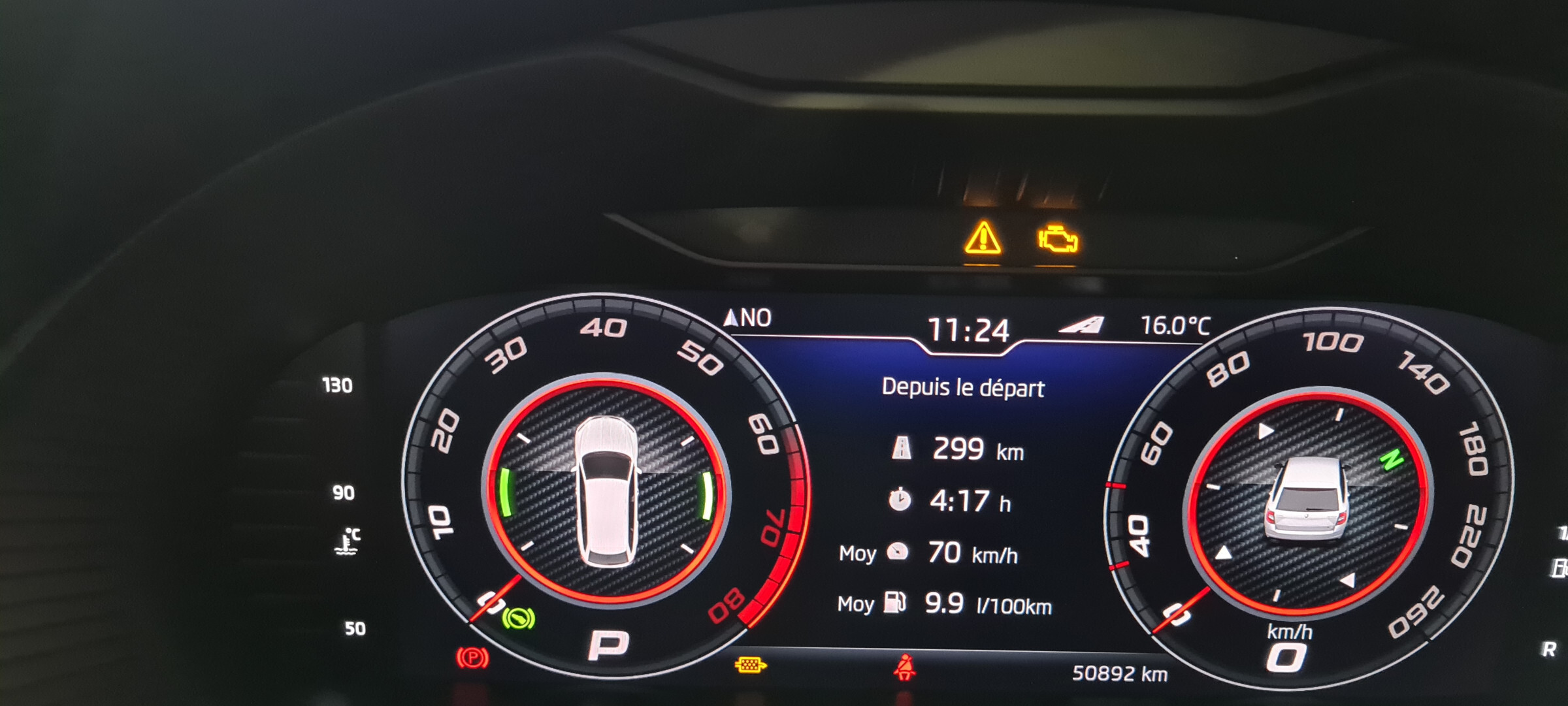
Good morning, Let me introduce myself David, we are the owner of an Octavia 3 combi vrs from 2020 and I am French. Good morning, And this should have happened after 3 1/2 years, the first fault code appeared: P1A9100 with the message "Particle filter of cylinder bank 1, active control light" This message appeared on 09/18 having an obdeleven dongle, I tried to delete it impossible after attempt while driving the same. I went to a garage, explaining to him and specifying that the car had stage 1 and reprog E 85. He plugged in his suitcase, checked the status of the DPF at that level, nothing, he found the same error, but also impossible to erase it. Made an appointment at Skoda (2 dealerships nearby) I took the closest one, I explained everything from the beginning, the fact that there is a stage 1 and reprog E 85 not good, the car does not is not intended for. E 85 contains "a lot of water". I probably damaged the FAP and the catalysts. Result impossible to see the fault code and check the FAP... I have to check with Shiftech. Car seen by Shiftech, after 2 diags, one with the reprog and the other car at the origin. For them faulty temperature sensor, so make an appointment at Skoda, but the other dealership meets on 11/12. I forgot to specify, Octavia combi vrs from 2020, new vehicle. Has someone already had this problem. THANKS As soon as the engine is running, only the warning triangle and the DPF symbol remain.