Netanel
New here
-
Joined
-
Last visited
Everything posted by Netanel
-
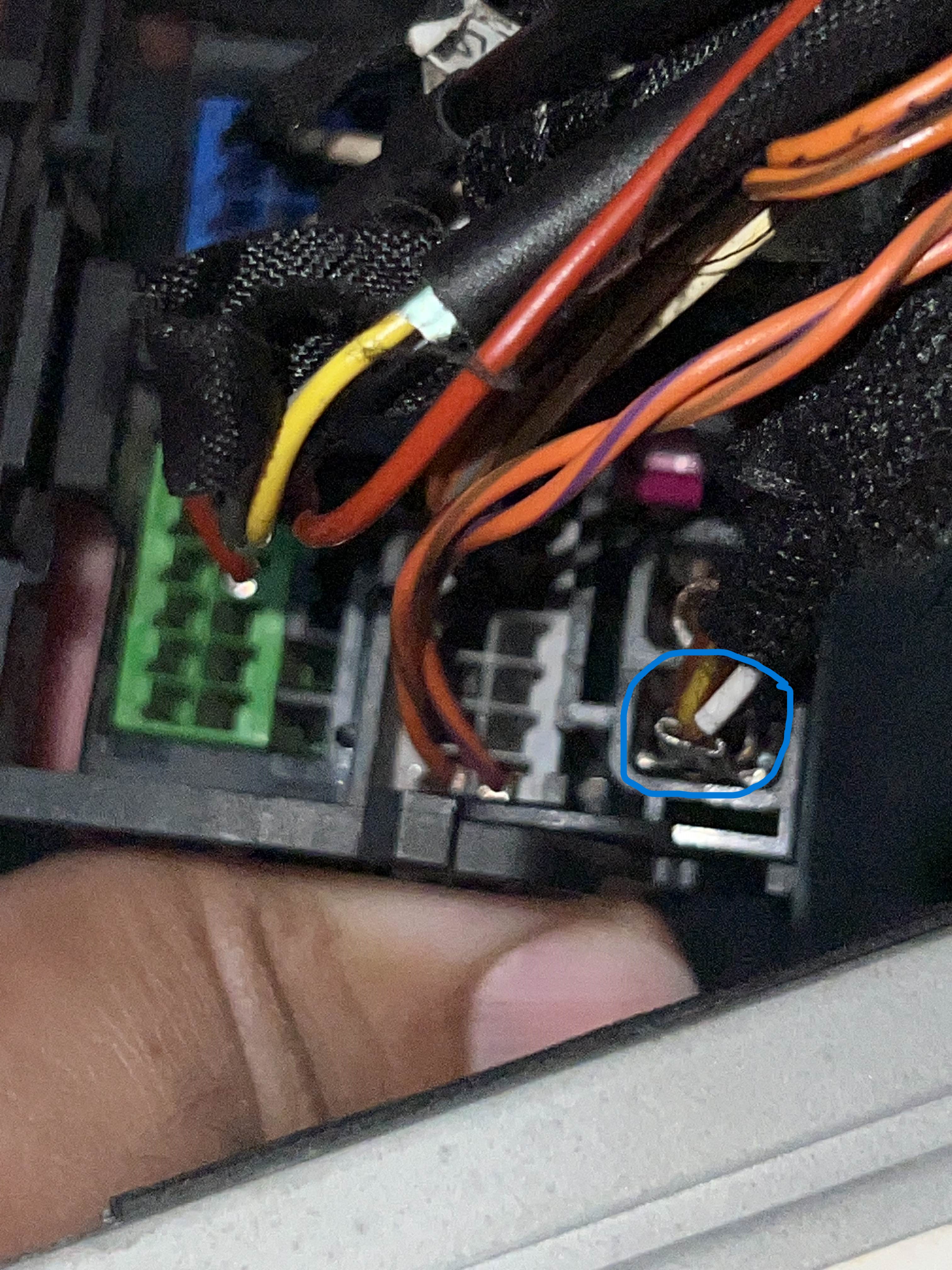
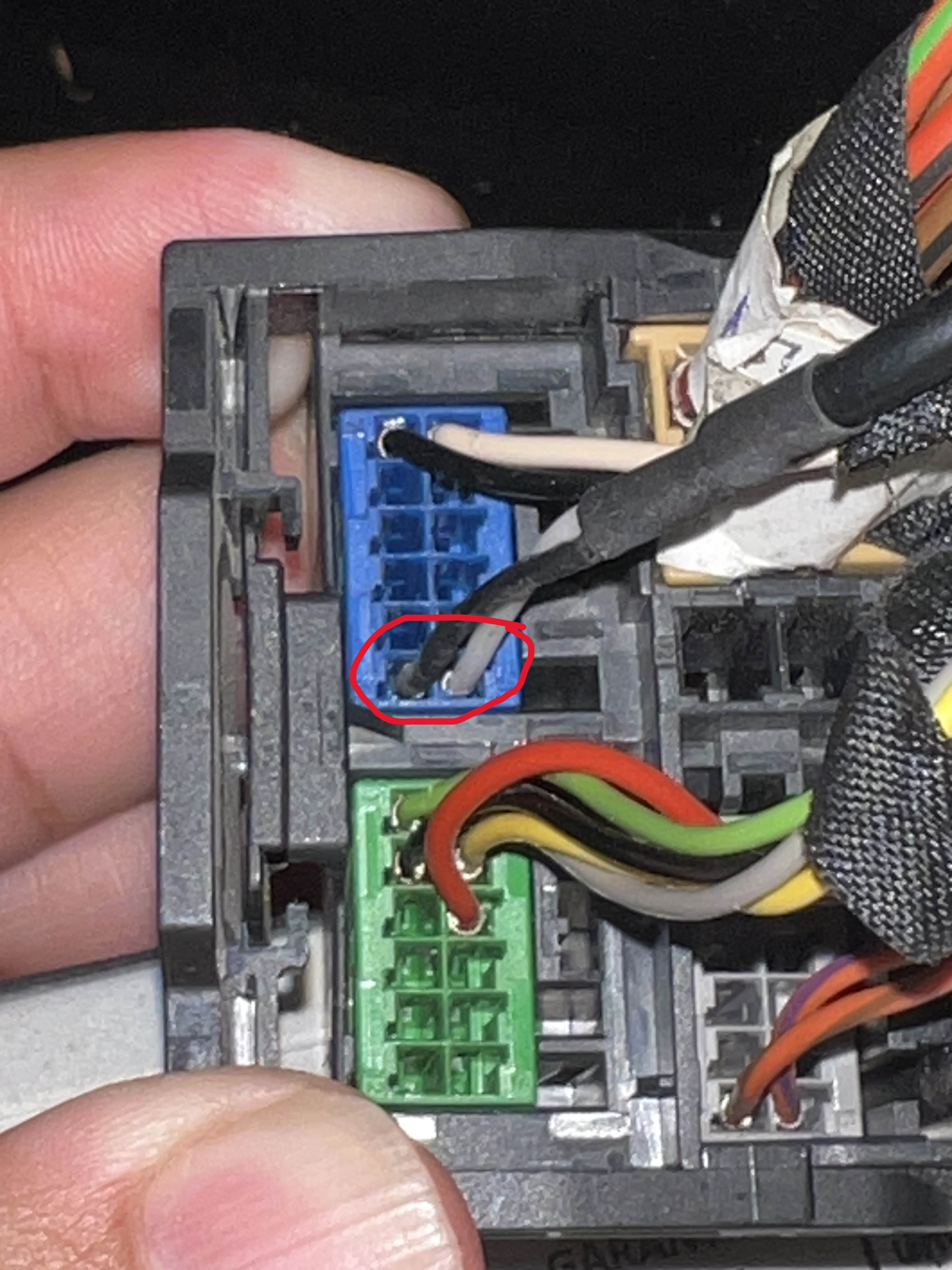
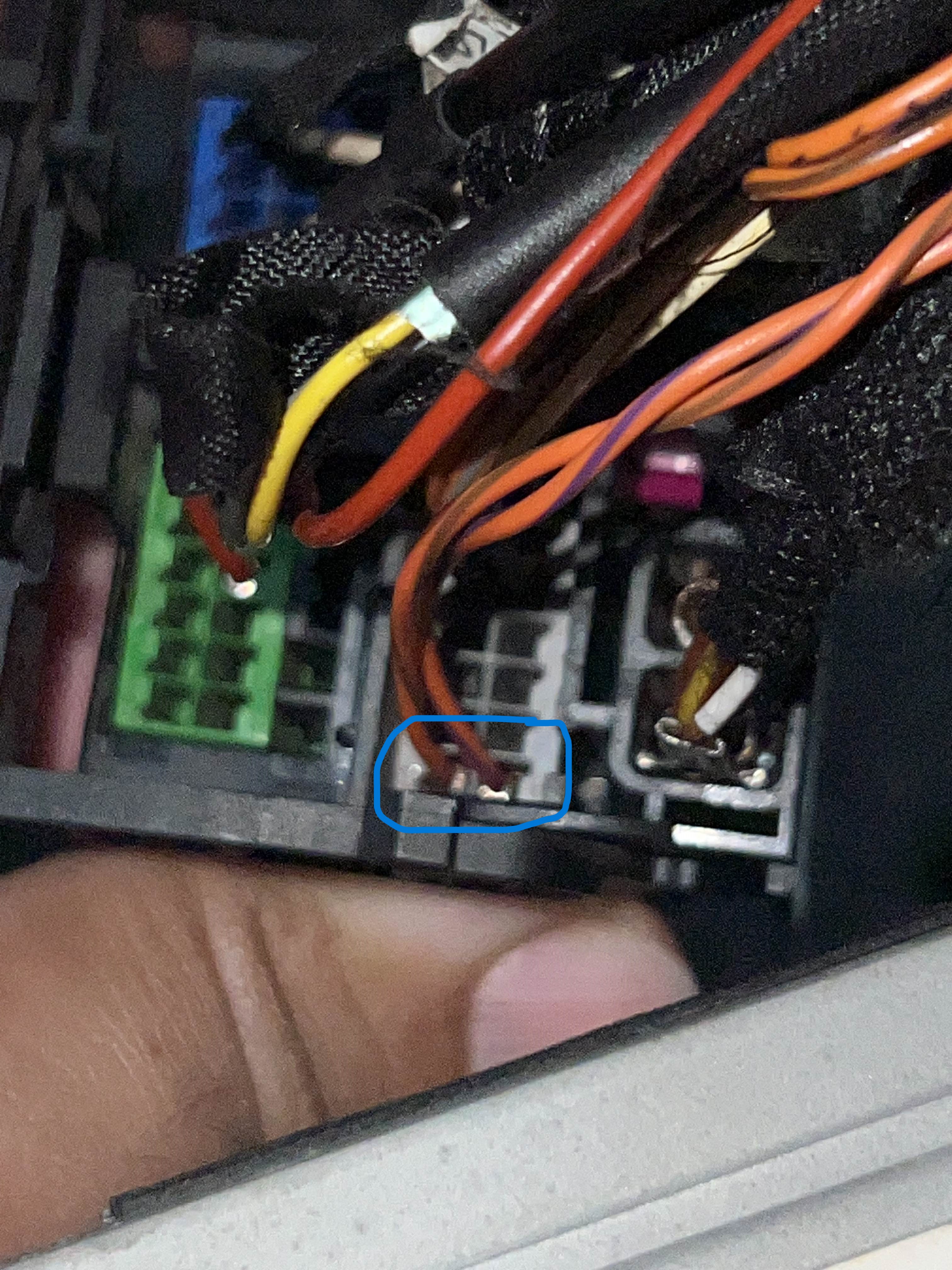
sorry for the delay i've attached a log from a VCDS scan, maybe there something wrong there. as for the wiring, i did it according to this link - https://www.aiduauto.com/blog/vw-audi-seat-camera-install-step-b0042.html the GND i have connected to some bolt in the trunk, figured i can connect to anywhere on the car just to have a GND connected. Log-TMBAB7NP7H7006765-145155km-90195mi.txt
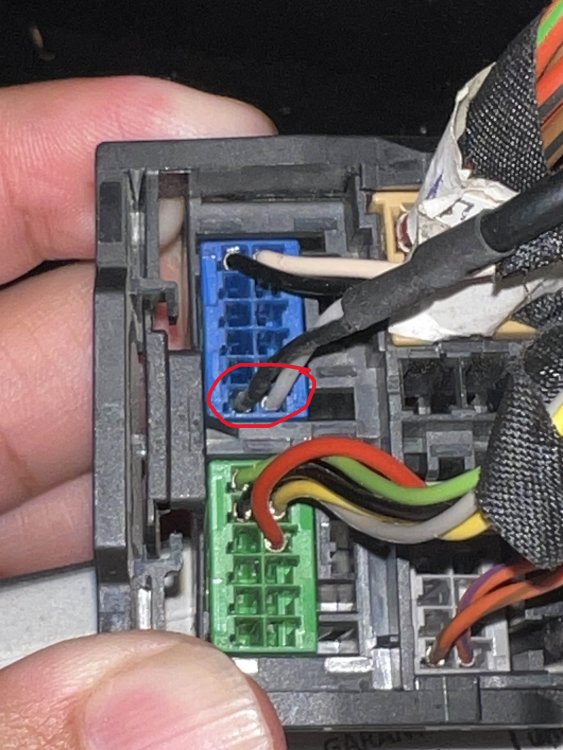
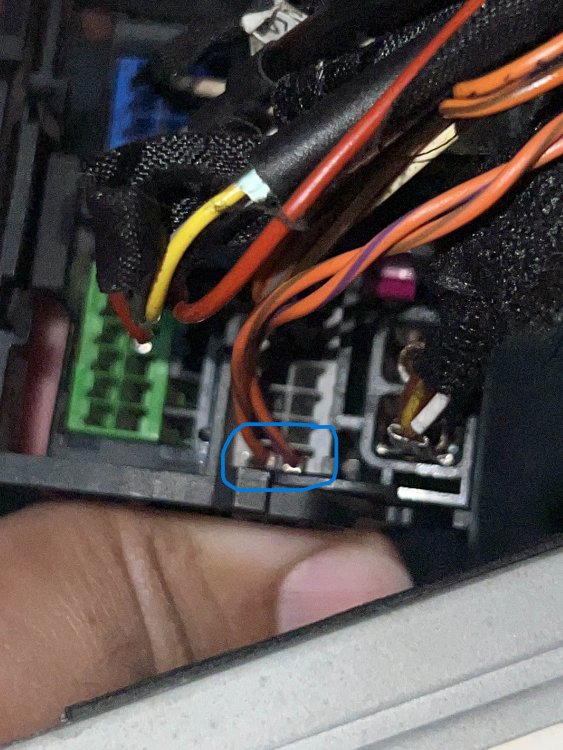
-
the model head unit is MIB STD2 5Q0 035 840 B
-
Hi! quite new to this forum i tried to retrofit my superb (MK3 MY2016) with a rear view camera but when i shift into reverse i don't see anything on the nav unit 😭 i bought a camera which is like this - https://www.aliexpress.com/item/1005003808896188.html?spm=a2g0o.productlist.main.3.f3701bcaC4Dpta&algo_pvid=e336935c-ffd0-4c31-b998-10db9d6bff65&algo_exp_id=e336935c-ffd0-4c31-b998-10db9d6bff65-1&pdp_npi=4%40dis!USD!70.00!66.5!!!70.00!!%40211b600d16992728389647225eb90c!12000027237305181!sea!IL!1672409998!&curPageLogUid=rfgjOdIigNKO unfortunately the link to what i bought has been expired.. i've configured the nav unit according to https://www.aiduauto.com/blog/vw-audi-seat-camera-install-step-b0042.html. when i try to access module 6C i get module not accessible, but i am able to configure the 5F module according to the manual. i suspect that the camera might not be compatible with my nav unit, could it be? could i be missing something else? my nav unit serial is 5q0035840b cheers for help!