dinko36
New here
-
Joined
-
Last visited
-
Please I have the same problem. Send me the link too Thank you!!!
-
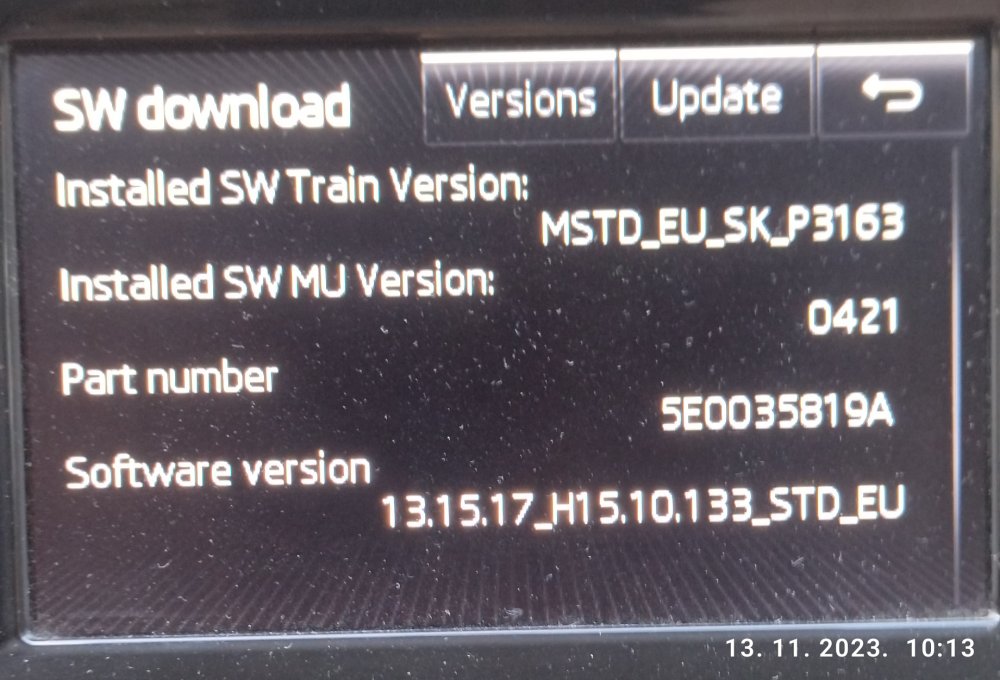
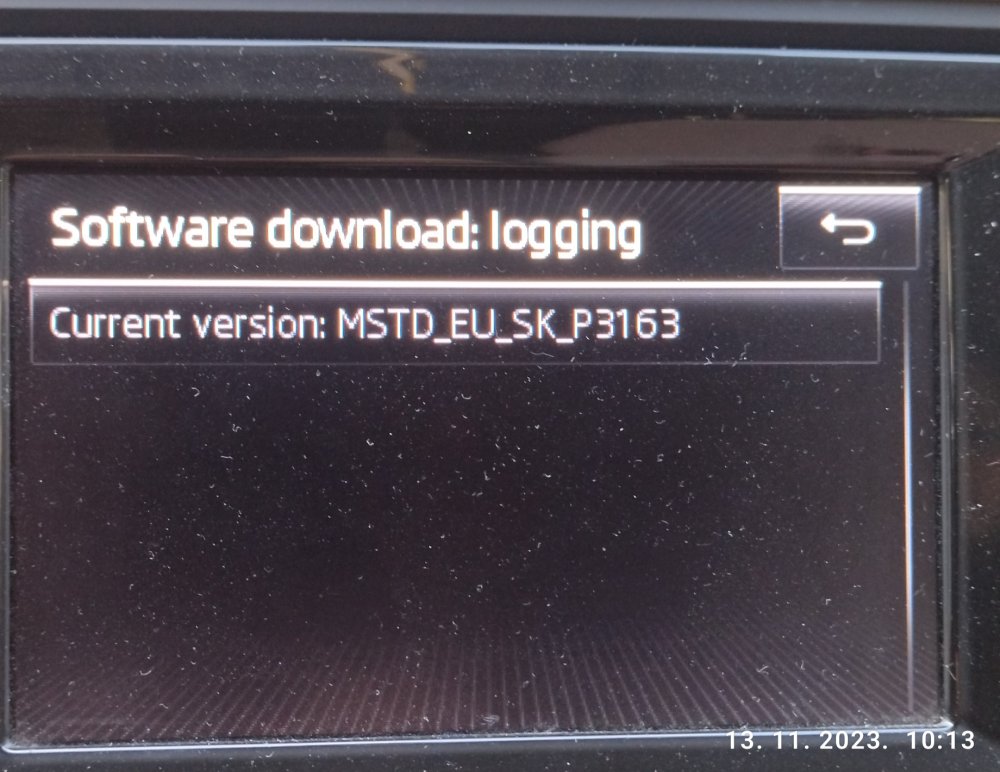
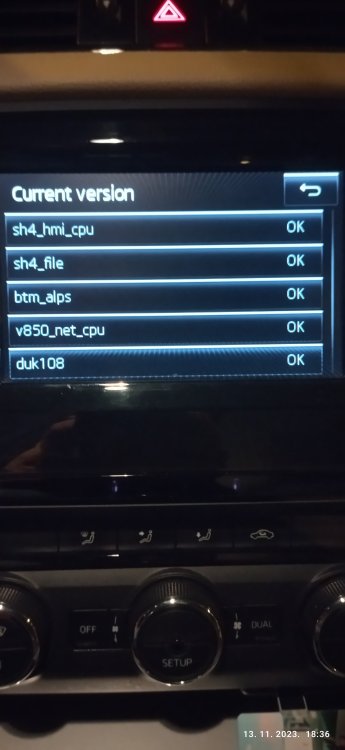
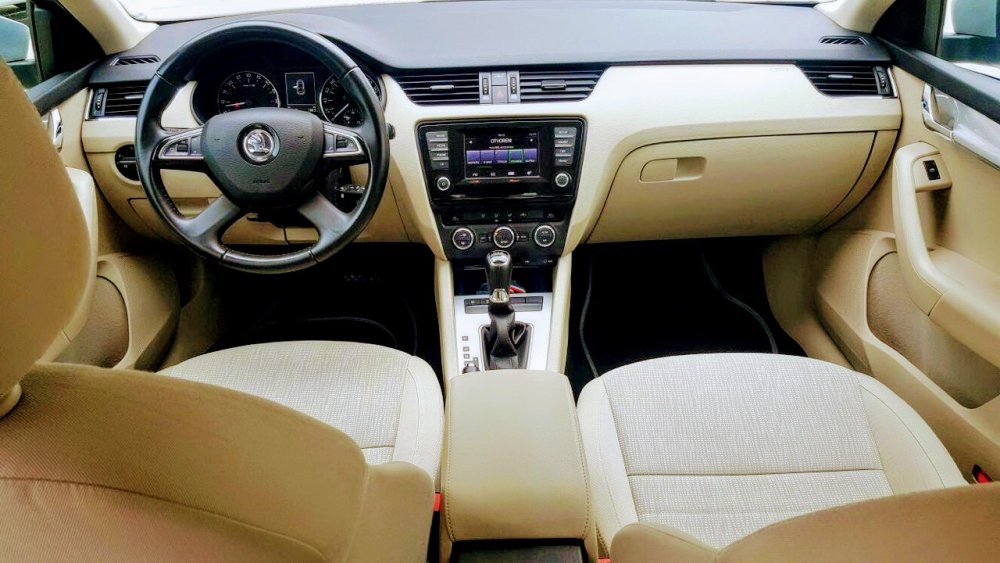
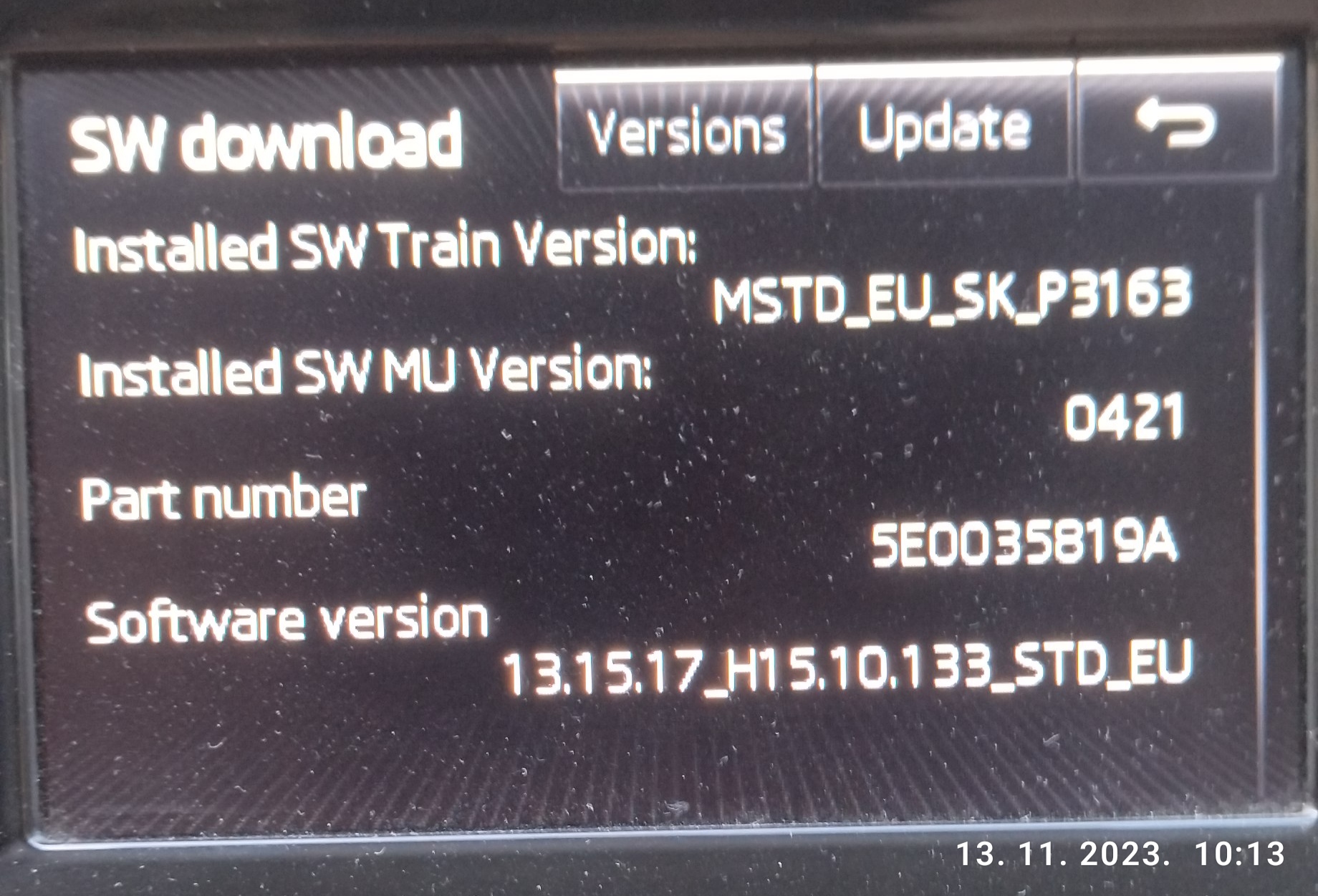
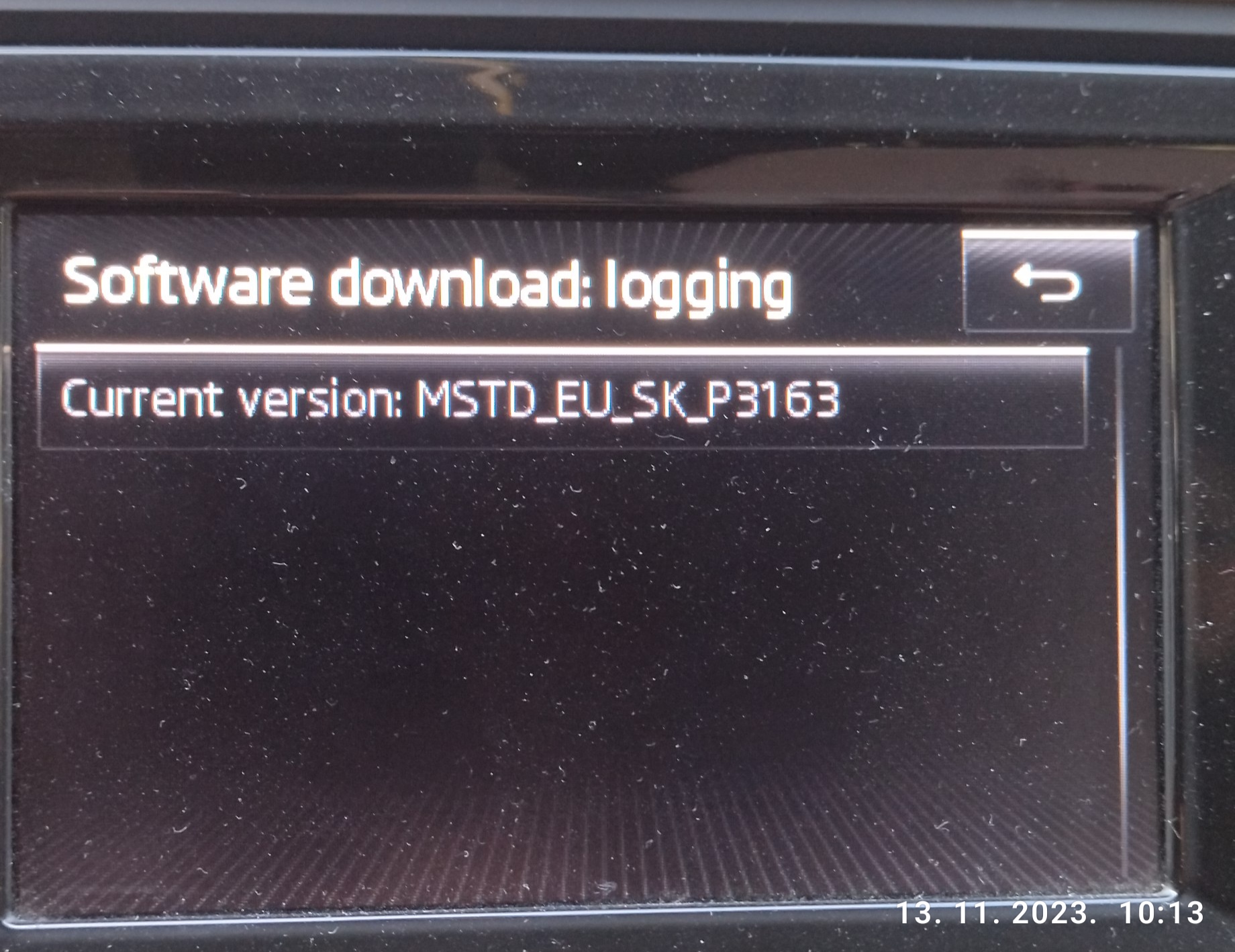
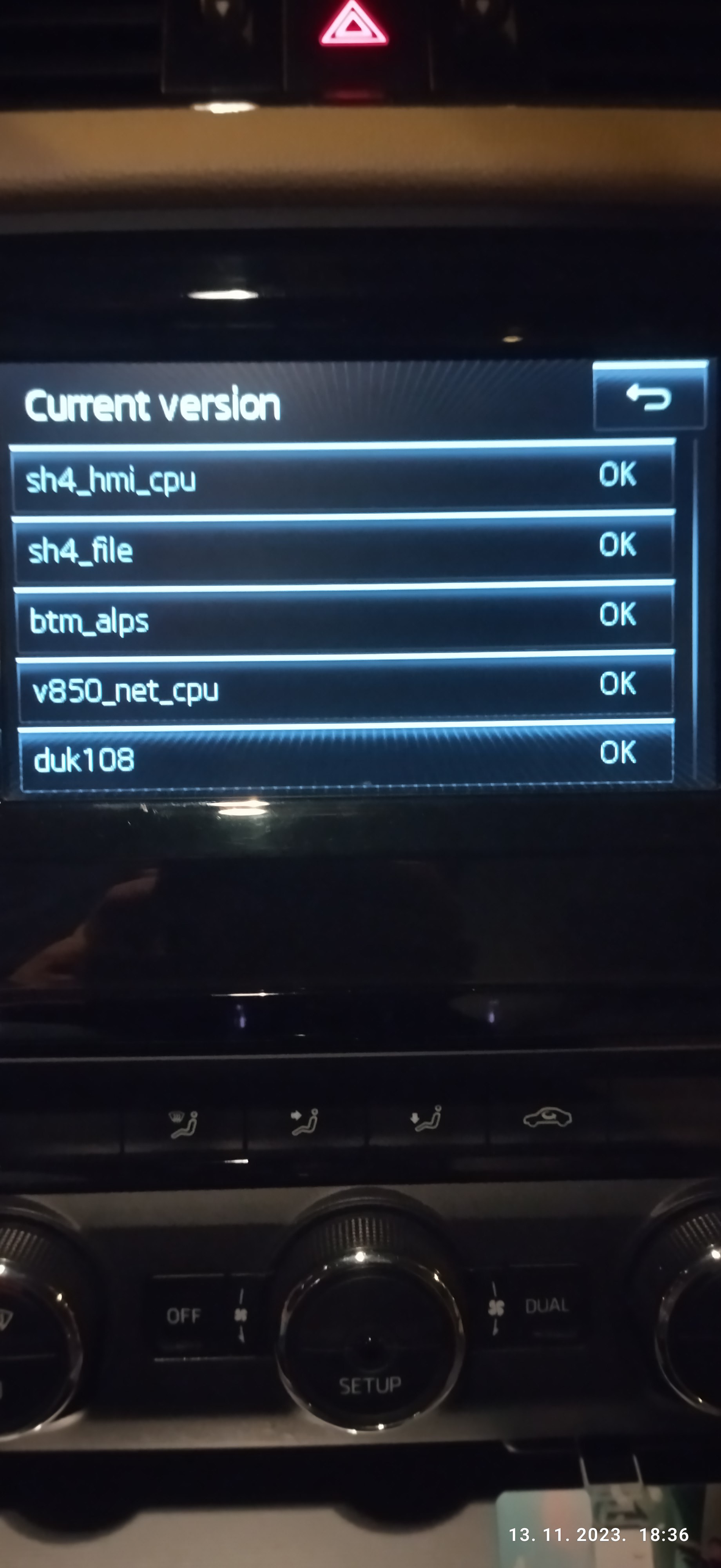
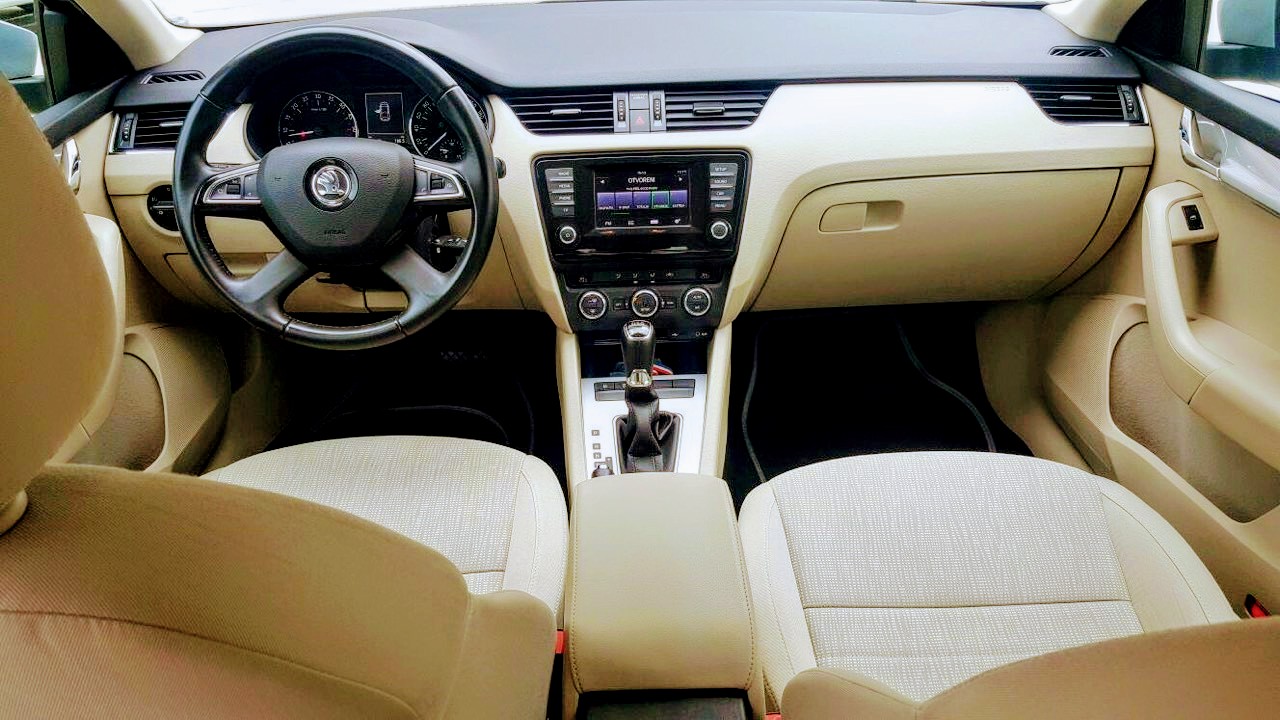
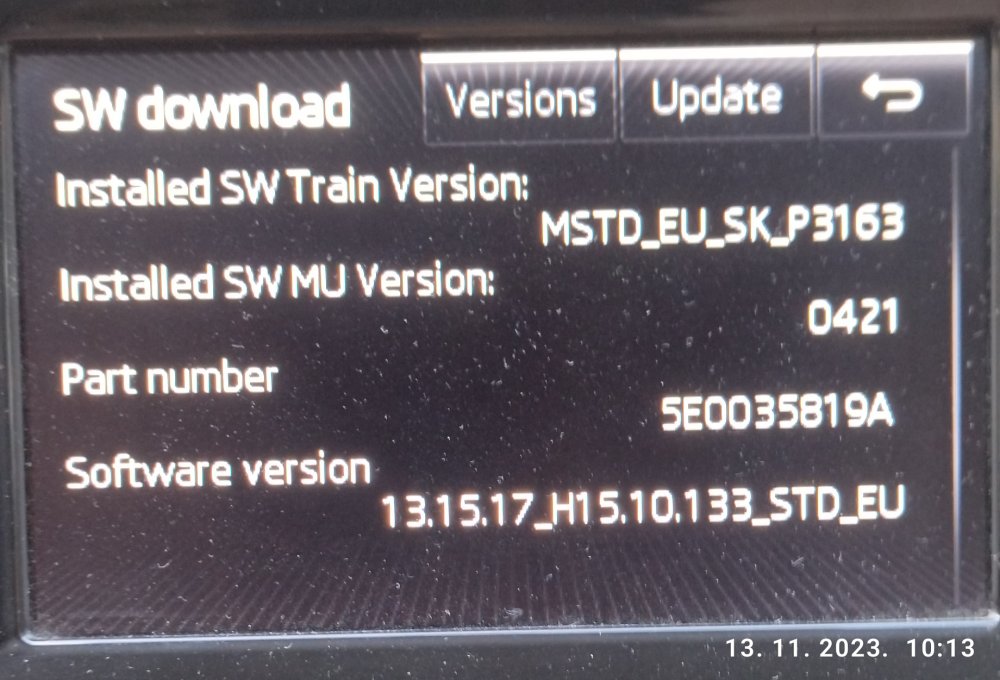
greeting! I also have the same model and year of production, identical version MIB1 Bolero, (name in Croatia). You turn on Bluetooth on a mobile device, it must be visible to others. On your MIB in the menu, mark (turn on) bluetooth. You should see the devices, on the mobile phone and the car and connect them. As far as I know, there is no help for navigation. There is no option to display navigation on the screen. That MIB is the most basic (without navigation) like my device! I am also interested in the upgrade and the upgrade process. If someone can specifically send the procedure and the last upgrade for this MIB 1 Bolero (that's what we call it). does it gain anything special (it bothers me that there are no icons or LOGOs on the radio stations)