Johnee
Finding my way
-
Joined
-
Last visited
-
thanks for your reply i think i will have to pull out the centre handbrake console ☹️
-
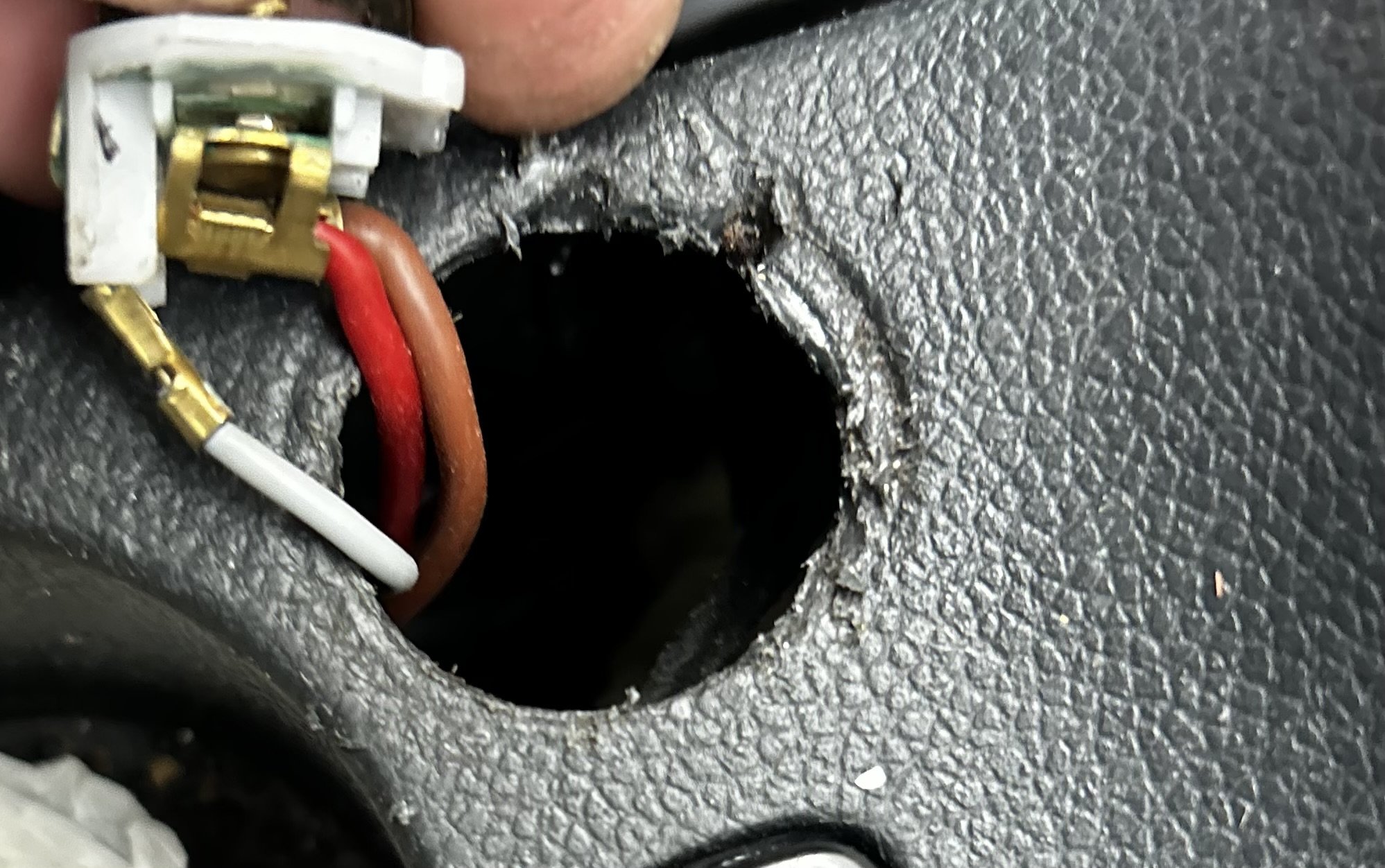
Hi, I have a 2006 skoda octavia 1.9tdi estate. I thought i will go about changing my cigarette lighter, I am a bit confused, i have managed to remove my old cigarette lighter port but the wires seem to be crimped in Is that normal? I thought it would be a simple swap
-
Thank you Alasdair for your reply, i have tried resetting the climatronic unit, heard a few flaps adjust but it hasnt had fixed the issue. Noise is still there when key is ignition, it almost sounds like a small motor?!
-
I have a 2006 skoda octavia 1.9 Upon putting my key in ignition I have noticed it makes a strange noise, I havent noticed this previously so im unsure if its normal. It sounds like it is coming from behind the centre console/dashIMG_1719.mov If i turn the fan on it goes off.
-
Thanks for your replies i managed to sort the problem, the battery was fine, the fuses in the engine compartment were wer, so I changed the fuse box fresh fuses and it works. the sunroof and central locking is still not working, I’ll have to investigate this a bit further, but I’m glad it’s driving now
-
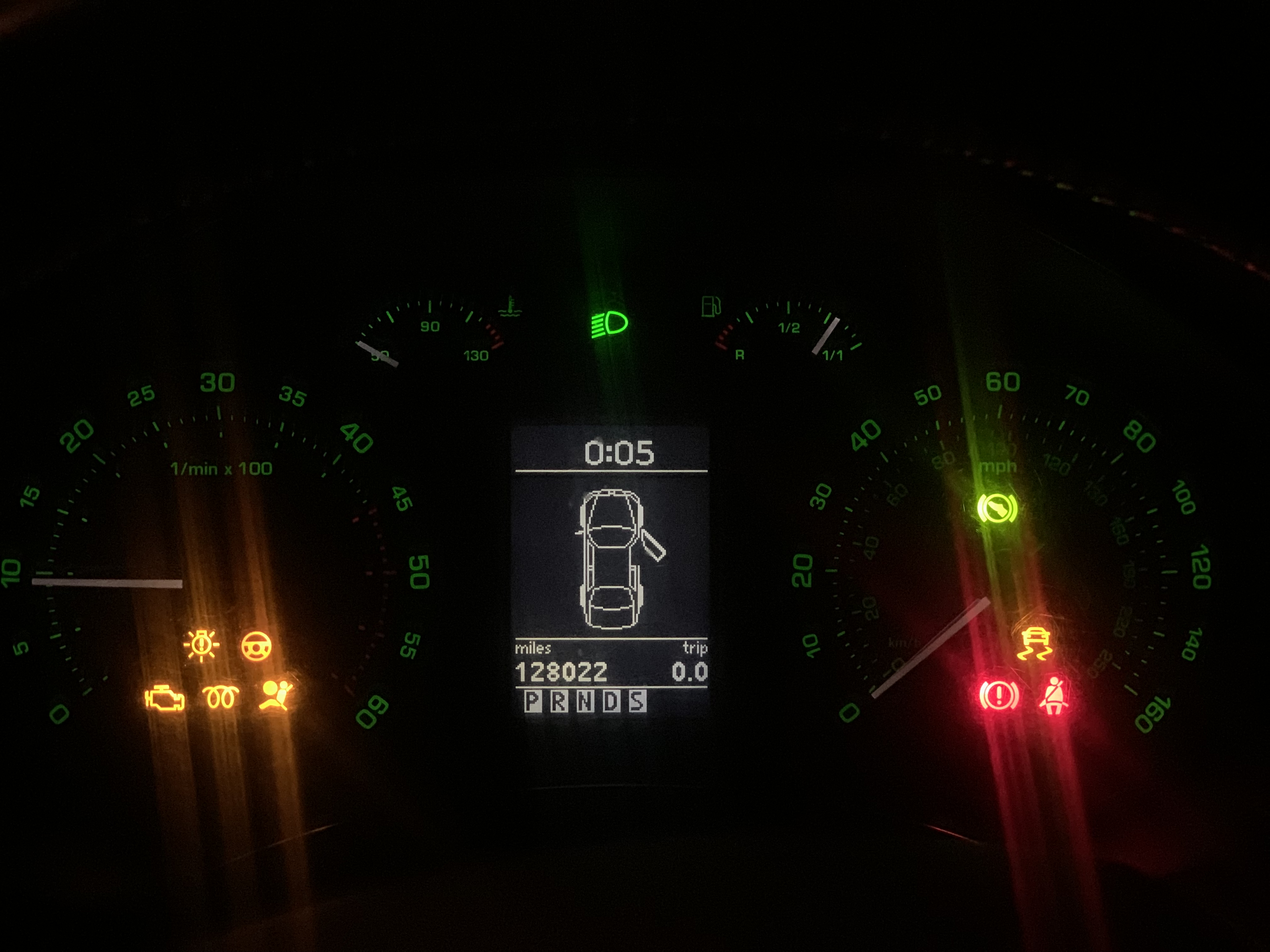
I manually shifted into neutral same issue Also its showing as drivers door open even though it’s closed, weird I’ve added a pic, glow plug light is flashing,
-
It doesn’t move out of park for some reason
-
I have a 2006 1.9 tdi pd estate auto Wondering if somebody can give me some insight into the problem I’m having with my car it starts, however once started I can’t physically move the gear out of park. Most of the lights are on the dash, glow plug light is flashing, PRNDS flashes on the dash, drivers window does not go back up I have tried connecting diagnostics unit but it there is no communication I recently changed the engine fuse box due to water ingress, but was running fine for 10 days then went to drive one day and was like this I can’t see any water in ther now any ideas please