




tommyboy68
Finding my way
-
Joined
-
Last visited
-
I see ... problem is I use the front 12v to power my sat nav and phone ...
-
i cannot seem to access anywhere in the infotainment settings to insert any blooming code .... plus when you use waze do you have to connect via a cable ? seems silly having to use a wire when using carplay ... tom
-
sorry for the bad grammar ... didn't have me bins on ...
-
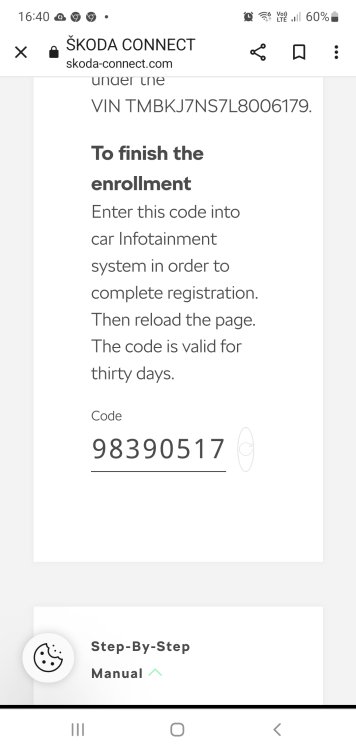
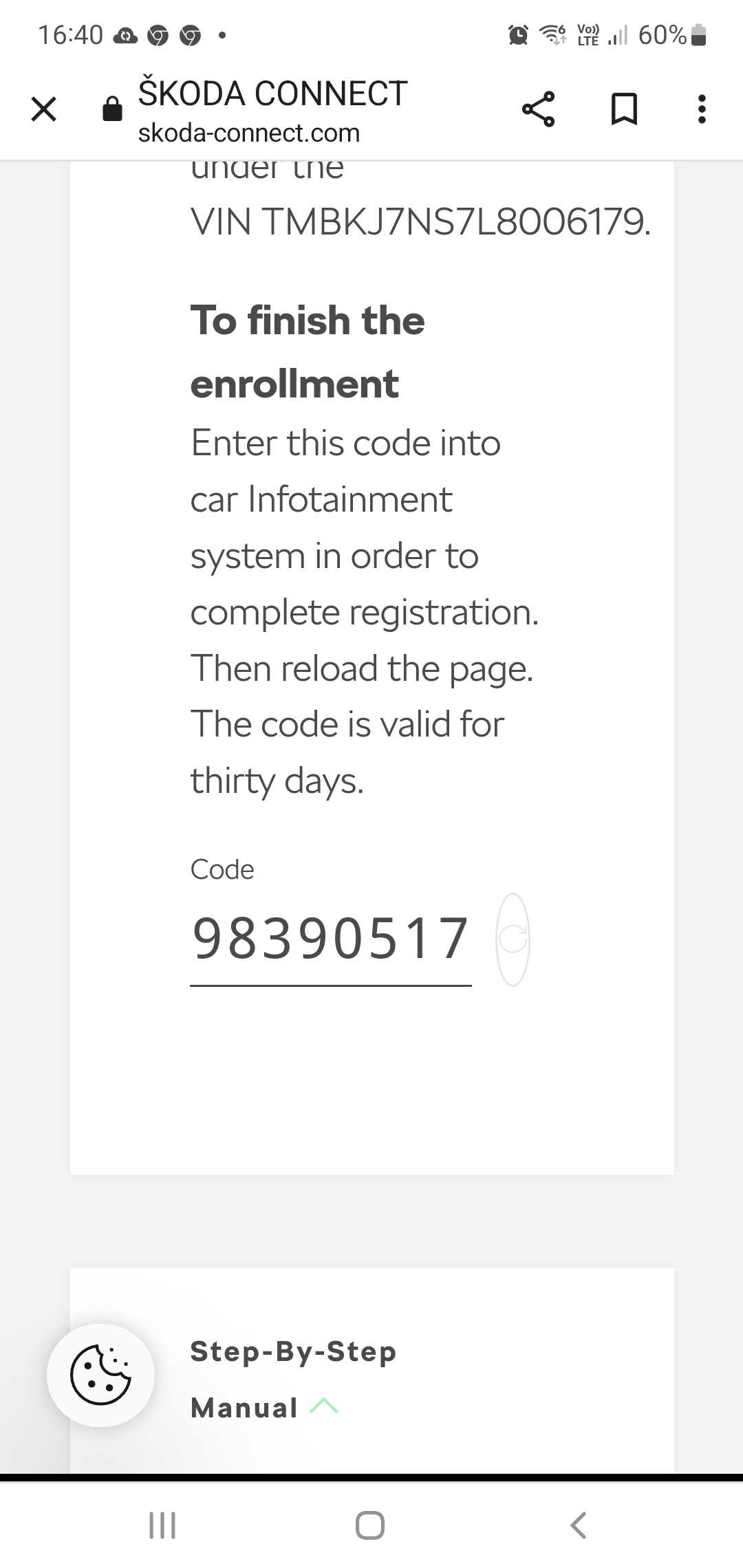
I used the exfat to format ..... worked a treat ... just notice my licence as elapsed and I cannot connect to the special features , I thought it would last at least a year , o ly had the car 9 months ... is it worth paying to access these features concerning the sat nav ? . think it's £44 for 2 years ... plus I went onto the portal and I received this code , but I cannot find anywhere to imput the code ... any advice would greatly appreciated... tom..
-
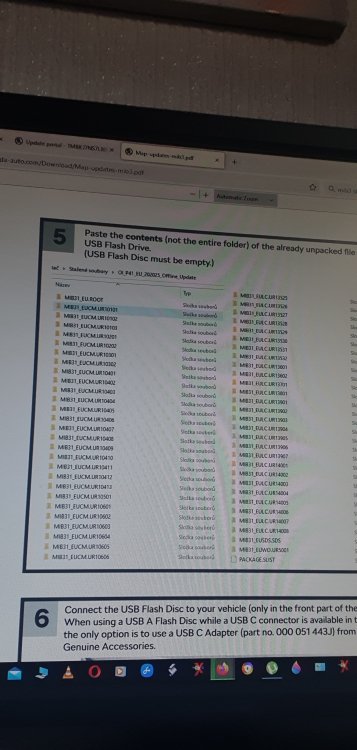
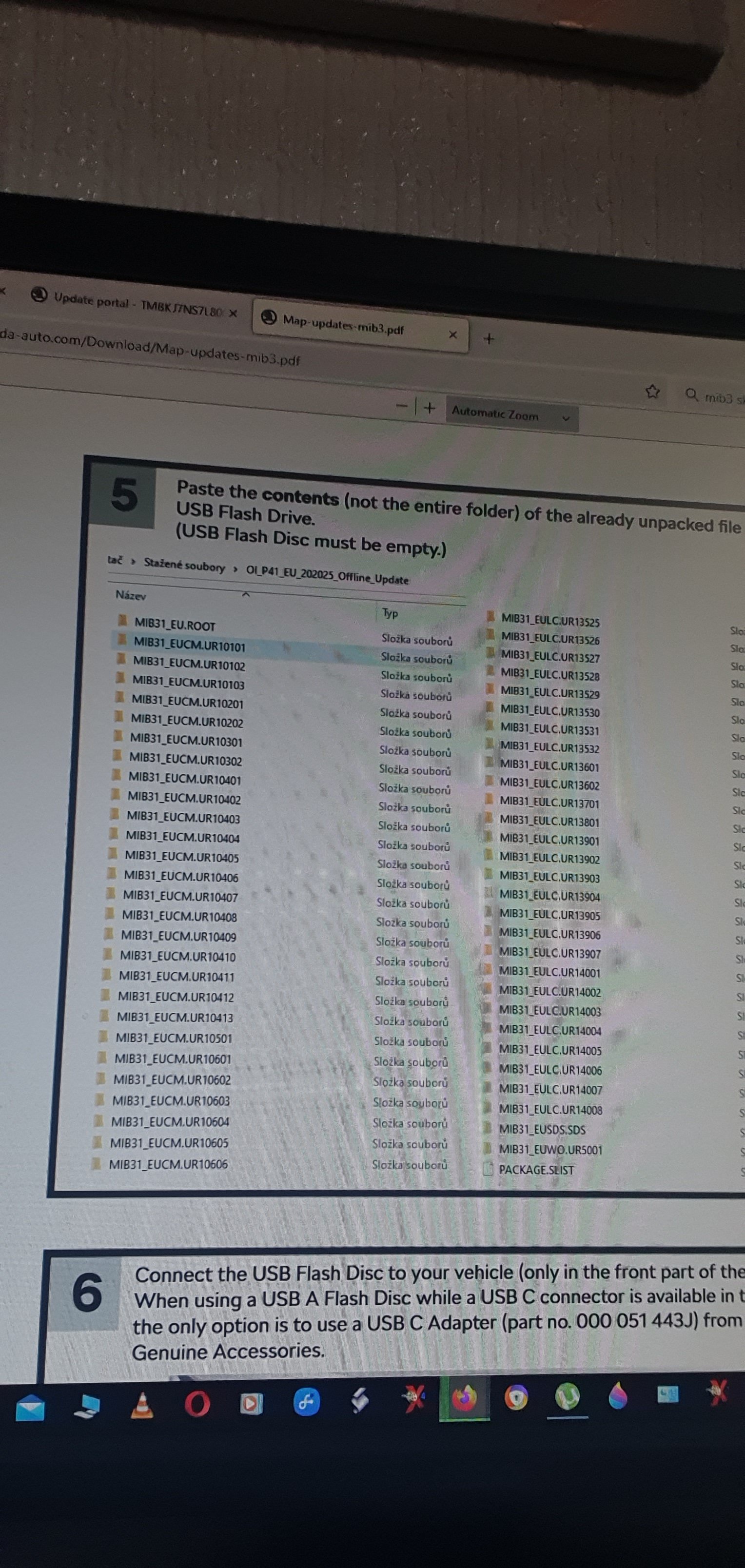
yippee .... updating ... thankyou..thankyou again.... ill try that ..thankyou .... so when I extract ... I should use the ' extract here ' instead of extract to the chosen usb stick ... and the drive should be FAT32 and not Exfat ? Tomhi , I've gone on the portal imputted my vin and that's the only file to download ... do you have a link at all to the correct one at all ? ...hi , I'm downloading the file again , I'm looking at the instructions , I'm confused by chapter 5 ? ..... sorry had to take photo on selfie mode ... normal was too big mb wise ... also I connected my car to my phones wiring and got the same error message . cheers Tom..
 hi , I bought the car in February 23 , there is no sd card fitted to either slot , when I try to investigate I come up with you licence has expired, plus the paid extras like connect don't work as elapsed... strange as I thought I would have these for at least a year . do I need to put these 3 files into a folder onto the card or USB drive . looked online and the skoda guy seems to put them into a file on his card named maps .... I can add pics soon off the message I get on my car screen during the update process .. thanks for reply Tom..Hi guys , I'm having problems updating my sat nav on my 2019 kodiaq edition , I've downloaded the correct file , unzipped them to my 64gb sd card and usb memory stick but when I try to update I get a warning saying no files found ... I have 2 sd slots but both are empty , I have no skoda sd card in either , so not sure if my maps are kept on an internal hard drive ... any help would be great .. TIA ...
Important Information
Welcome to BRISKODA. Please note the following important links Terms of Use. We have a comprehensive Privacy Policy. We have placed cookies on your device to help make this website better. You can adjust your cookie settings, otherwise we'll assume you're okay to continue.