Taekwon777
Finding my way
-
Joined
-
Last visited
-
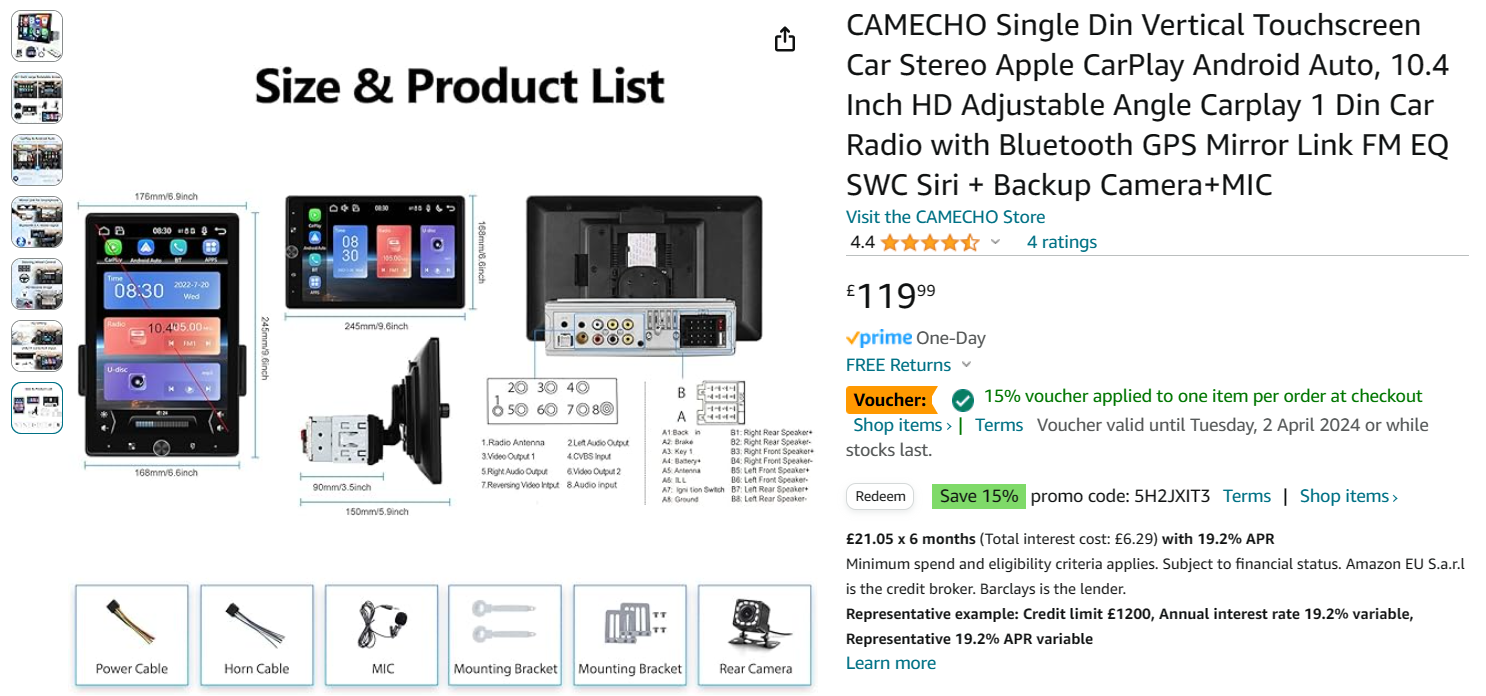
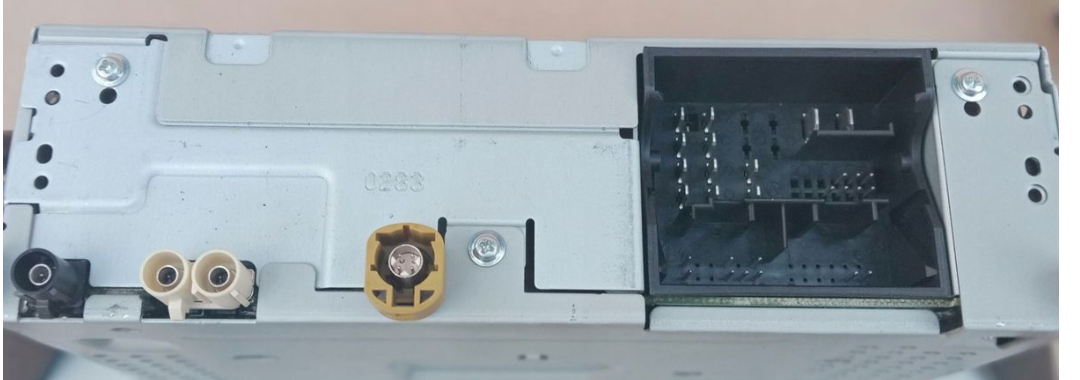
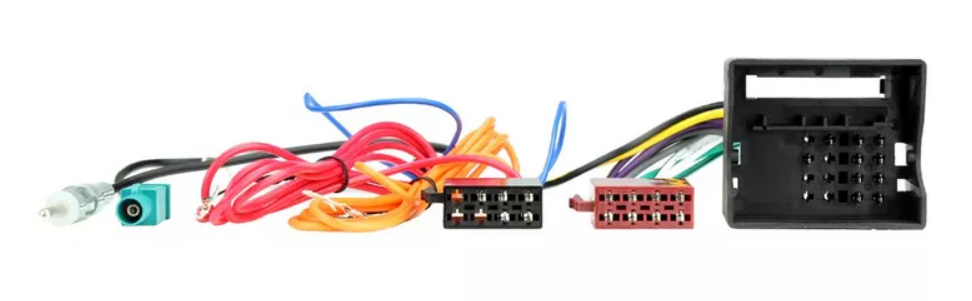
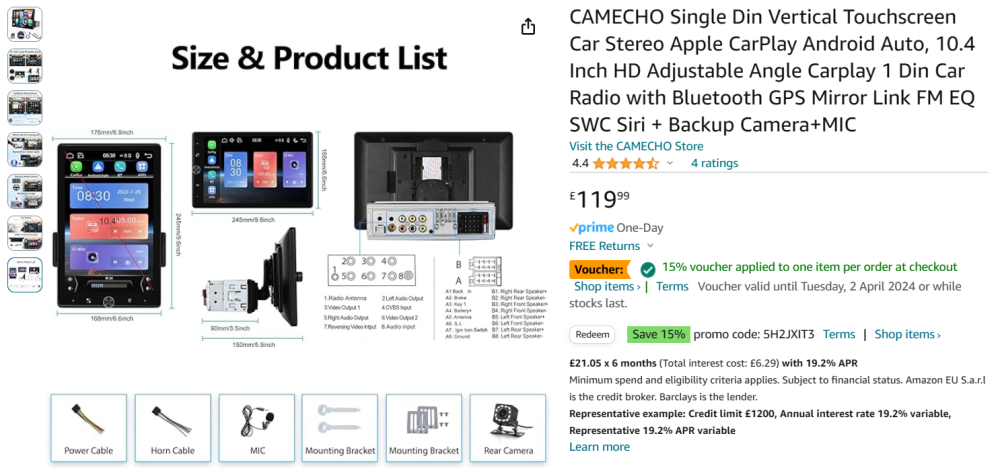
Hi, I have bought the following Android head unit for my car, and the adapter that Halfords says should fit, I have taken the old stereo out and plugged in the new wiring harness, and others that fit, The unit will not power on? I do have the Red and Yellow wires but can't find anywhere for these to plug in to? Can anyone point me in the right direction, or provide details of a different adapter if required? I also have the Yellow, Black and Double White wires left on the original wiring loom, with nowhere to plug these into? I thought this would be a quick 'Plug and Play'!!
-
I done a factory reset again, and still USB ports are 'greyed' out 😞 they are working as my phone charges when plugged in!! Are there any other USB ports in my car? I found some head units on Amazon last night, and these are well under the price of having a main dealer 'unlock' the Smartlink+ on my car, so I will probably swap out the head unit with another, possibly an Android one, does anyone see any issues I might have in doing this? I have installed a 'Data Plug' and have installed the Soda Connect Lite App on my phone, so am using that for all vehicle data,
-
Hi andreiro221, I have done a factory reset before, I will try again tomorrow, if this doesn't work I'll probably go down the different head unit route, It'll probably be cheaper than a main dealer?? thanks, Tony.
-
The USB ports are 'Greyed' out with or without a USB lead in either port!!!
-
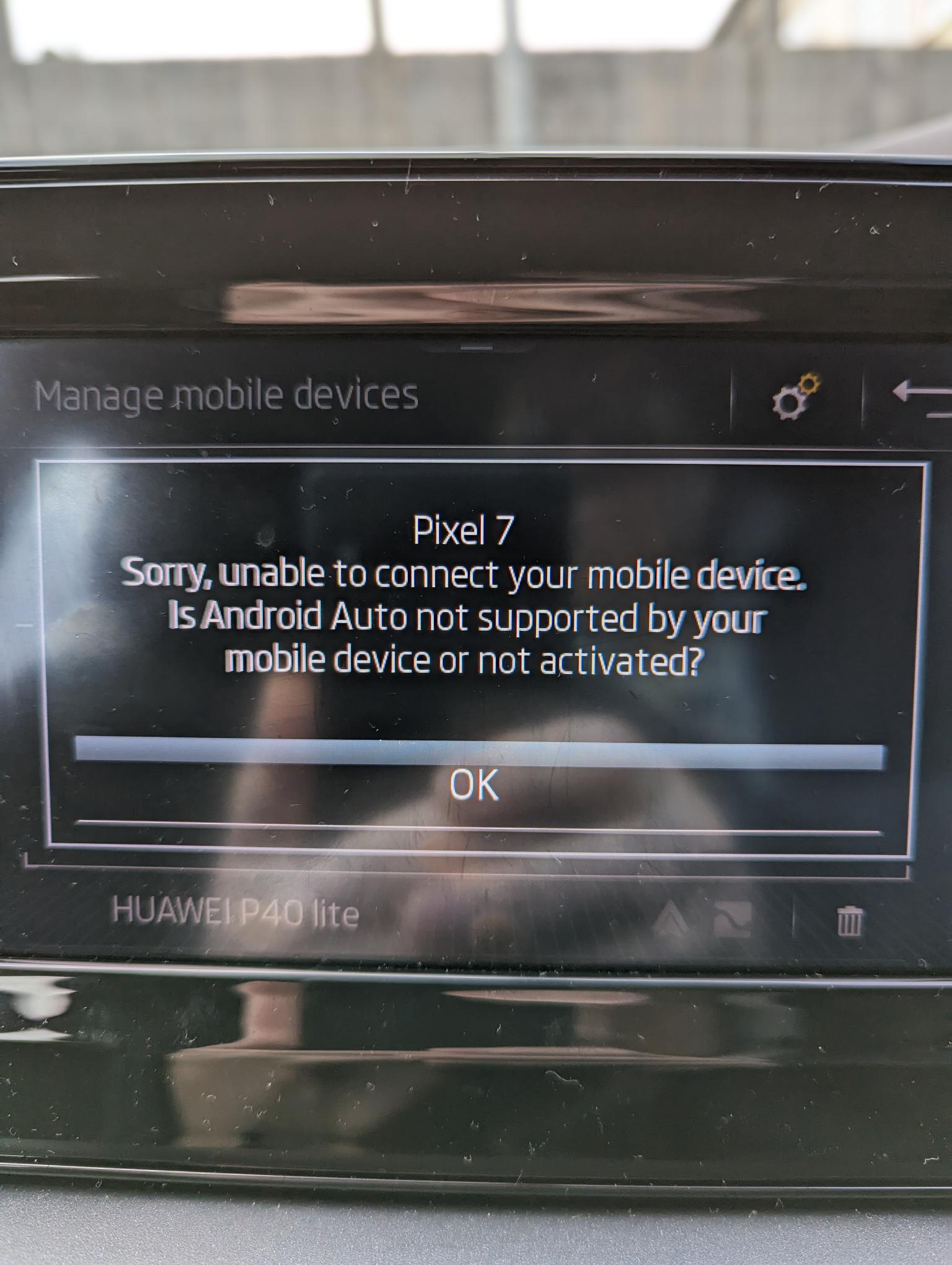
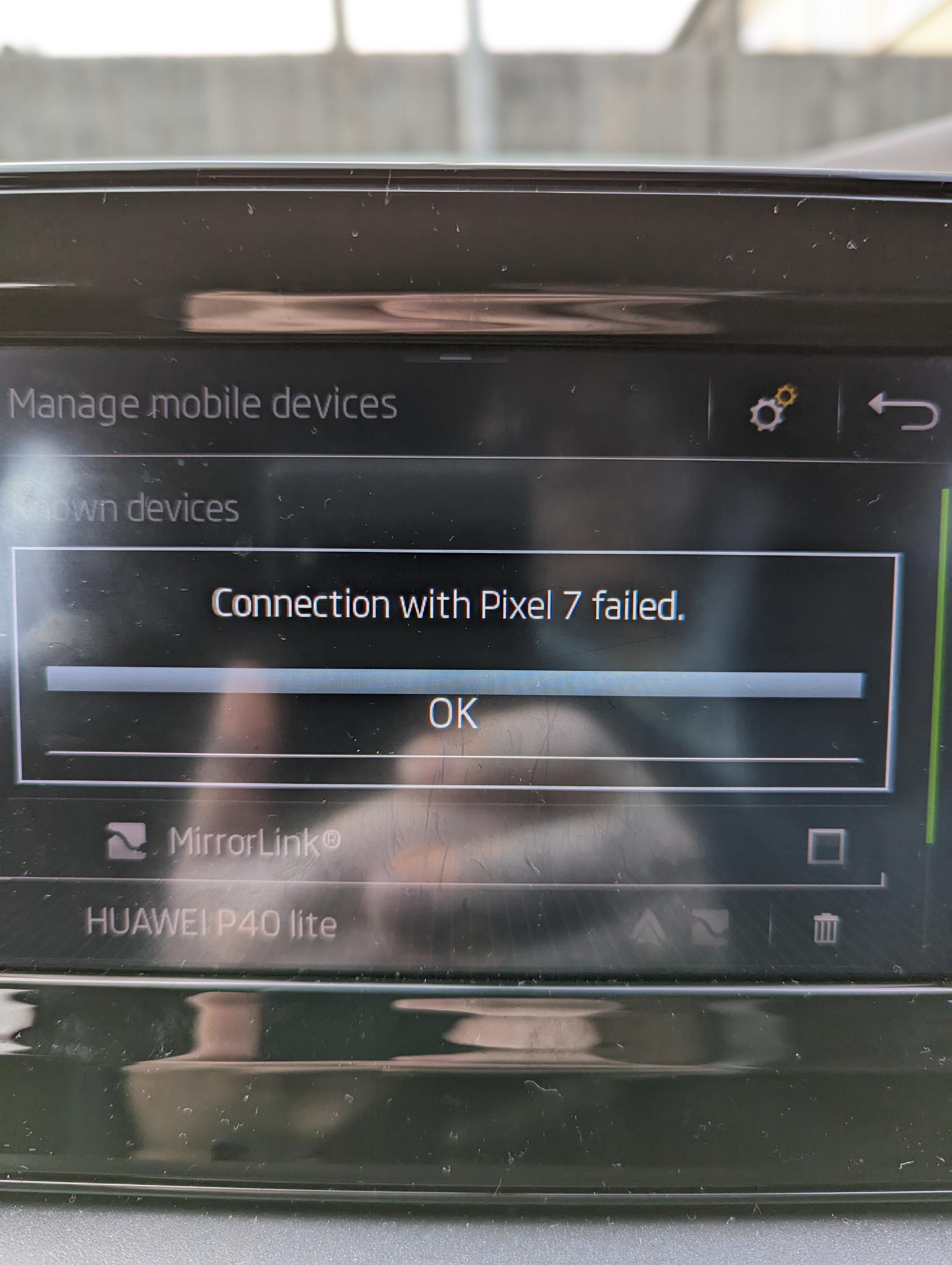
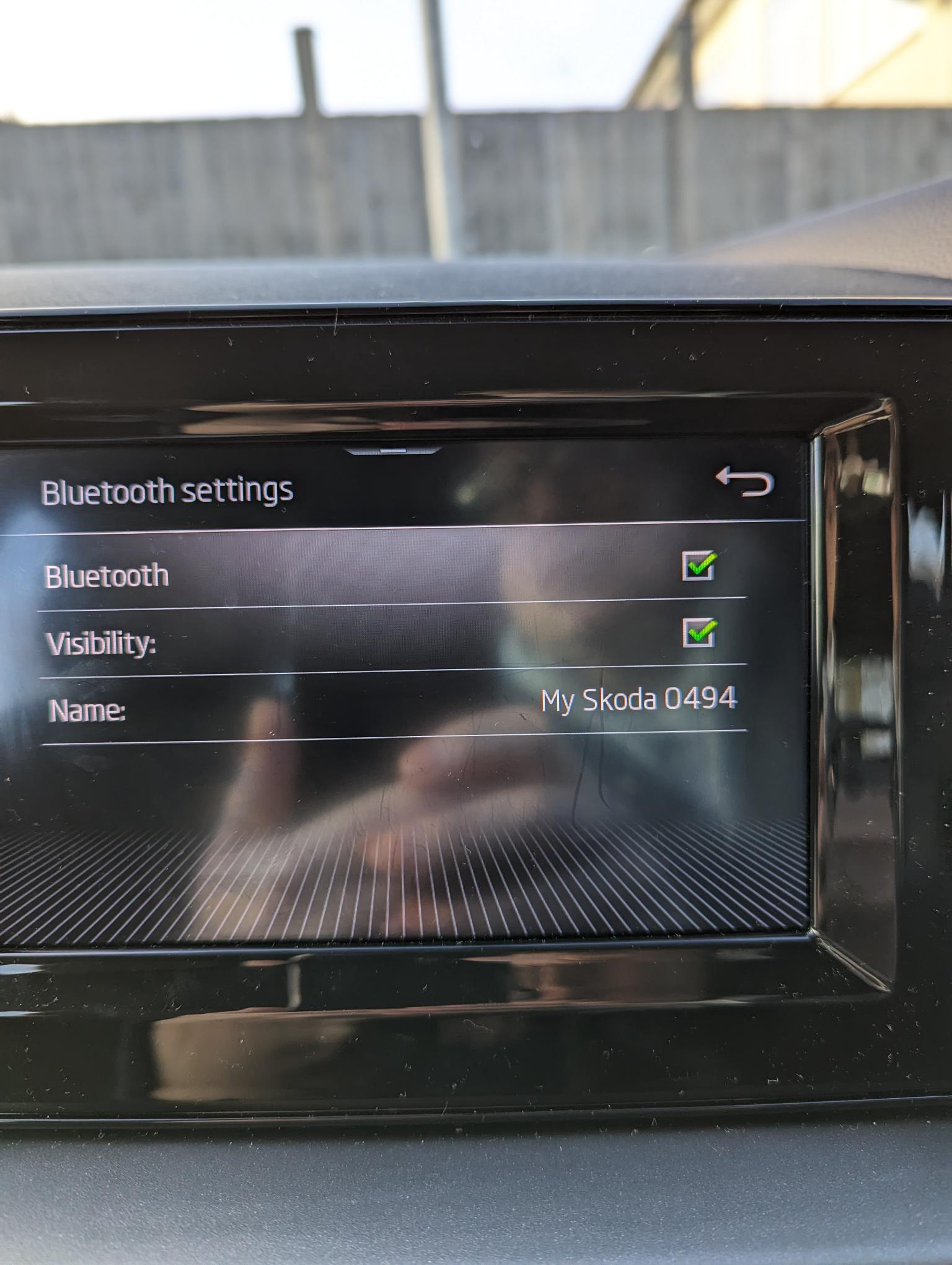
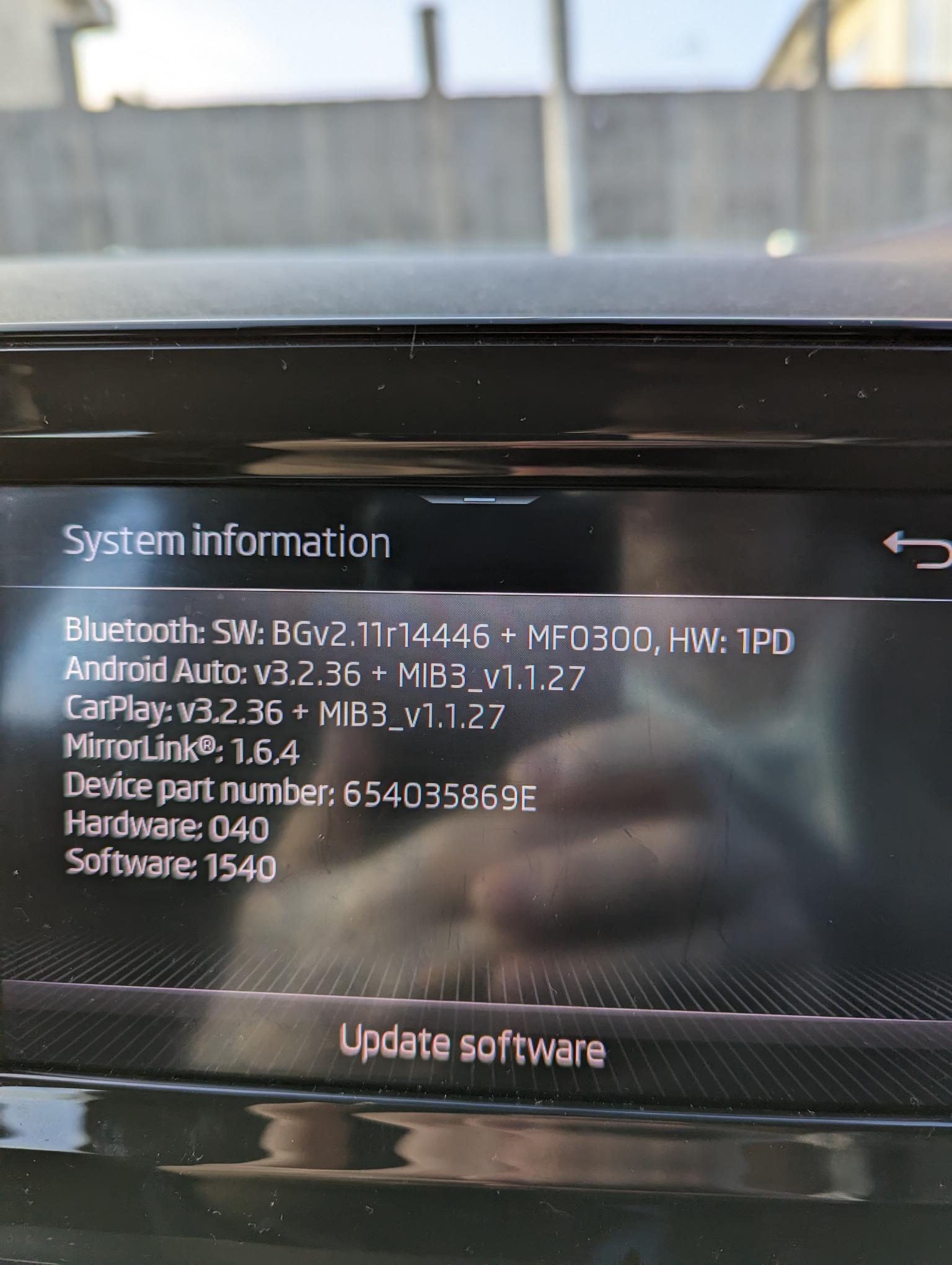
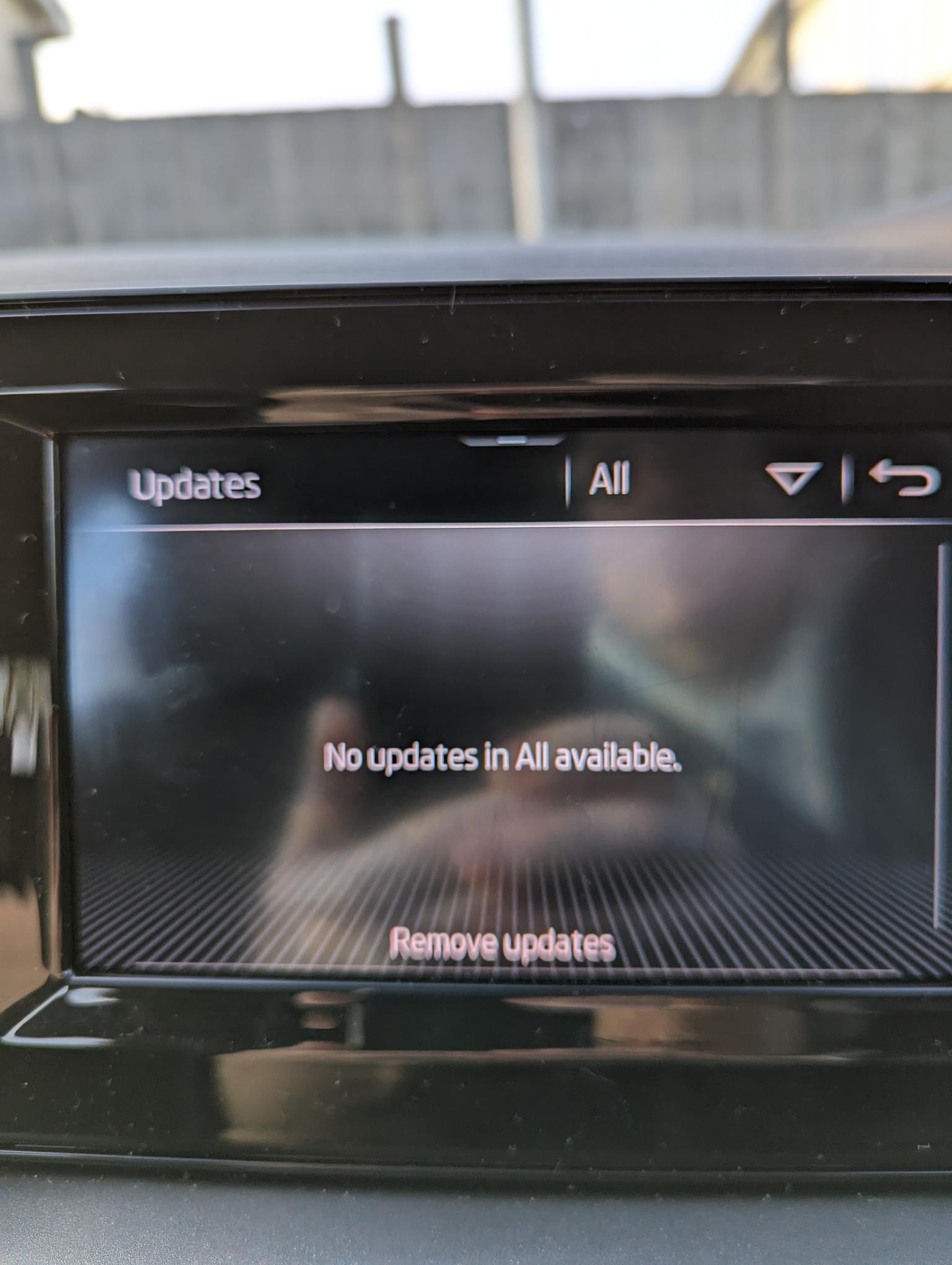
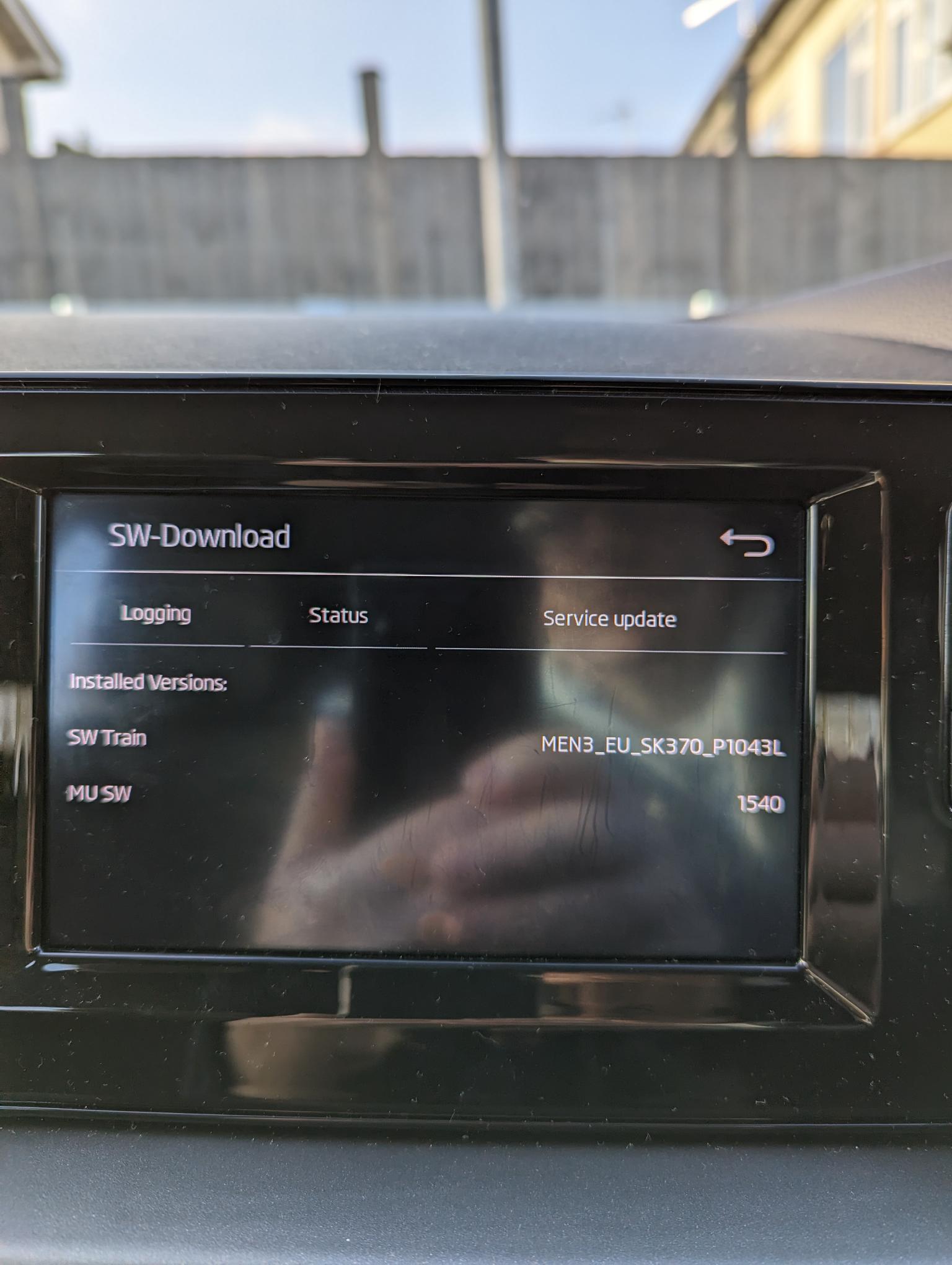
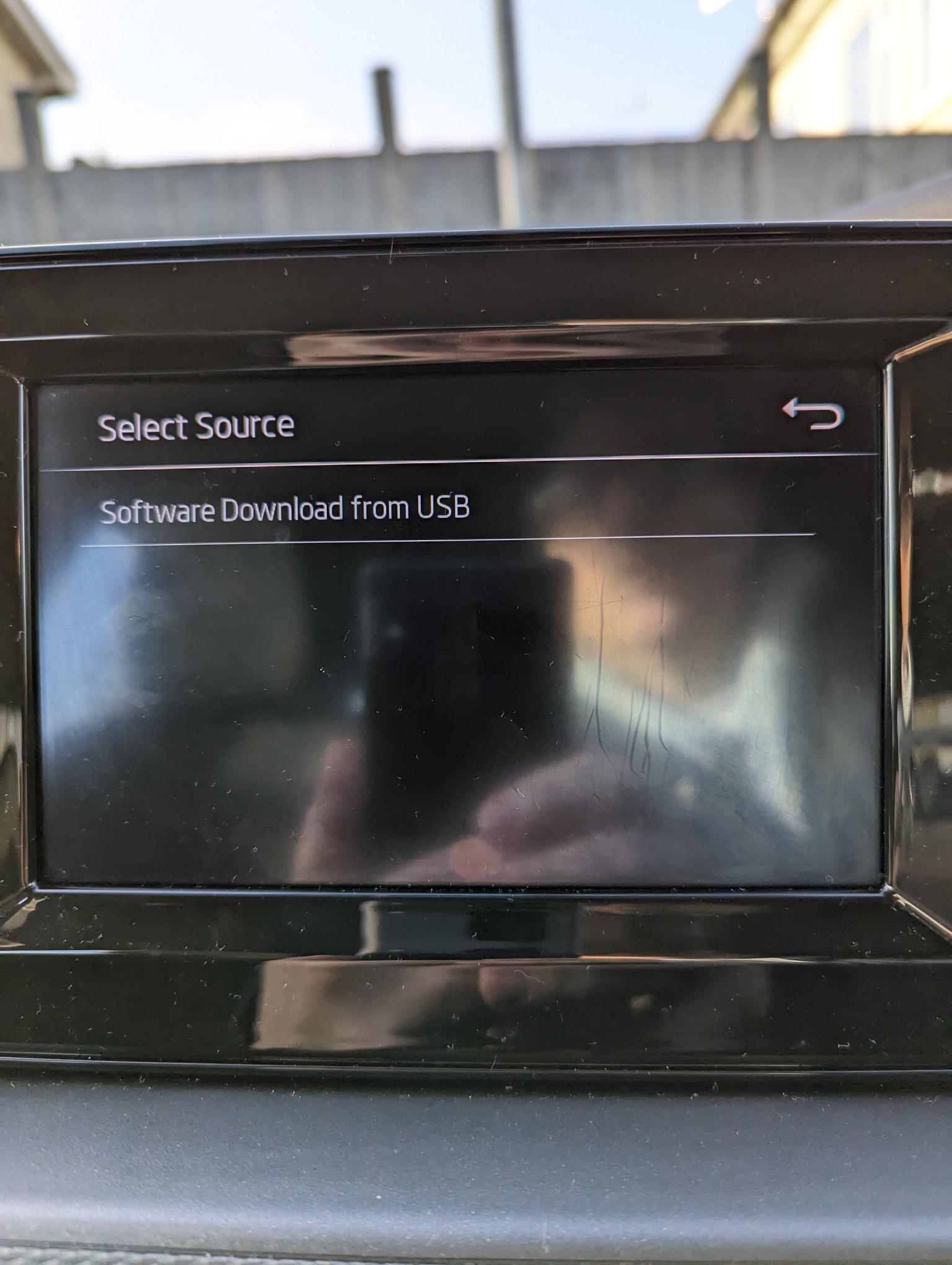
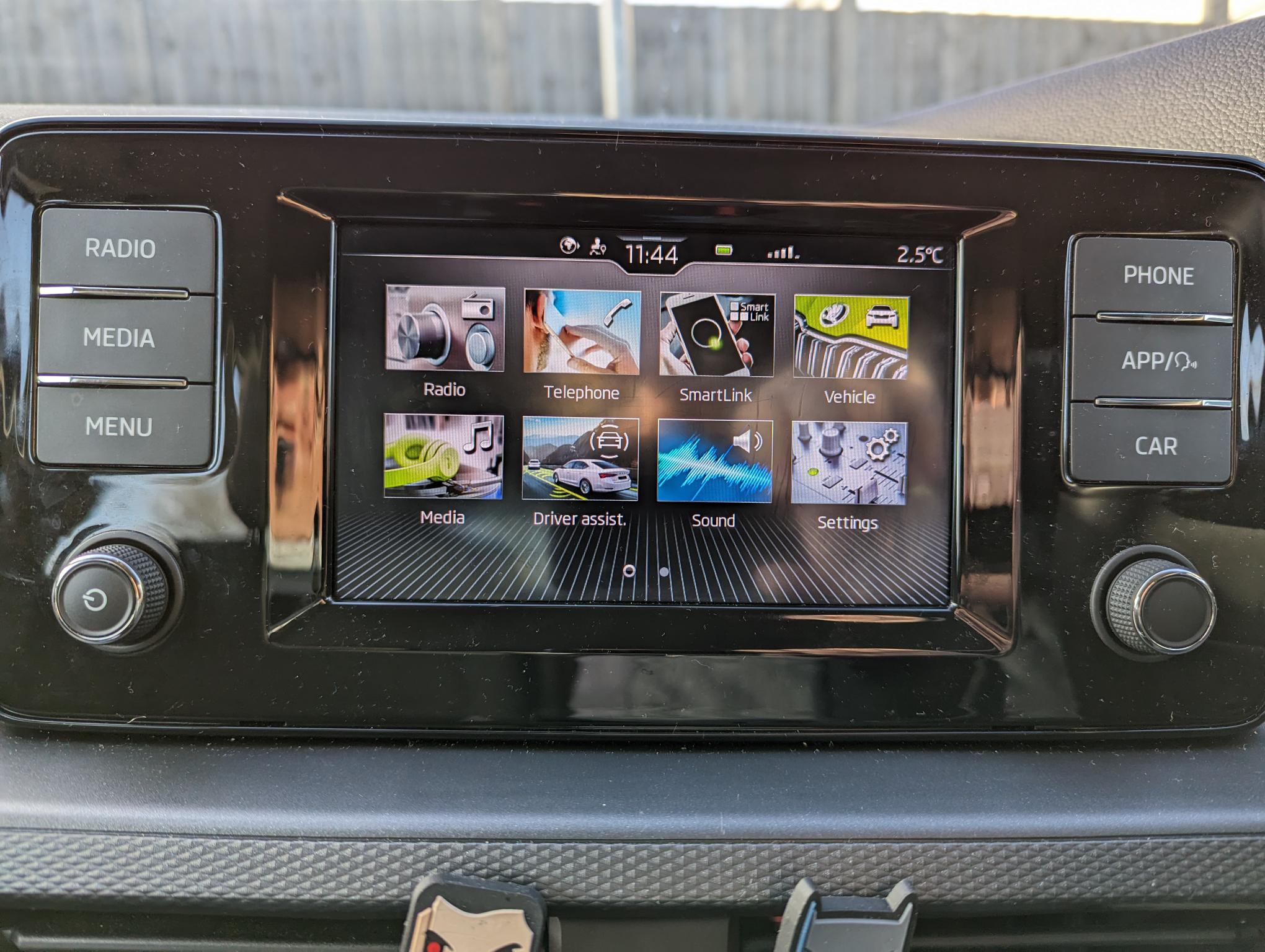
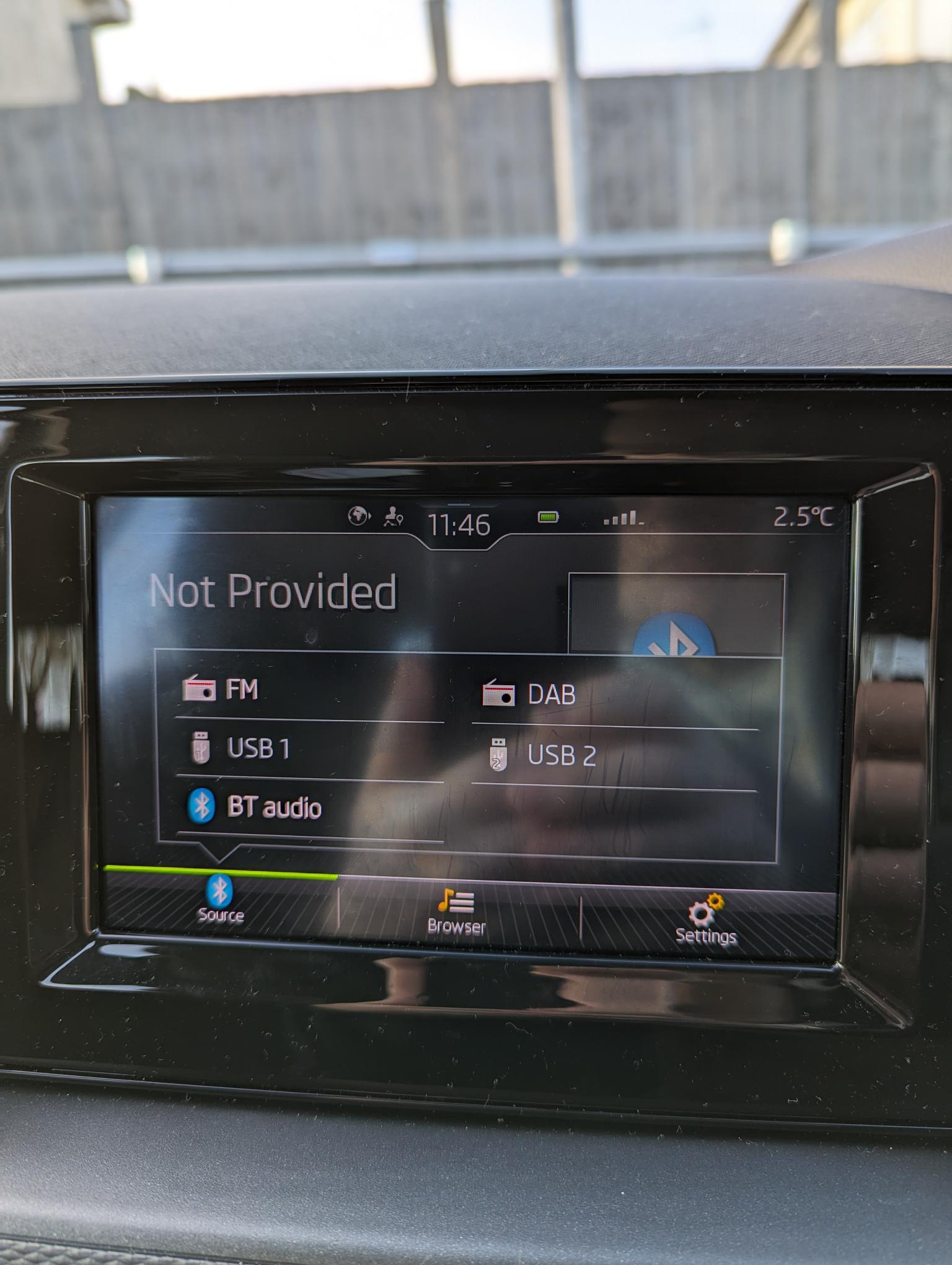
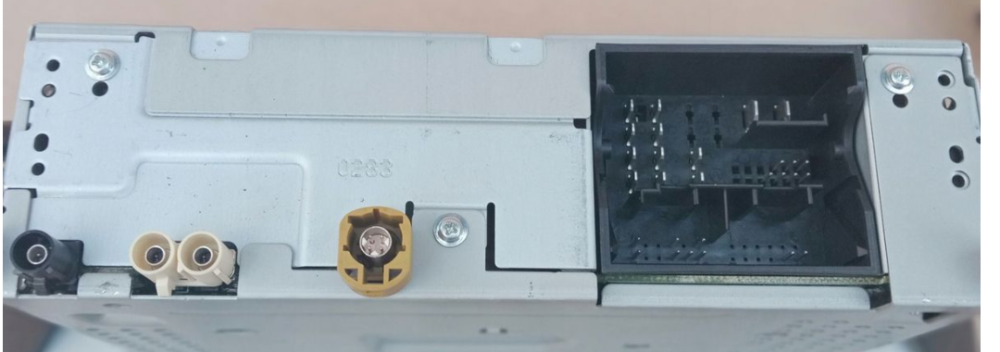
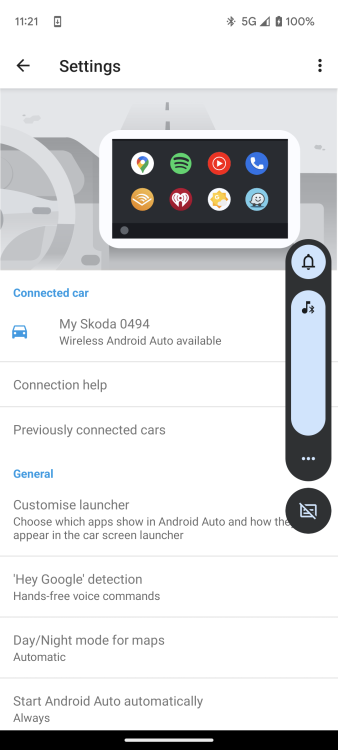
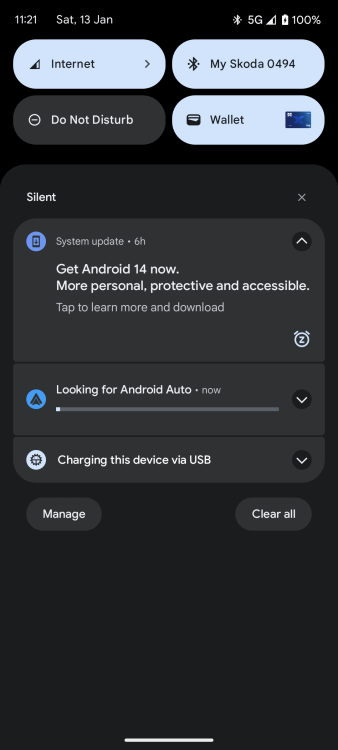
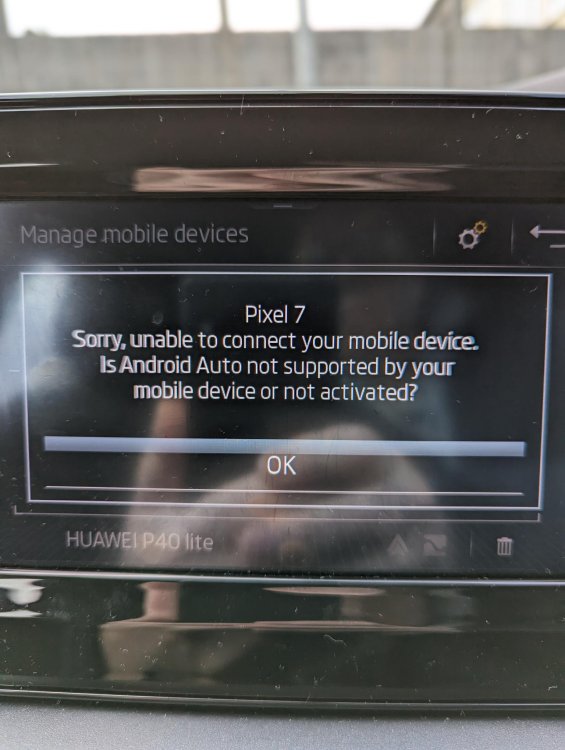
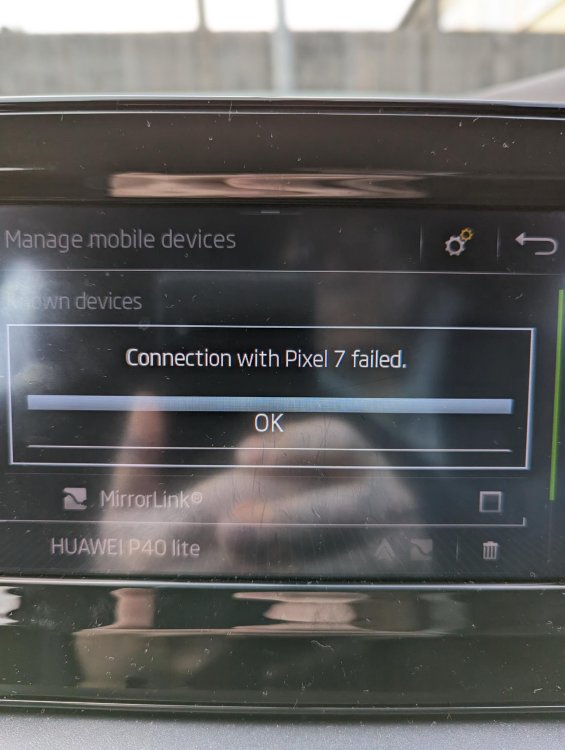
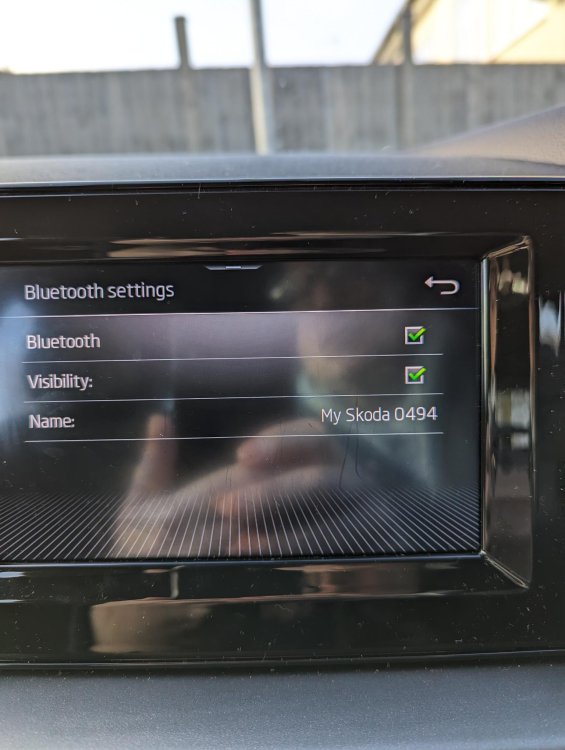
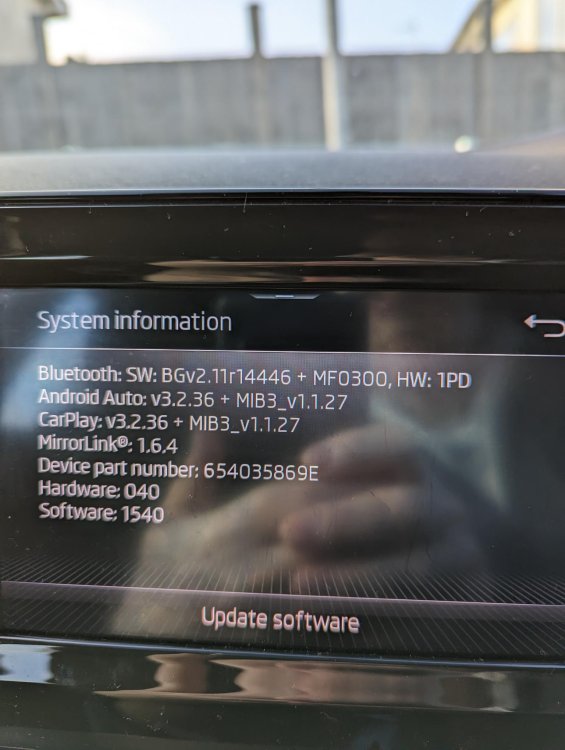
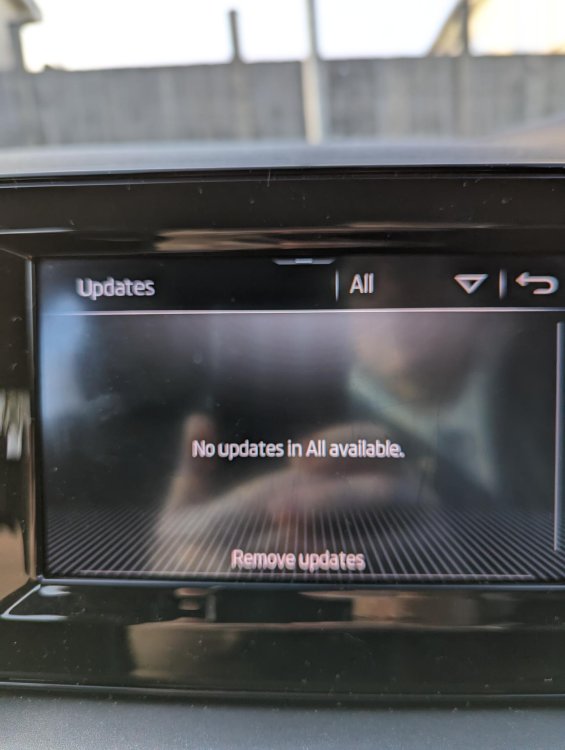
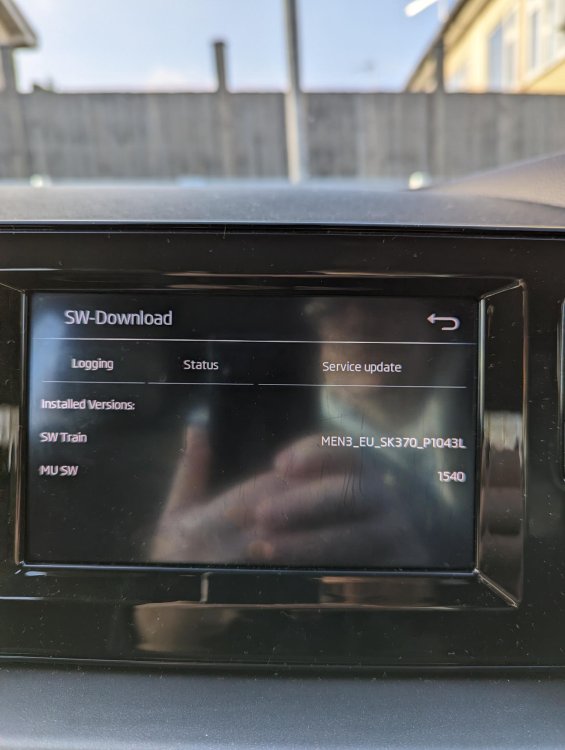
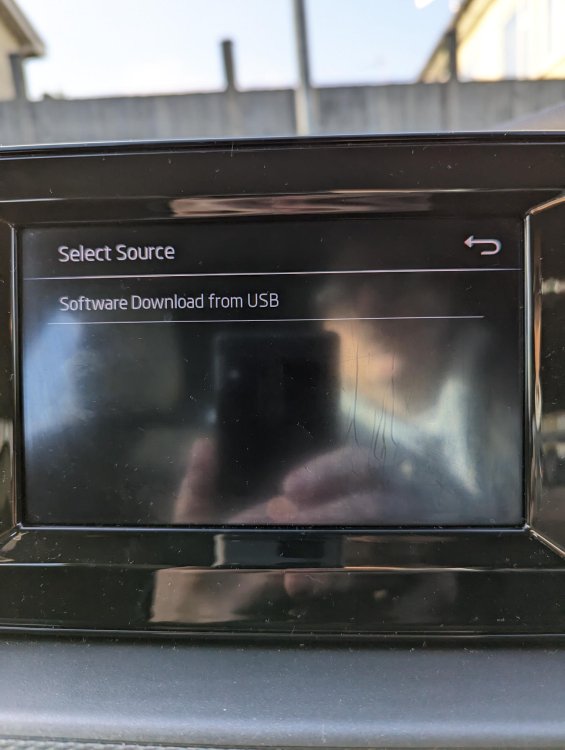
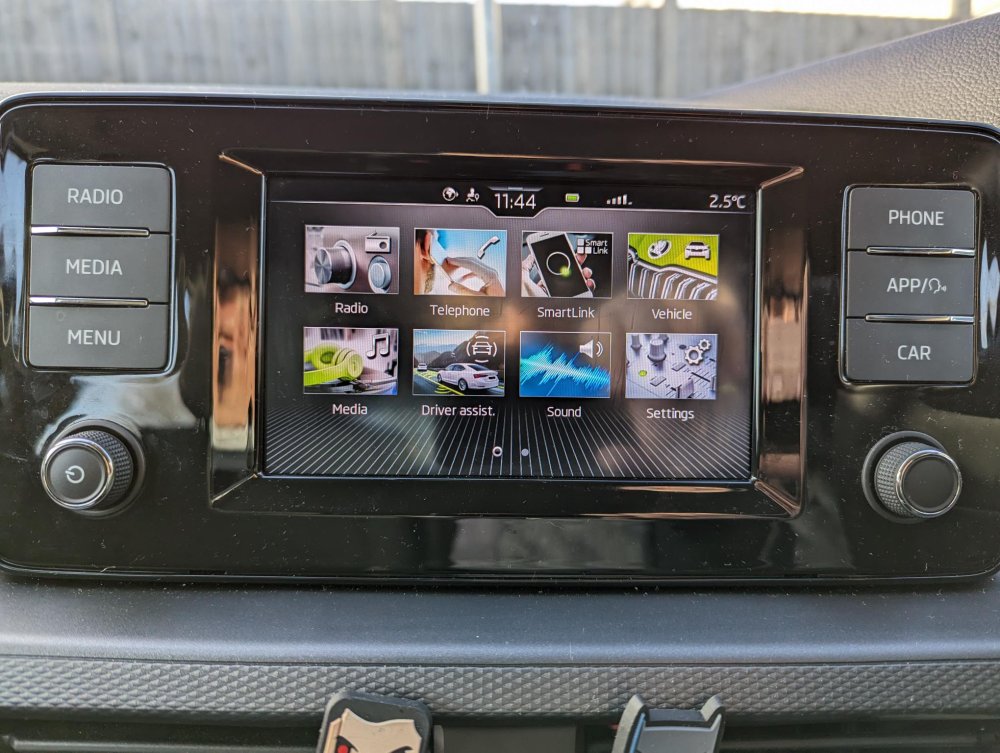
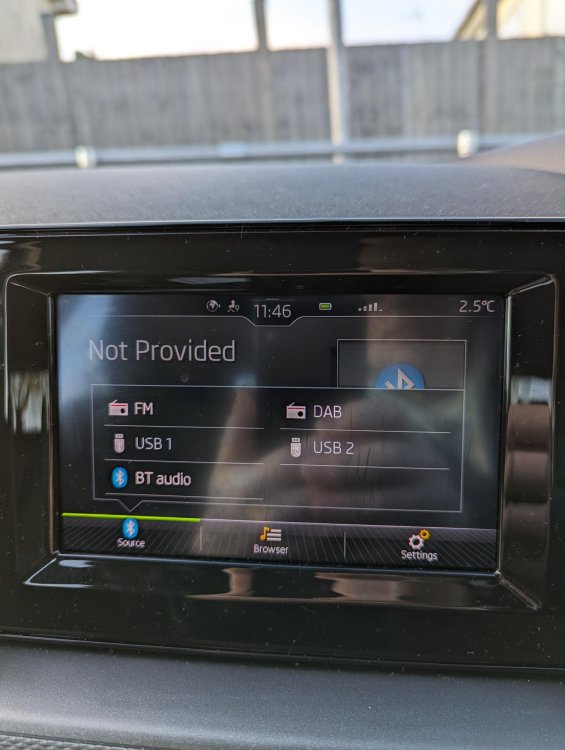
Hi, I have been out to car again this morning, and I have noticed that my USB ports are 'Greyed' out!! I have attached a pic of this, and also other pics! Shall I assume that this is still a main dealer issue? One more thing, can I take this head unit out, and replace with a head unit bought on say Amazon, that already has everything I would want on it? I assume this is a single din unit too? Thanks again for all the help, it's much appreciated 🙂
-
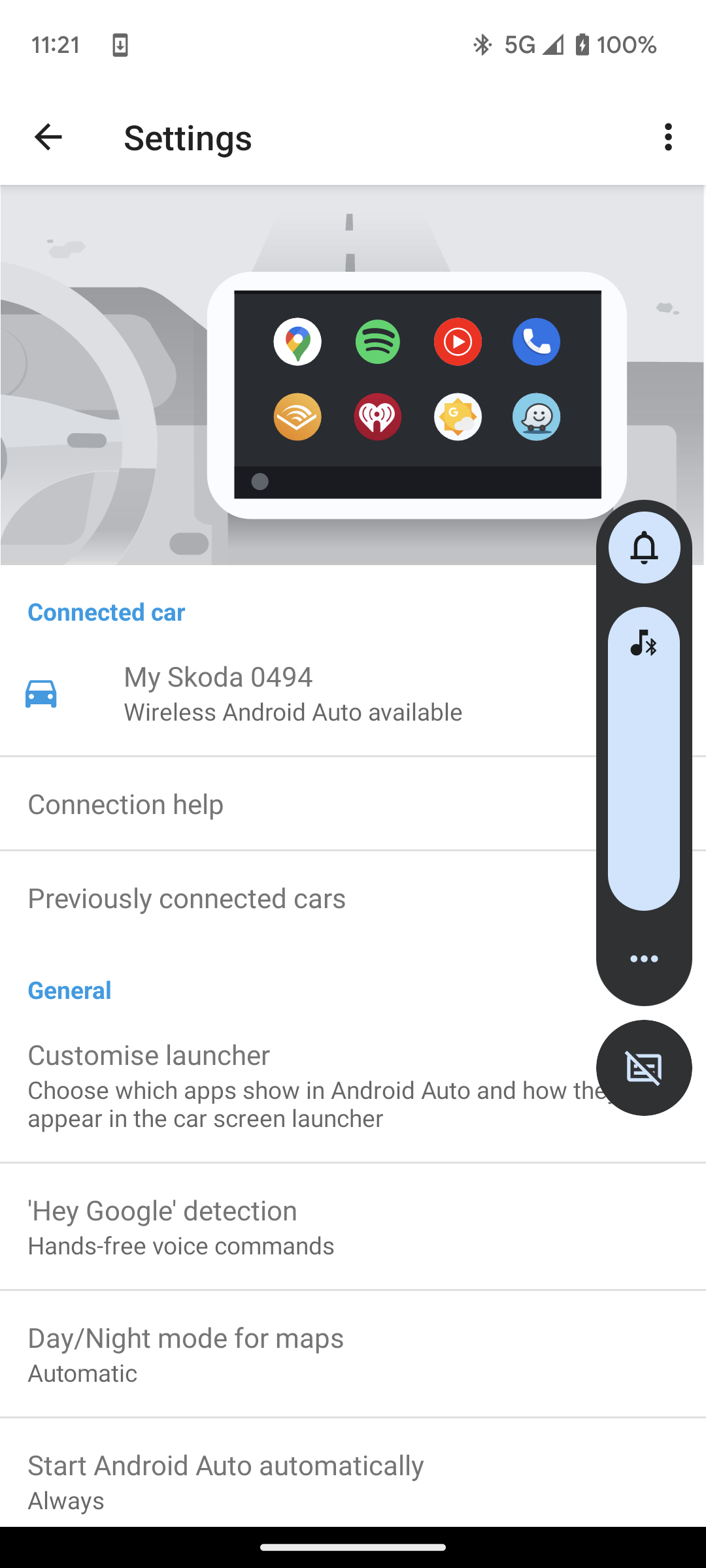
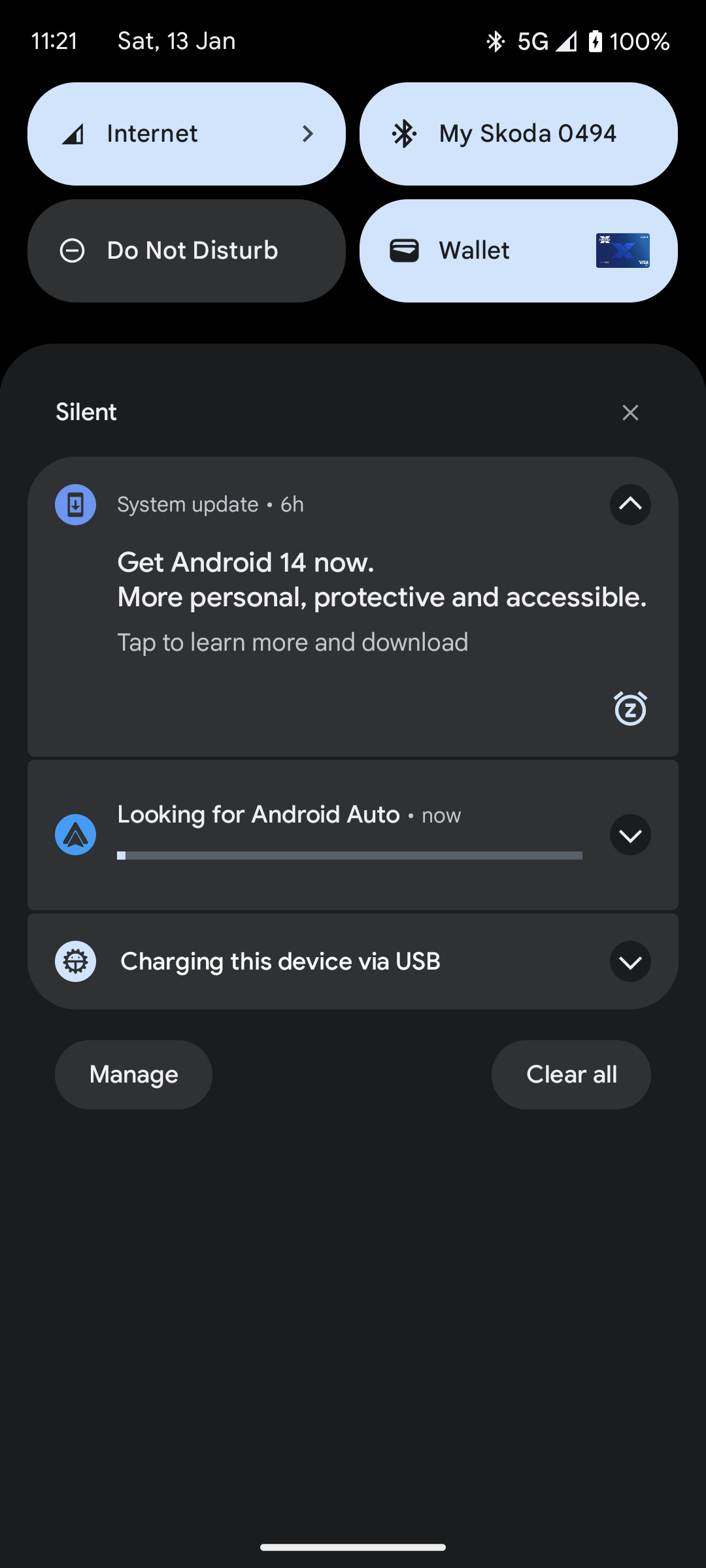
Is there anyway to add Android Auto to my head unit, without paying out for the App to be added to my car at a main dealer? i plug my phone in and it asks if I want to use AA or Mirror link, so it's on the head unit somewhere!!
-
Hi andreiro221, yes that is correct, I get that message, thanks for answering, Tony.
-
Hi, I am new to this forum so please forgive me if I'm posting in the wrong section!! I have just bought a Skoda Scala 71 plate (2022 model), unfortunately the head unit is the basic 'Swing' model! I have managed to pair my phone via Bluetooth, so can play music, but I am having issues getting Android Auto, Mirror Link or Car Play running? I have been in touch with Skoda, and they have said that my car has never had the SmartLink App activated, so this is the reason I cant get the above working? They have told me to get in touch with my local main dealer, who should be able to do this but it will cost!! My question is, 'Do I have to use a main dealer, or can I use any garage'? or 'Is there another way to activate the SmartLink on my unit'? Again apologies if this has been asked before, or I have posted in the wrong section, but any help is very much appreciated 🙂
-
Hi All, I am a new Skoda owner, had my Scala S TSi for a couple of weeks now, and am enjoying the drive. Tony.