Gilbert501
New here
-
Joined
-
Last visited
Everything posted by Gilbert501
-
Could it be that the only other way is to connect an LTE modem dongle to the external USB port (as in the below video) in plain site?
-
I know the previous owner had a SIM installed as I found the plastic card that held the SIM with all the details (phone number, etc.) together with papers and receipts left in the car... I found YouTube videos showing one Skoda with a USB cable coming out from the glove compartment (to which you attach the modem dongle), another video showed this cable coming out from underneath the glovebox (need to carefully remove the cover near the passenger's feet). I looked at both location, removing the cover as well, but no luck in finding it...
-
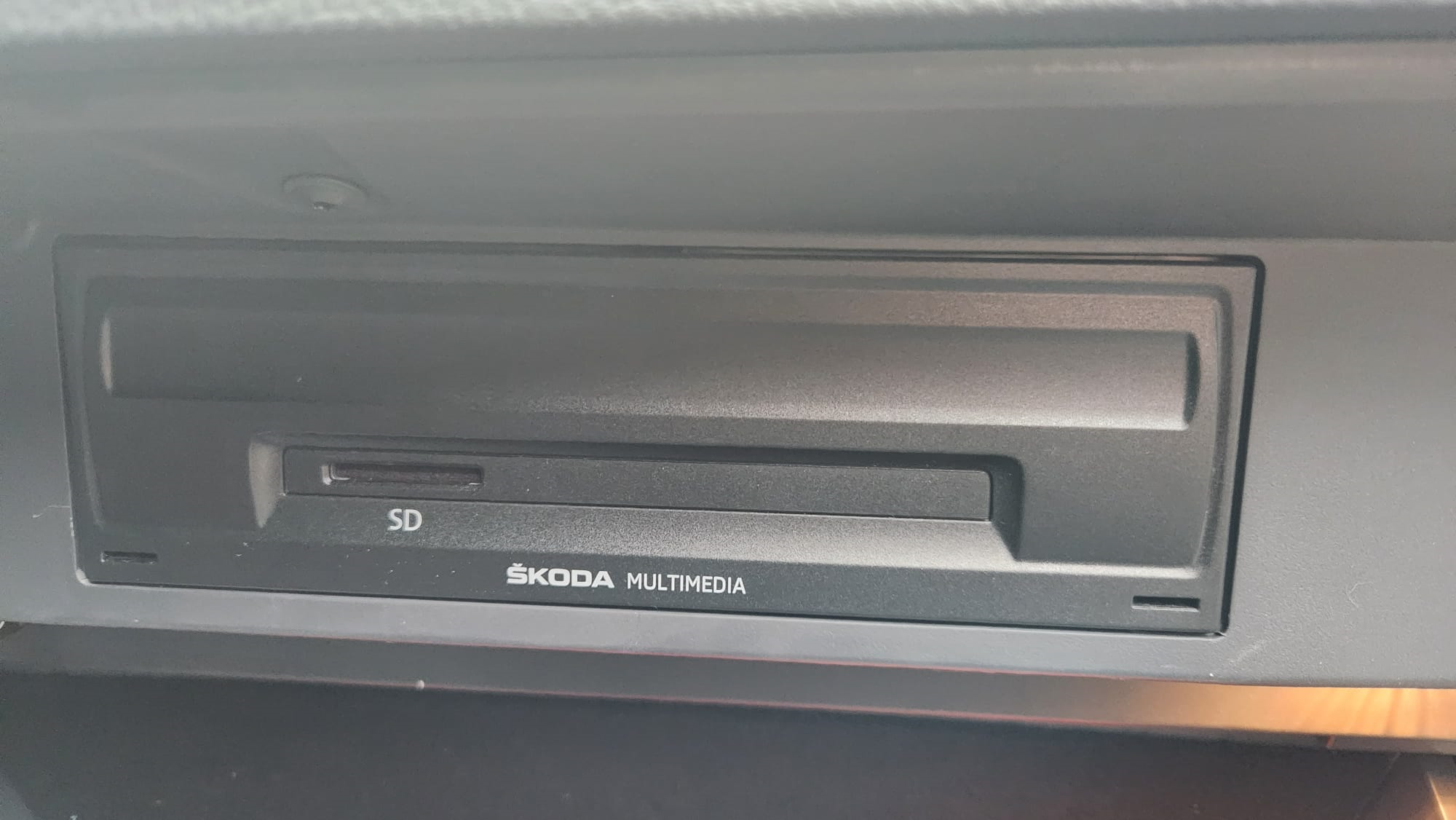
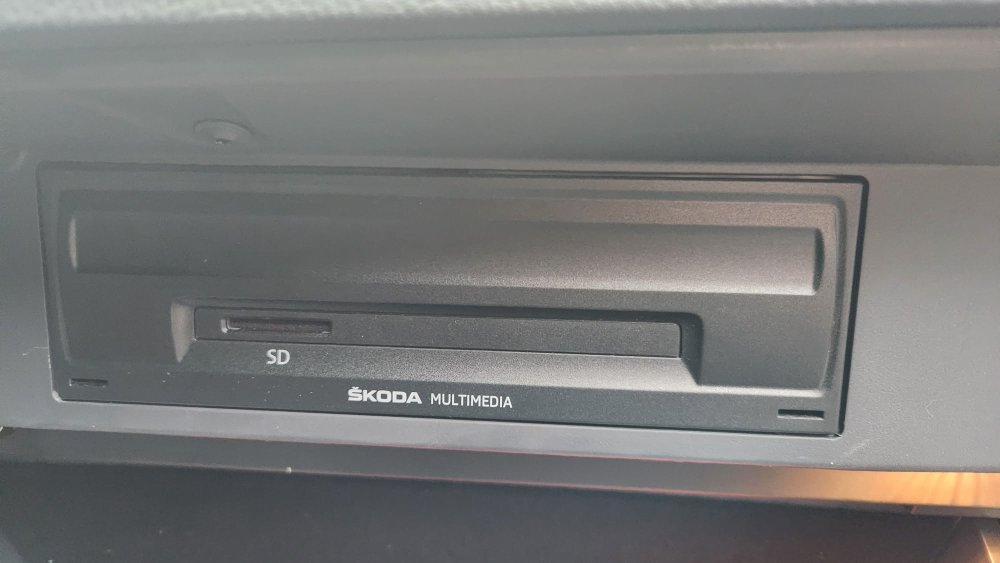
I bought my 2020 Superb few weeks back. The previous owner had a SIM and network connection and probably disabled or removed the SIM before selling the car. Unfortunately I cannot find the USB port, network modem dongle or USB slot in the car. (In this model there is no SIM card slot in the glove box - see image). Does anyone know where I can put in the SIM card?
-
Hay, I'm a new owner of a Superb Mk III 2020 and had some earlier Octavia models in the past. Glad to find these forums to help and share information. Gilbert