sparky203
Finding my way
-
Joined
-
Last visited
-
Thanks very much. After a quick look at the PDF file,it looks exactly what I wanted. I'm very grateful. Steve
-
Thanks Nigel for all your help and advice. Thanks also to AG Falco. If you could let me have a link to the PDF file I'd be very grateul. Steve
-
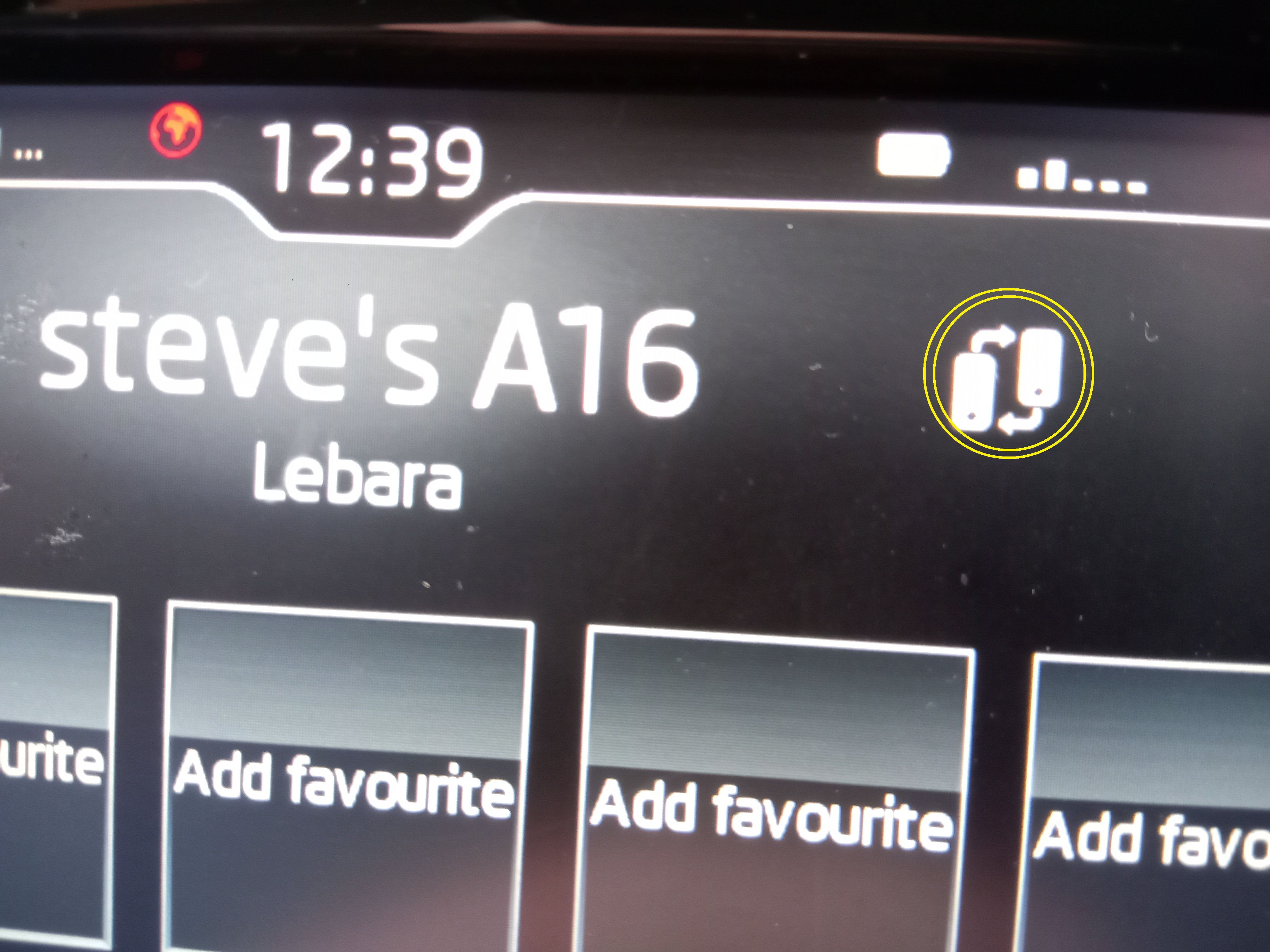
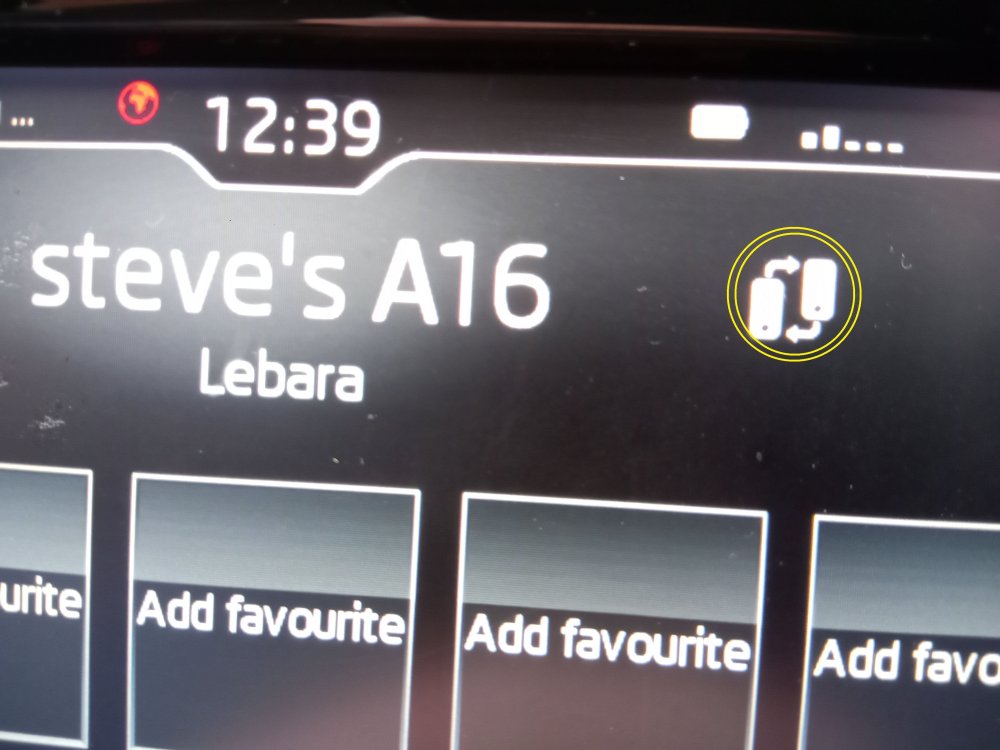
Well, all the turkey and mince pies have gone and I've managed to get off the sofa to have a go at connecting 2 mobiles to my Fabia Mk3. Following the advice given above by Nigel, I've managed to do it. It really was very simple, just add one phone and then add a second phone following the same procedure. My only query was how do I tell the system which phone I want to use to make a call if both phones are active. Looking closer at one of the screens displayed a button (circled in yellow in photo). Tapping this button activated my wife's phone allowing her to make a call. Thanks again Nigel Happy New Year Steve
-
Hello Nigel You've cleared up something else for me. I wanted to download the owner's manual and so I entered my car's VIN as requested. I didn't see any option to download the manual and I can only look at one section of the manual online at a time. I would have preferred the downloaded PDF version. It's too dark outside now to have a go and so I'll try tomorrow. I'll let you know how I get on Thanks again, Steve
-
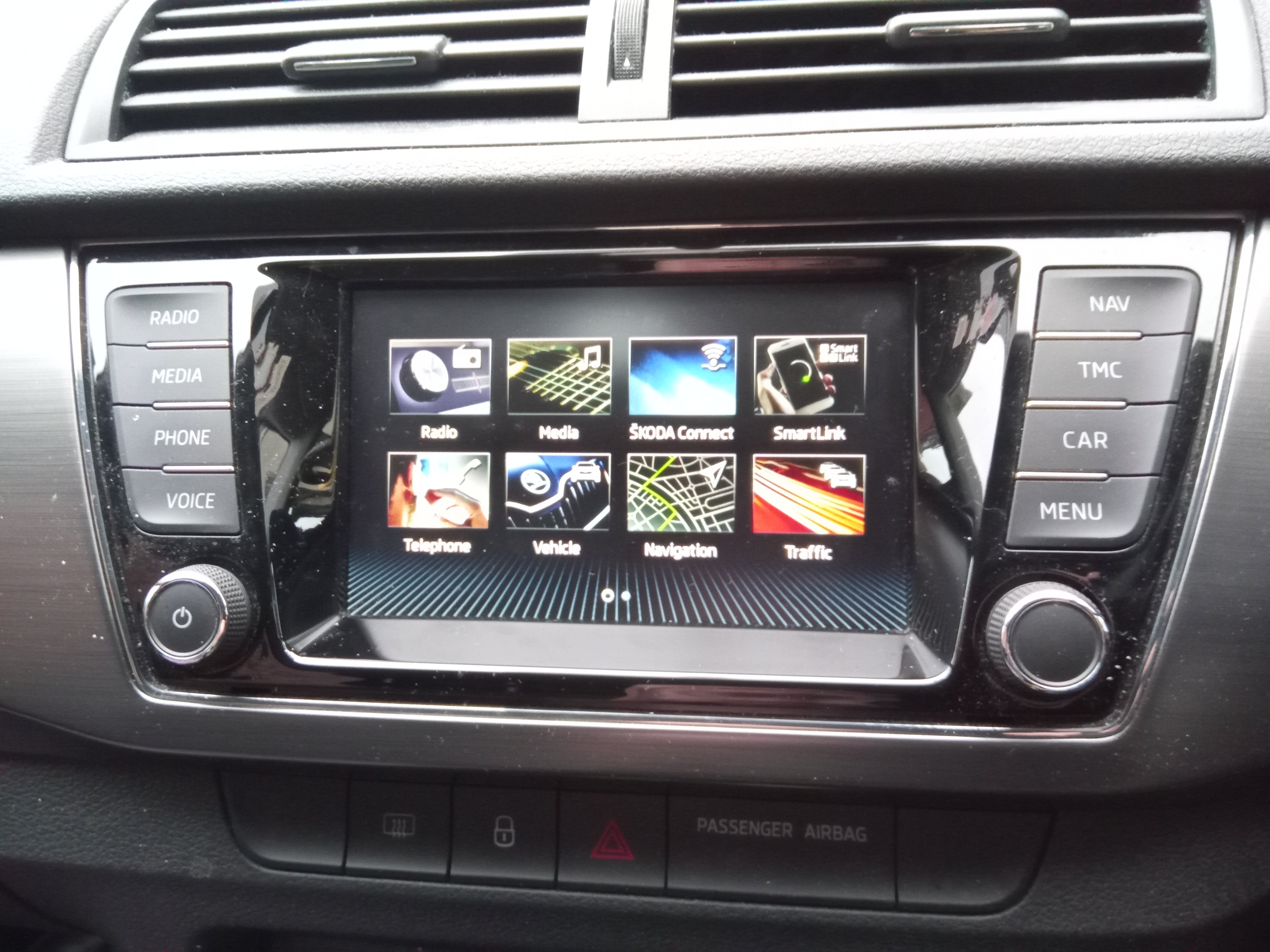
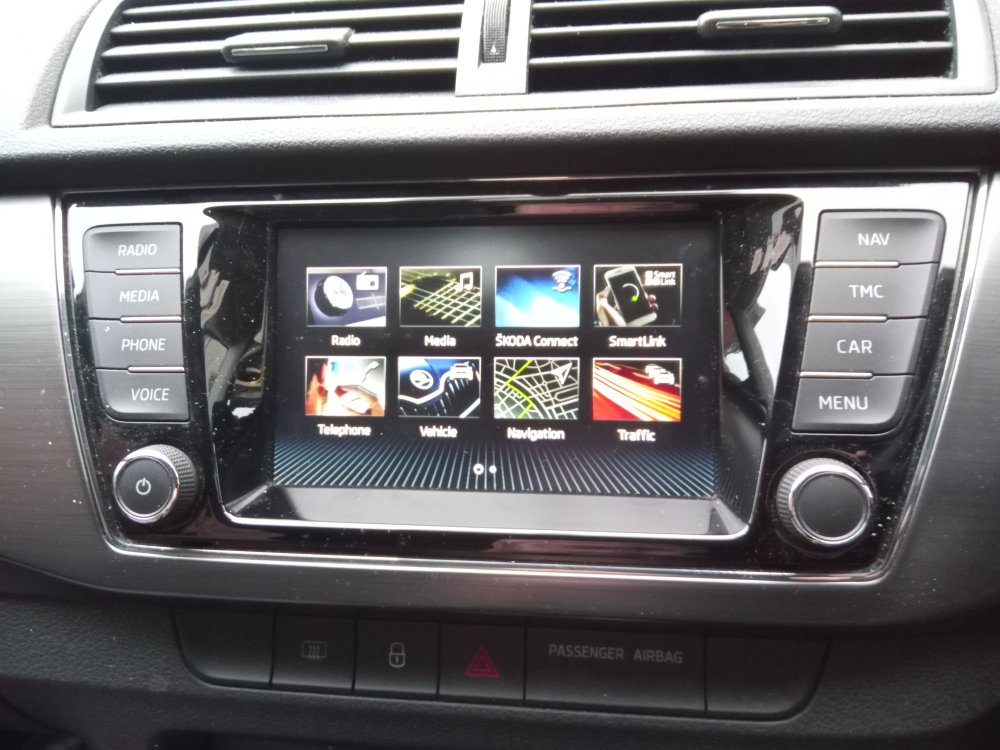
Thanks again Nigel, Sorry about the delay in replying to you but my wife insisted on dragging me out for some last minute Christmas shopping! Thanks for your very useful advice and tips. My car is a Fabia Mk3 manufactured March 2021 I'm attaching a photo of the Menu screen of my infotainment display. Hopefully, you might be able to identify the version enabling me to have a go at setting 2 phones up without cocking things up. Thanks Steve
-
Thanks very much Nigel. I'll have to dig a bit deeper to find out what infotainment version I've got (Amundson etc) I'll try and download the correct manual but I found the selections a bit confusing! Thanks again Steve
-
Thanks for the reply. I've never paired a phone before and don't have an infotainment manual. Is there anything online that I could look at? Thanks
-
I have a mobile phone and my wife has her own. Is it possible to connect both phones so we can both make and receive calls in our Fabia Mk3 (not at the same time)? If yes, can anyone tell me where I can find insructions on how set this up? Thanks
-
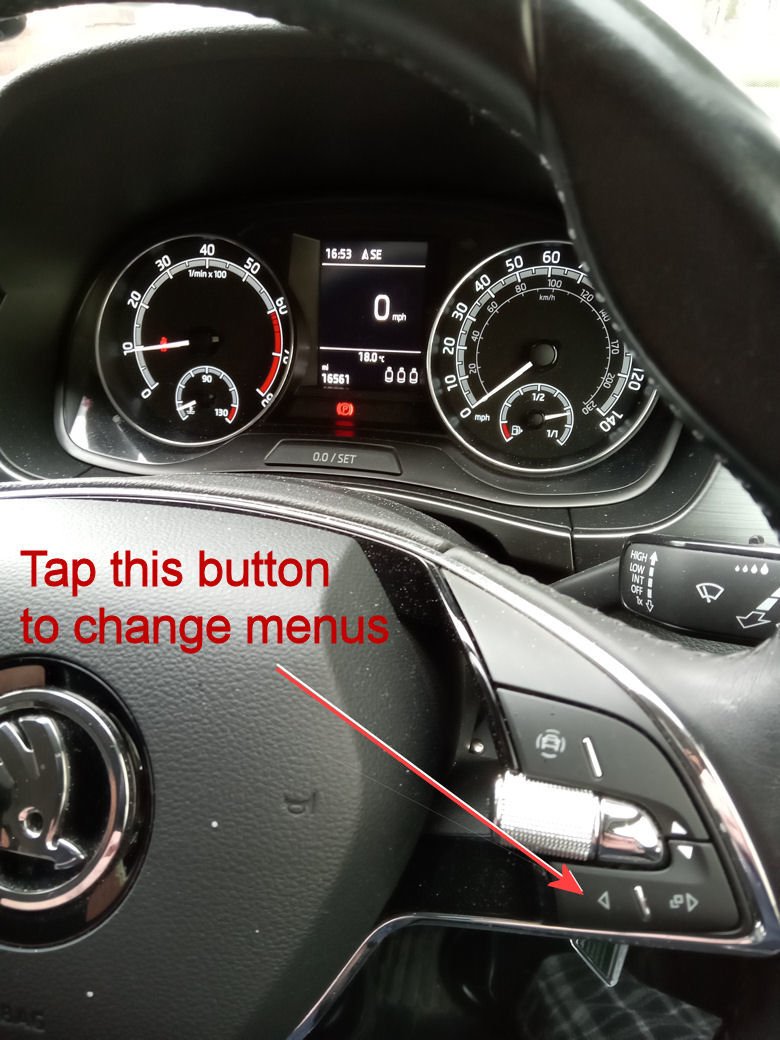
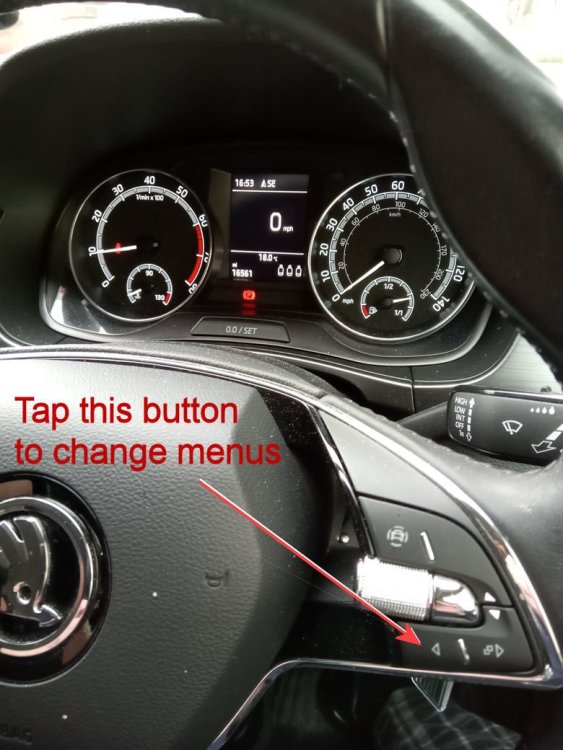
Thanks AG Falco and Nigel I called in to my Skoda dealer where I bought the car from. It's nothing to do with the Infomation system/display on my particular Fabia MkIII March 2021 Apparently, any messages displayed on the dashboard display (between speedo and rev counter) depend upon whatever menu is selected by tapping on a small silver button on the steering wheel - see photo below. I must have accidentally tapped this button and changed the menu to 'Telephone' I tapped the button a few times so that 'Driving Data' menu was selected. After a couple of seconds the dashboard displayed the cars speed in mph. There are other options. Thanks both of you for your advice. i hope this might be useful information to other members.
-
Nigel, Thanks very much for your reply. I've looked in the online manual for my VIN model but I can't find any reference to the displayed message. I'll have a closer look and experiment over the next few days, but as the Infotainment features on this car are all new to me (my previous car was a 2007 Fabia!), I don't want to **** anything up on the system! I might need to go back to the Skoda dealer. That red light on my dashboard photo looks suspiciously like HAL's red light! Thanks again, Nigel
-
-
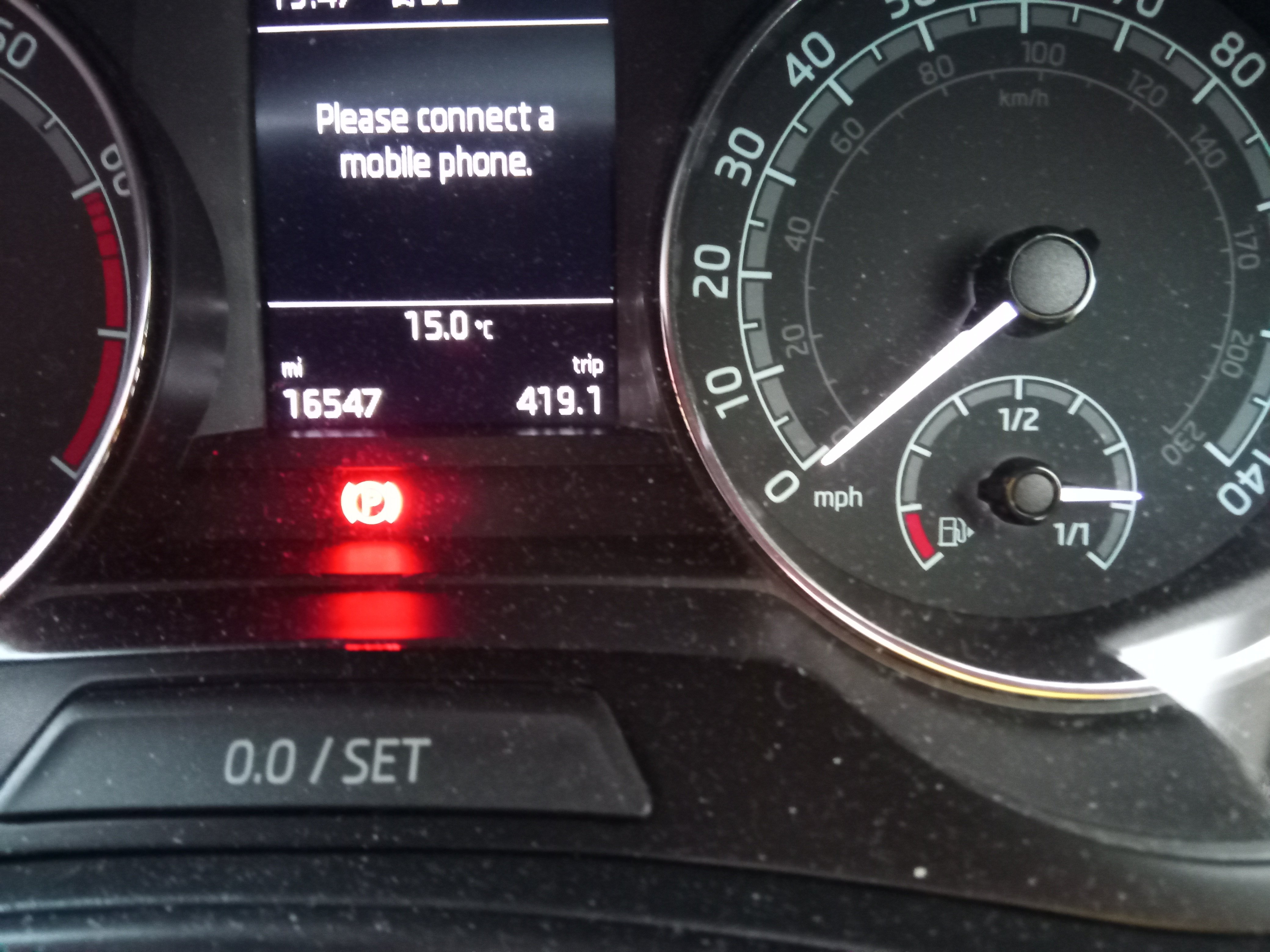
I bought a 2021 Mk 3 Fabia about 5 weeks ago. I had a message on Infotainment display screen about 4 weeks ago telling me to 'Please connect a mobile phone'. The message disappeared by itself after a few days. The message is now back again and won't go away. I've never attempted to connect a mobile phone and I do not want to connect one. Can someone tell me how I can get rid of this message and stop it reappearing. Thanks
-
That's great Alasdair Thanks very much. I'll have a look at it.
-
Hello Alasdair Firstly, I must apologise for the delay in replying to your post. I haven't yet had a go at repairing the switch and I'll probably do what you did and buy a switch. I assume that for around a tenner it was a used switch from a seller on ebay. Or was it somewhere that specialises in Skoda parts?
-
Les Thanks very much for your help. I'd almost given up finding an answer to my problem! The video is very detailed and I'll be having another go at putting the switch back together. Thanks again.