hilldegarn
New here
-
Joined
-
Last visited
-
Hello everyone, Since I was hearing some uncategorized(most like knocking) sounds coming from the suspension I tried to rock the car everyway to see if I will be able to reproduce it. At some point I rocked the car back and forth while in Neutral(N) without the handbrake active and I was able to hear a clicking sound. My question is, is this a normal sound or is there some issue? Like I said I did hear some "not typical" noises from time to time and I did hear her crack a couple of times on a full left lock turn, which from past experience on different cars usually meant CV joint issues. I also noticed a decent amount of vibrations from the handbrake when accelerating from low RPM. Link to video of the noise The car is a 1.5 DSG Scala Best regards,
-
Thank you for clearing that up for me. Do we know if this MIB suffers from the same issues as the others that needed version 1800 in order to connect some Samsung, Xiaomi and other phones? Currently I am using a bit older Xiaomi 11T and it is still on Android 13, so can't really know if I will have issues when I upgrade my phone.
-
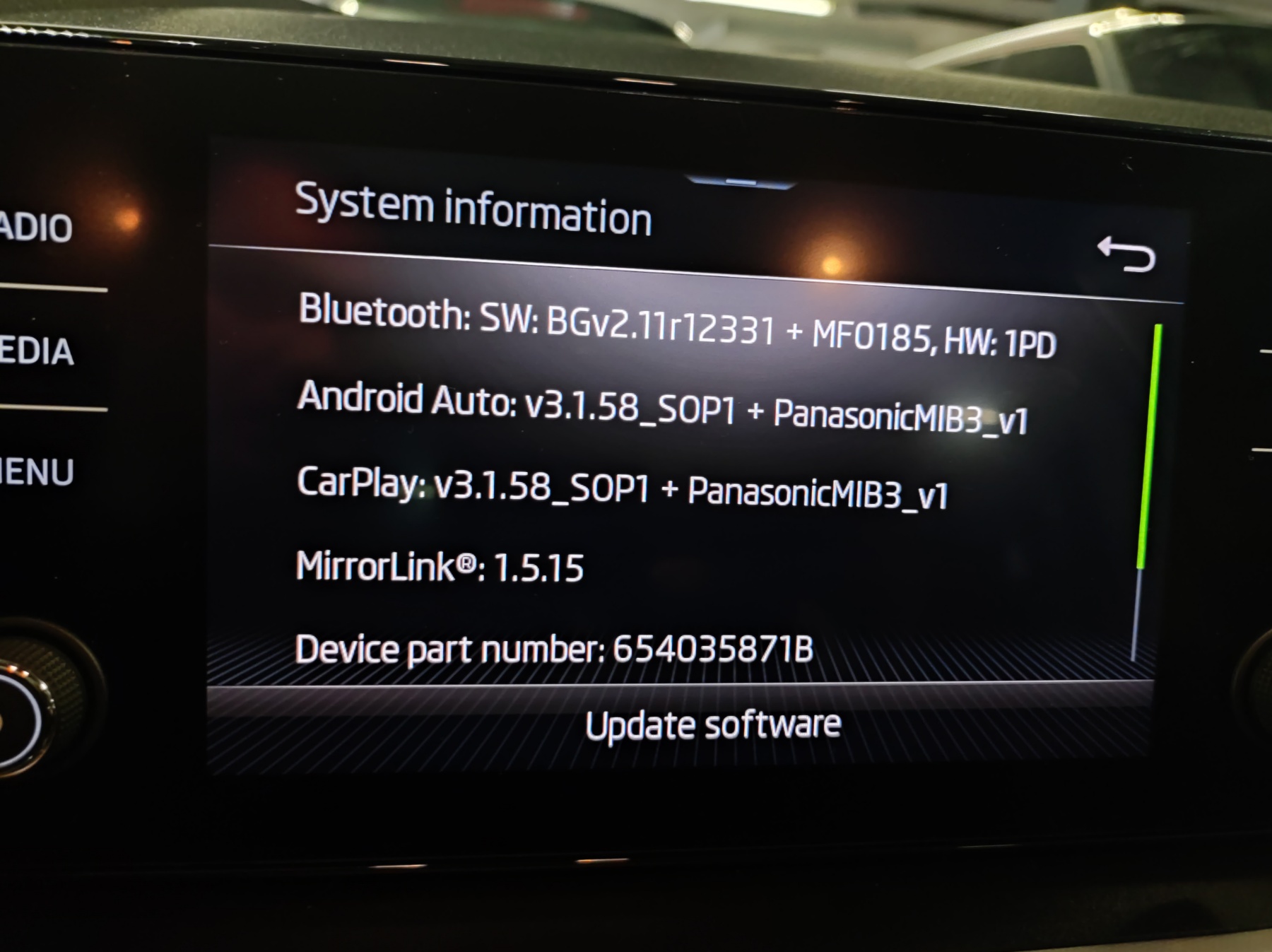
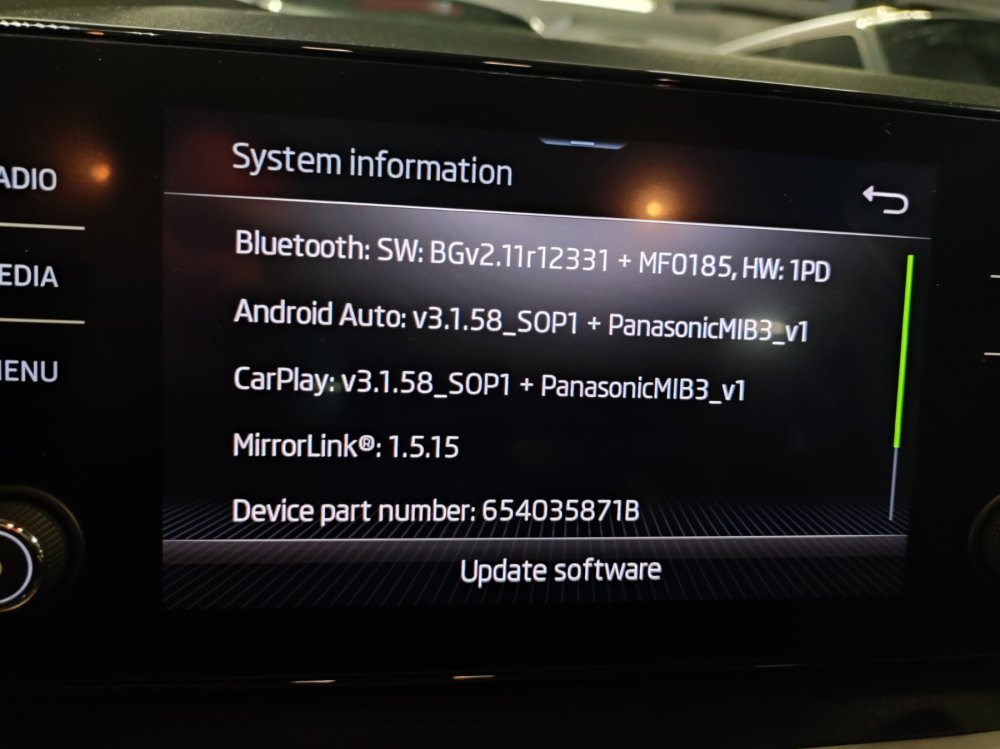
I went to the dealer and they made an update from the version in the photo below(0469) to 0742. They did not say that there were any newer version for this media unit. Does anyone know if 0742 is the dead end for me or can I proceed to updating myself to 1800?
-
Hello there, I have the same multi media module(hardware wise) and was originally on version 0469. Went to the dealer and they updated it to 0742. They did not say that there are any newer versions available. The car is build in 03/2020. I was wondering if 0742 is the "dead end" for updates on the multi media or can I proceed updating it all the way to 1800 by following the guides previously posted?