Bavs
New here
-
Joined
-
Last visited
-
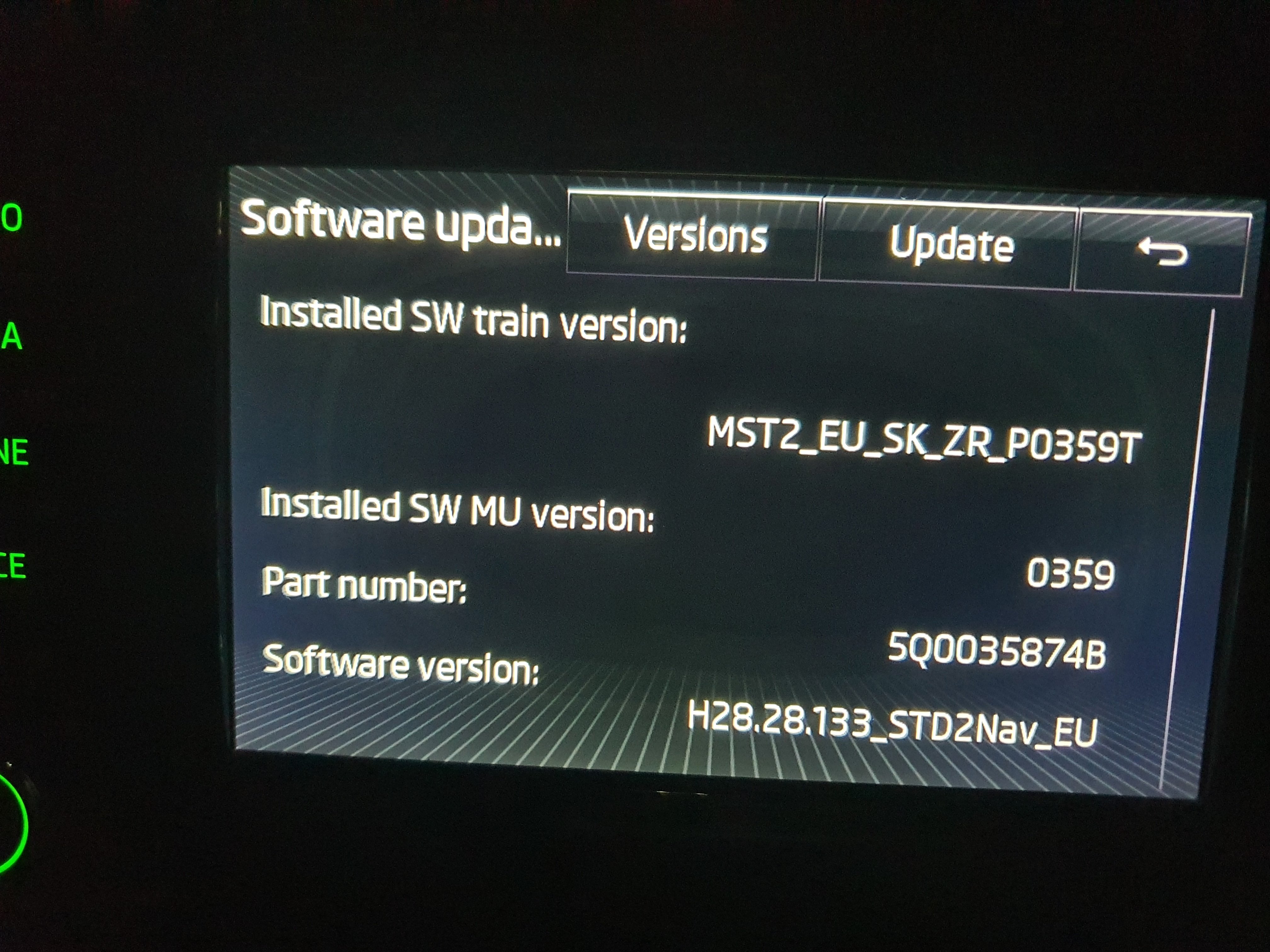
I had the same issue with 0480T. Apprently, there is a way to force the update but it's risky. I just updated to 0369T and called it a day. I didn't find any changes from 0359T. I did update the maps, POI, and radio station logos
-
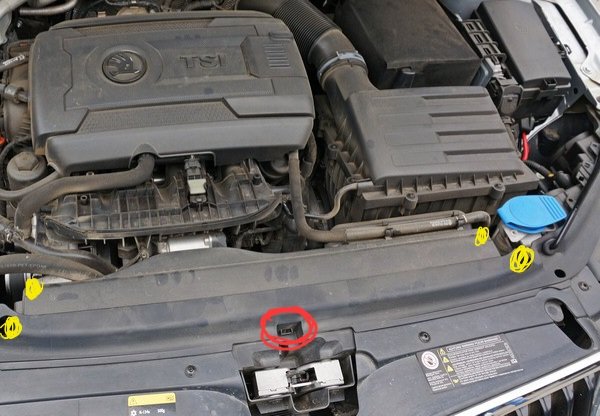
Hi All, quick update....I fixed the issue. The code is pointing to the Airbag sensor found at the front in the middle (red circle) . To access, I removed the screws (yellow circles) and that air intake section. See image attached. Following safety precautions I changed the sensor, cleared codes with VCDS and now all is good. Garage wanted to charge me £400....shocking. Note: This is not a how to do instruction guide. It's an account of what I did to fix the problem for education purpose. Also, image is not mine, taken from internet. And edited.
-
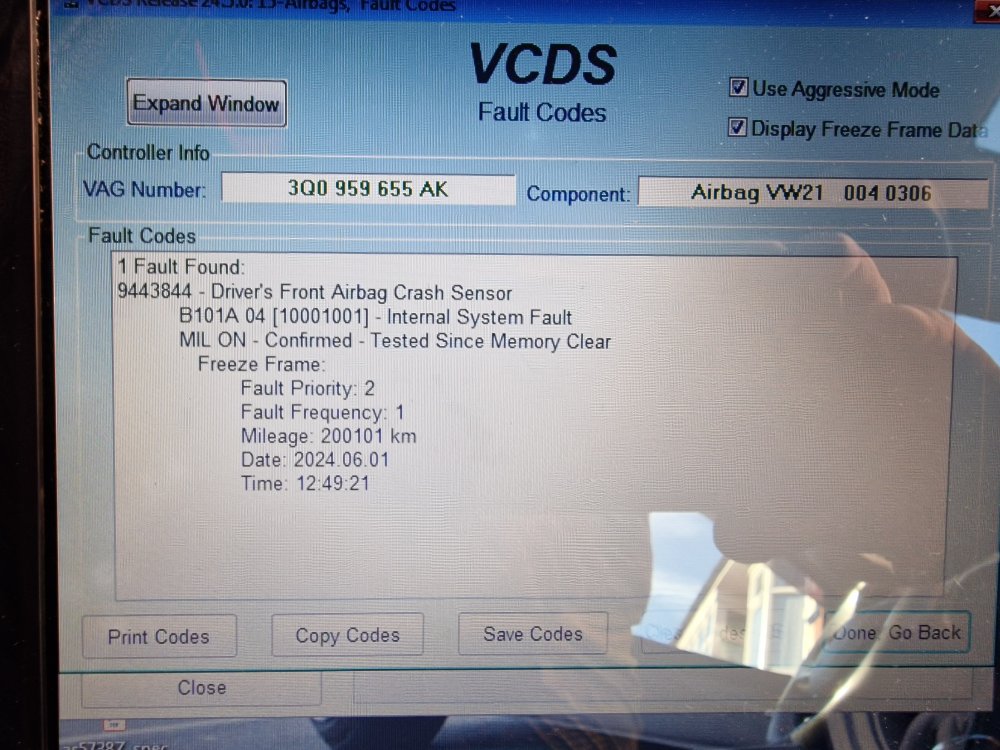
Hi All, My Airbag light has come on and VCDS picked up a code (pic attached) My local VAG garage just cleared the code and didn't fix the issue charging me £120 Google search brings bo results. Anyone experienced this code or knows how to fix? My MOT is due next month and i really need this fixing for that and for safety. Any help greatly appreciated. Thank you
-
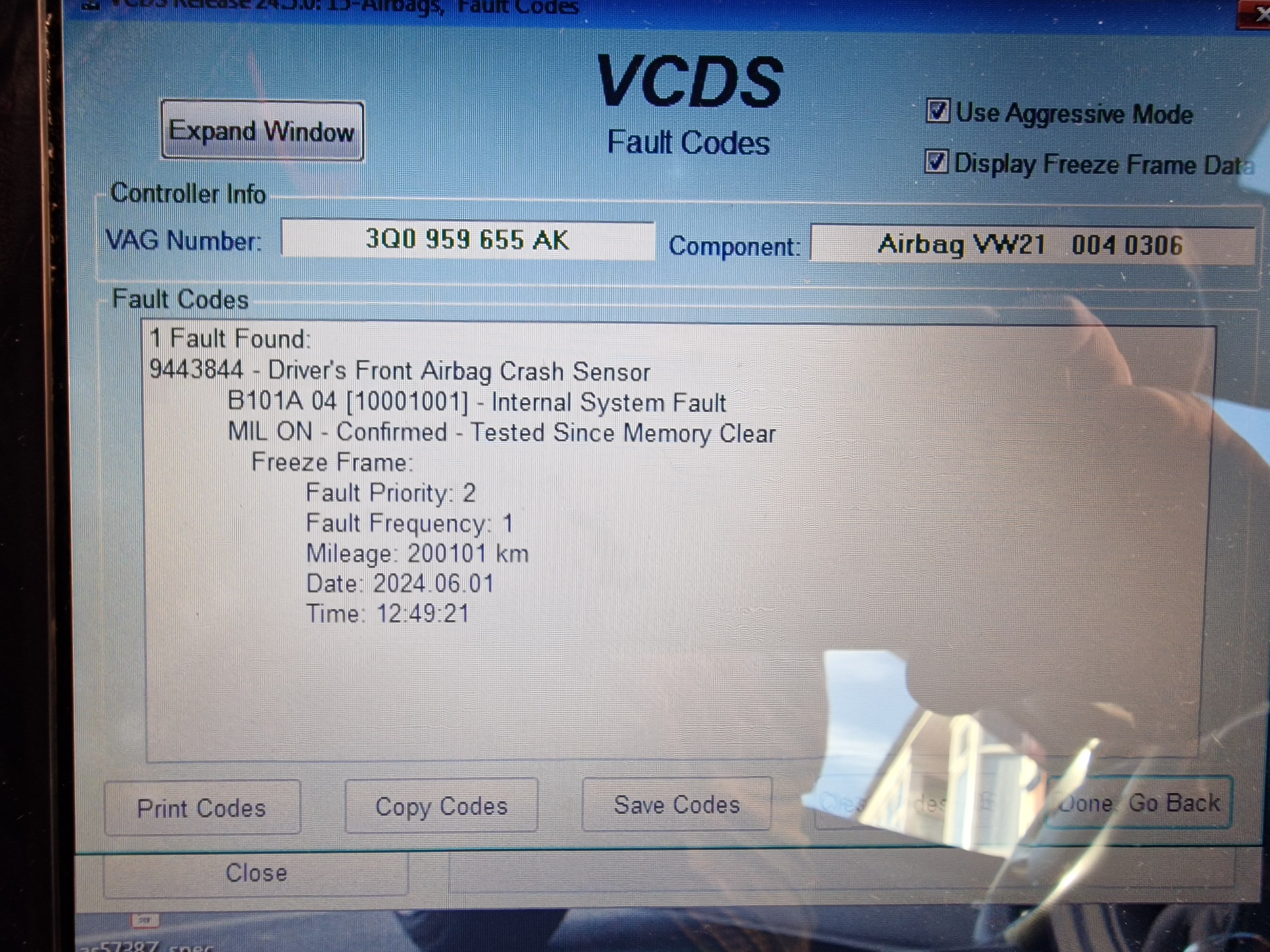
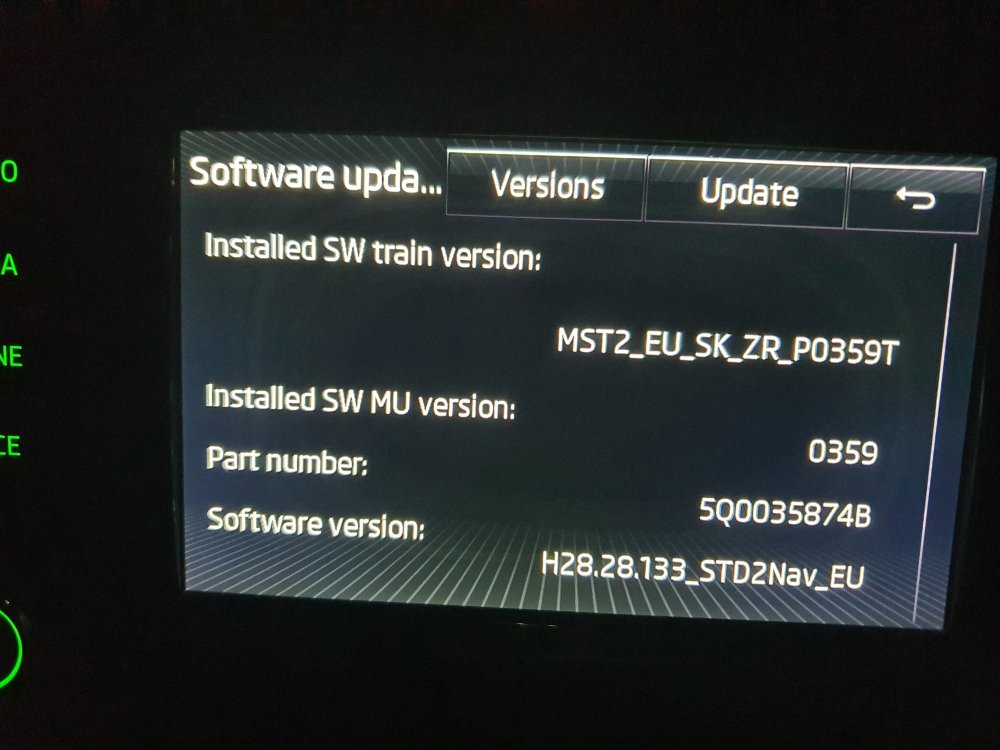
Hi, I'd be grateful if you can tell me of an update for my head unit please. Thank you.
-
Hi All. Been look at the forum for some time whilst looking for an Octavia. Originally was a MK1 or MK2. After long time I've finally got one. A MK3 😁. Hoping to meet some people and gain lots of information. Happy to join a proper forum again.