hhob
New here
-
Joined
-
Last visited
-
No my wife didn't see a bollard and reversed into it. It is what it is needs to be fixed now 😆 Quote
-
No my wife didn't see a bollard and reversed into it. It is what it is needs to be fixed now 😆
-
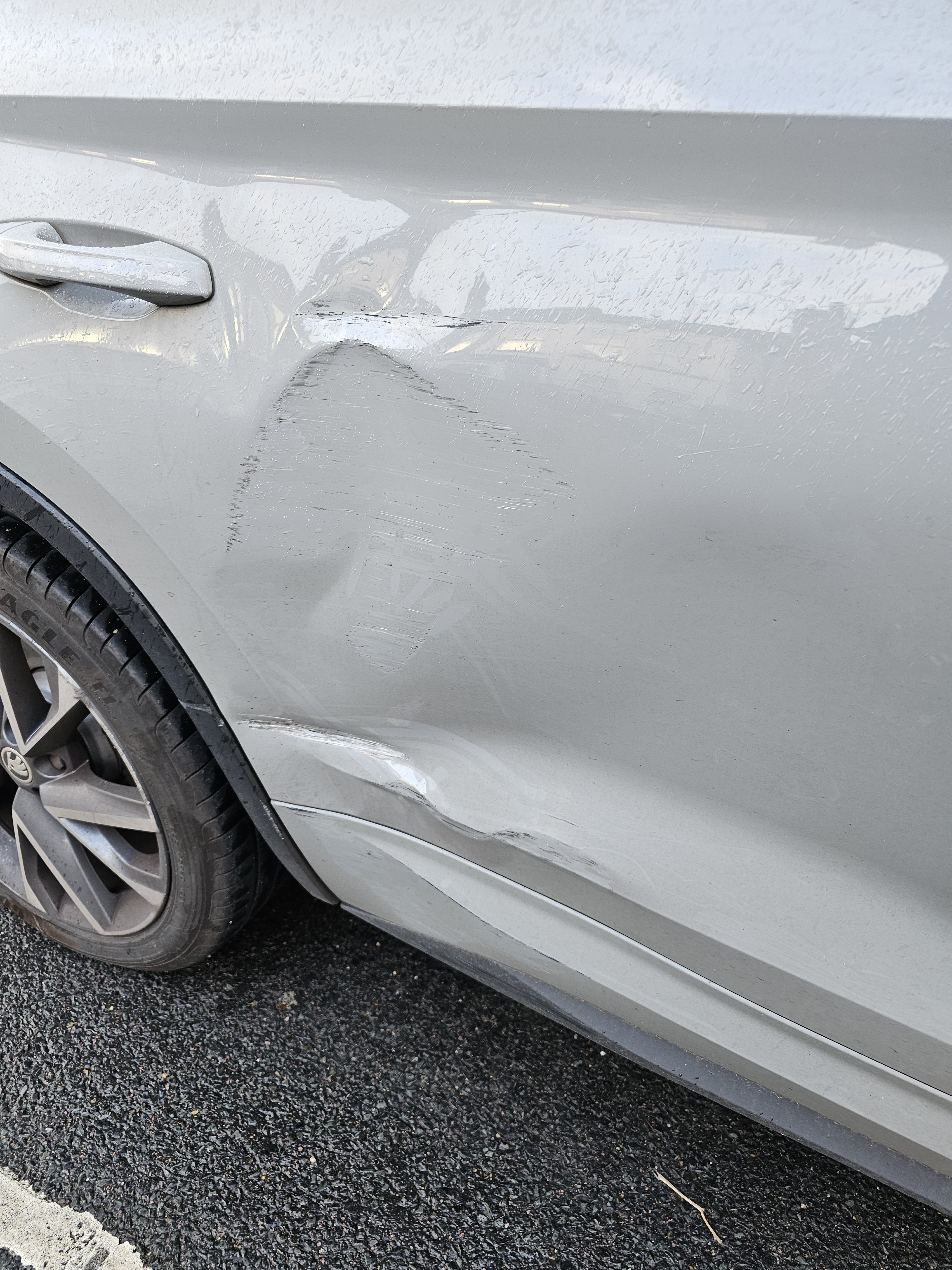
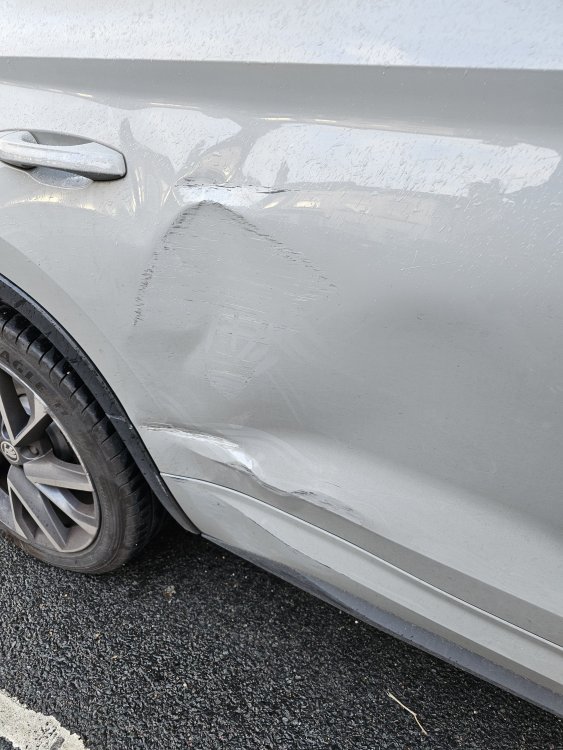
Hello guys sorry for late response I will show you a picture of the damage. I have been looking around for the door but unable to find the right colour. I know it will be pretty difficult to find the exact colour. I have uploaded a picture of the damage
.thumb.jpg.7b0d437ee7603cf69ec5f480b9fcbc4c.jpg)
-
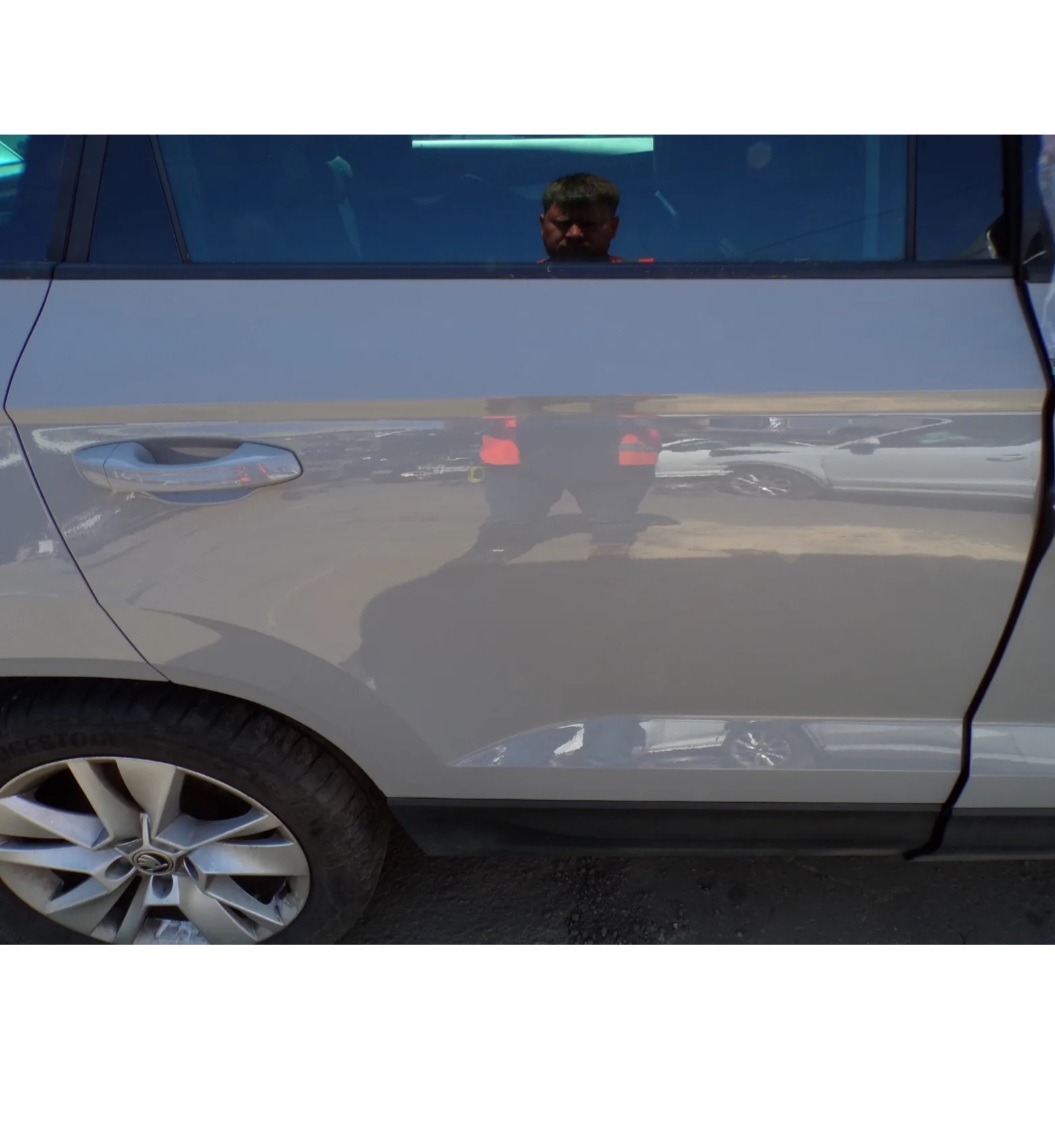
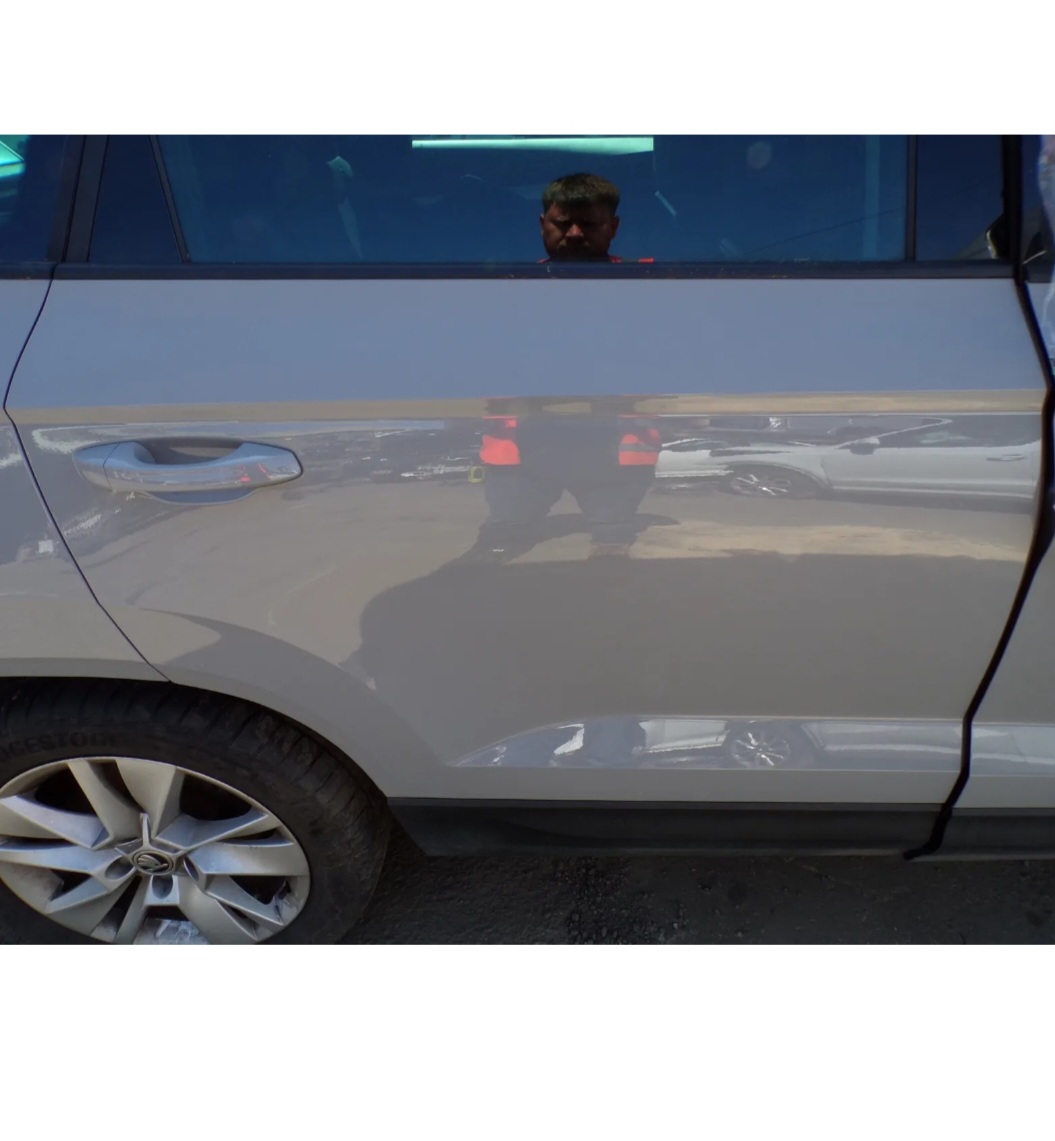
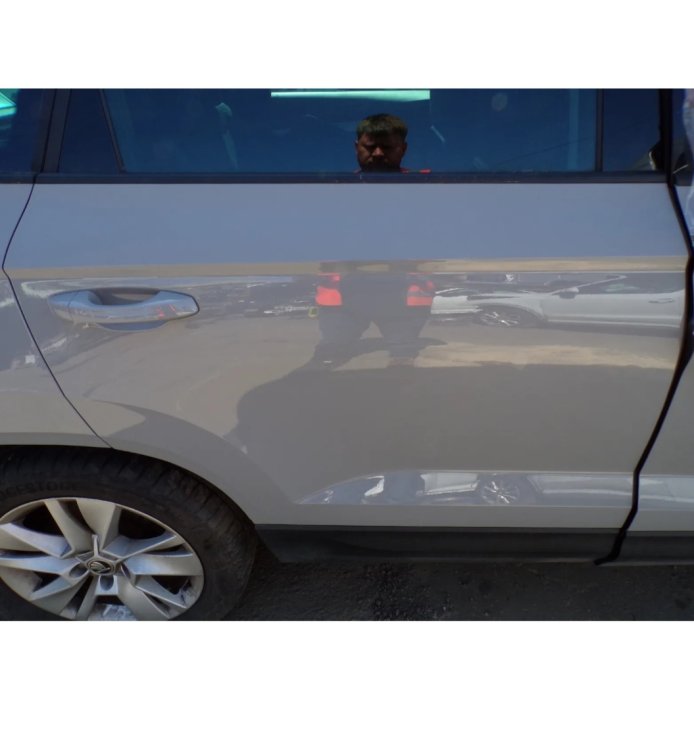
Hello everyone I need some advice or help please. I have a skoda kodiaq sportline 2019 7 seater. The rear passenger door has been damaged and I wanted to change the door. I can't really find a replacement unless I go to the dealer. I did find someone selling a door which is the right colour but is from a skoda karoq which looks exactly the same as the kodiaqs door. Does anyone know if it will fit i have attached a photo of the karoqs door that i was looking at. Any help would be much appreciated. Thank you
-
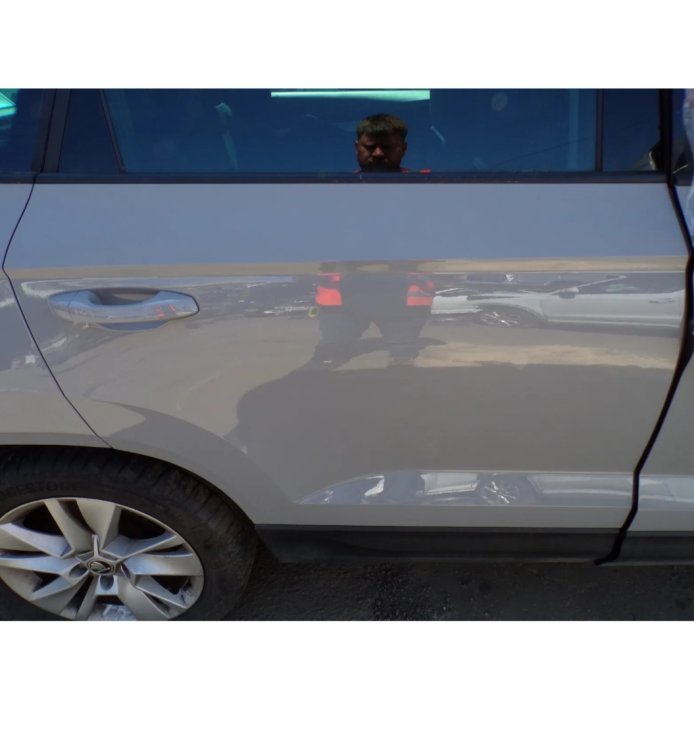
Hello everyone I need some advice or help please. I have a skoda kodiaq sportline 2019 7 seater. The rear passenger door has been damaged and I wanted to change the door. I can't really find a replacement unless I go to the dealer. I did find someone selling a door which is the right colour but is from a skoda karoq which looks exactly the same as the kodiaqs door. Does anyone know if it will fit i have attached a photo of the karoqs door that i was looking at. Any help would be much appreciated. Thank you
.jpg.4f10a6ff2fd57f4957858500a2c60f37.jpg)