Tione99
Finding my way
-
Joined
-
Last visited
-
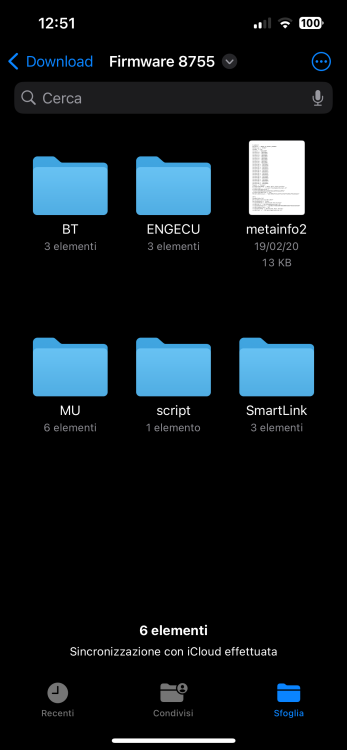
Hi, I wanted to know if it's enough to put this folder with everything already in the sd card to start the software update? Or do you have to do it in another way?
-
@KCCBut did you do the update on your own or did you go somewhere to do it?
-
@KCCThe on-board computer of the machine doesn't give you an error that doesn't create problems that you can only remove using a computer system as the guy used to say in the other post ? So you say it's safe enough to do this update ?
-
@KCC But after you did the software update it gives you a removable error only with the computer as the other guy had said in the previous post ??
-
I would like to do it but I'm a little afraid, in case I decide to do it how do you do it ?? And where do I get the file?
-
Isn't it dangerous to do this update to 8755 being not an official Škoda update ??
-
Did you install the software yourself or did you go to a Škoda centre ??
-
@varooomcan i help me ??
-
I have Skoda Fabia swing 8740 where download swing 8755 for resolved the gracling audio with carplay
-
How do I update the Skoda Fabia infotainment software from 8740 to 8755??