hany68
Finding my way
-
Joined
-
Last visited
-
After setting the wheel geometry, the angelsensor g85 steering showed 30 degrees on the steering wheel straight ahead. The car also turned to the right. after setting 0 degrees the g85 still turns to the right
-
damaged in the left front. replaced radar (not working, component protection), front lights, left steering rod, during braking I did not check if the abs lights up but it brakes straight. during fast acceleration the esp light flashes. probably because the drive shaft is removed, for regeneration because it is a 4x4 and the shaft was damaged
-
hi . When the power steering is working in emergency mode, the yellow light comes on. The car drives straight, does not turn right.
-
hello everyone car after accident the steering wheel turns right while driving. geometry set correctly. g85 steering sensor calibrated. with active power steering the car turns right by itself. without working electric power steering the car drives straight. do you have any ideas? superb 3 2018 2.0 tdi 190 4x4
-
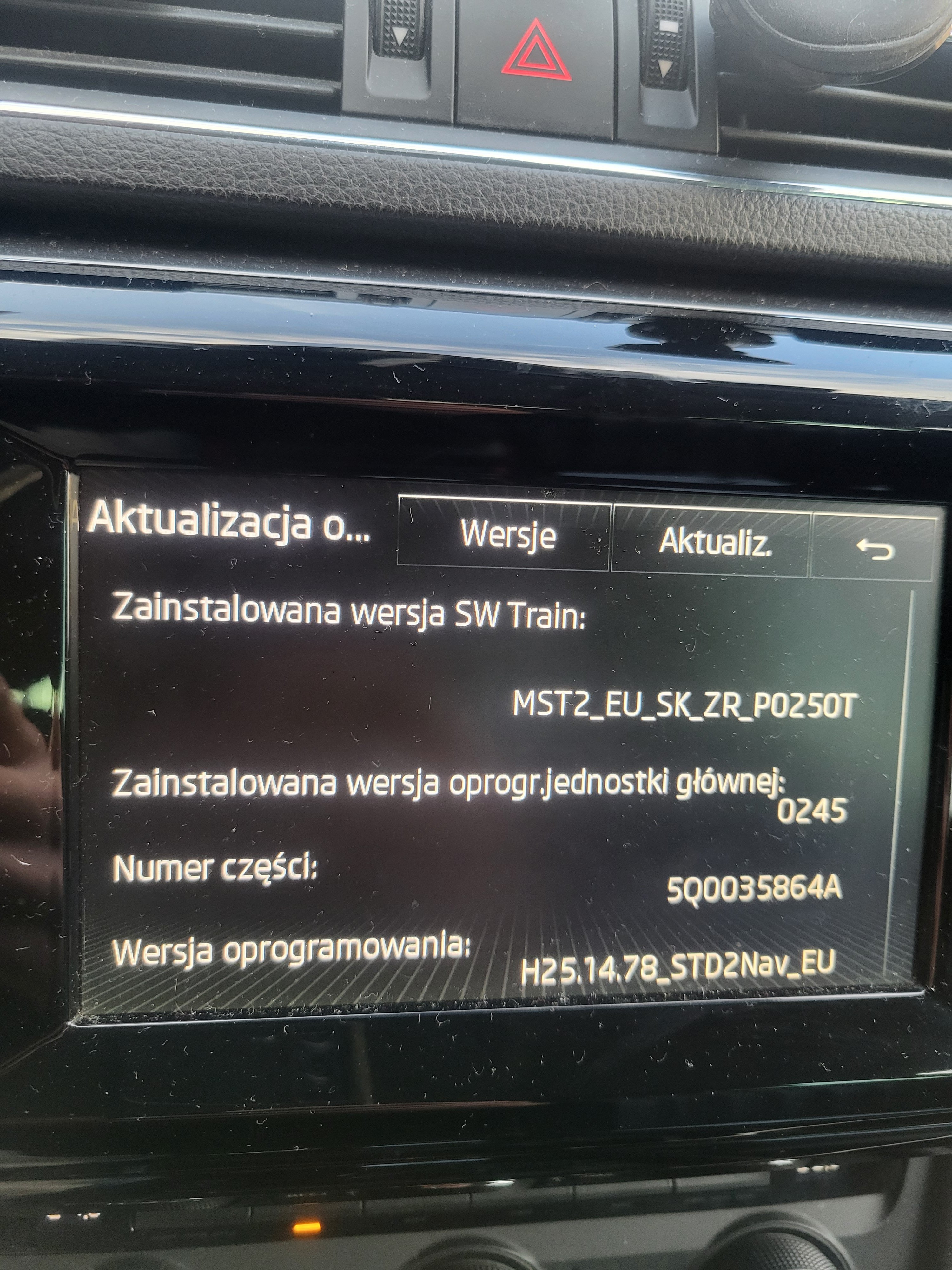
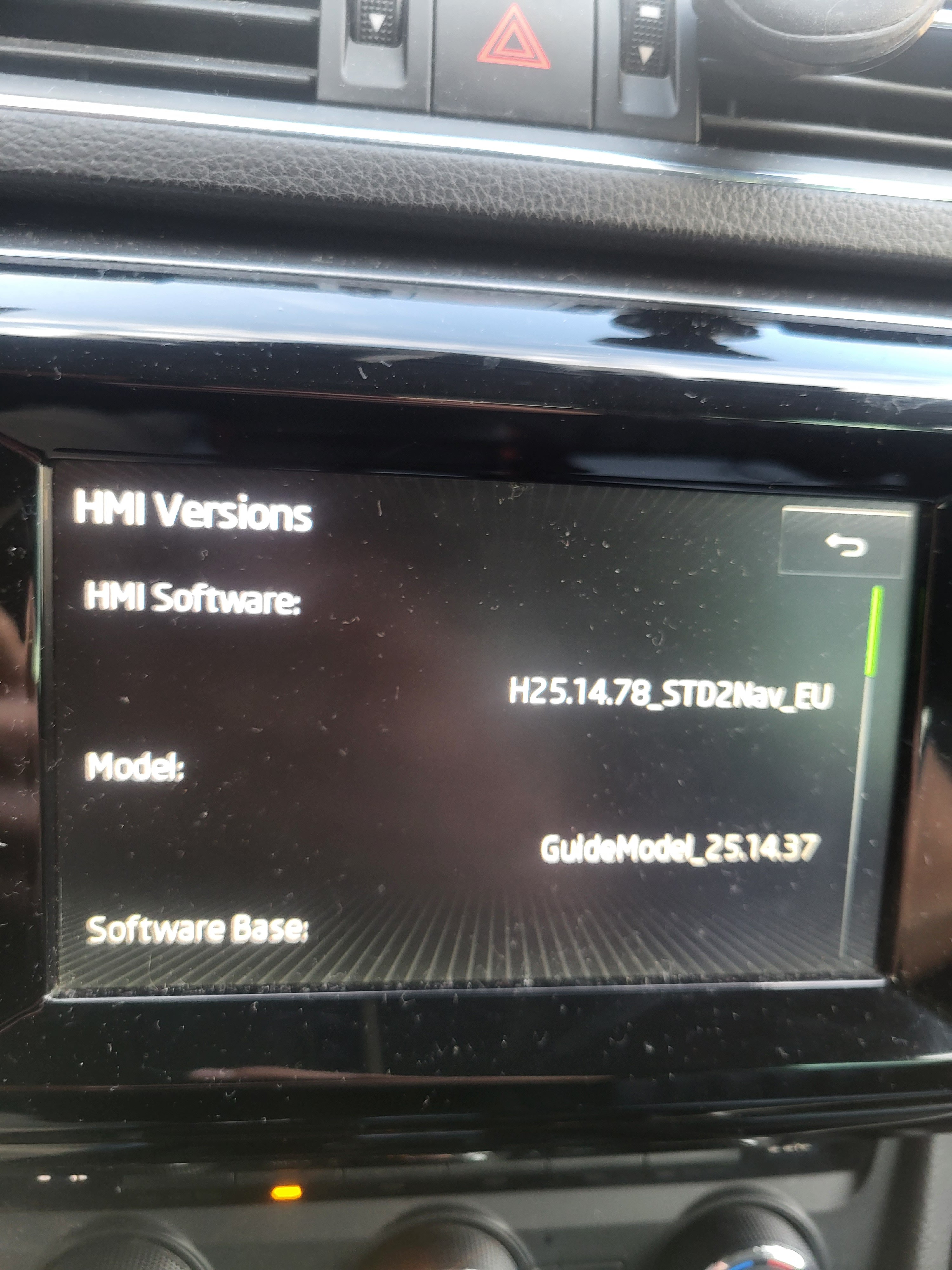
I need to update this radio. to display front parktronic. can anyone help?
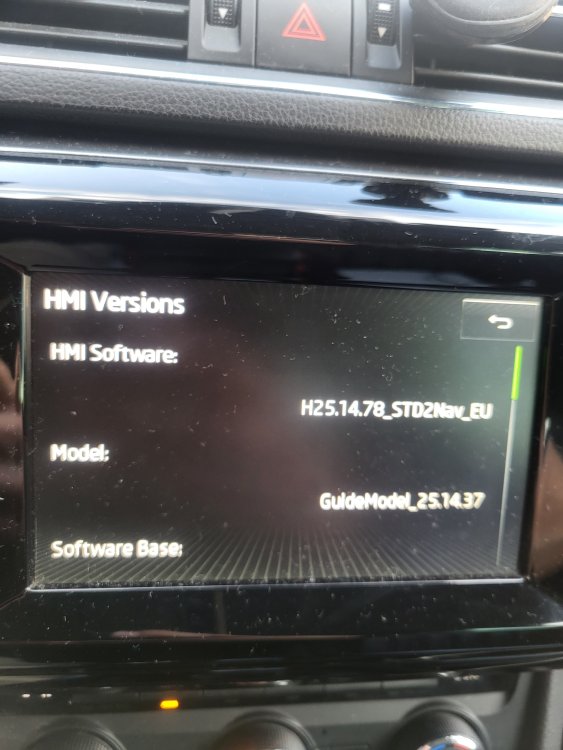
-
Ok. I Try . Yes i have problem with automatic starting animation front parktronic. After start engine button parksystem No yellow light. Fron parktronic No working.
-
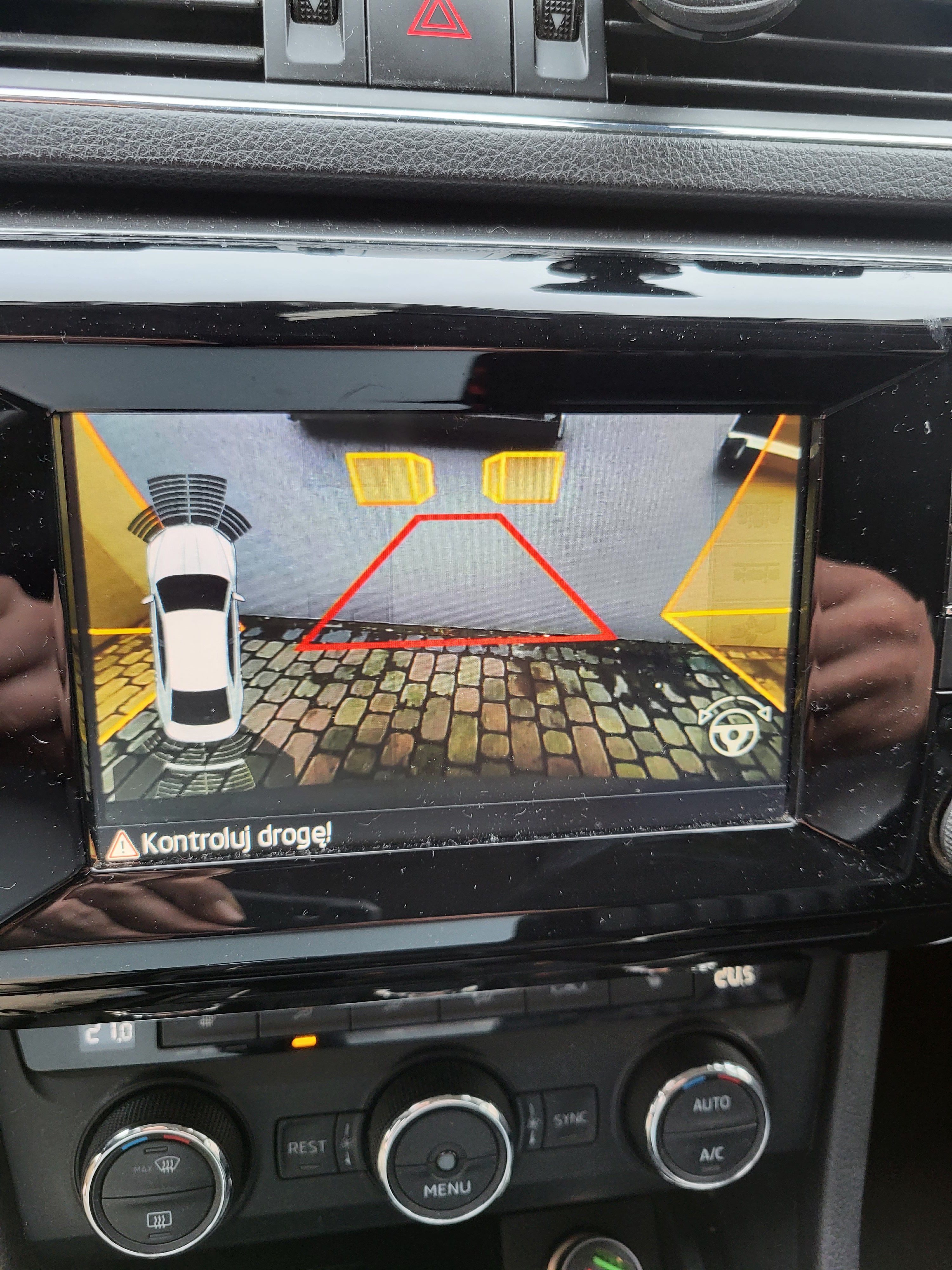
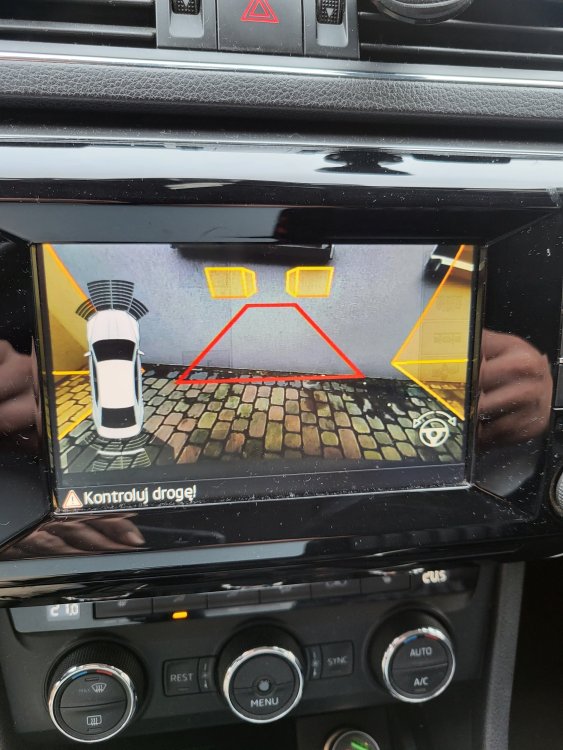
I know. Have other problem .vizualization not working .if I'm moving forward
-
Hello I have a problem after installing the high camera to the superb III 2016. I coded everything according to the instructions. however, there was one problem left. when driving forward, there is no parktronic visualization and no automatic activation of the front sensor function. I have to engage reverse gear first. and everything works. Anyone had the same problem?
-
Hello to all forum members. I'm from Poland. I bought a Skoda Superb mk3. Switching from Audi A6. He is interested in vcds vcp and various modifications. I need help myself, but I can give something from myself. I'm new to Skoda.