thijsken
New here
-
Joined
-
Last visited
-
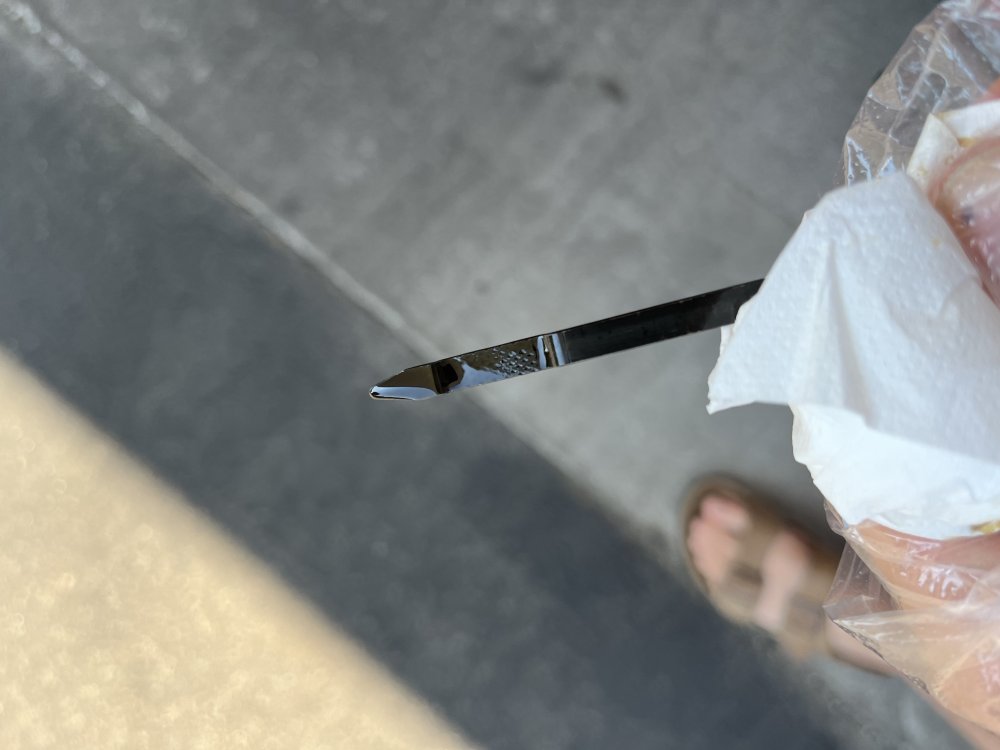
Thank you for your reply. I had to as 0.7L to get it to the top of the stick as you showed in the image above. Oil temperature at motorway speeds are around 96-101C depending on uphill or flat surfaces. Water temp stable at 90.
-
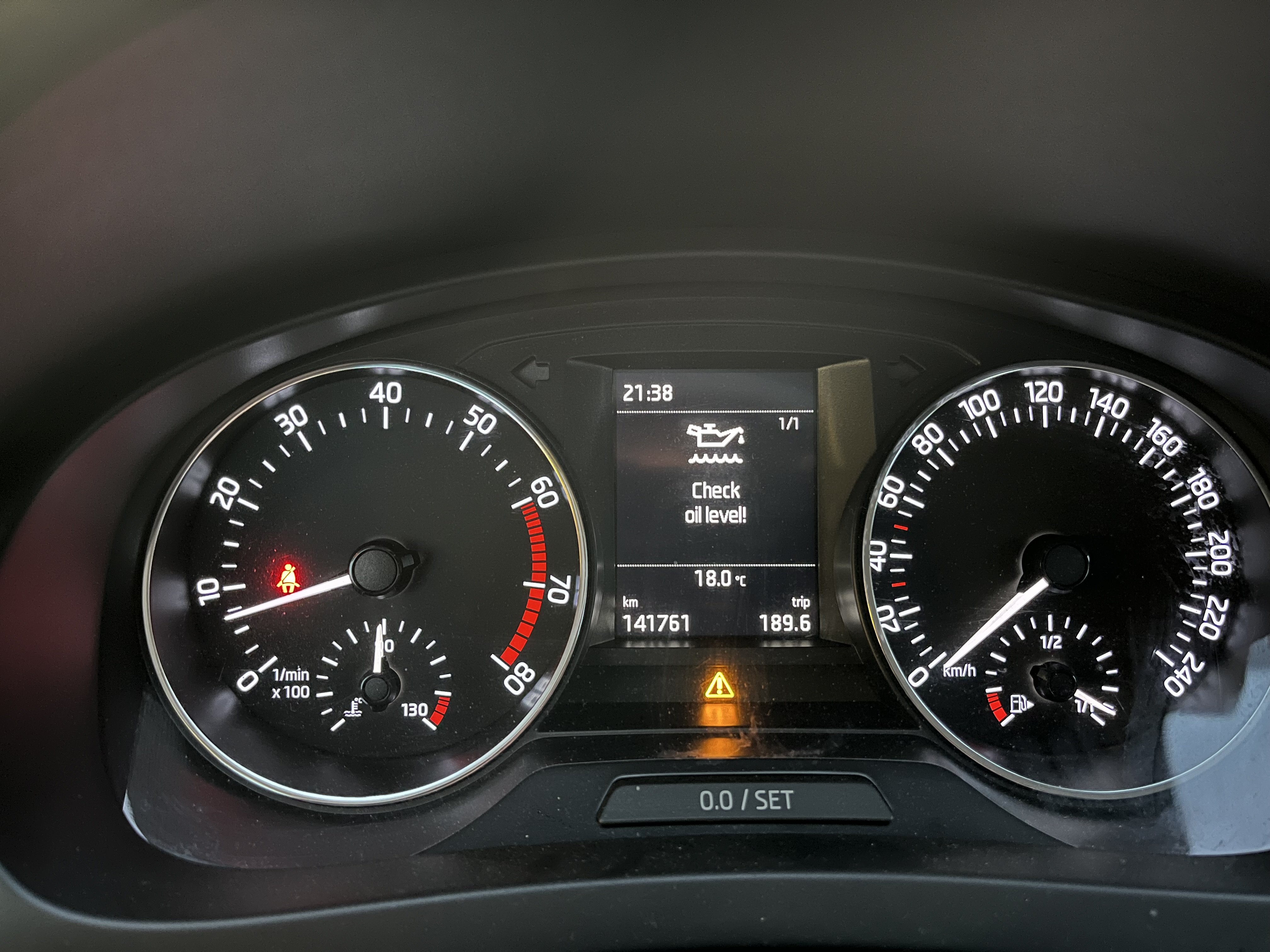
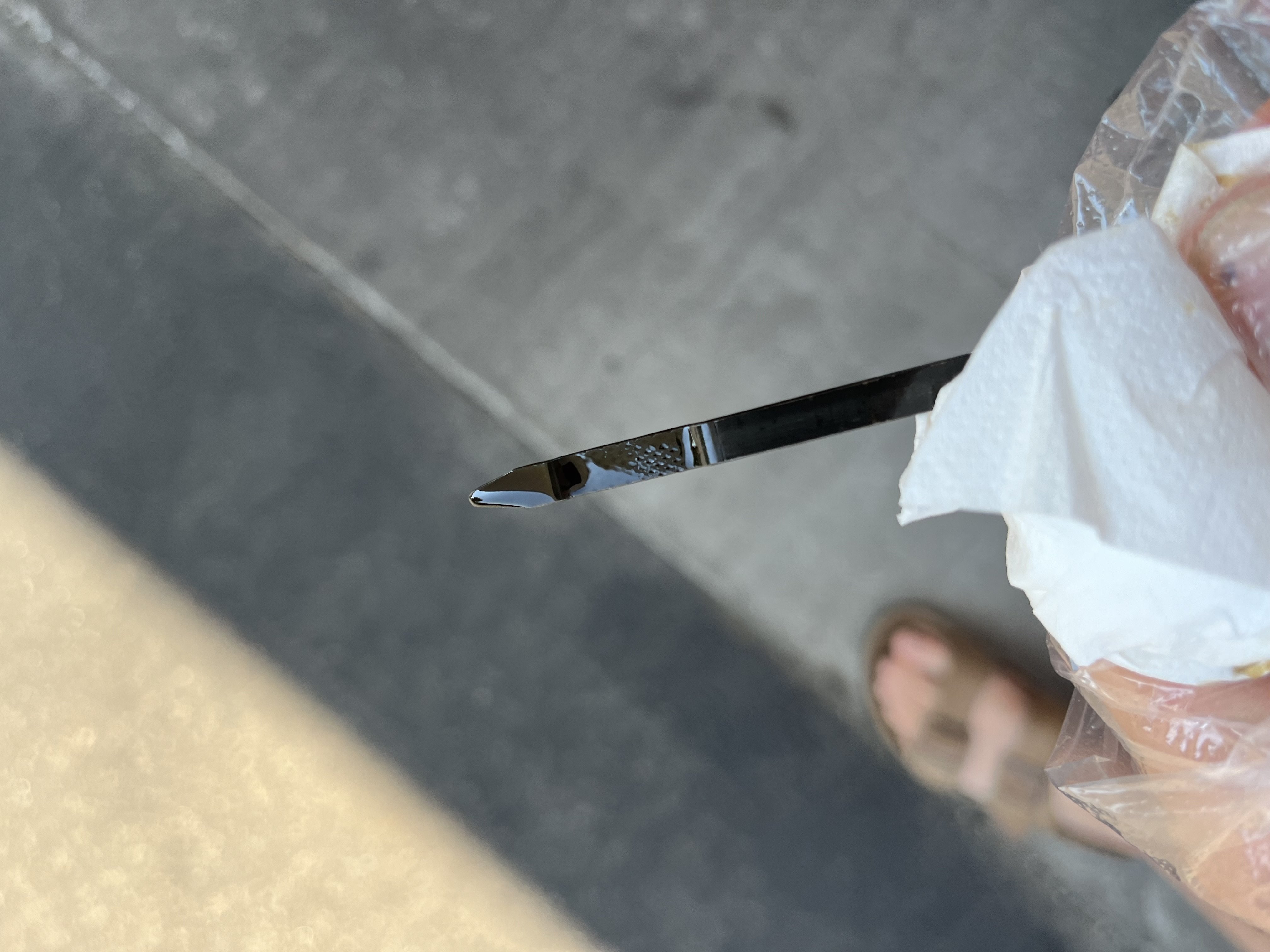
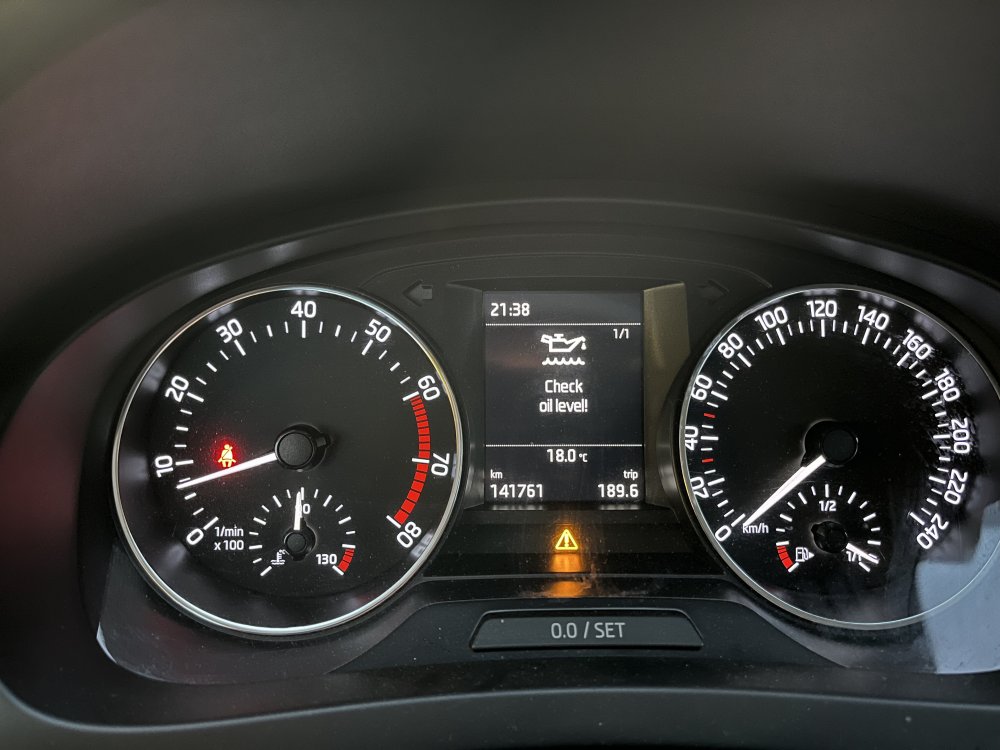
My car threw me the Check Oil light today whilst cruising on the motorway. However upon checking the oil still shows half way on the dip stick. It has 141.000 on the clock and has had all oil services. Last oil change was 7354km ago. What is a normal oil usage for a 1.2 TSI and how can it give this error with this much oil left?
-
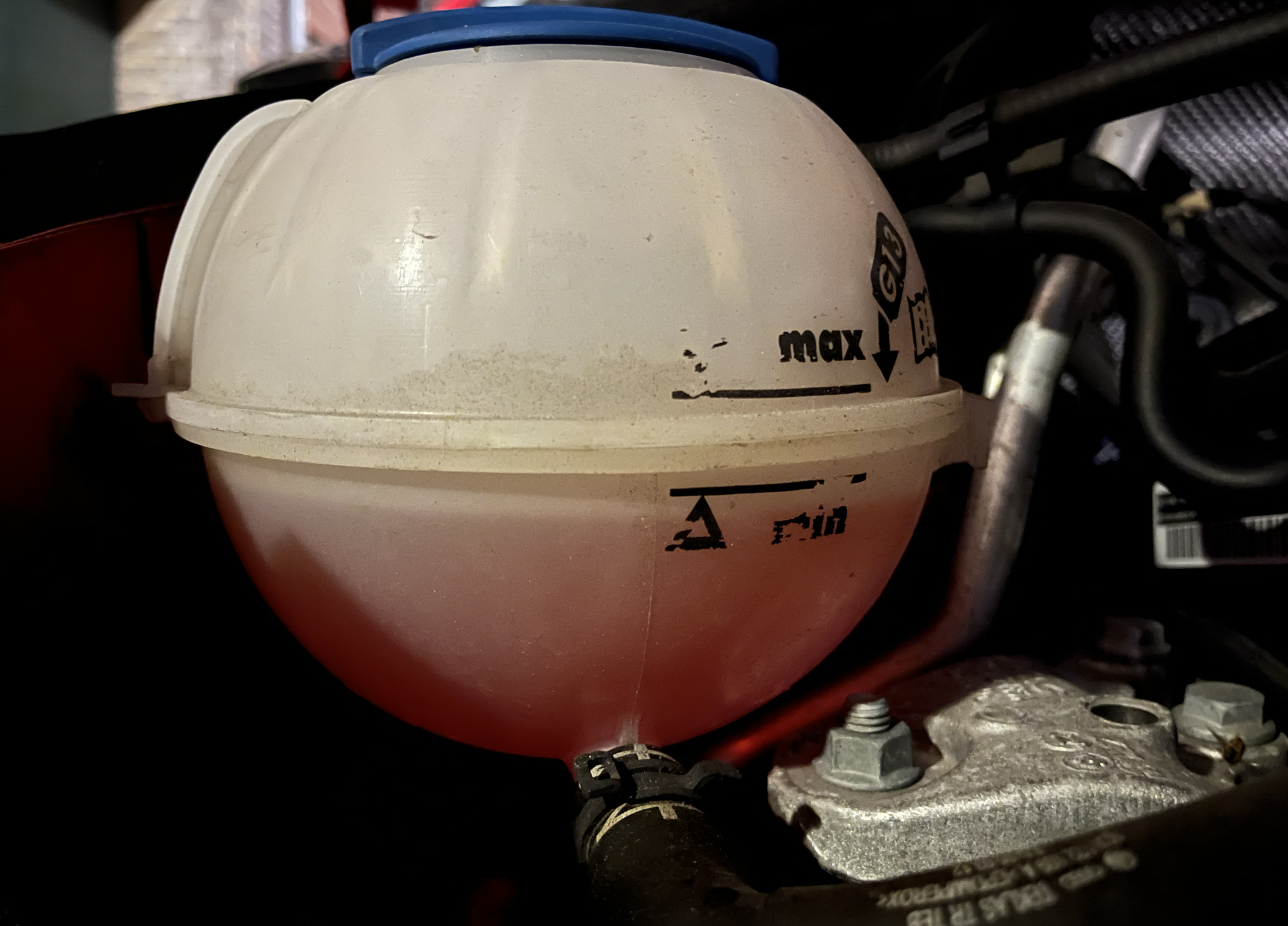
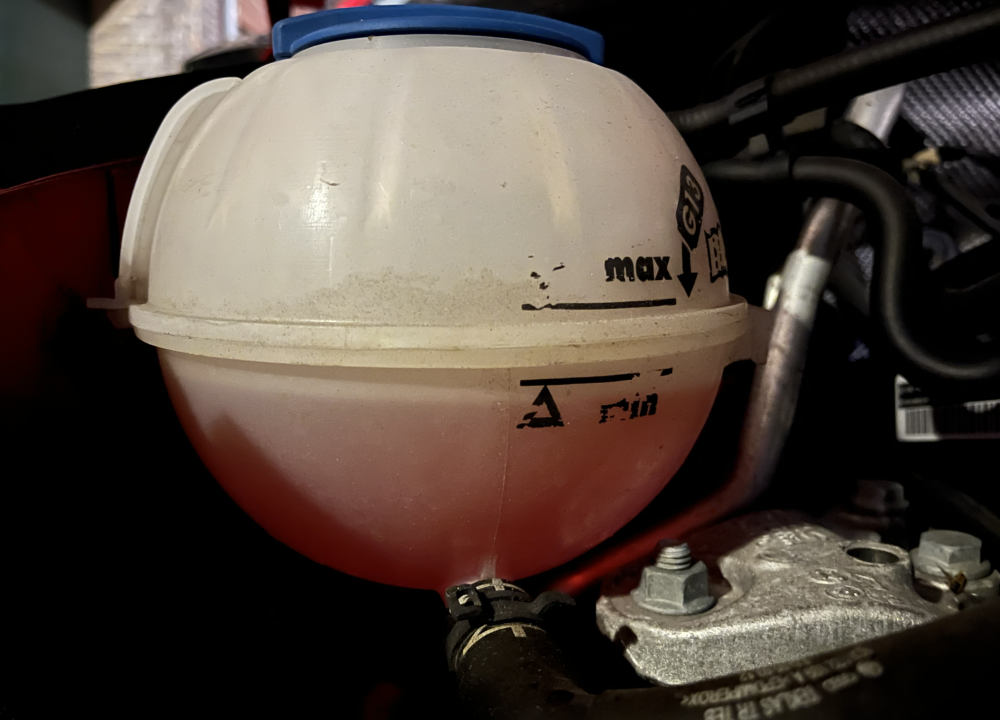
I recently bought a 2016 Skoda Rapid 1.2 TSI 110hp with 137.000km on the clock. I noticed just now whilst checking the engine trough, that the coolant level is below minimum(See picture attached). When the engine is warm, it sits right at the minimum. It is about 7 degrees C outside here today, so not particularly cold. The car has always been maintained by a Skoda dealer. Now reading on this threat, some people seem to claim this can be "normal". So the question is, is this normal, or should this get checked trough?
-
@Dropnflip did you have Smartlink already in the menu before you activated it, or did this add smartlink to your menu?
-
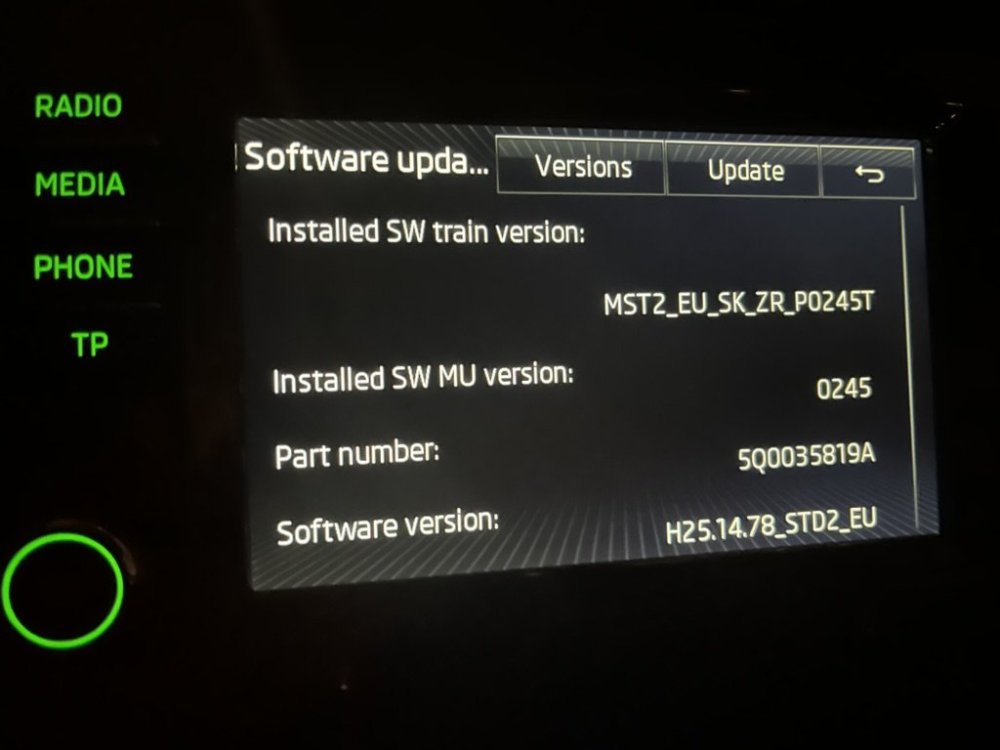
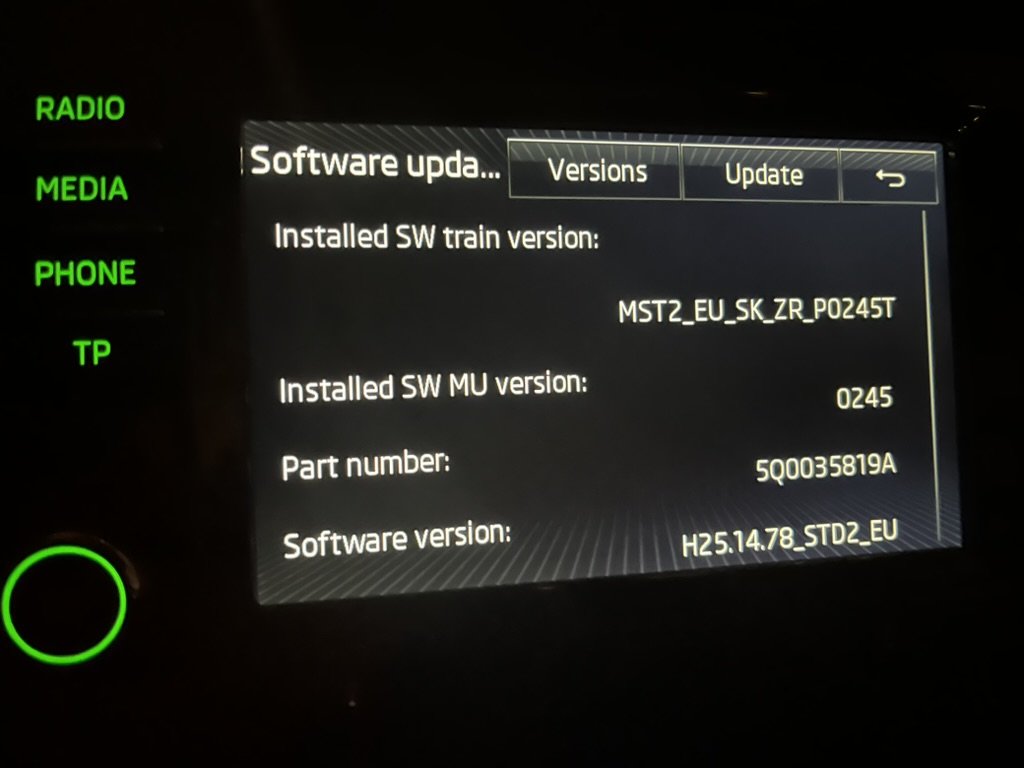
Hi, I just bought have a Skoda Rapid from 2016 with an MIB2 unit but Smartlink is no where to be found on it. I contacted the Skoda dealer to get it updated, but they say that they can only do that on cars produced after the 30st of May 2016. My car is produced on the 19th of april 2016, so literally 41 days "too early". I have a unit without Navigation, with 1 SD card slot in the glovebox. Device 5Q0035819A Hardware H25 and the following versions: Is there any way to activate Carplay / Smartlink on my system, or is adding an interface the only way to do this? Thank you in advance!