Asd2024
New here
-
Joined
-
Last visited
-
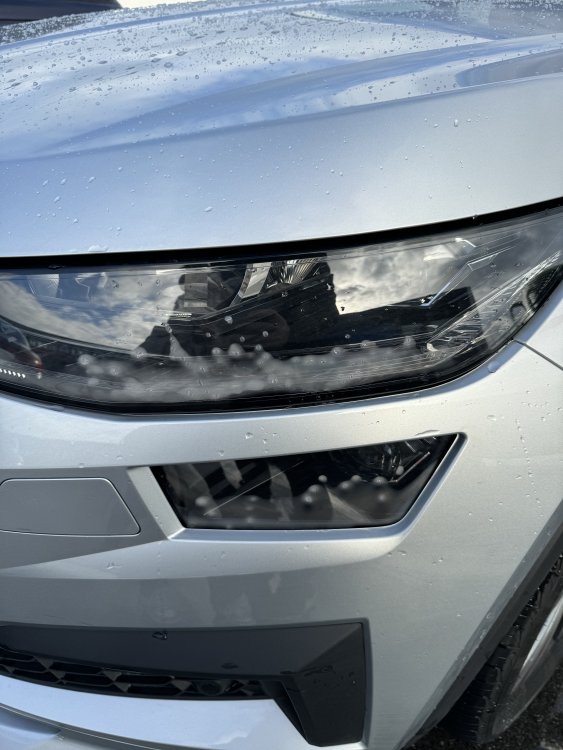
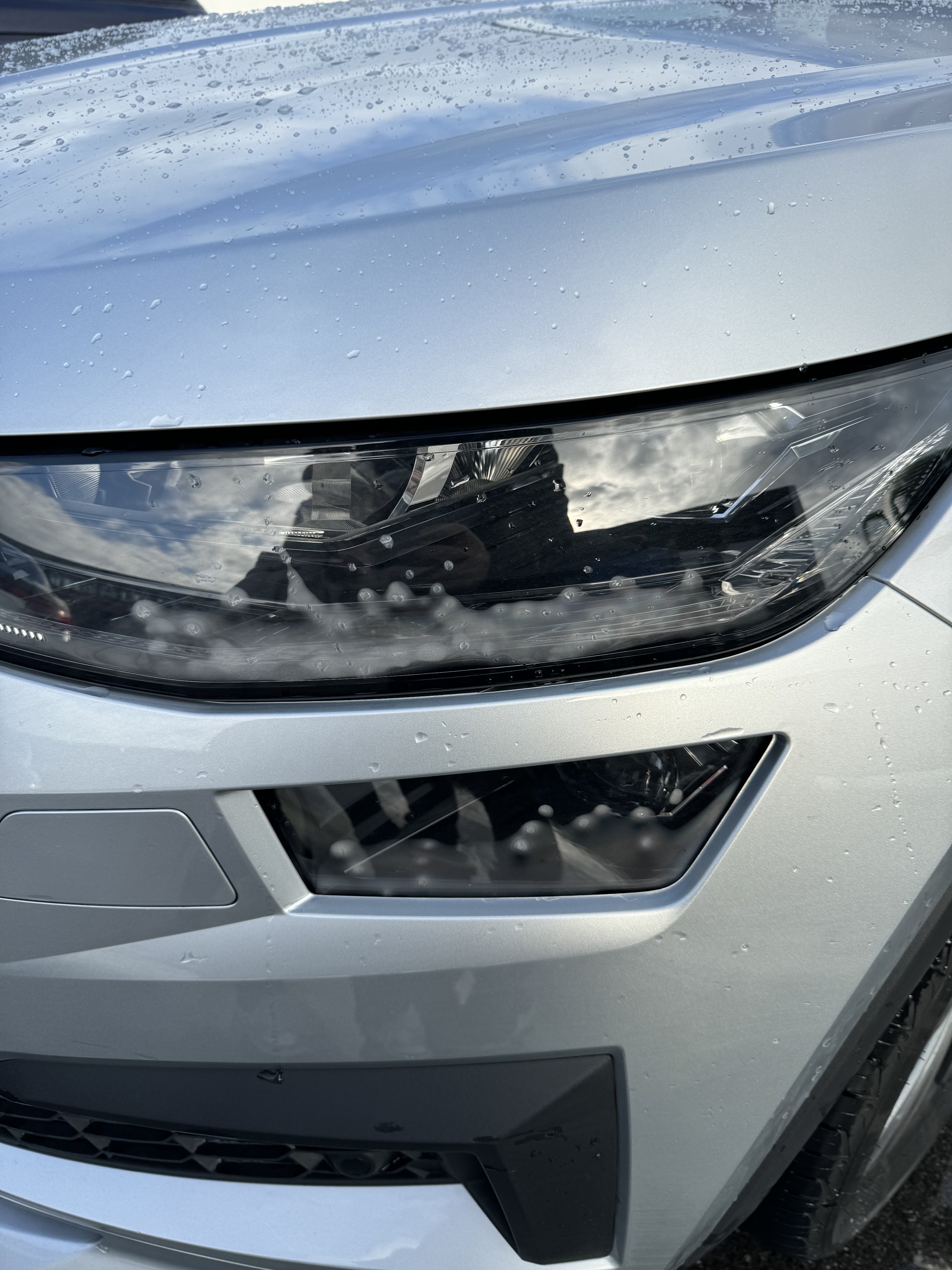
@GreenlineIIEstate i know but it s stopped working on the same M25 portion and i wanted to switch it off as it was blinding others cars, but i managed to switch it off and then was showing auto on high beam but white sign not blue. Same speed same road. as in regards with the foggy lights some make that fog some not from what i see. I had 15 cars or more , none of them had the foggy lights. @linni i think you re right as the retrofit guy approved skoda ( charged £1200) has taken the old switch with auto pilot and replaced with a just the one for the signal and high beam and added the little switch for ACc and distance . I have looked all over the network , even is L and K , 2 cars in the uk had Acc, rear seats heated and climate . Also Self parking absolutely none. Looks like they are optionals.. Clever. Also wanted the self parking but retrofit looks like will always be retrofit. many thanks, keep you posted
-
Hello, i have a Kodiaq 2023 brand new L+ K . it did n had Acc so i have requested to fit me one so they retrofitted for me. Works fine. Now with the actual issue : was working , the. It stopped. Regardless of the speed. The auto sign stays on white in the dashboard but not showing blue as it was showing when it was working. What should i do? Has someone encountered this issue? To mention also foggy lights ? Brand new car ? has someone encountered this issue aand how it has been solved? thanks