aboali
Finding my way
-
Joined
-
Last visited
-
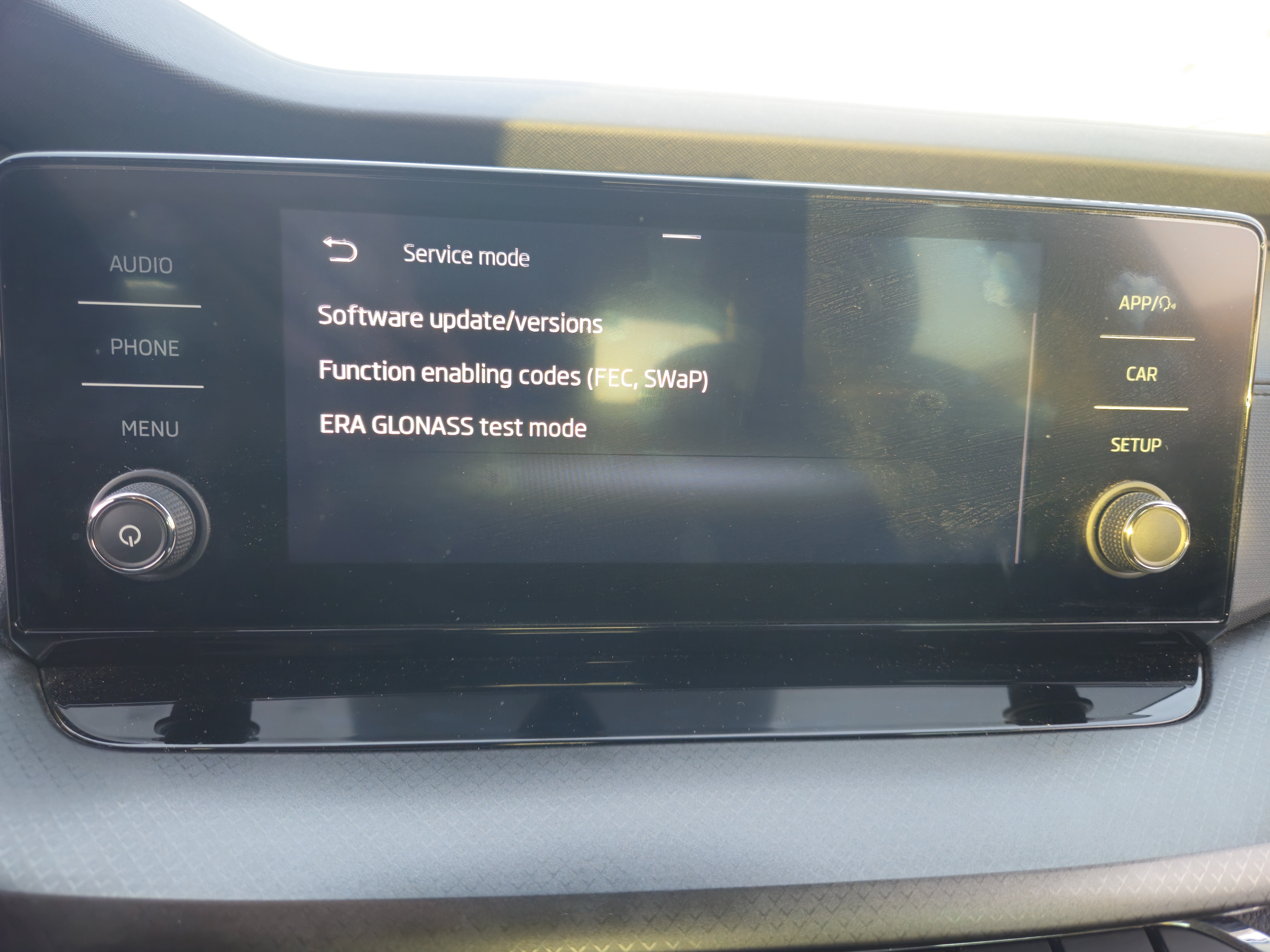
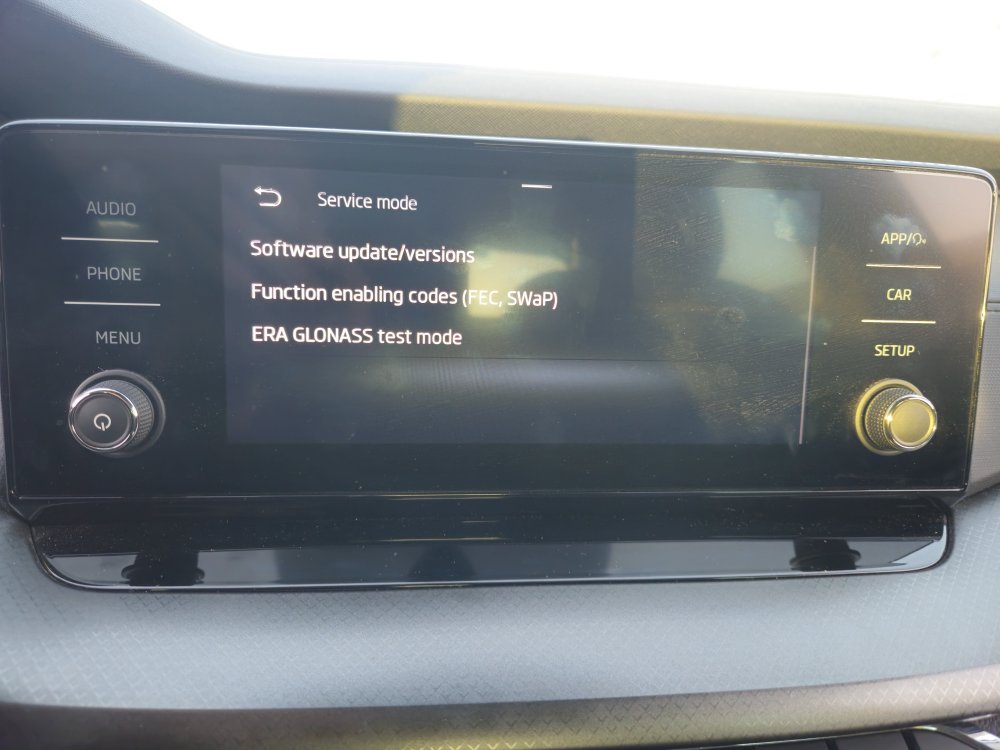
Not entirely sure what the system on your car is like but I assume it's not too far off. For me i had to hold down the menu button for several seconds which led me to the screen in the attached picture. From there went into system update/versions, and there it shows the software version you're running
-
The 23 series are notorious to not work with older software versions on the Skoda infotainment systems. I have a 2022 octavia & when i first got it, my Samsung 23+ would always throw up an error on the infotainment screen when I connected it to the car using a cable. I don't have wireless andoid auto as a feature in my car. But I ended up taking it to the dealers and they updated the infotainment software under warranty for free and now it works with no issues. In your case I would try a different cable first (Im using the original cable that came with the phone). If not then I'm it's a software update issue that just needs updating.
-
Forgot to add the link to the thread
-
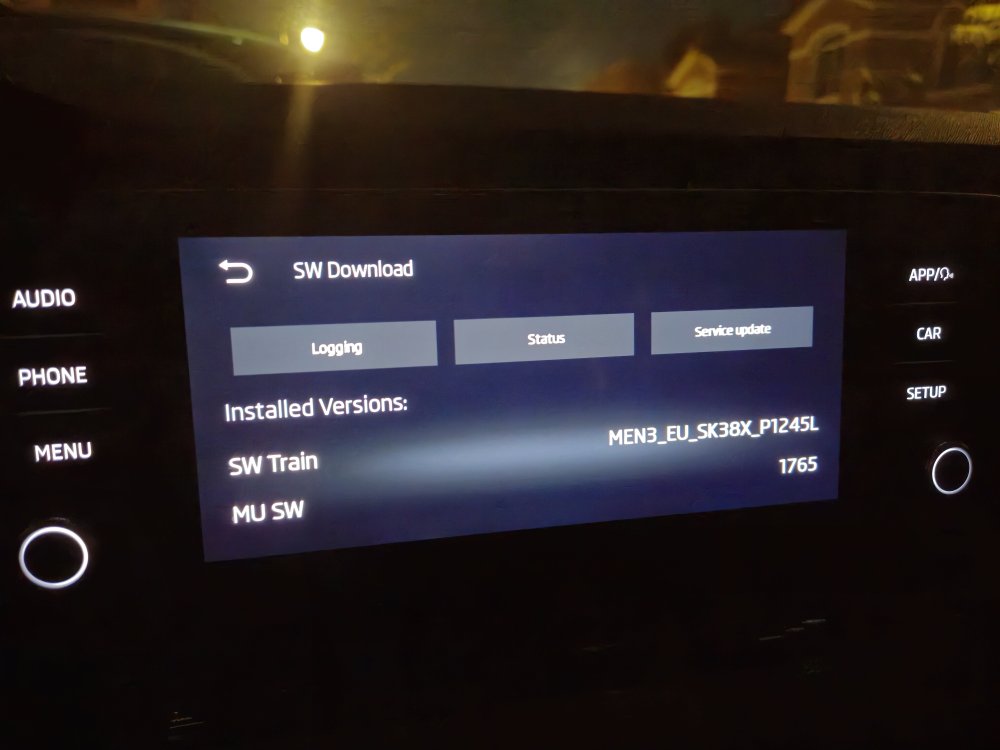
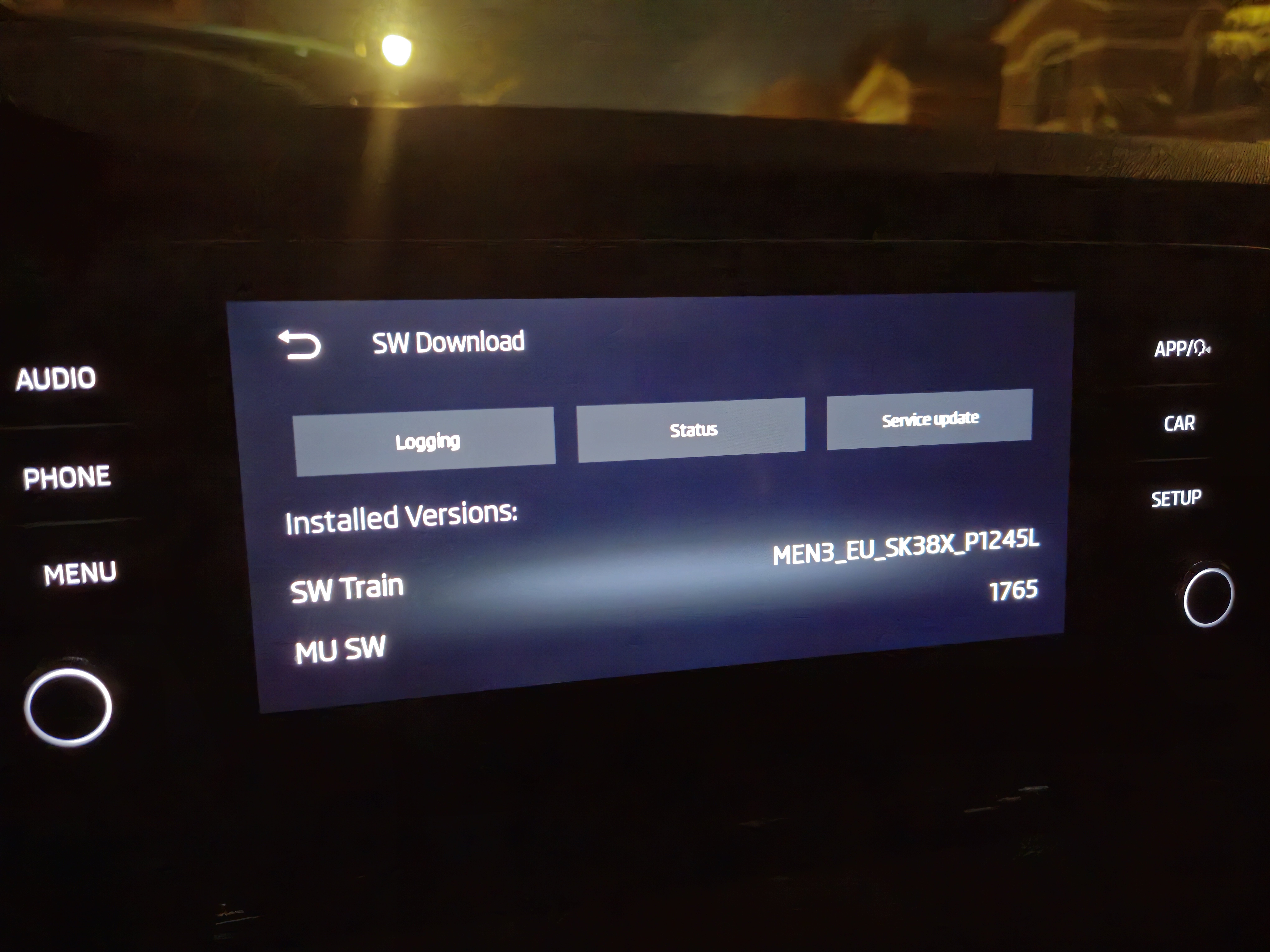
it was done under warranty, yes. So ended up not paying anything for it. But i did come across a couple of things before taking it to the dealer that might help you. https://mib-helper.com/ Putting in your SW train in here should tell you what the latest software for your system and provide a download link for it. Also, there's an old thread on the Skoda Scala forums where people mention they updated their softwares themselves. I know it's for a different car and system but maybe it this might help. I haven't tried it myself but people on there seem to have done it with no issues so would have to tell you to try it at your own risk. Hope this helps and saves you taking it to the dealer and paying that ridiculous amount!
-
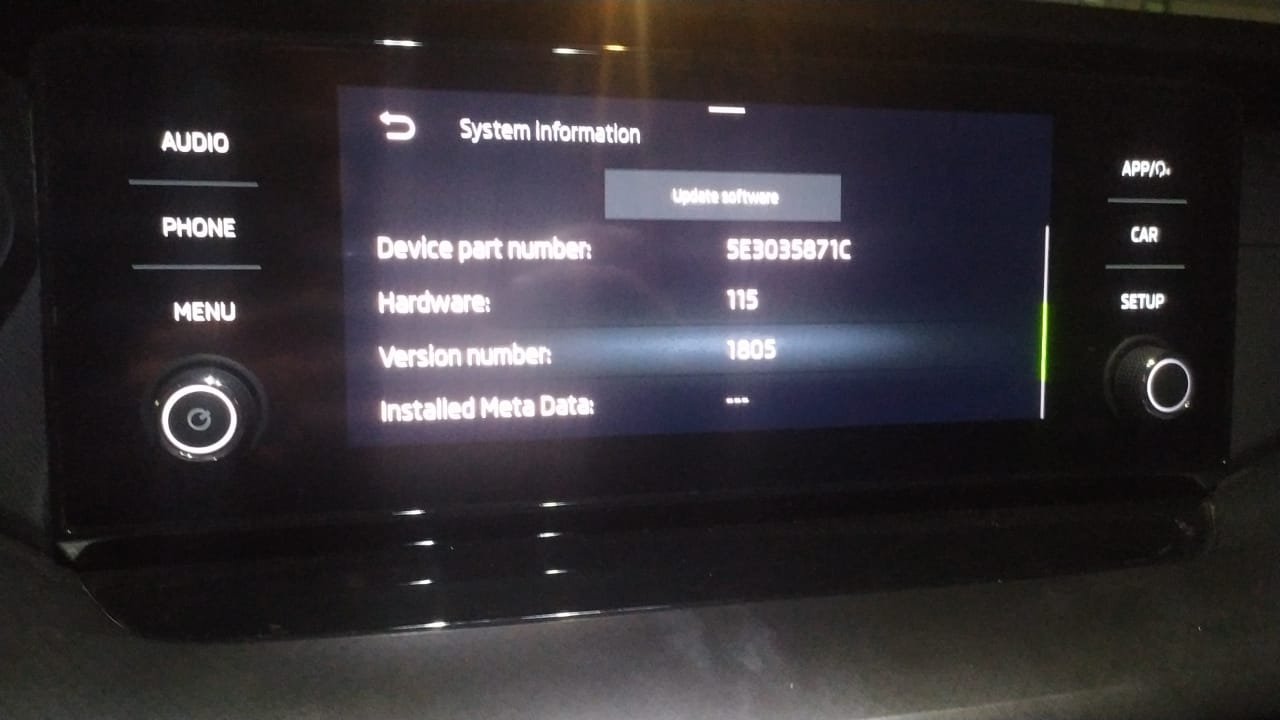
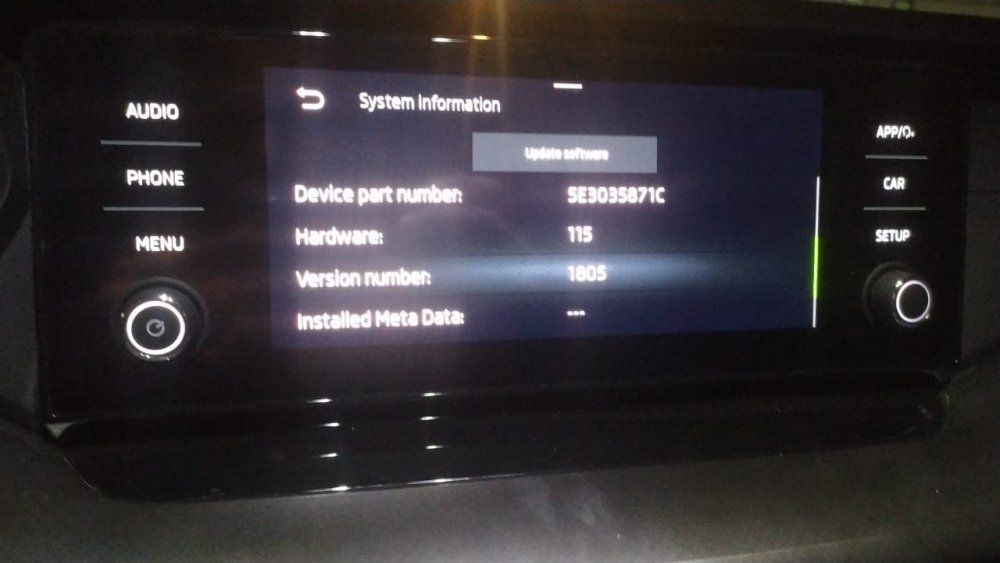
I managed to take it to the dealer in the end and they updated it to 1805 claiming that it was the latest software available for my 2022 octavia. But it did fix the android auto issue with my S23+ though!
-
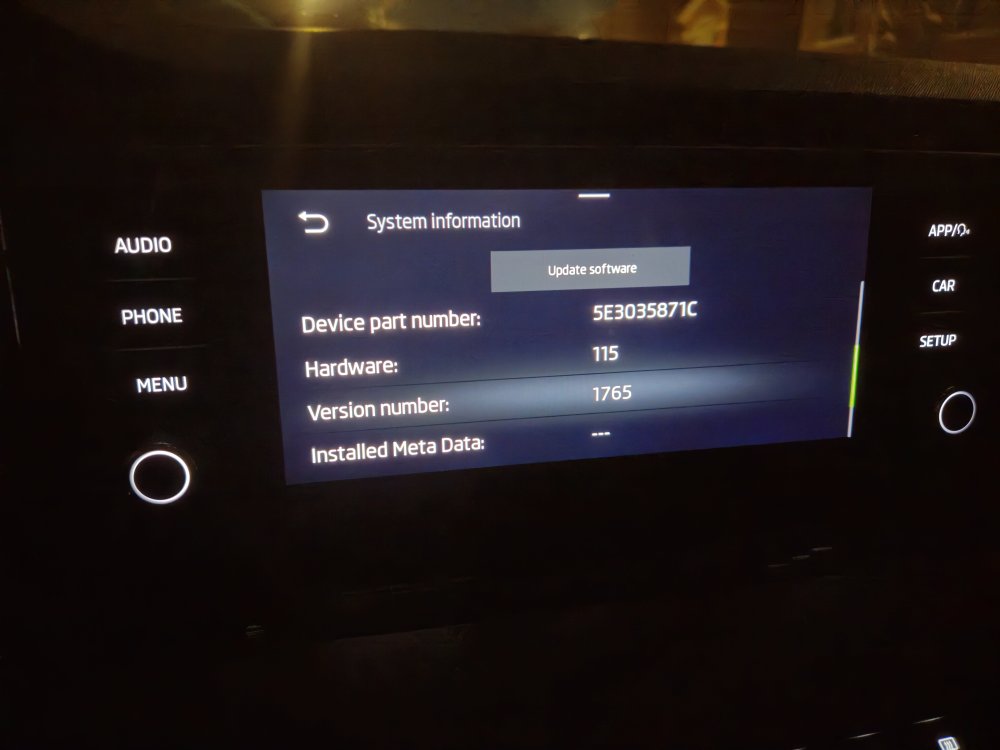
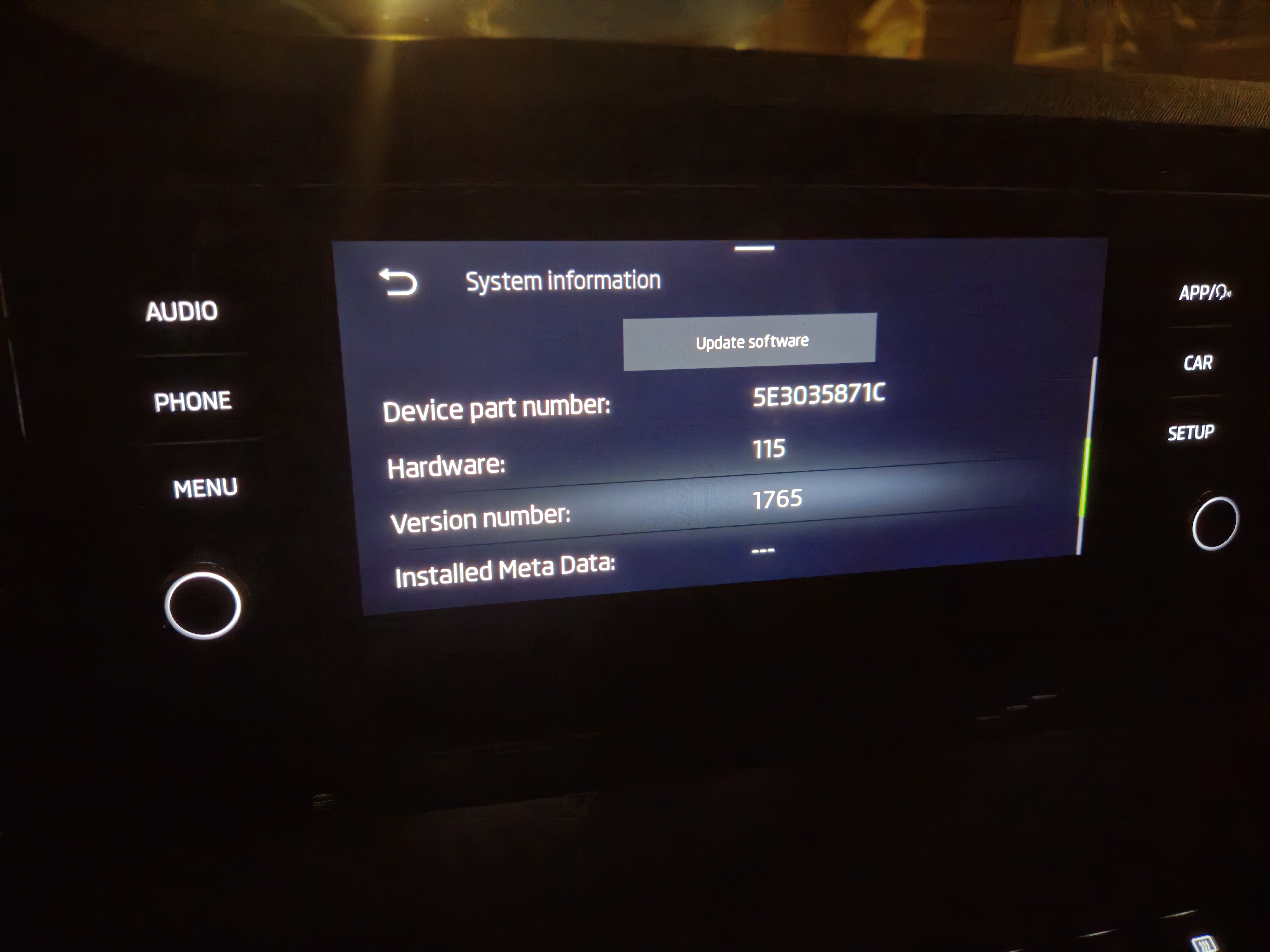
Hi So I just bought a 2nd hand 2022 octavia and what I'm assuming is an outdated software (shown in the attached pictures). Meaning that I've come across the infamous android auto connectivity problem with my Samsung s23+. I've done some research and and found that the version 1800 fixes this issue. Other than taking it to the dealer, how can I update it myself to the latest software and fix the issue seeing as when I press update software nothing shows up. Thanks