VladTheInhaler
New here
-
Joined
-
Last visited
-
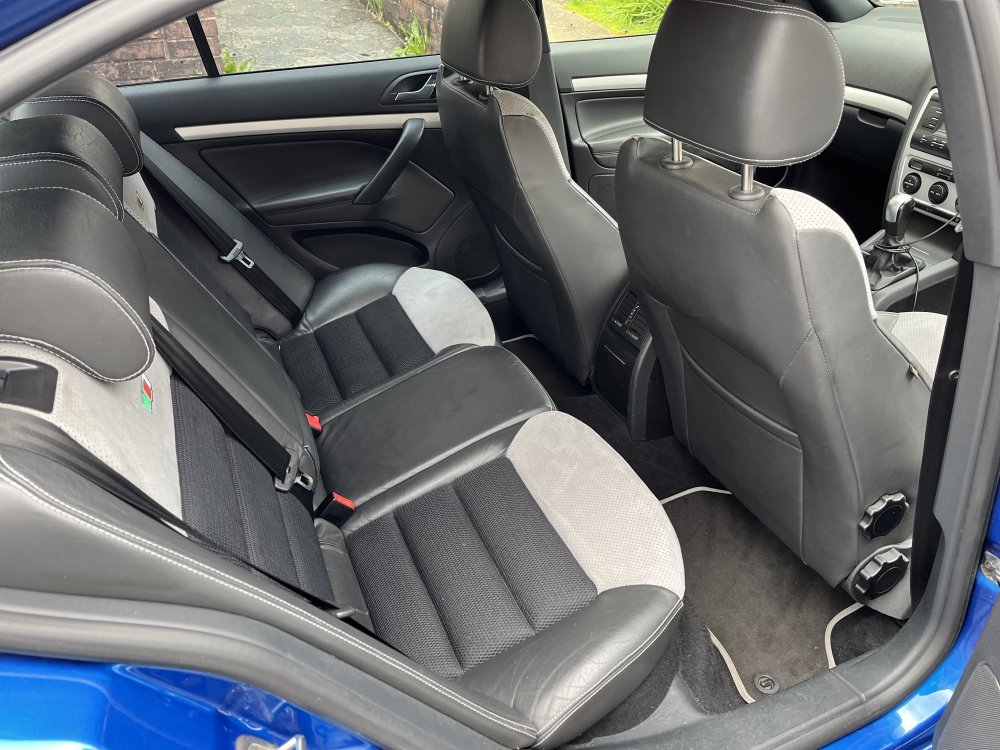
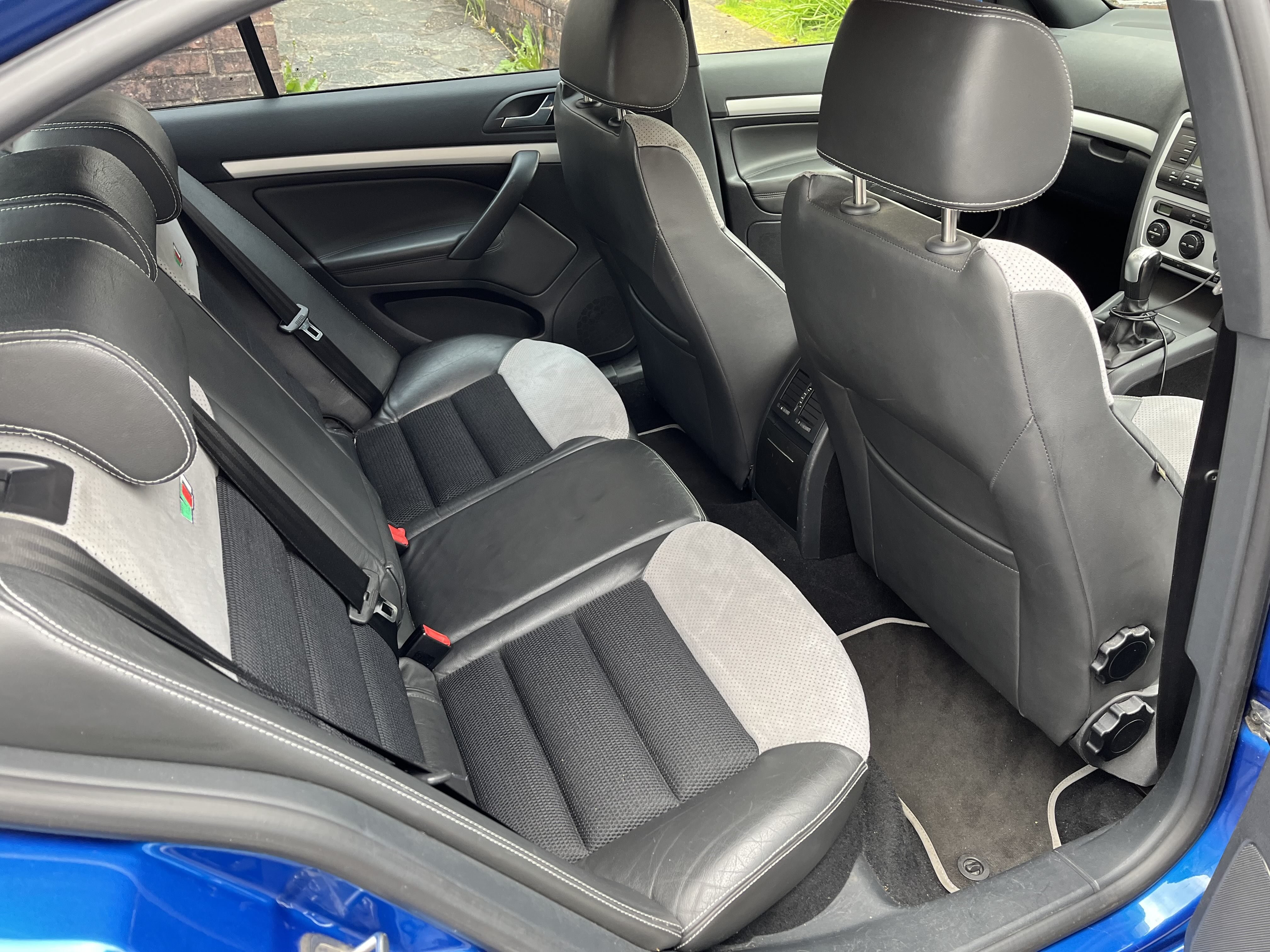
I'm formally the sixth owner, although the previous owner was my brother who looked after it while I was overseas for sixth months and the owner prior to him was me. So four different owners in reality. There are isofix labels in the rear seats so that's an affirmative. In my ownership it has towed a small trailer once and a towball bicycle rack a few times, nothing else. Relevant advisories are some suspension and sub-frame corrosion and pitted front discs. My garage recommended to wait until next test and review these, seeing as I do low mileage and they may survive another year. Front tyres were advisory item but they've just been replaced. It has also just flagged up an airbag warning light which is due to an intermittent fault with wiring to side airbag but not had opportunity to get the wiring loom replaced yet.
-
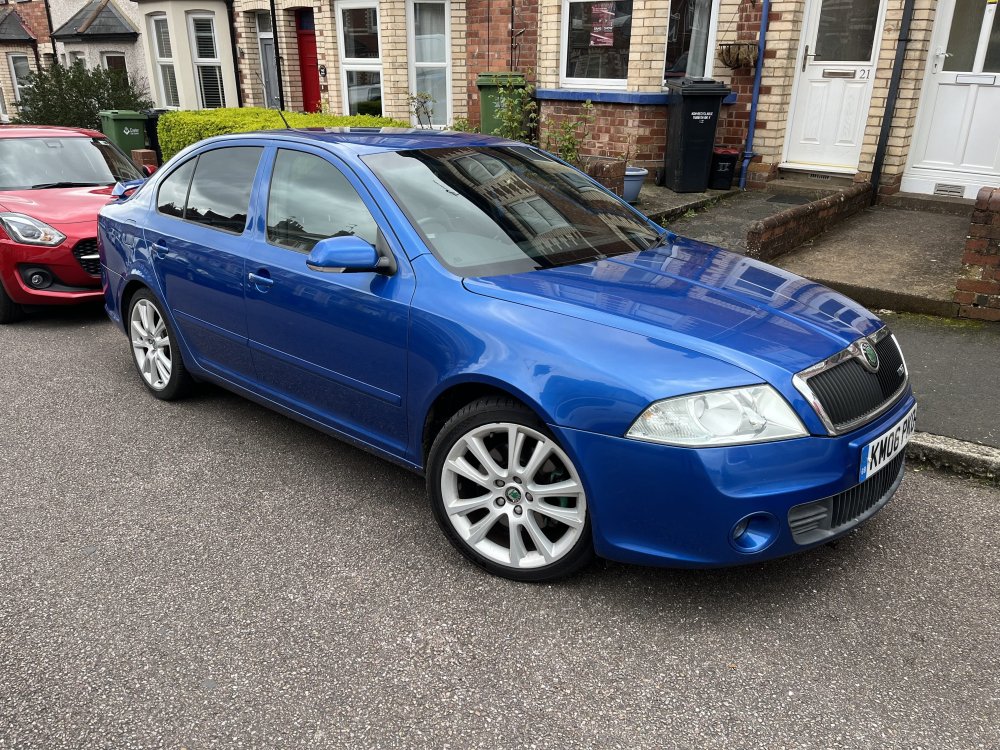
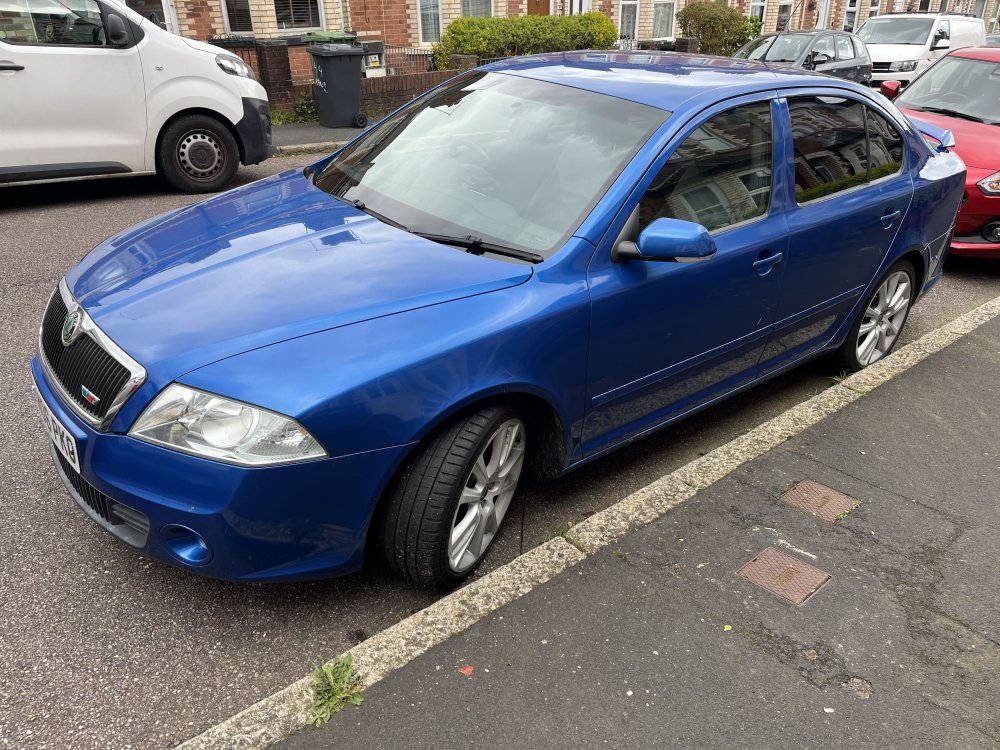
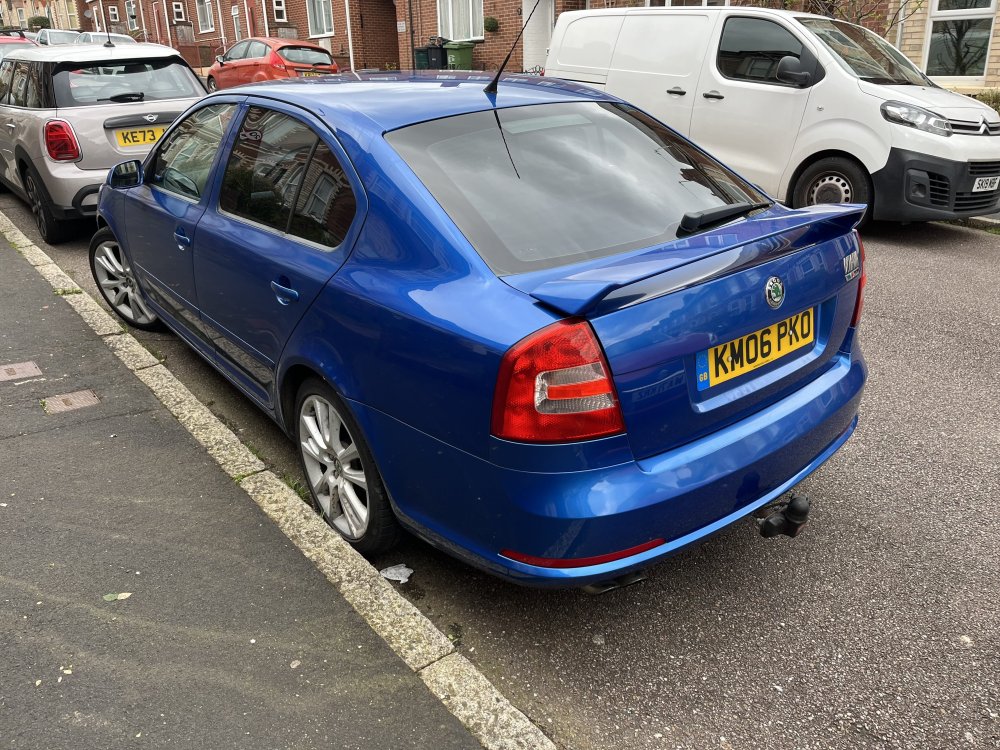
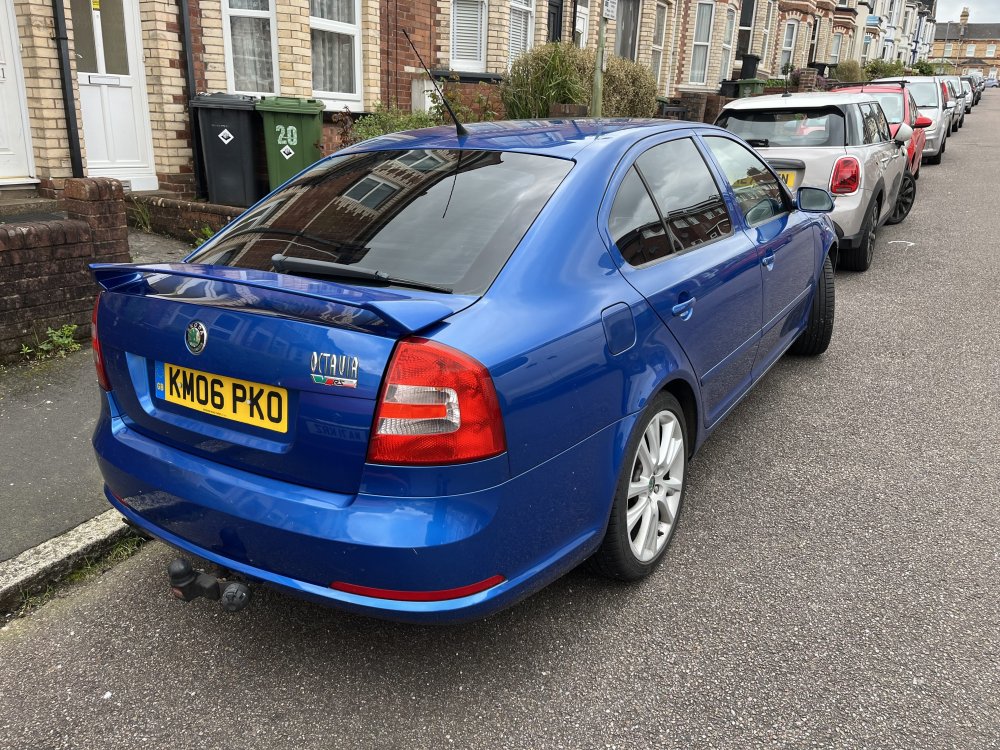
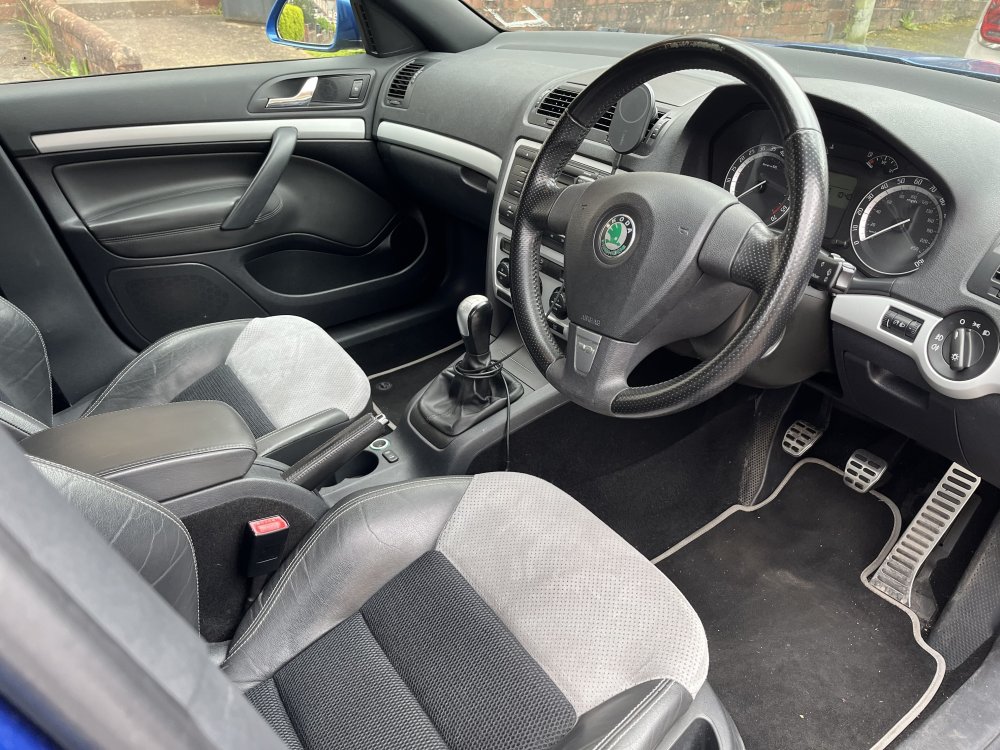
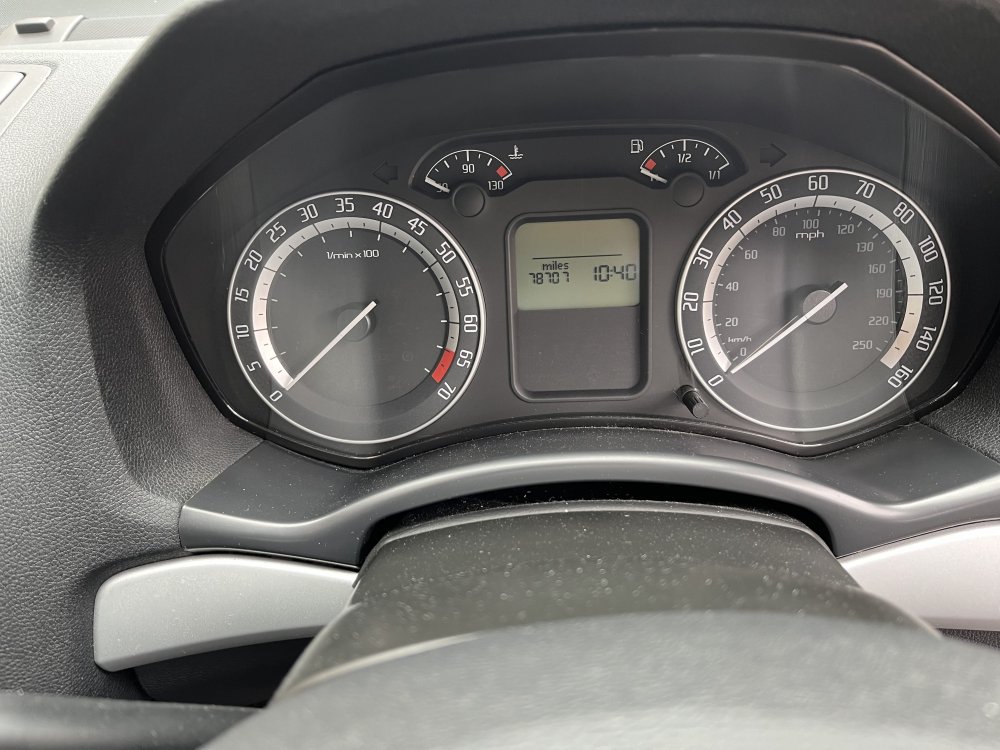
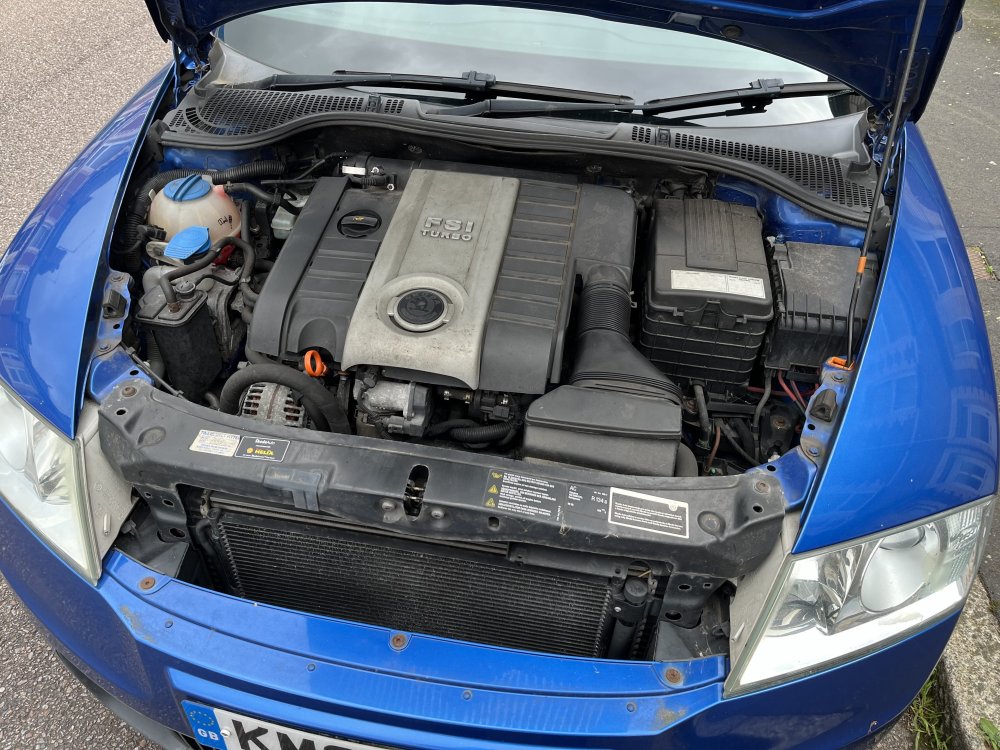
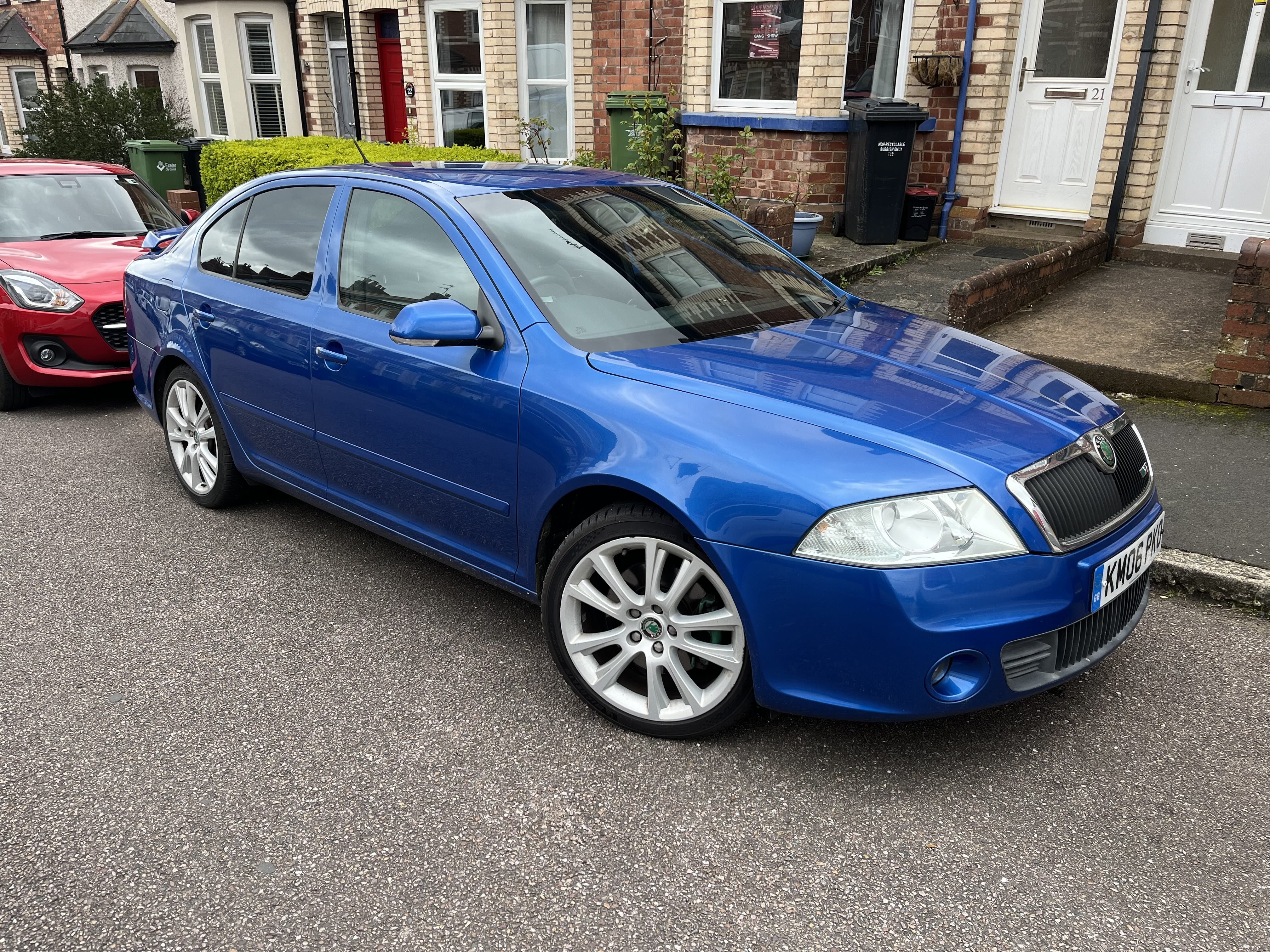
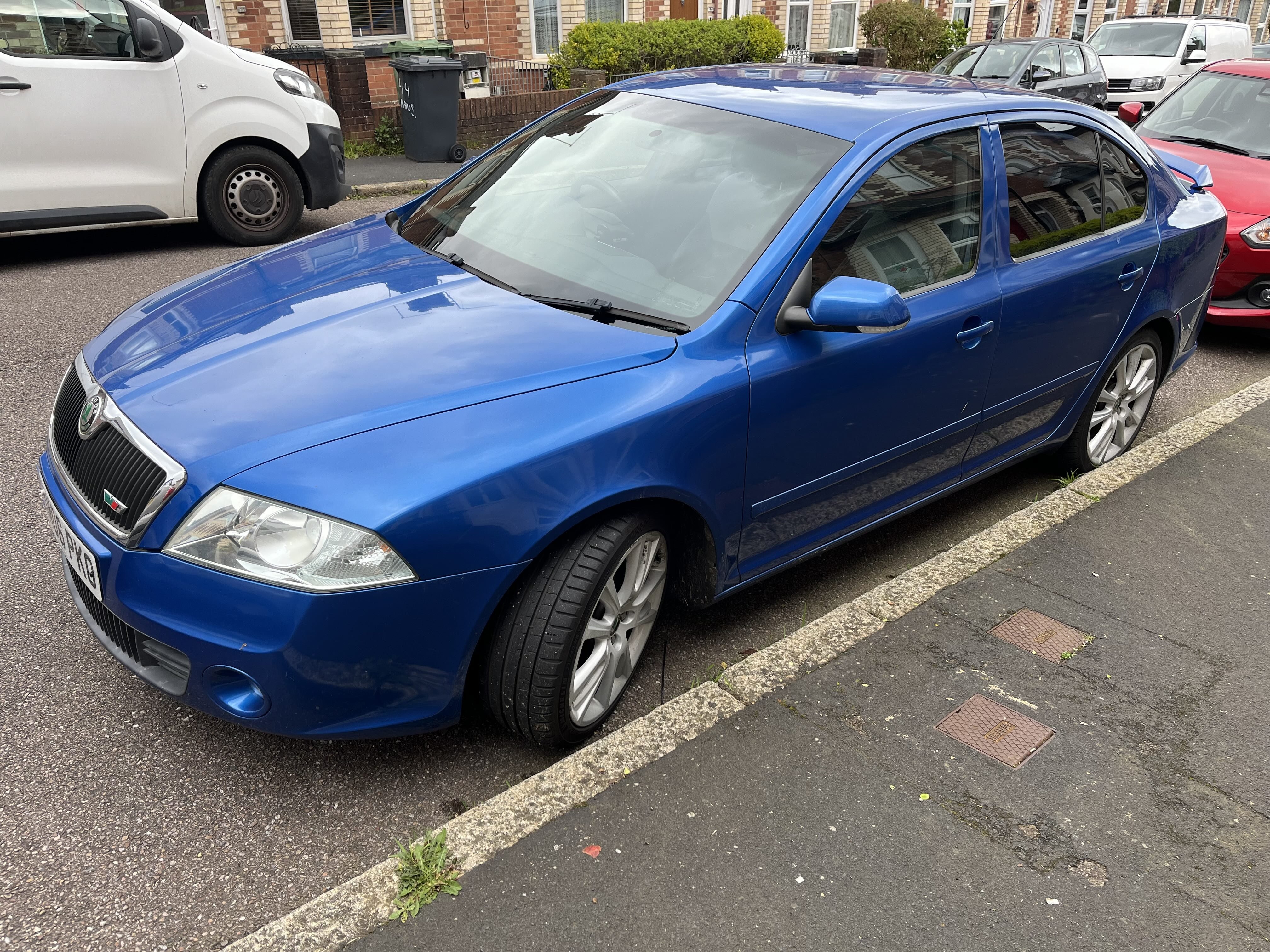
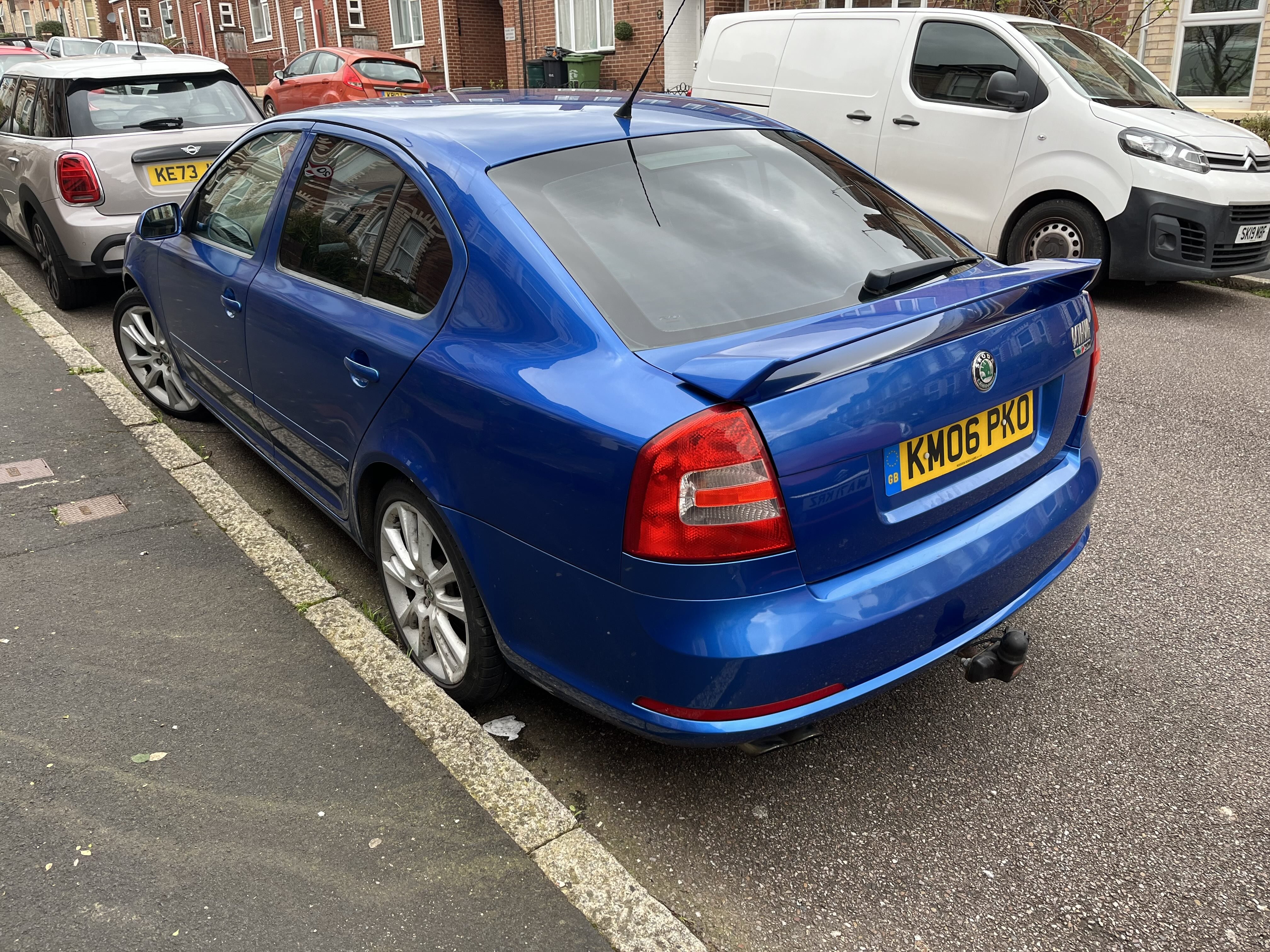
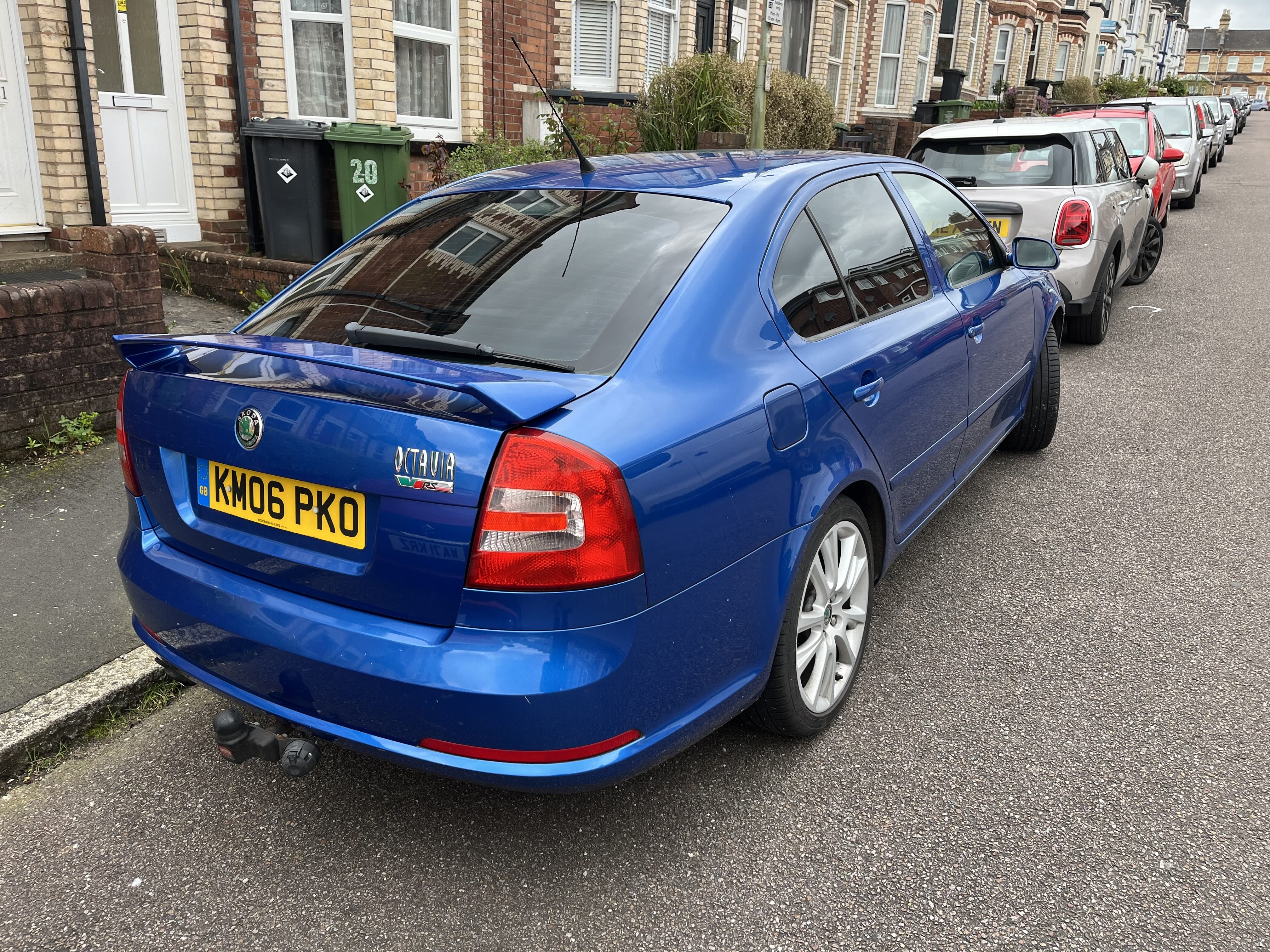
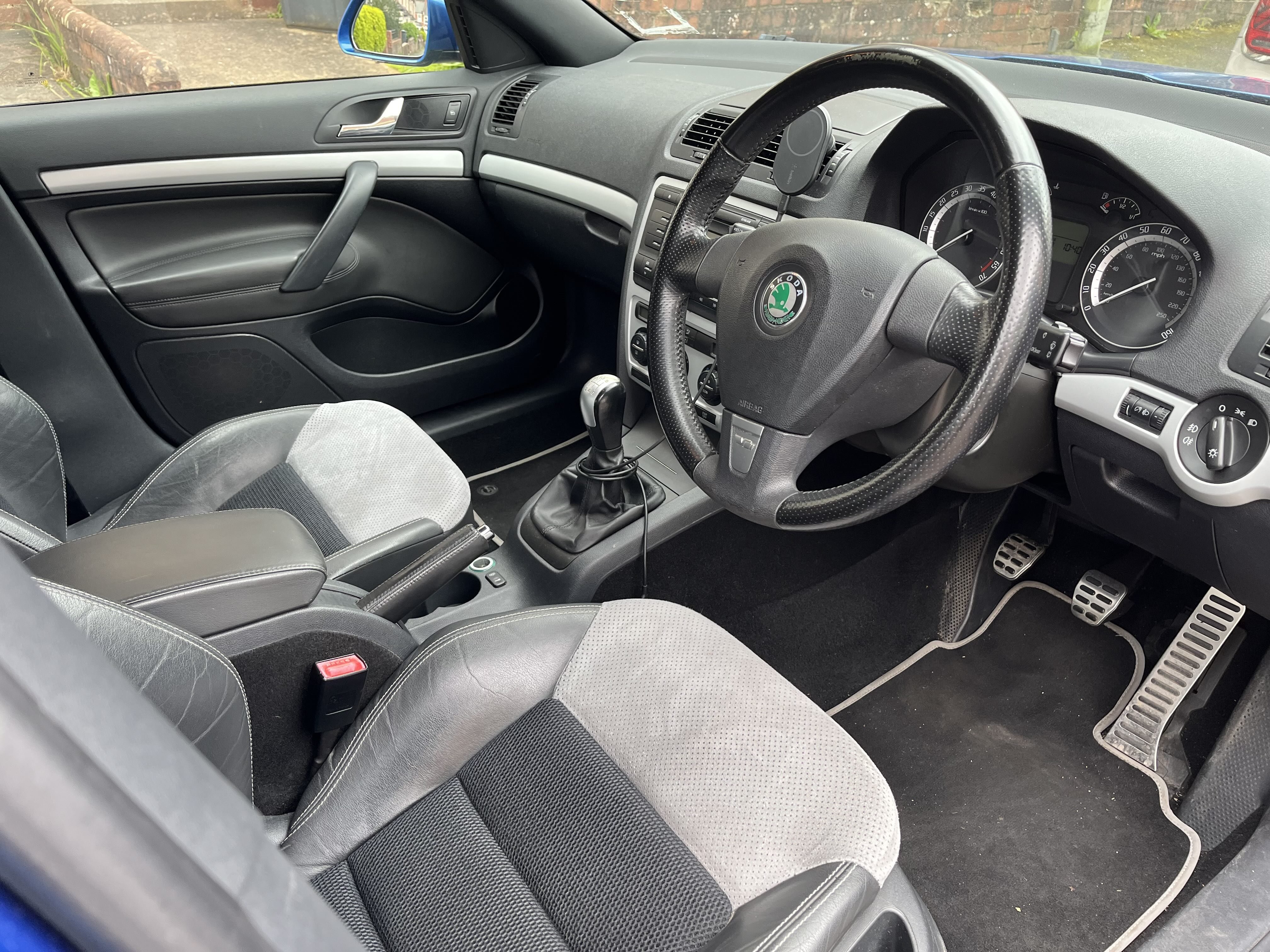
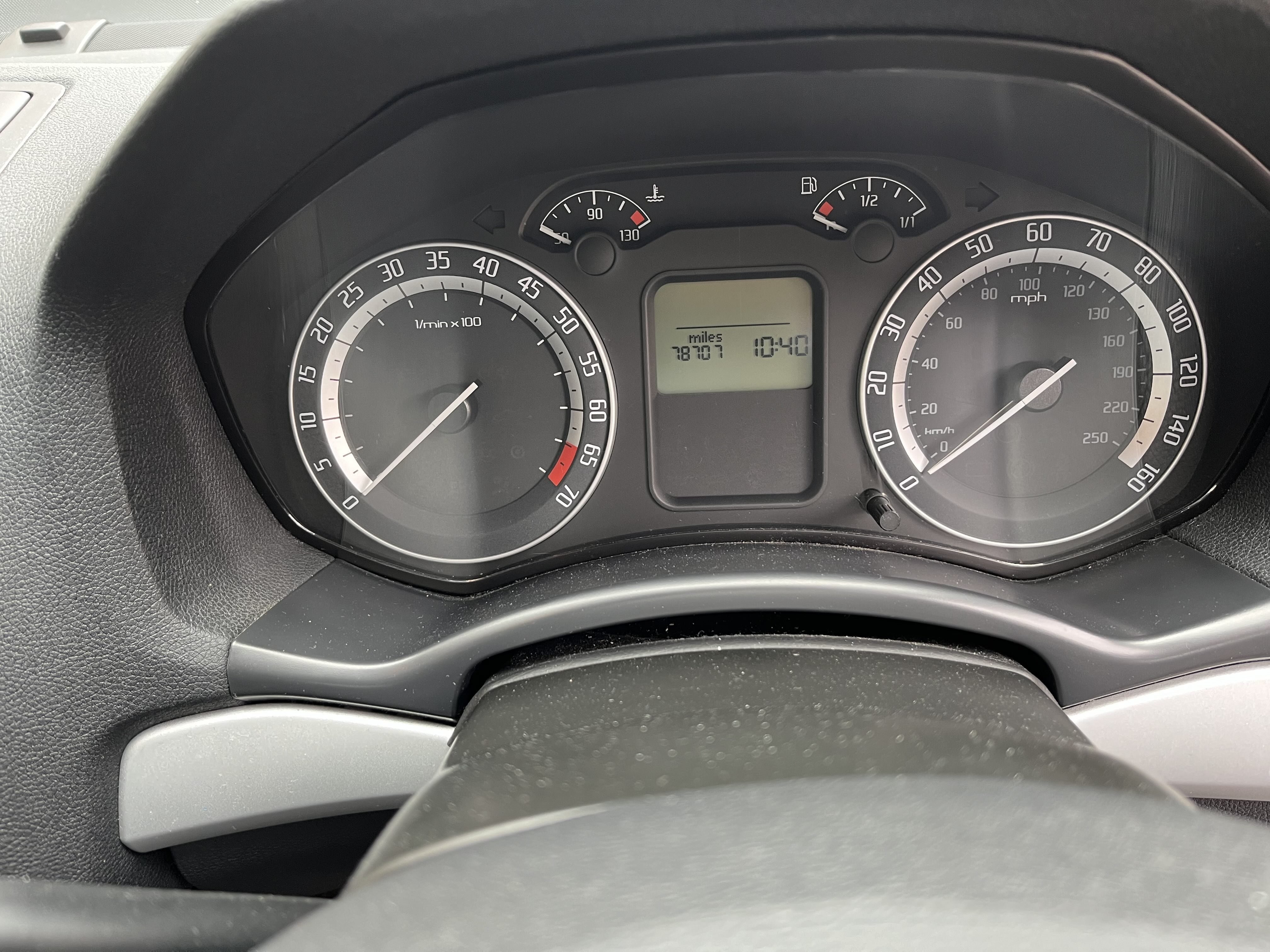
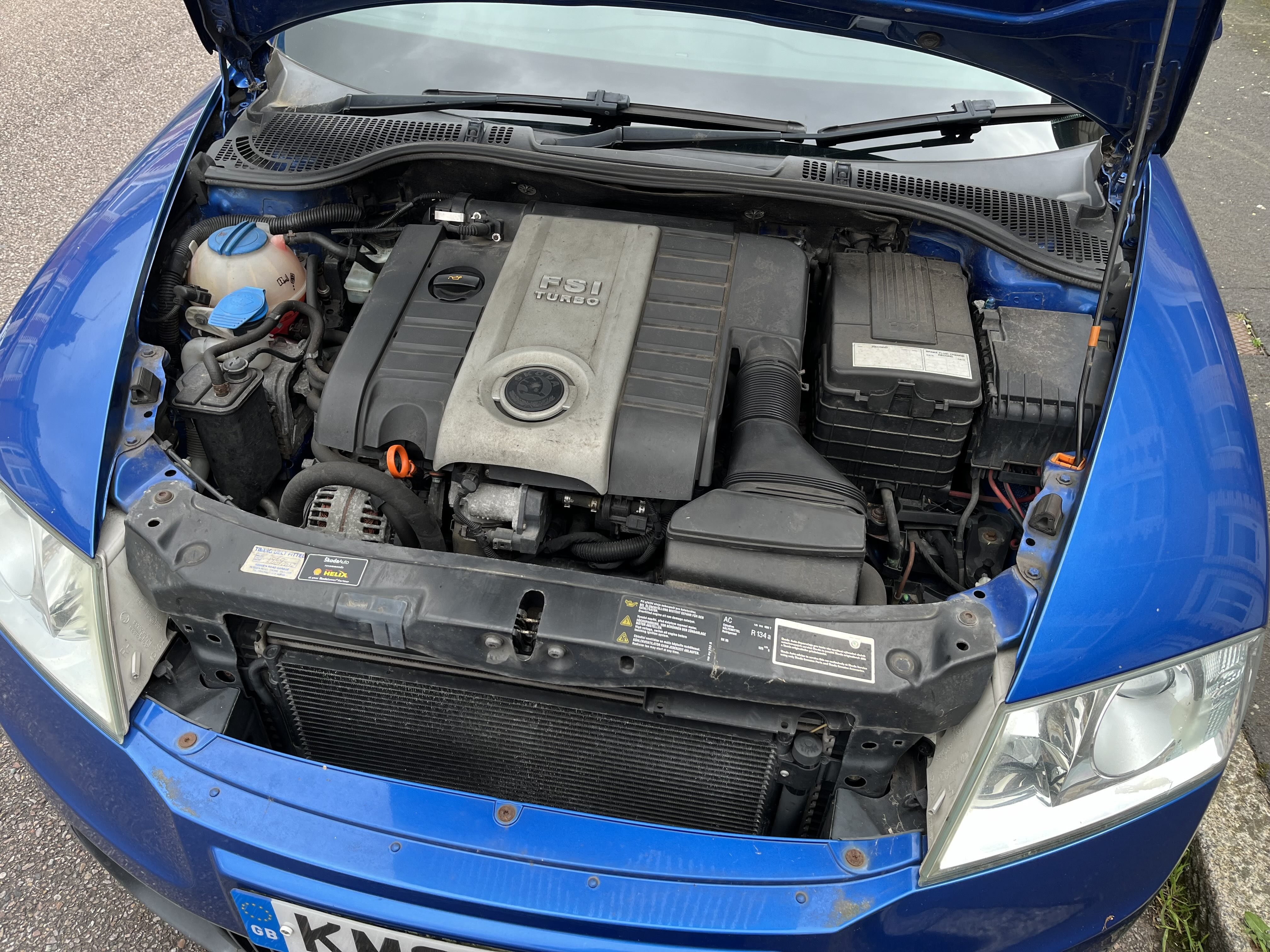
Make & Model: Skoda Octavia VRS 2006 petrol manual hatchback Colour: Blue Mileage: 79000 Price: £2500 (offers welcome) Description: Owned since 2014. Only selling to help fund new car. Standard manual car, I've replaced the CD changer with a memory card/bluetooth unit and it had tow bar fitted when I acquired it, otherwise no modifications. Condition: Good for its age! Service History/Receipts/Recent Service work: Full service history and all receipts whilst in my ownership and prior to that back to 2012. Nearly new front tyres (Michelin Pilot Sport 5). Recent cambelt and water pump (August 2022). Last serviced July 2023 (including brake fluid) at 77255 miles. MOT until August 2024, there are some age related advisories. Mods: No mechanical mods. Collection: Exeter, UK Pictures: More pictures available on request.