MarkyThornton
Finding my way
-
Joined
-
Last visited
-
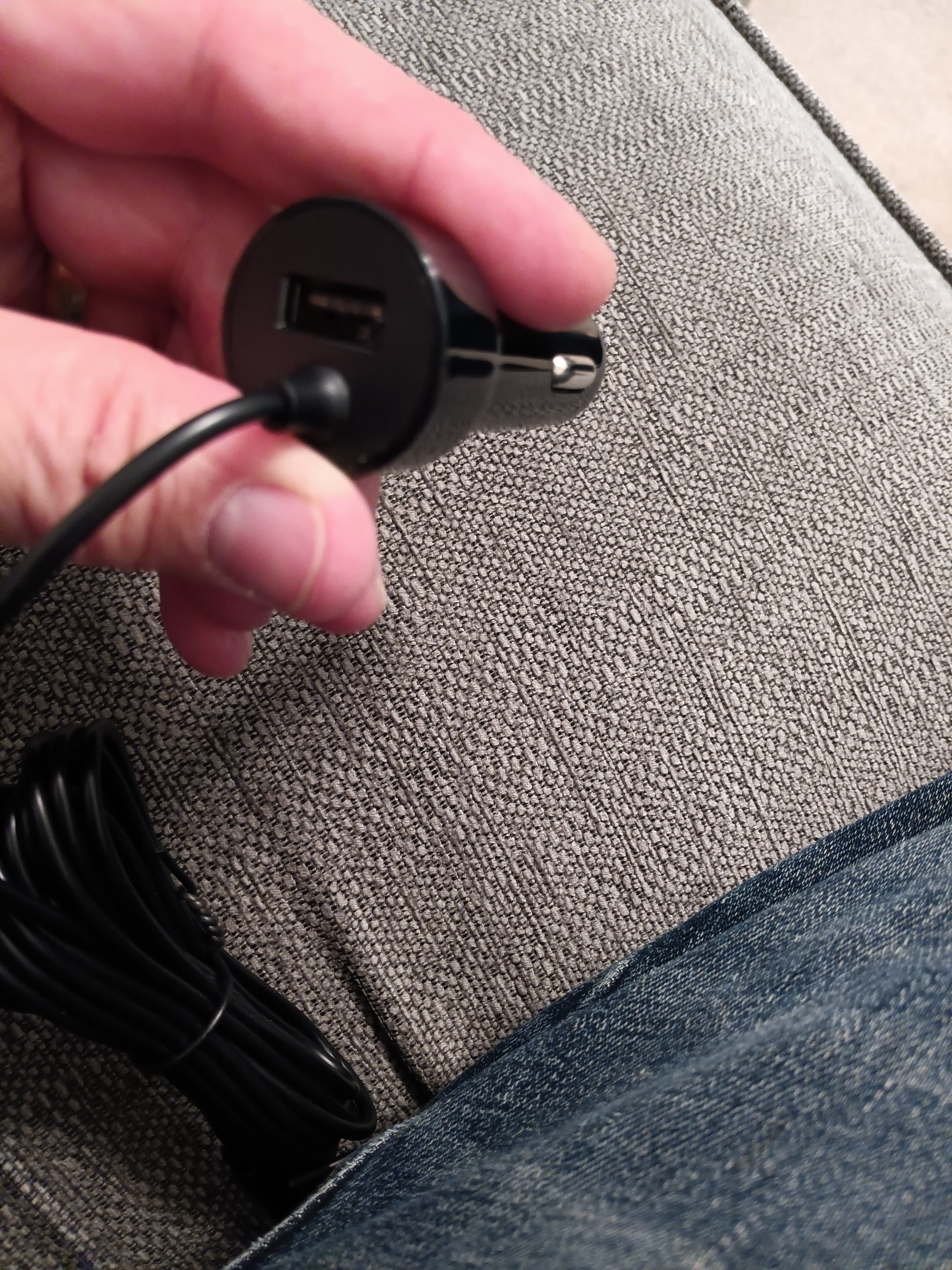
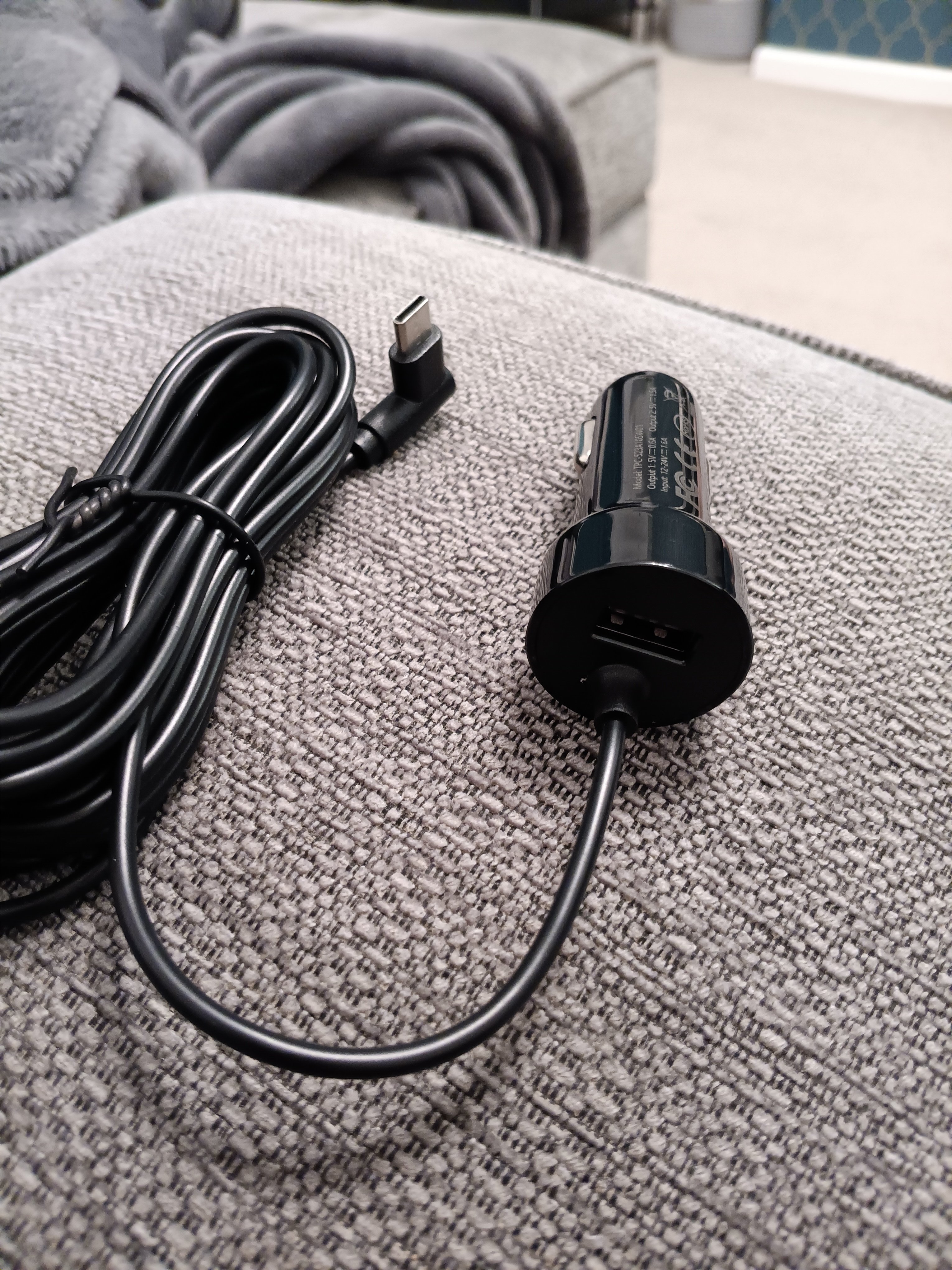
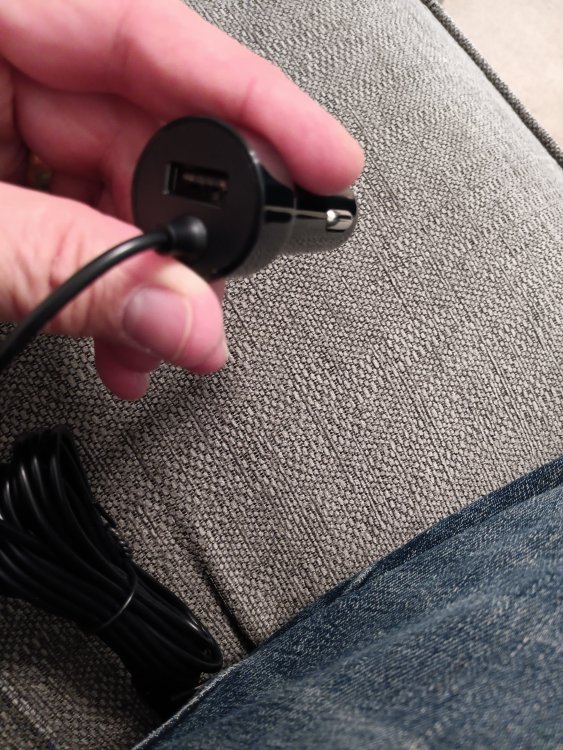
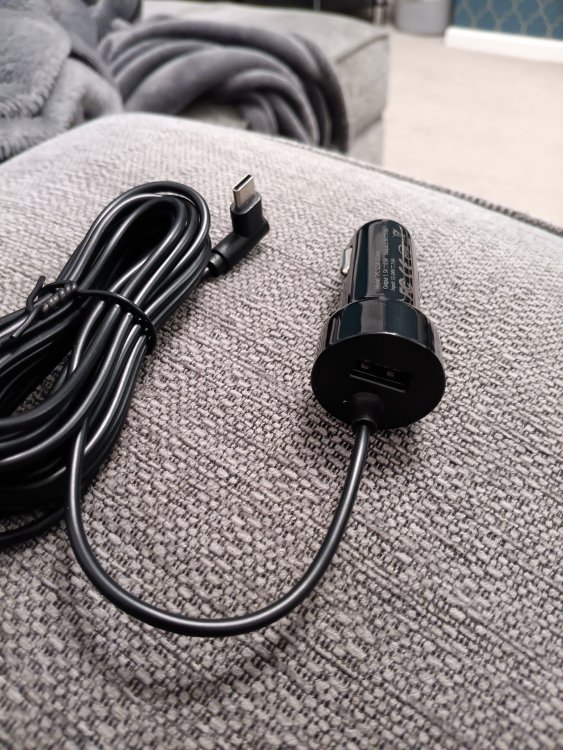
The lead is USB C from the camera to the 9v cig plug in. The sig plug in has a USB port too. Only other lead in the pack is the rear view camera
-
I guess it's just too power hungry for the mirror port like Dazzy49 says. I know some have got there's to work using this port from the threads about a 30cm leads etc and they must have put the port there for this purpose only. Its just so very hard to find a USB driven one especially with the rear view camera too. Just wanted to keep things neat, tidy and the easy option, lol! May have to look intonthe hardwire option. Cheers
-
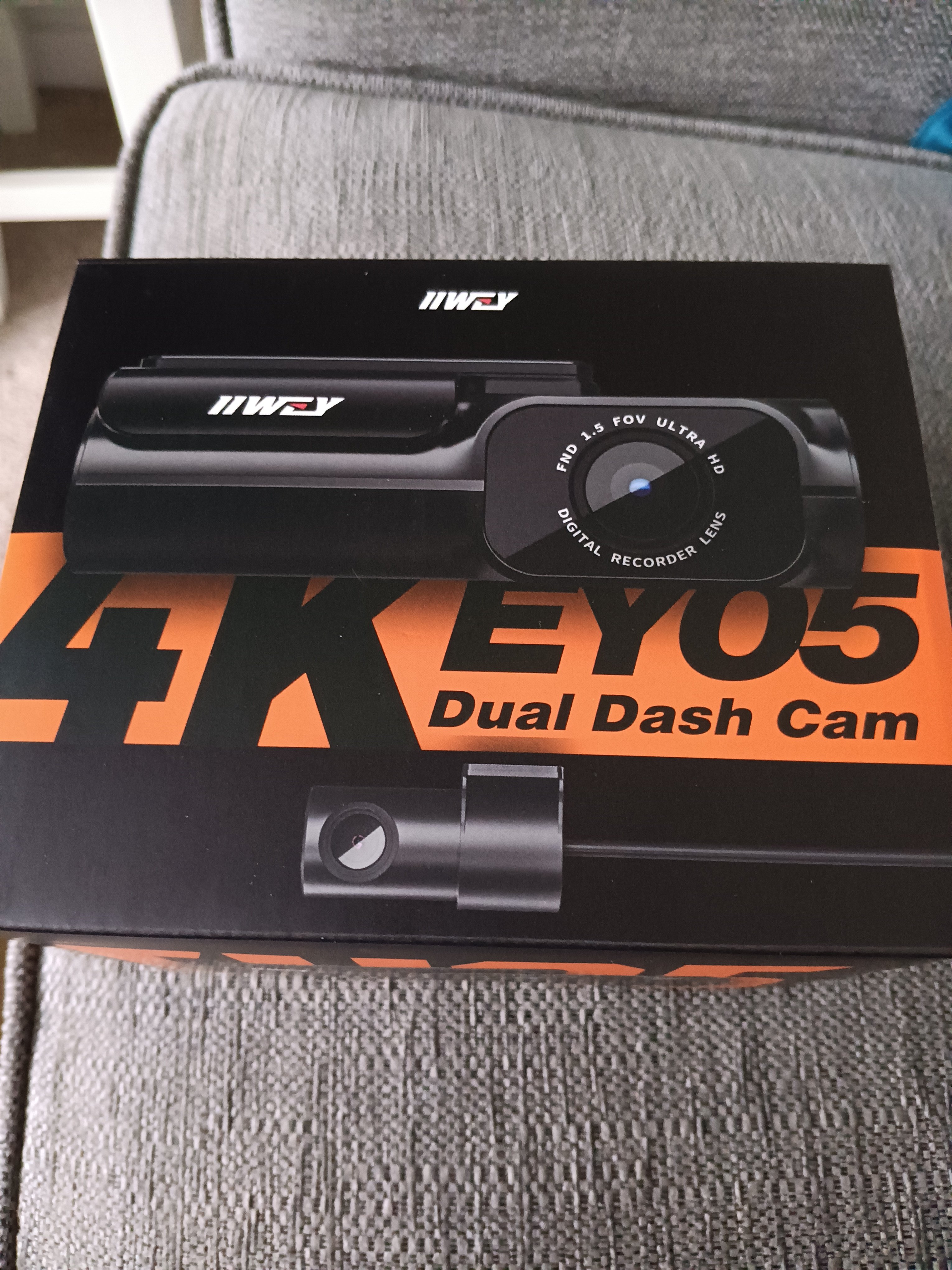
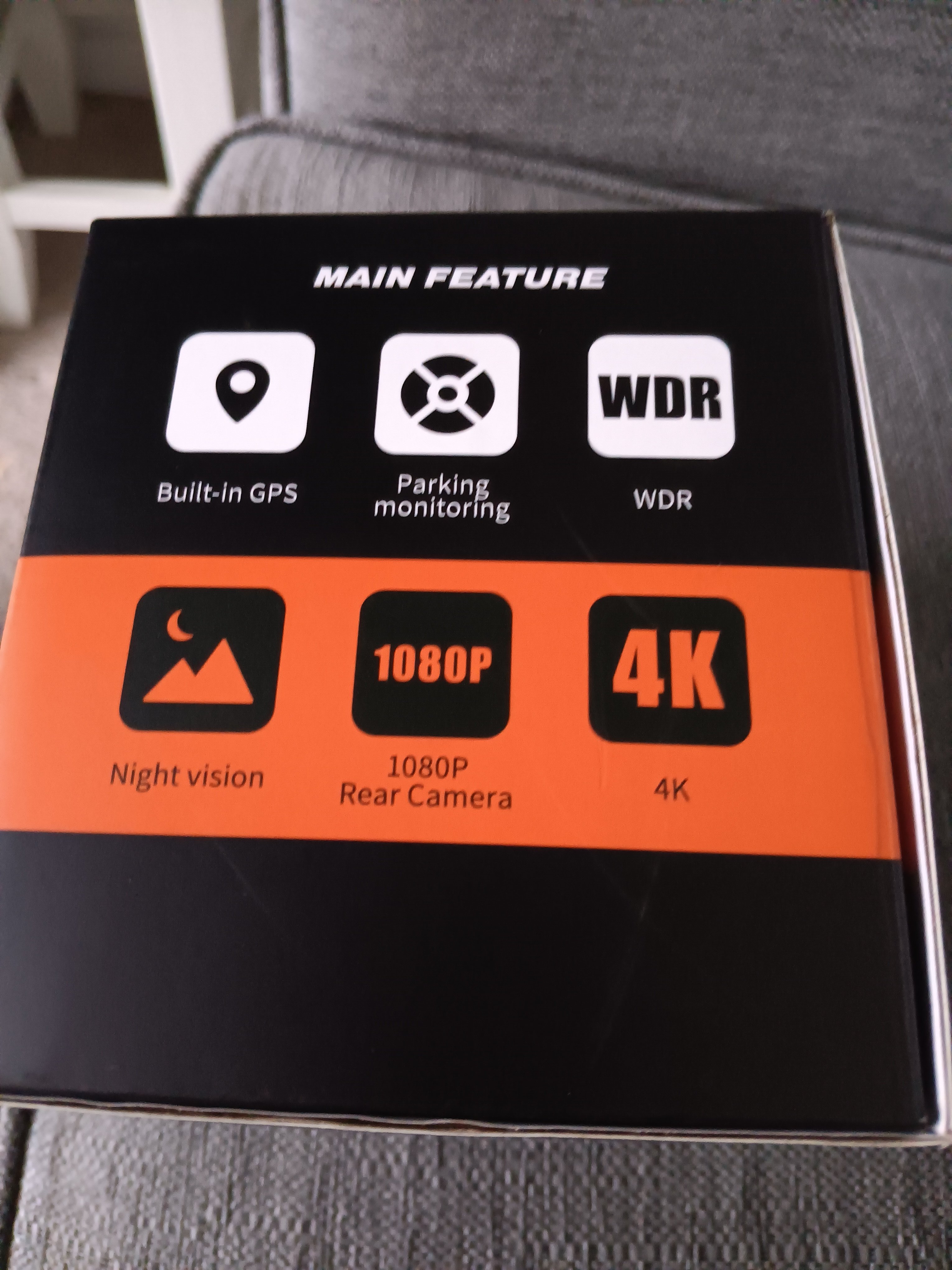
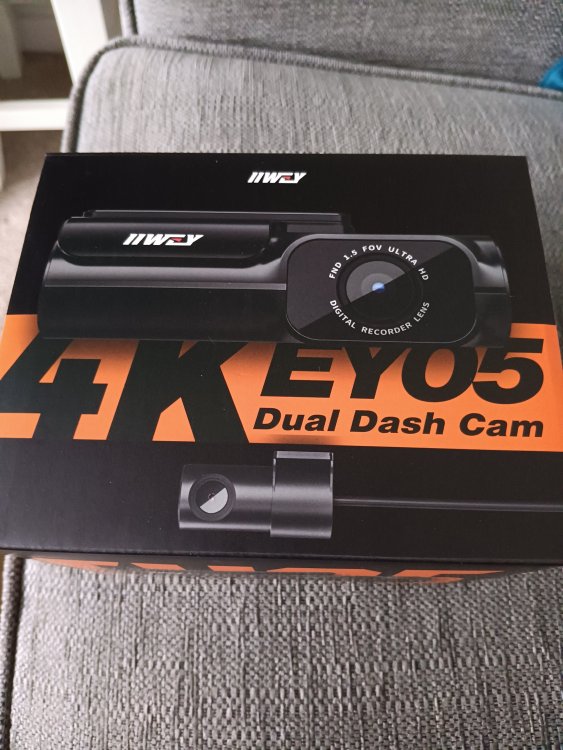
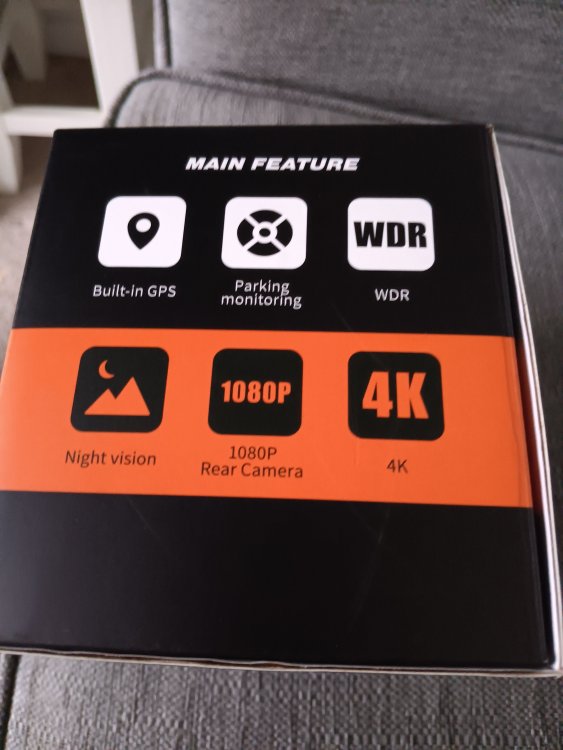
Just got a dash cam with USB C port. Plugged my USB C to USB C cable in to the mirror port try to power it. No power up. Tried all the car C ports and no joy. Only powers up from the 12v cigarette socket. All the dash cams I see on Amazon etc all seem to have the 12v cigarette cable from the pictures so I assumed 🙄 that the USB C port would just power it although I know its only 5v So, am I just daft in not seeing any USB C port powered dash cams? Thanks Mark
-
Lol, really weird oversight with the phone thing! Glad I'm not the only one! Seems it's pot luck depending what you've got connected at the time, Android Auto etc.....
-
What make is yr dashcam and does it have a rear one as well?
-
Nicely hidden behind the mirror! Thanks
-
Hi again So, before I buy the dashcam, I have a few more questions please 😊:- -how easy is it to hide the wires to the rear view cam? -where is best to mount the rear cam on an estate and get the wire to it! (I've seen the vid with the issues with the rubber grommet) -for 24 hour monitoring, which wiring kit do I need to buy and is it easy to wire into the fuse box and earth it etc? -and lastly, any recommended cameras please with parking/reversing option as my car (SE L) does not have a reversing camera as standard (although I'm lead to believe i have to wire it into the reverse light circuit for this?) Sorry for the overload of questions just want to get it right! Oh and how the **** do you hang up a phonecall??? 🤣 Mark -
-
Oh ok, thanks. So if I wanted backup when parked, I would have to run a cable from the 12v in the boot if this is permanently powered? Or is there an easier alternative? Not got a dashcam yet but just needed to know the possible issues Cheers
-
Hi I have just received a 2024 Octavia and want to buy a dashcam. I see a lot of dashcams need the 12v cigarette charger but there is none (plus I wouldn't want wires everywhere anyway) and noted the USB C port near the rear view mirror for a dashcam (very forward thinking of Skoda, impressed!) Question is, is the USB C port all I need with most dashcams (with a USB C to whatever the dashcam needs) to power it or is there more cables needed? I don't want to buy a dashcam to find it doesn't work I have seen the posts for the short cable needed but wasn't sure if this was all that's required Thanks in advance Mark
-
Hi all Just joined as I have a brand new company car Octavia 2.0 TDI 150 Estate SE L in Graphite Hello! 😊