Danyaero
Finding my way
-
Joined
-
Last visited
-
Thank you so much for the info! Can I also ask if your Kamiq has the new SKODA branding on the steering wheel, or has it still got the traditional logo?
-
Thanks!! Unfortunately these trains are so new that they do not appear on MIB-HELPER. Don't know if there's another website/repository to check these.
-
Hi there!! I just came across your comment and would like to ask you, is your car an MY24? May I ask you the month when you got it and if the software you mention is linked to the 8" Bolero o the 9" Audsen screen. Thank you in advance!
-
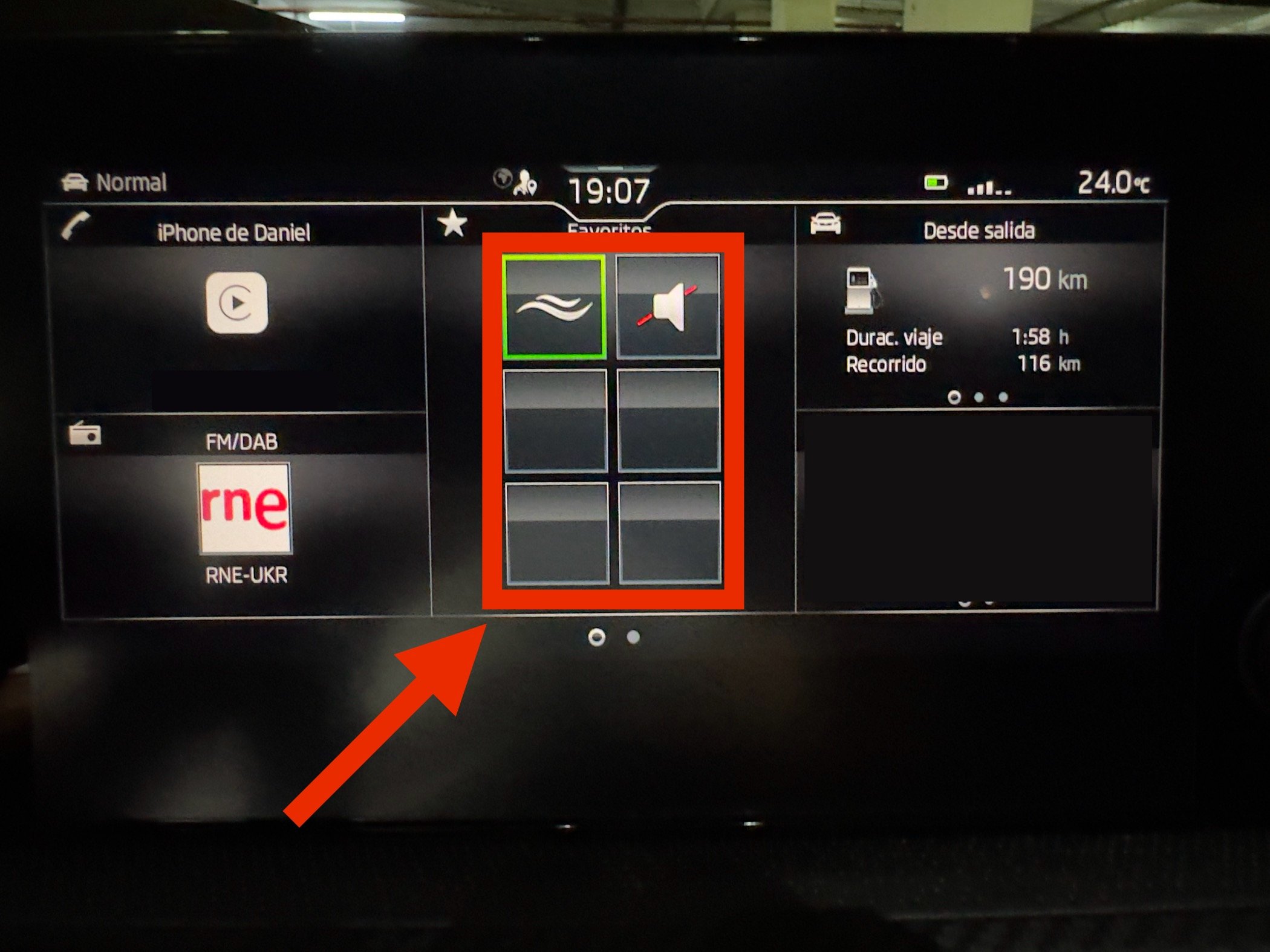
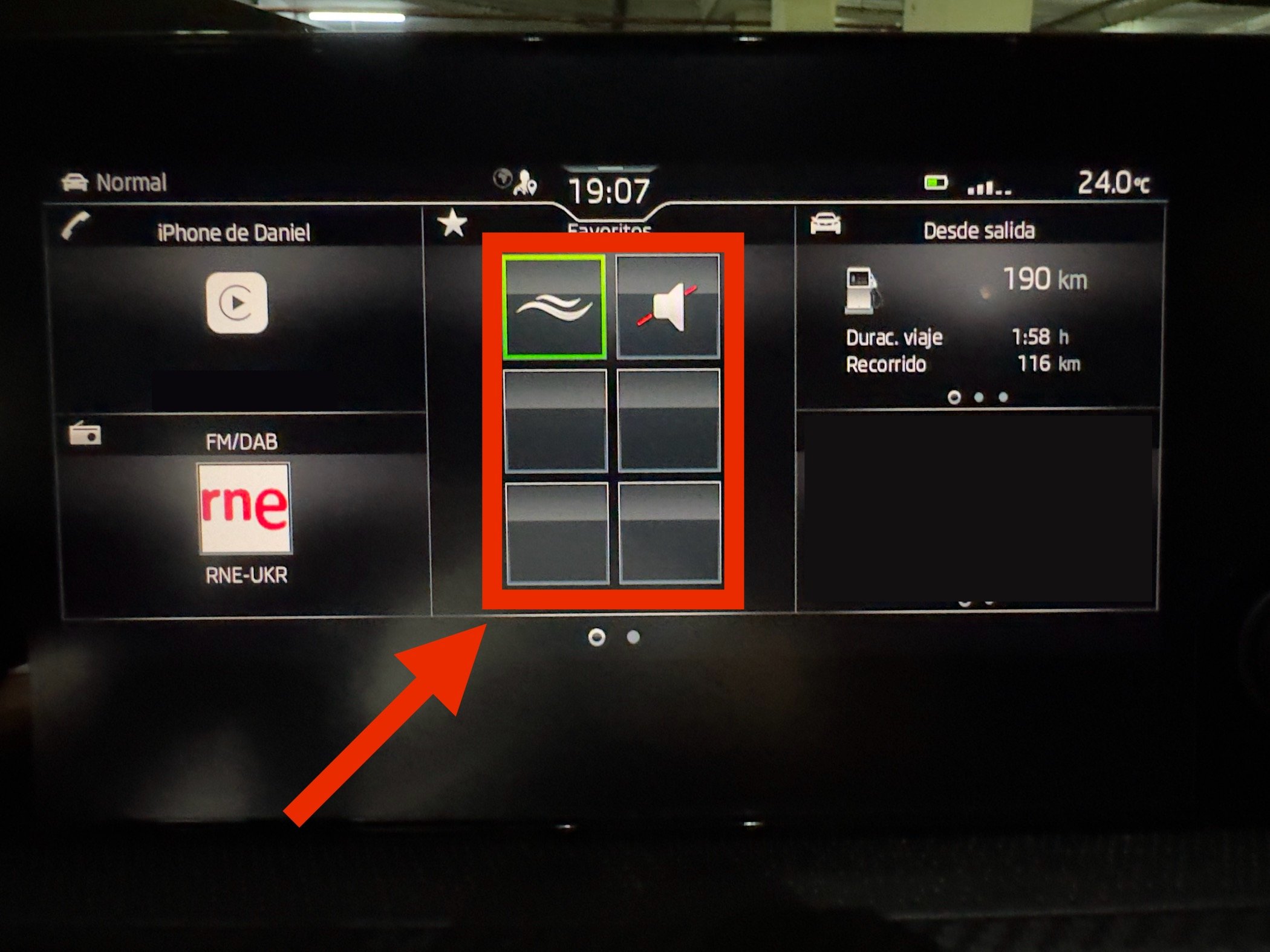
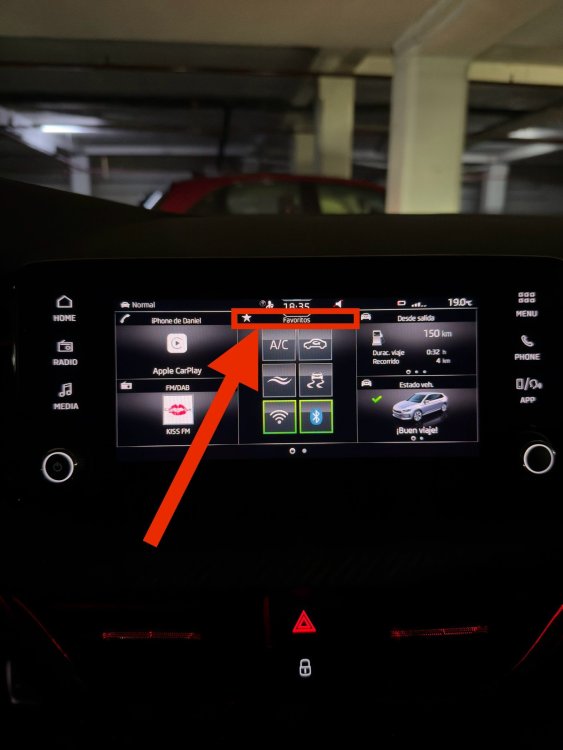
Thanks for the reply! Finally went to the dealer and figured out the way to cuiden this space. It looks like you have to tap the top part of the widget and then it enters an edit mode similar to that from the operations menu. From there you can custom the lay out! The widgets from the control centre can be different to the ones on the widget with its a nice feature. Hope this helps others! thank you all for you help and input!
-
Nope! It appears when you press the home button. Could be something from the new facelift models that include this new screen
-
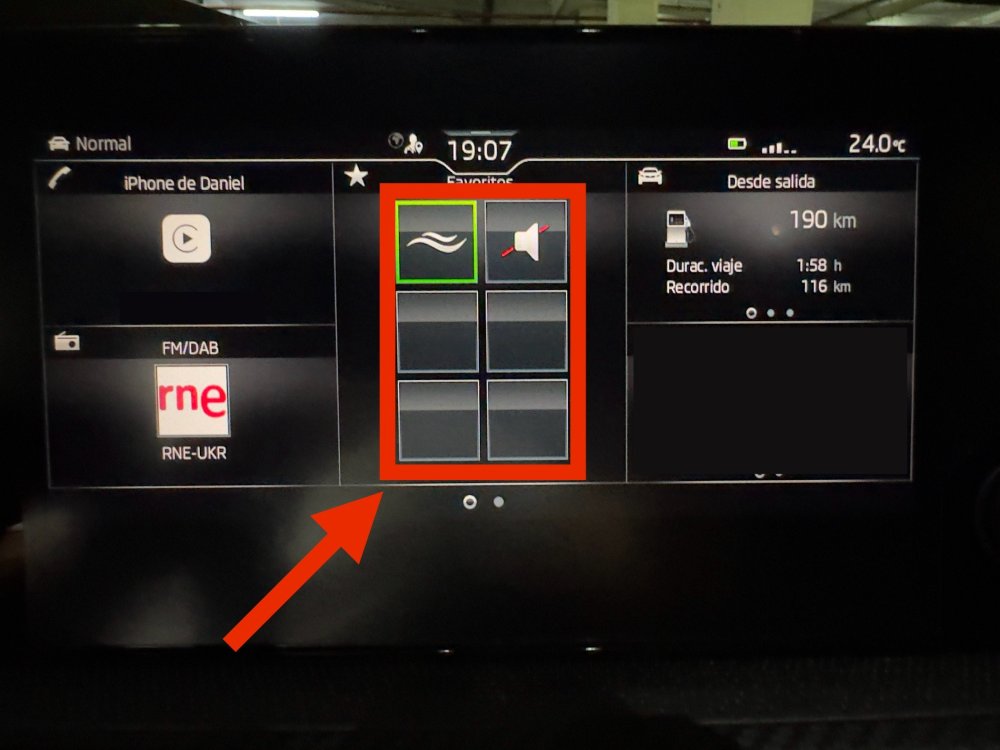
@DerekU Hi! Thank you for your reply! Yes I posted it on these forums as they share the same Bolero unit and to see if anyone else had any luck in getting this to work. yes I’m going to take it to the dealer to see if they have any info about this as it looks like the software is so new that there’s very little information on how to edit these widgets. I checked the video but unfortunately it doesn’t explain much on how to edit these widgets. (They operate identically on the Amundsen too)
-
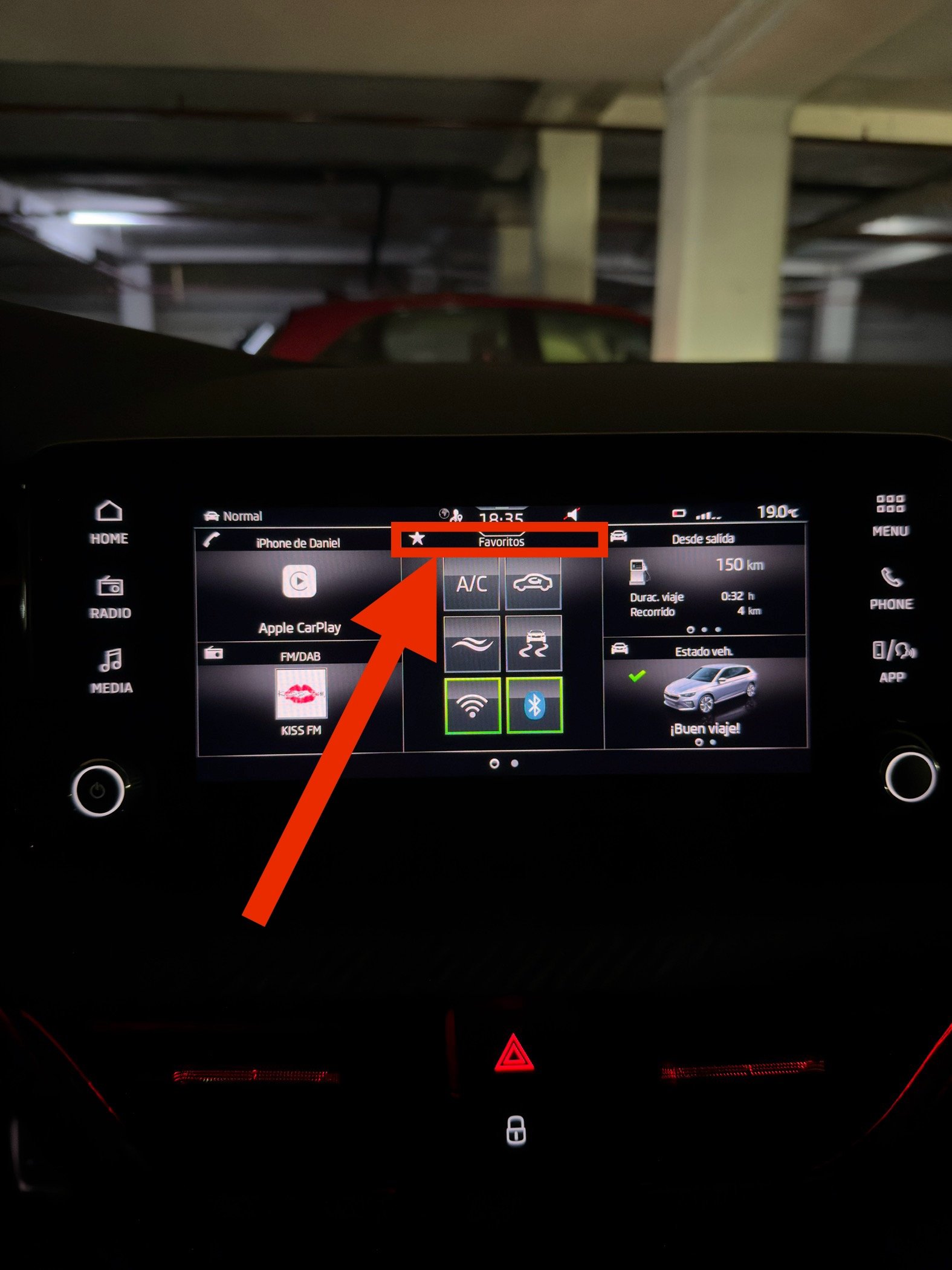
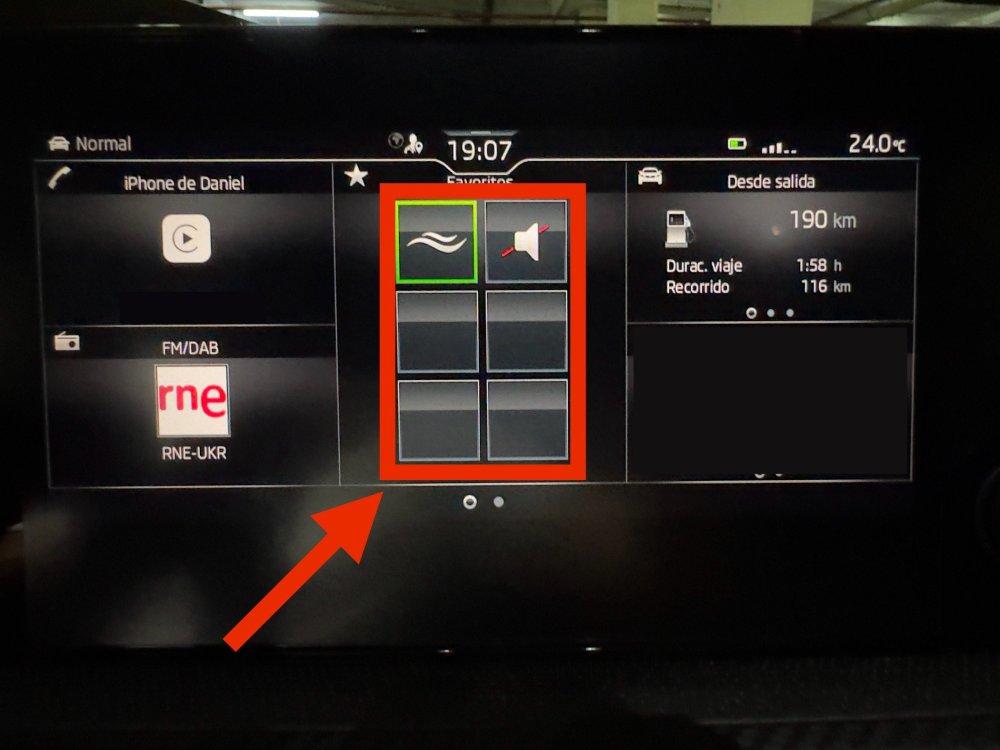
Thanks! Maybe I might not have explained correctly my question. I’m asking on how to custom this widget (this picture is from a Bolero from a friends Kamiq who doesn’t know the operation either)
-
You can activate it using a device such as OBD11 or VCDS. Don’t know if you can get the dealer to activate it for you. Just got a new 2024 Scala and it doesn’t come with Mirrorlink either
-
Thanks @sussamb! Yes I posted the same question on the Scala and the Fabia forums too. Considering that the three models share the same Bolero screen and operate the exact same way, to see if anyone with a Kamiq or a Fabia have found the way to custom this widget.
-
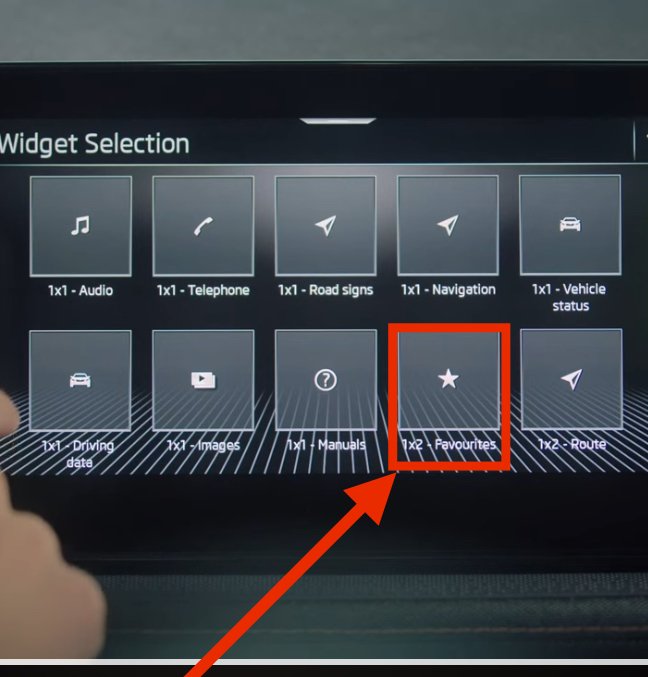
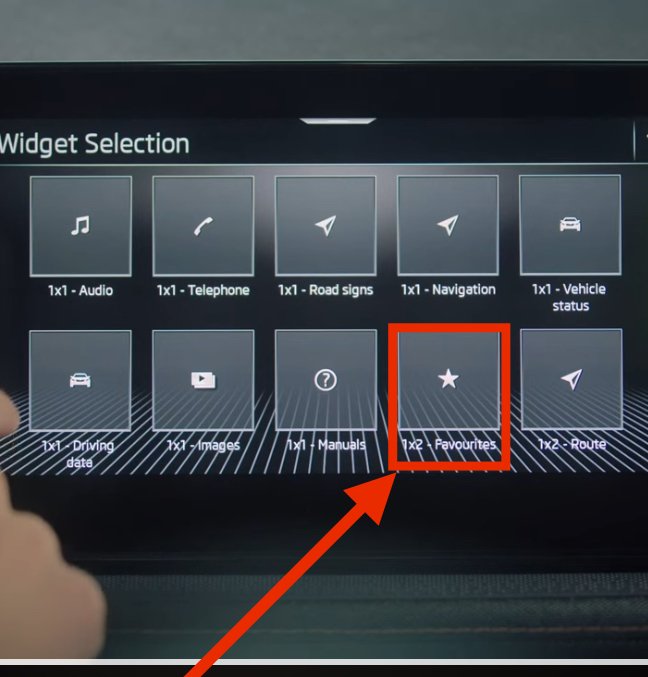
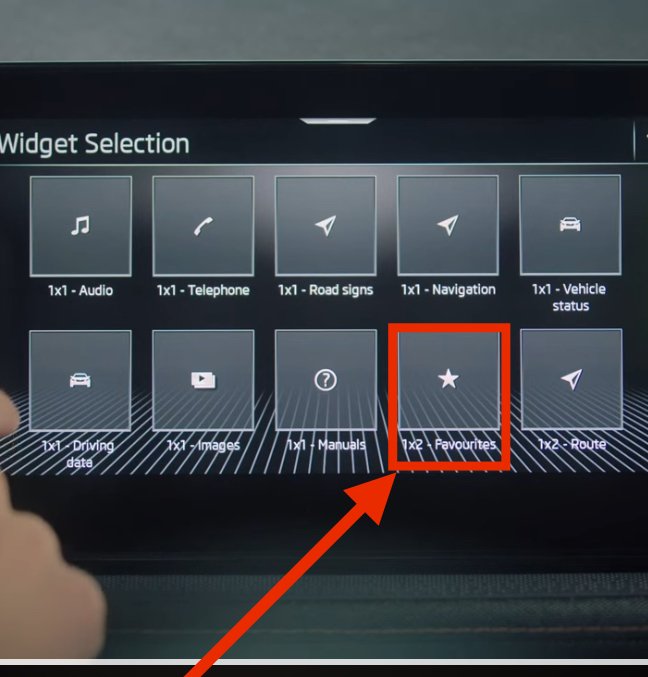
Hi everyone! I’ve been looking around to see if I find how to do this but have not been successful. I own a Scala with 8” bolero screen and I’d like to know how can I edit the favourites 1x1 and 1x2 widget? I’m capable of editing the favourites in the operations menu, but not the one from the Home Screen. Thank you all in advance.
-
Hi everyone! I’ve been looking around to see if I find how to do this but have not been successful. I own a Scala with 8” bolero screen and I’d like to know how can I edit the favourites 1x1 and 1x2 widget? I’m capable of editing the favourites in the operations menu, but not the one from the Home Screen. Thank you all in advance.
-
Hi everyone! I’ve been looking around to see if I find how to do this but have not been successful. I own a Scala with 8” bolero screen and I’d like to know how can I edit the favourites 1x1 and 1x2 widget? I’m capable of editing the favourites in the operations menu, but not the one from the Home Screen. Thank you all in advance.
-
Hi everyone! I’ve been looking around to see if I find how to do this but have not been successful. I own a Scala with 8” bolero screen and I’d like to know how can I edit the favourites 1x1 and 1x2 widget? I’m capable of editing the favourites in the operations menu, but not the one from the Home Screen. Thank you all in advance.