Paul222
New here
-
Joined
-
Last visited
Everything posted by Paul222
-
10 sec on power button didn't help. USB is readable and do list of files and folders. I cannot exit update menu i after restart or shutdown the car is still on.
-
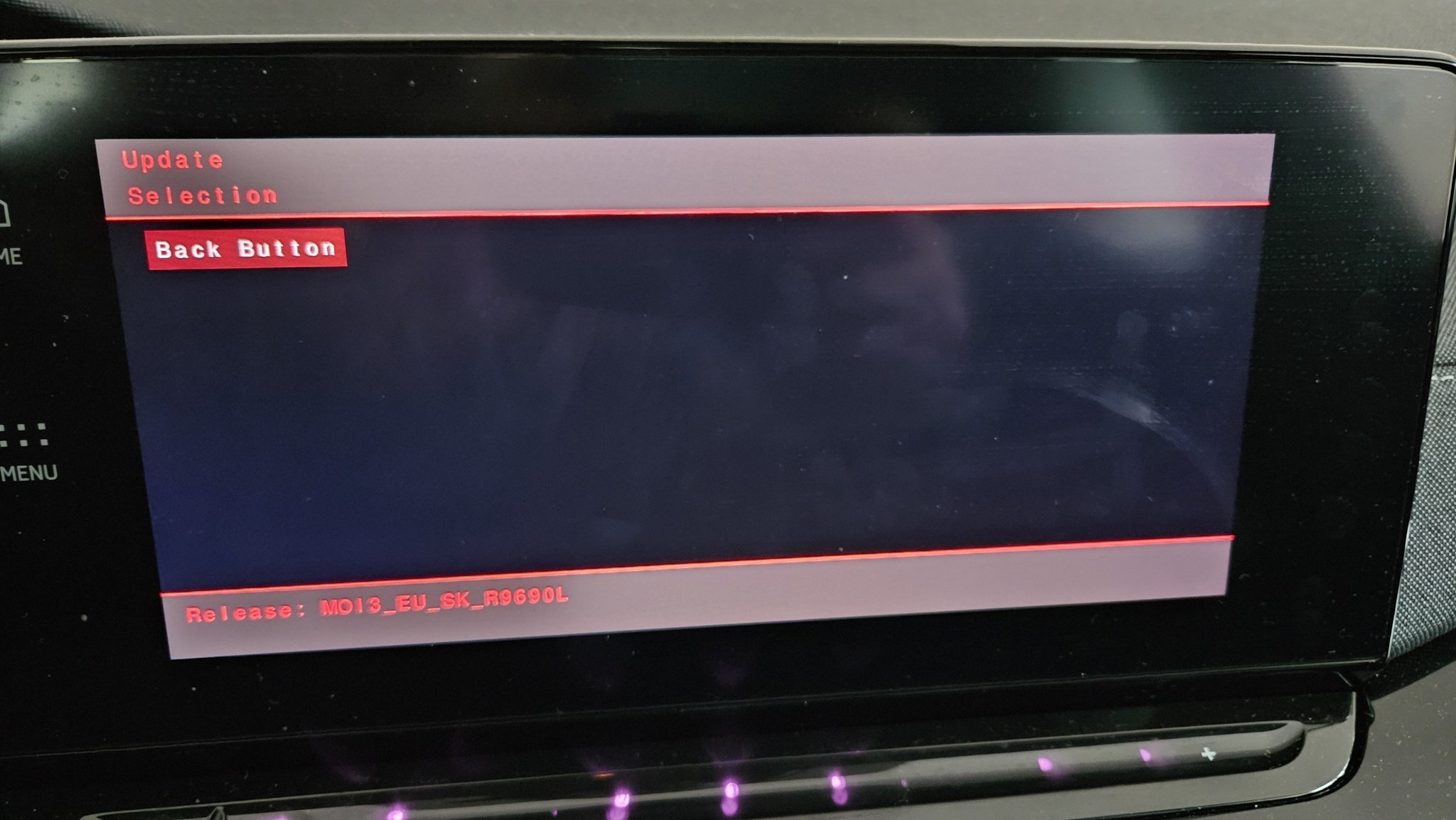
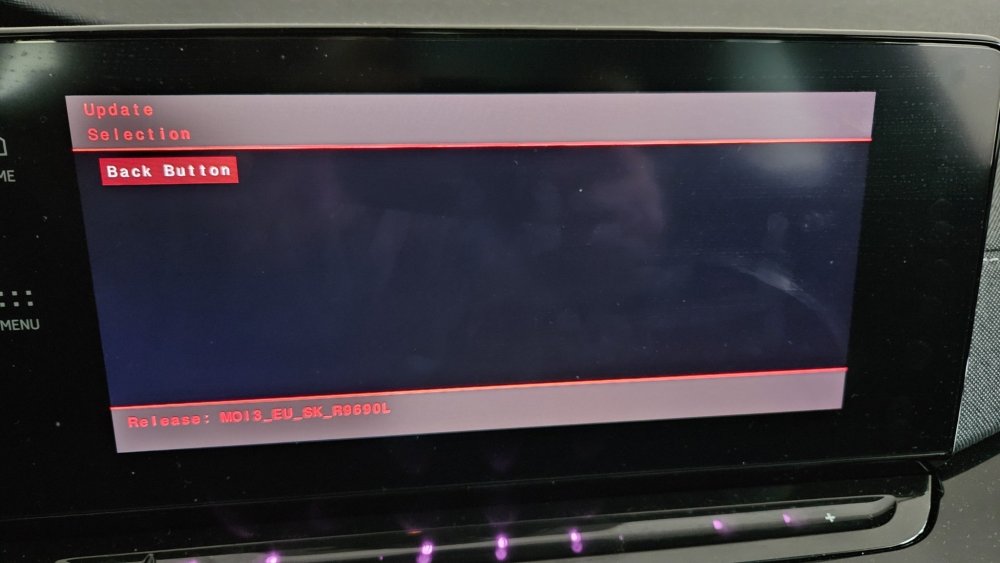
hello, thanks for your reply. I had the 1941 version. I just wanted a newer version. When I reset the tablet, it comes back all the time to the updates menu (photo in the first topic). On the other hand, when I click on retry (resume is blacked out), another screen appears and nothing happens (a picture in attachment). The flash drive is new with USB-C. So far I've turned off the car, the infotainment system (tablet) also turned off but I couldn't close the keyless (with my finger). Tomorrow I will continue to deal with the matter. Do you know how I can exit the update menu ? or continue updates ? thanks for your help.
-
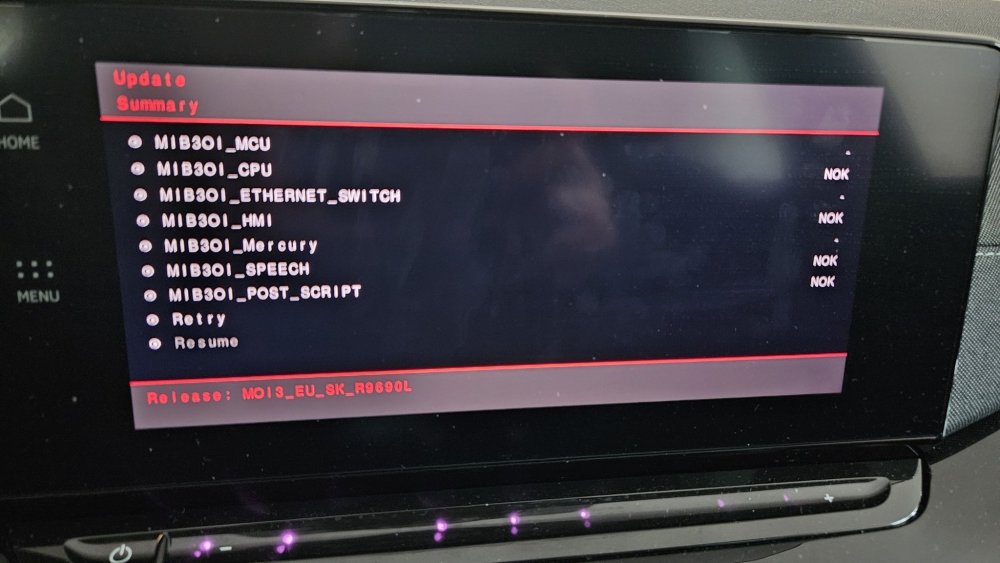
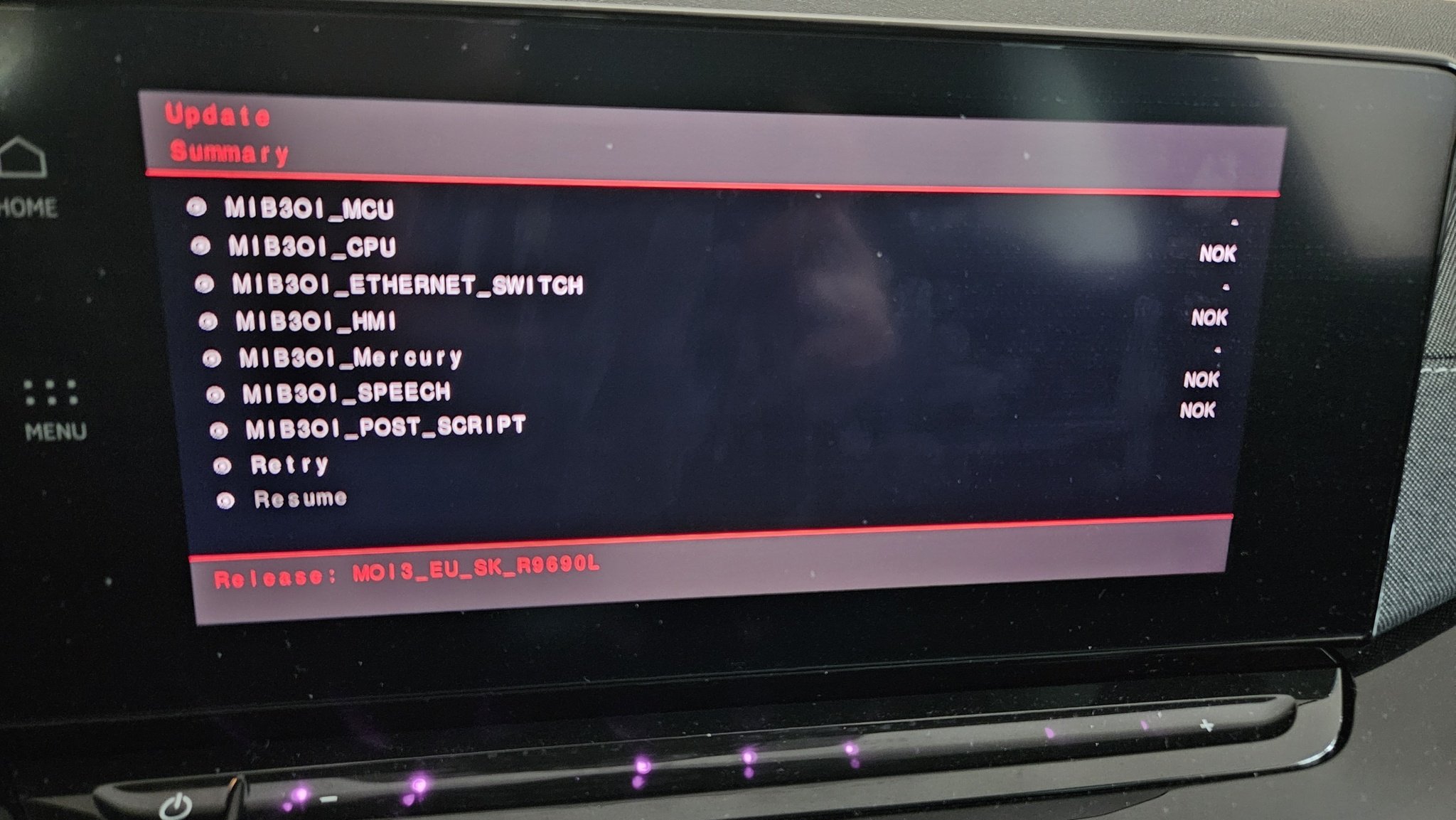
Hello, The last time I want to install the infotaiment update version 1969. During the update, I got a checksum error message. How can I get out of this menu (update menu), because even resetting the tablet doesn't help. (picture below). The Resume button is inactive, but nothing happens when you press the retry button. Thanks for your help.