OctaviaIII
New here
-
Joined
-
Last visited
-
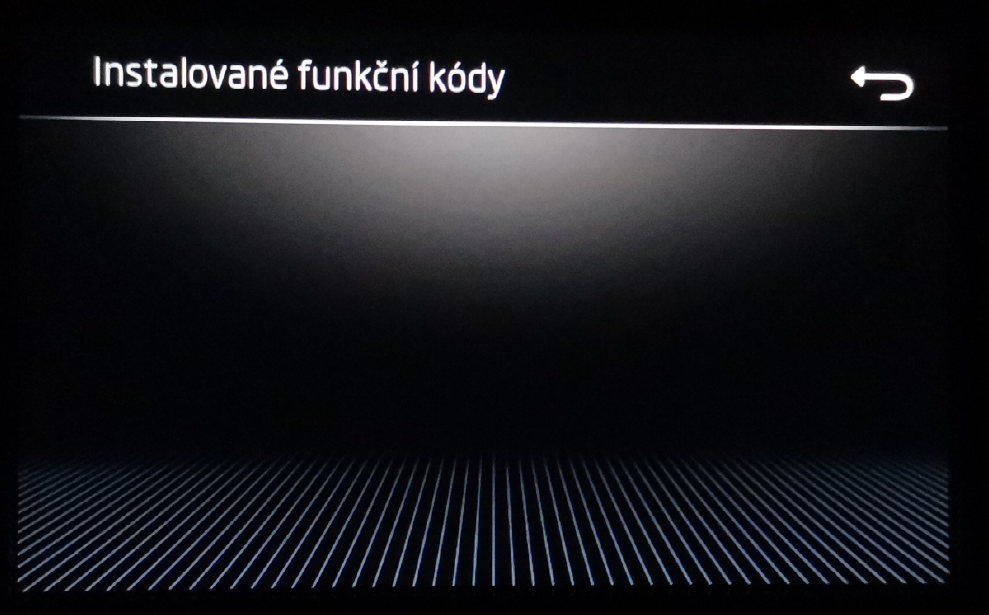
Hello, I wrote it earlier if someone has bought it, activated it, but it doesn't appear in the menu, it is possible that the factory settings of the radio will help, it helped someone else. I read on another thread. If you want to try, put it in factory settings. Then let me know if it helped you.
-
Zkuste tovární nastavení. Někomu pomohlo.
-
Dejte vědět ostatním pokud by vám to pomohlo. Nebo jak jste vyřešil.
-
Na jiném vlákně někdo psal o problému s Car Play, že se mu objevilo až po nějakém restartu, možná tovární nastavení rádia. Můžete vyzkoušet, nebo si o tom někde předem přečíst.
-
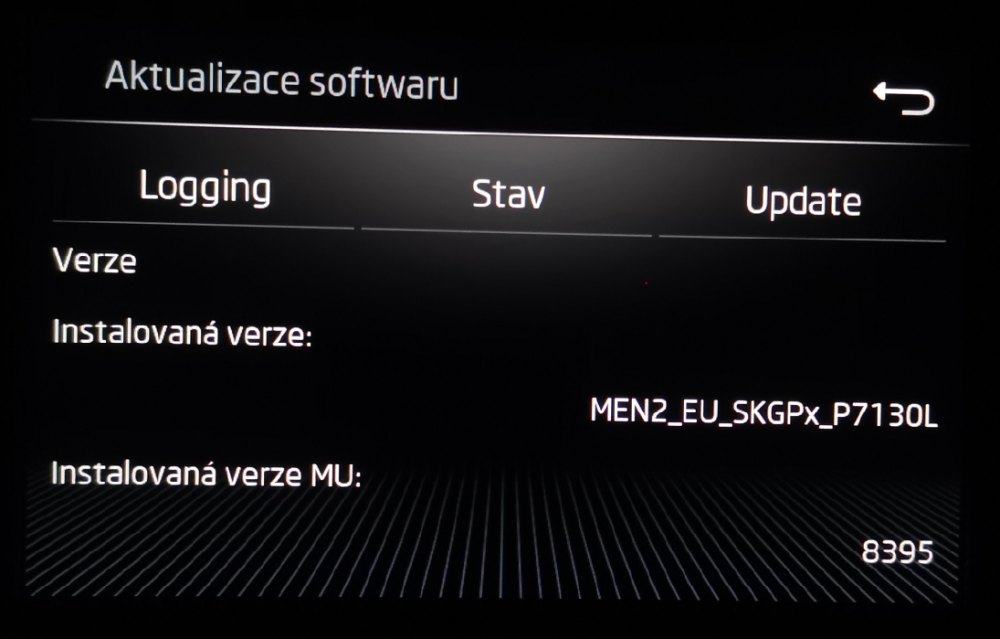
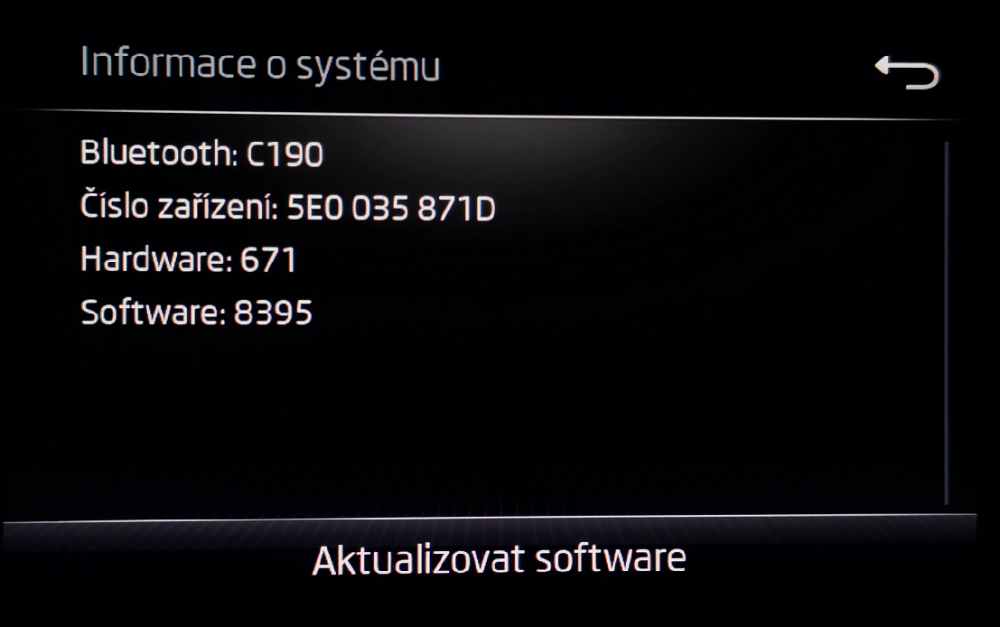
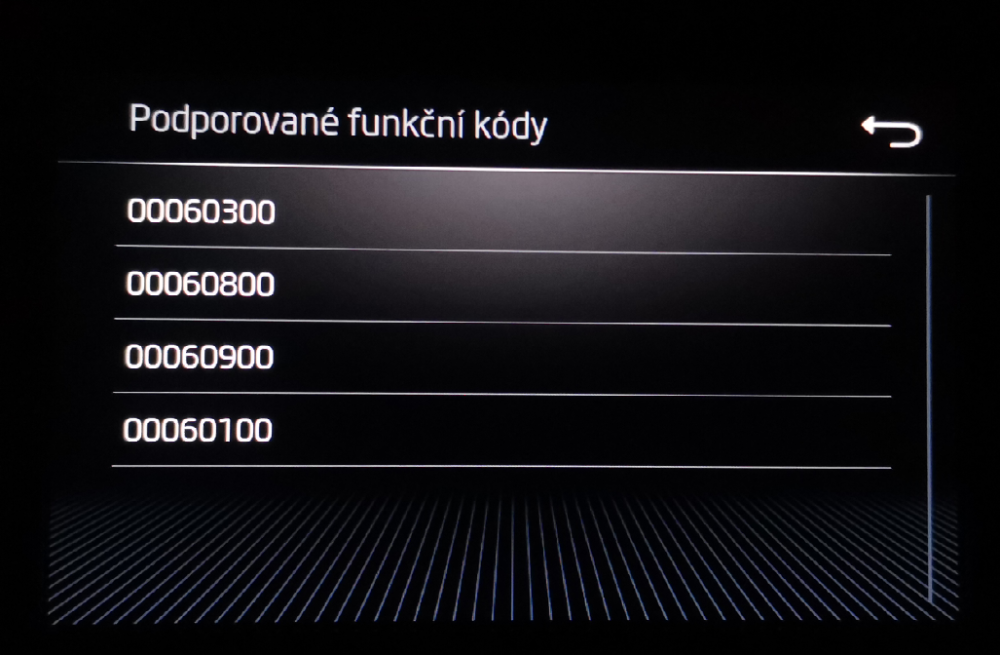
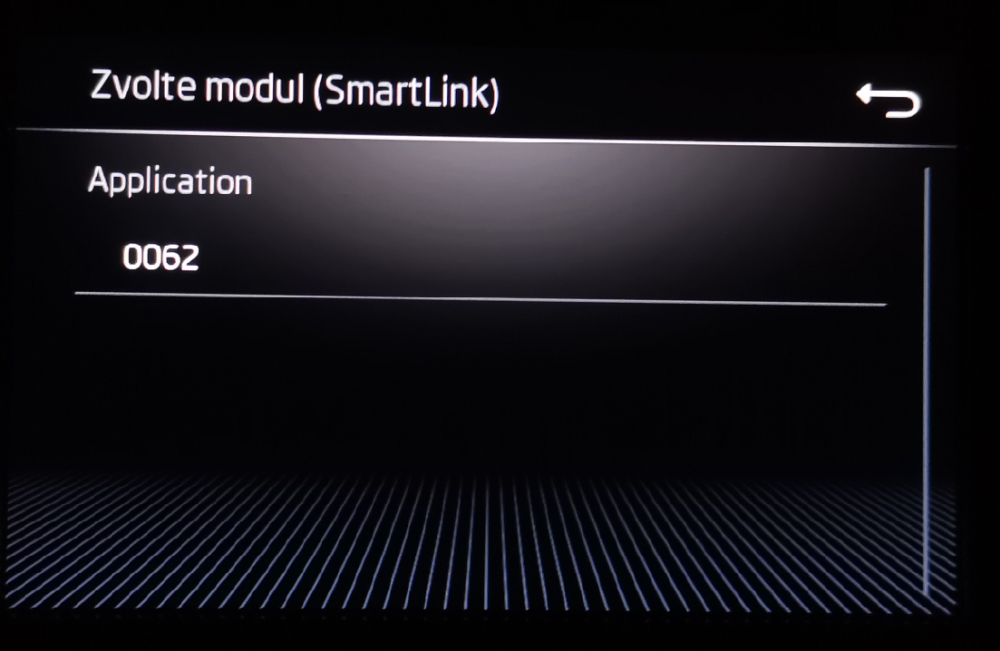
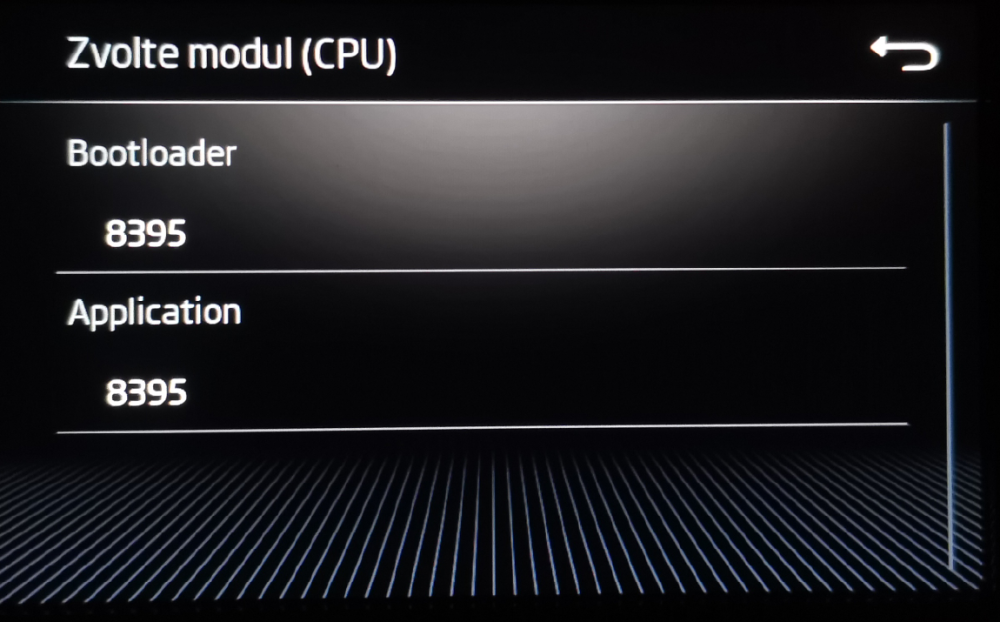
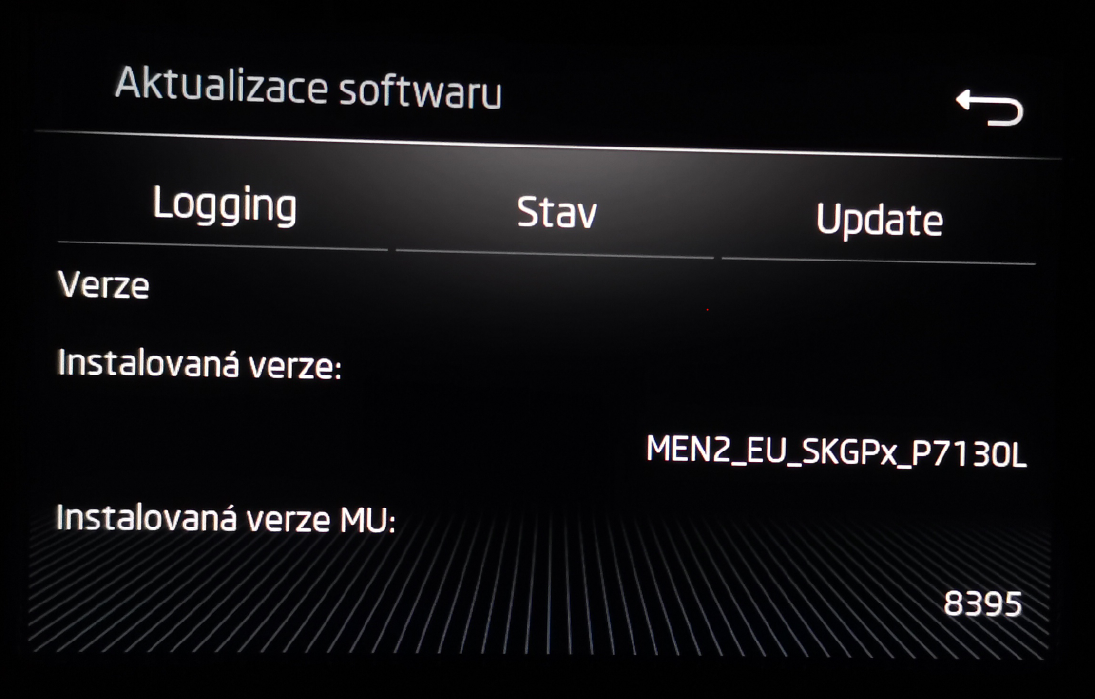
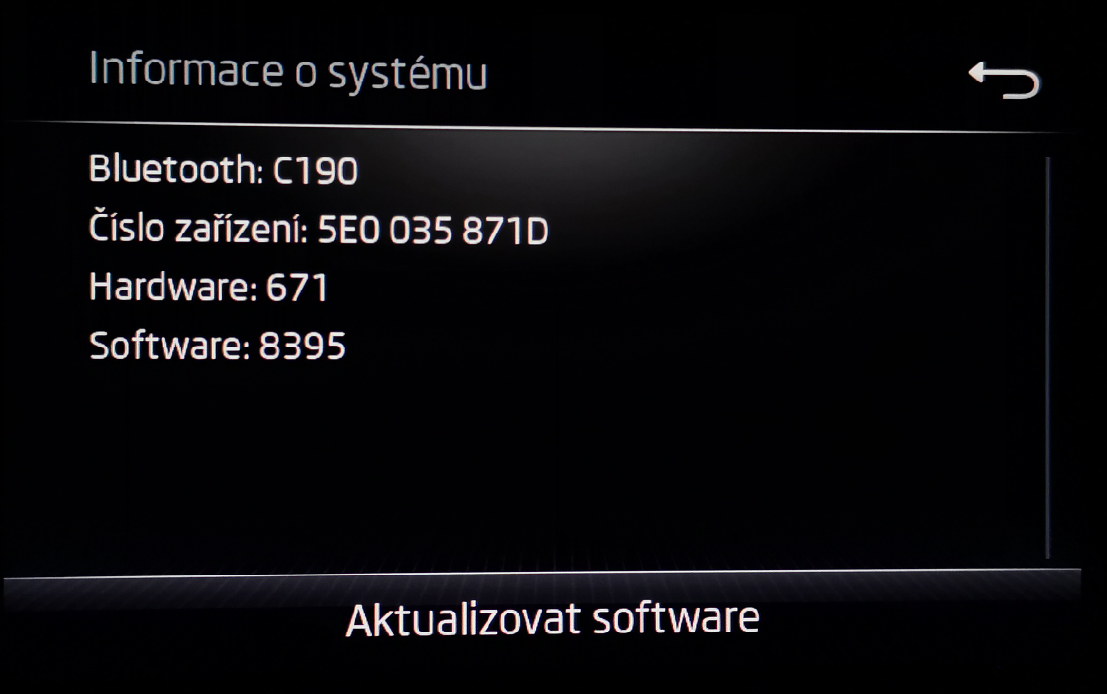
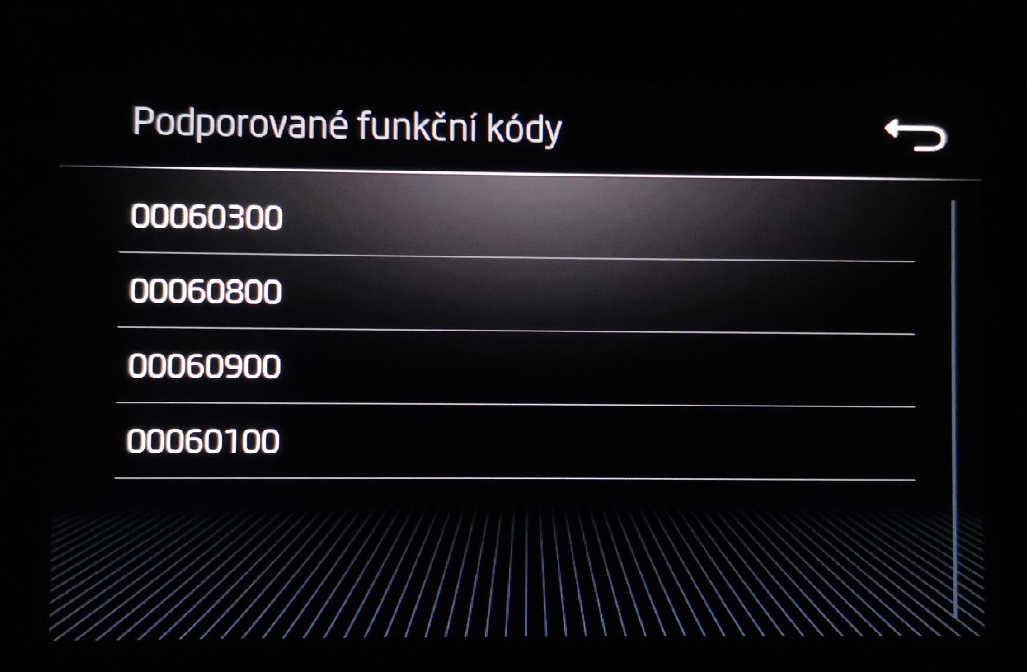
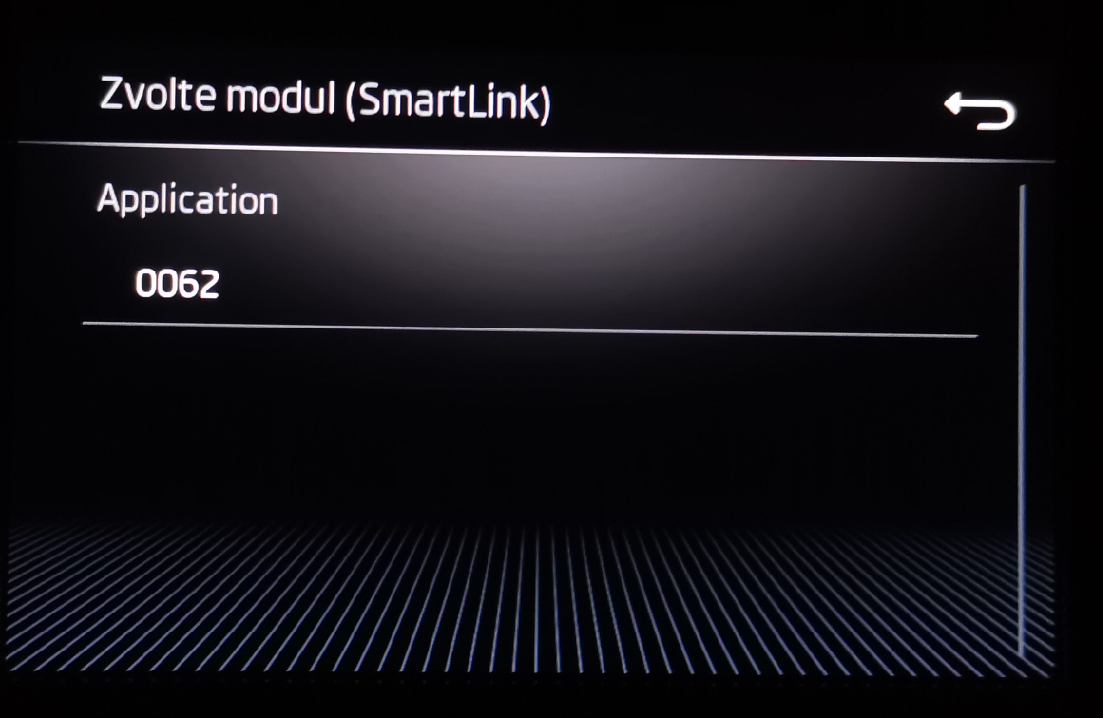
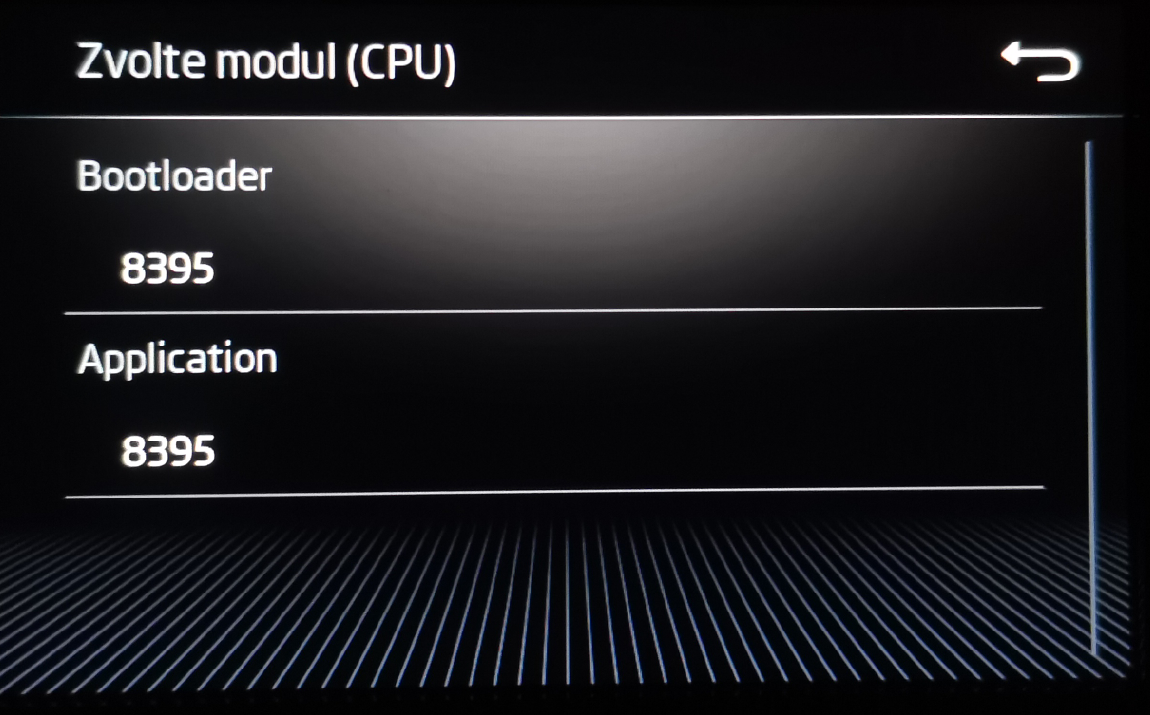
Hello, I have a question about the Radio Swing update in Octavia3 - 2017 (MEN2_EU_SKGPX_P7130L MU 8395). Is there anyone who can send me a newer version of the software ( 8740 or can I use the 8755 version ???) Or can I download and upload the SW that is listed for download at the address above to my Swing radio? (is this SW 8755 also suitable for my radio??? Thank you very much in advance for any INFO. I appreciate your work and willingness. I will also attach a photo. Can I somehow activate SmartLink - AndroidAuto on this radio? Octavia3 - 2017 - 1,6 TDI - 85 kW - SWING MEN2_EU_SKGPX_P7130L MU 8395