AmolK
New here
-
Joined
-
Last visited
-
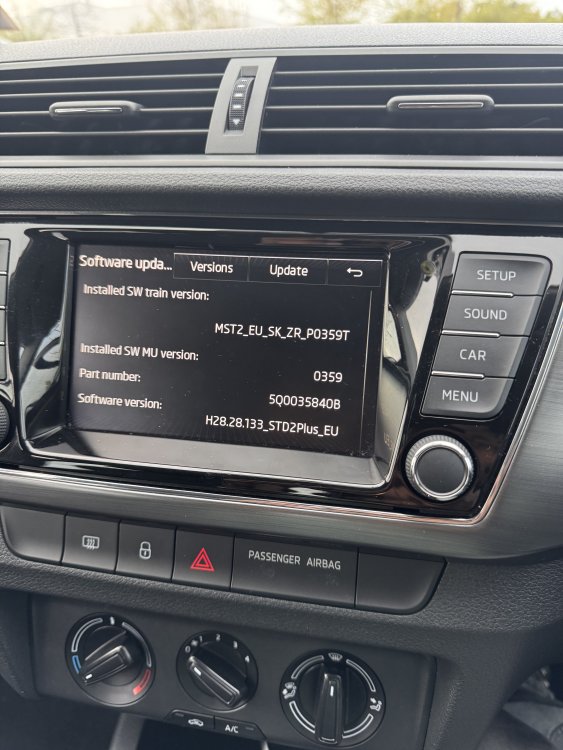
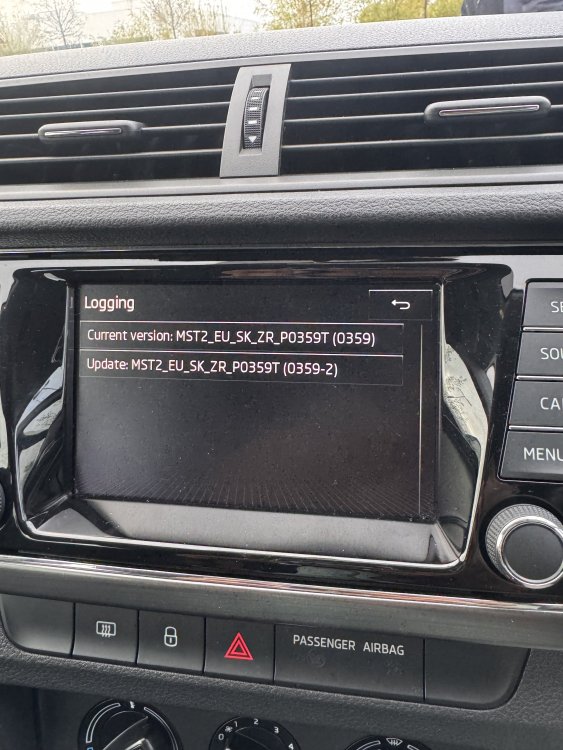
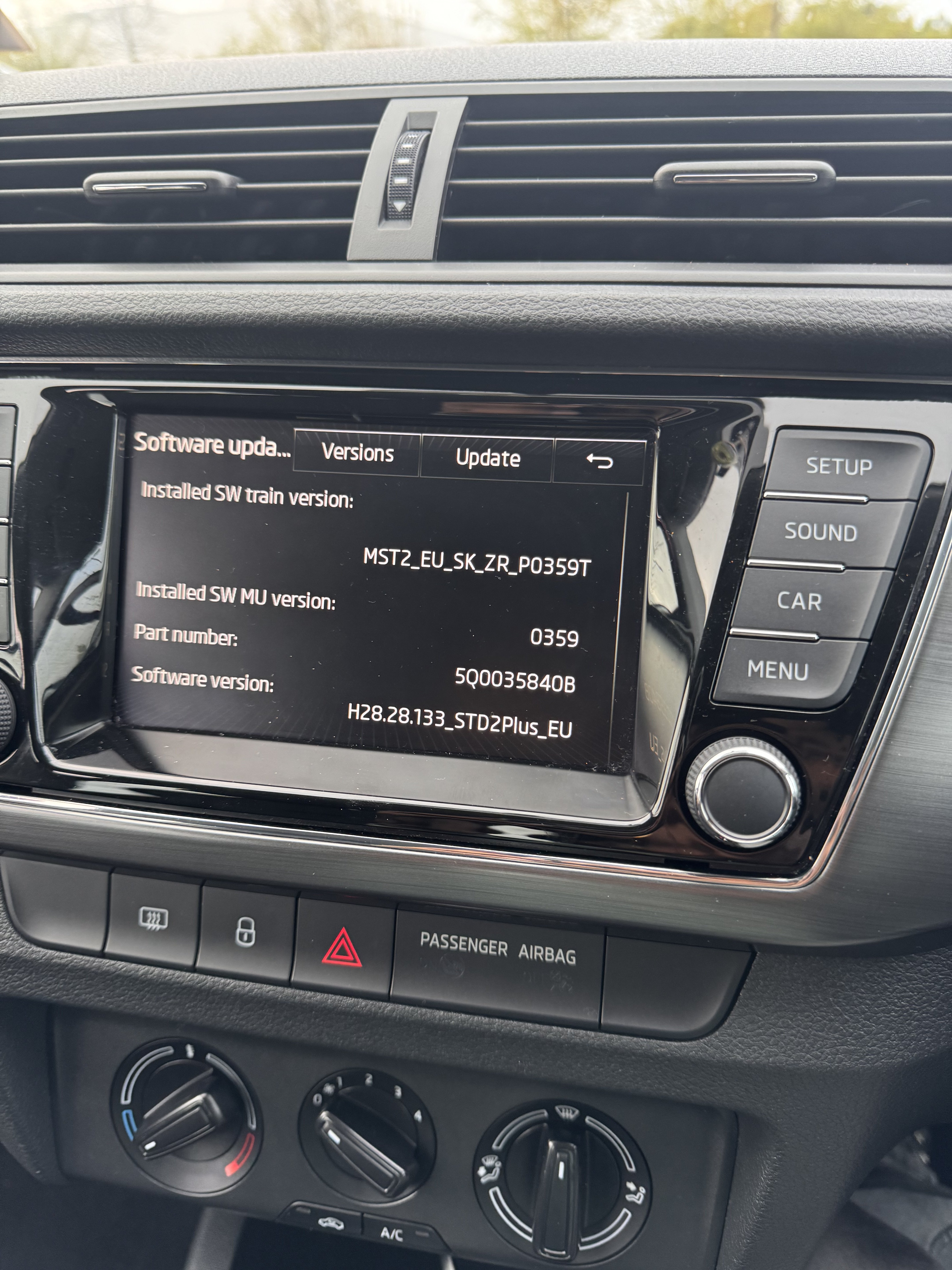
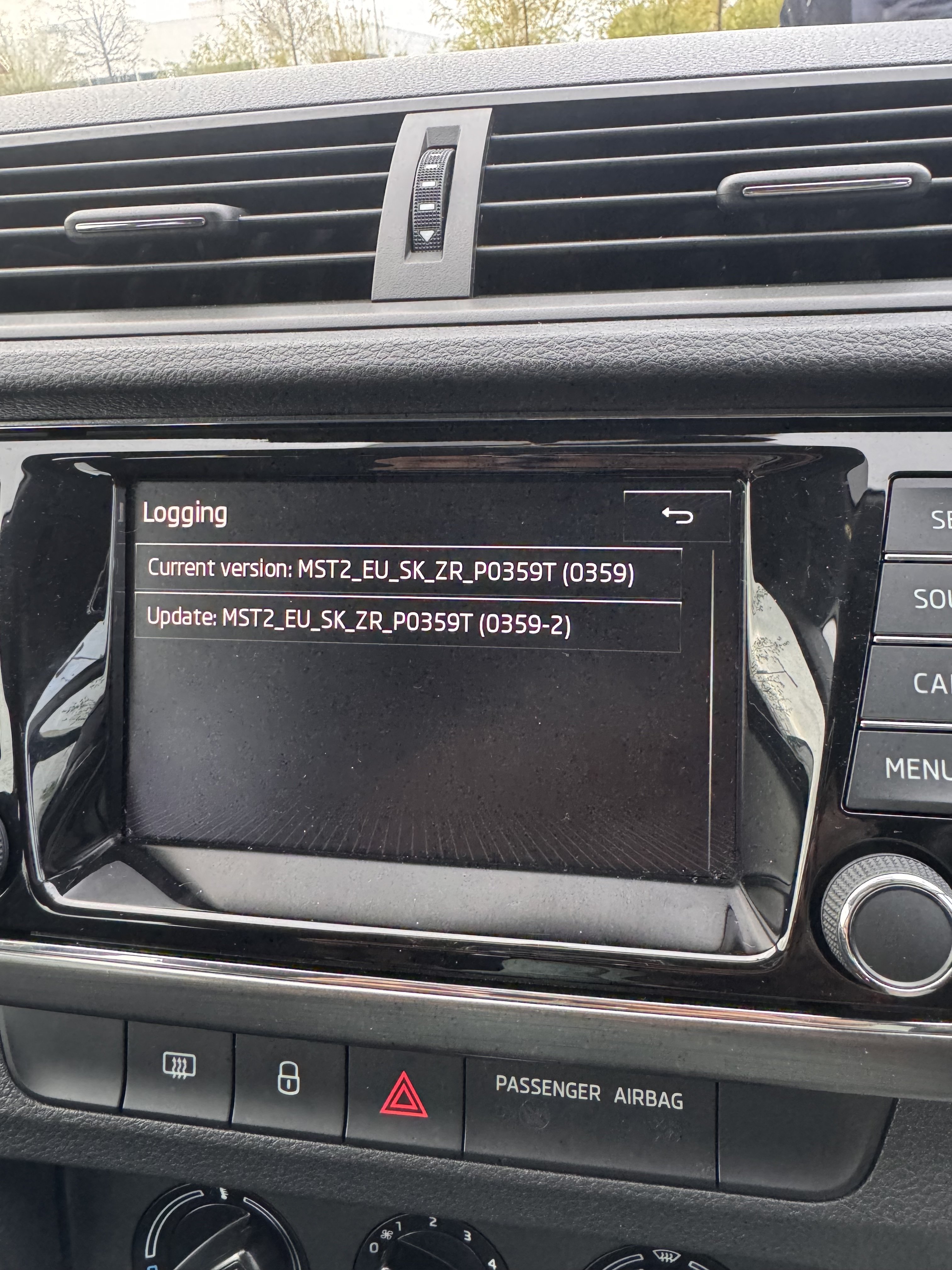
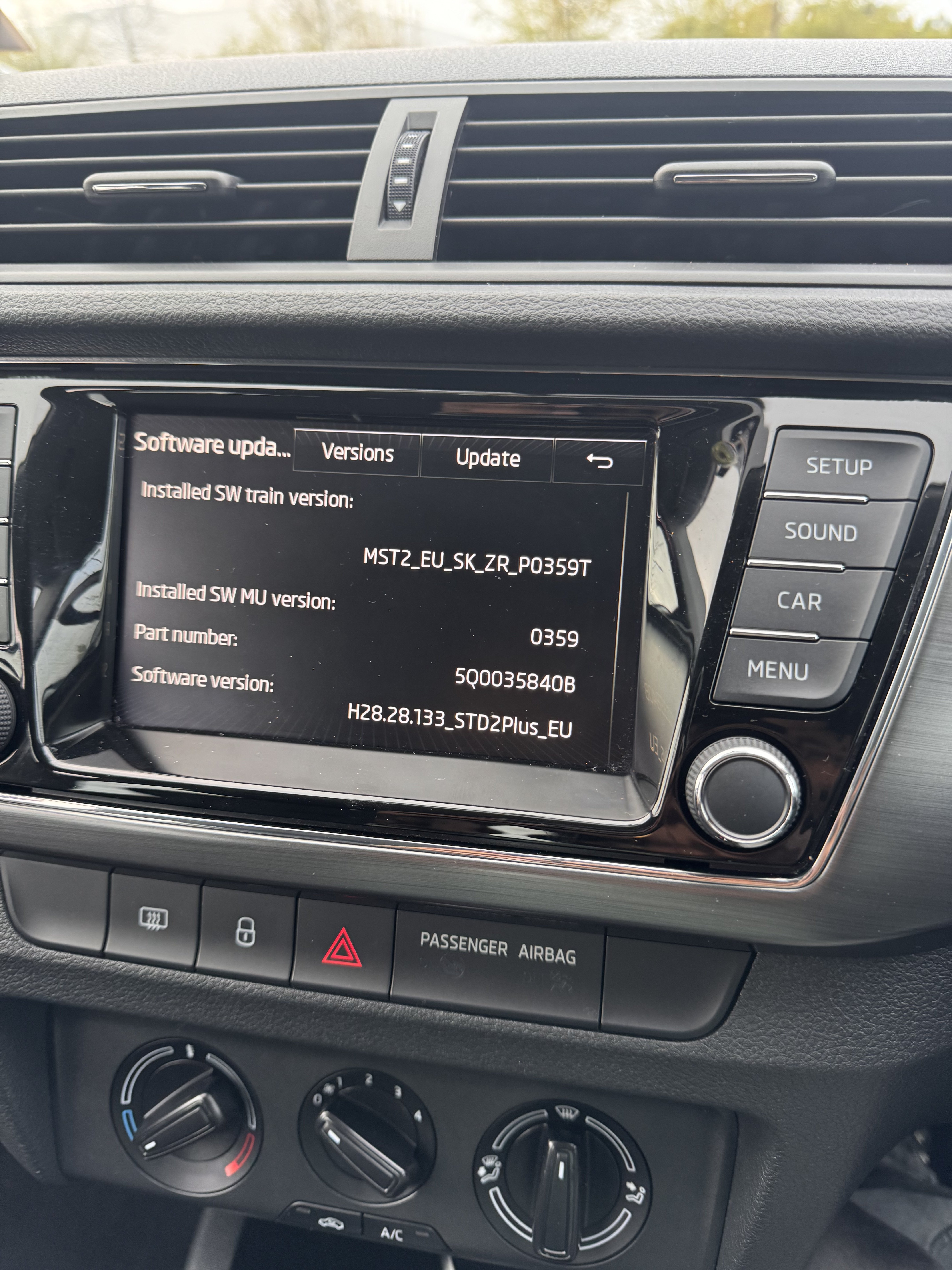
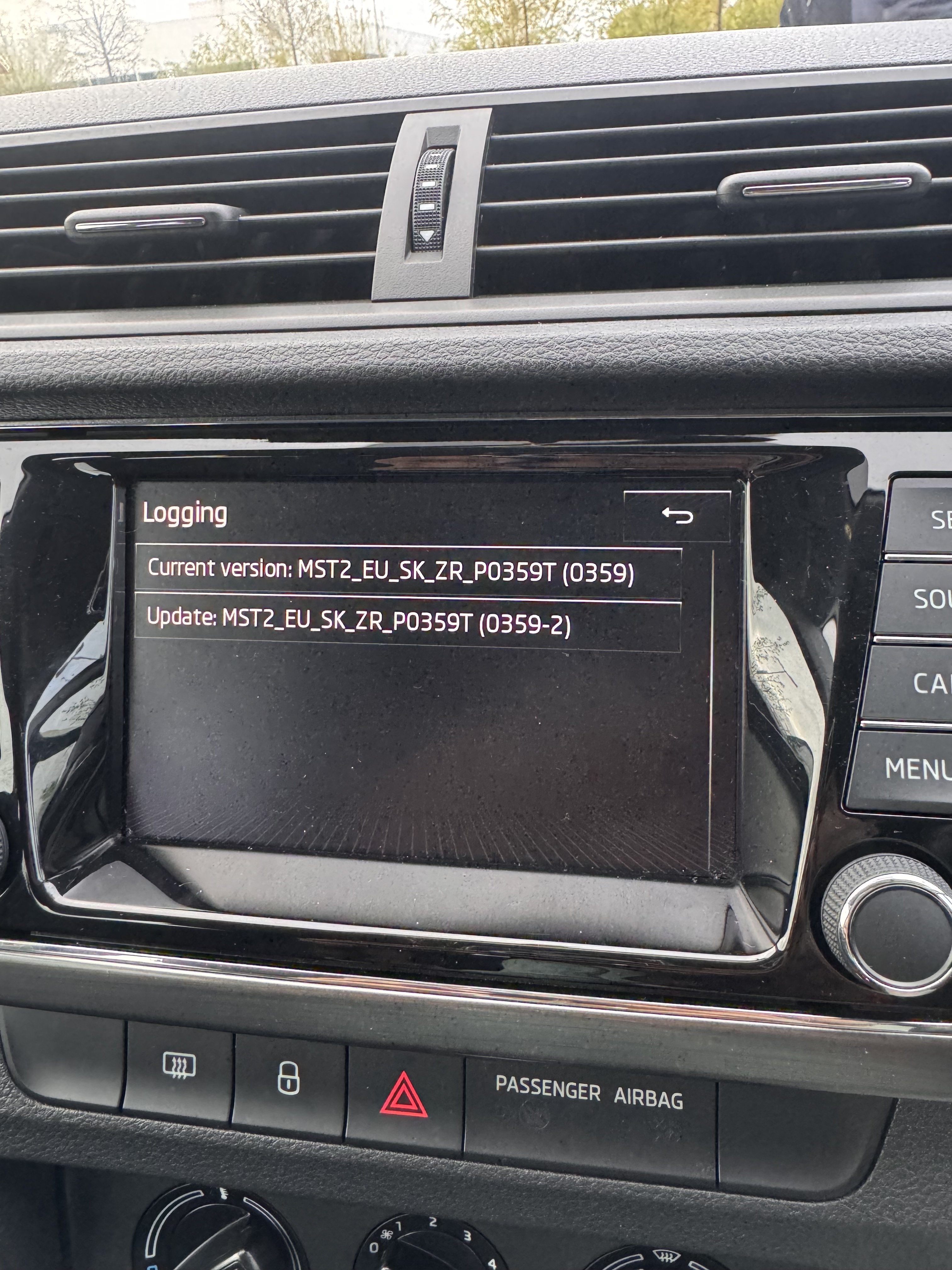
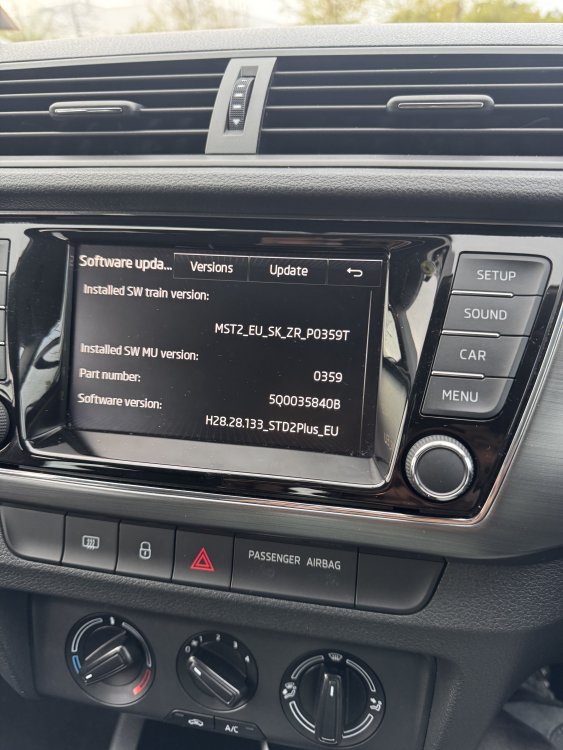
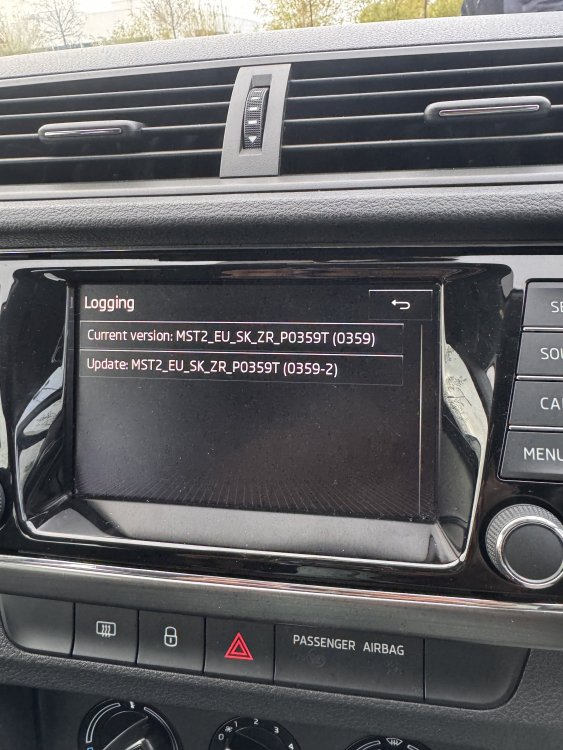
Hello @Joco776, I'm from Ireland and recently purchased a used 2017 Skoda Fabia Monte Carlo. However, I've noticed that Apple CarPlay is disabled in my Skoda Fabia. After reading through various comments and posts, I'm wondering if you could assist me with updating it, if possible. Trying to send you the message but it's not working so. Additionally, I have an SD card slot. Can I use any SD card, or is it necessary to use a Skoda-specific SD card? Here are the details of my car's software: Software Update: Installed SW Train Version: MST2_EU_SK_ZR_P0359T Installed SWMu Version: 0359 Part Number: 5Q0035840b Software Version: H28.133_STDPlus_EU Logging: Current Version: MST2_EU_SK_ZR_P0359T (0359) Update: MST2_EU_SK_ZR_P0359T (0359-2)
-
-
-
-
Hi I am from Limerick Ireland and correctly bought the used Skoda Fabia Monte Carle 2017. In my skoda fabia Apple carplay is disable. can someone guide it. Software Update : Installed SW train Version : MST2_EU_SK_ZR_P0359T Installed SWMu version : 0359 Part Number : 5Q0035840b Software version : H28.133_STDPlus_EU Logging Current Version : MST2_EU_SK_ZR_P0359T (0359) Update: MST2_EU_SK_ZR_P0359T (0359-2)