OcaviaDied
Finding my way
-
Joined
-
Last visited
-
Thank you for takling the time to svare your perspectives and extensive knowledge. it’s a lease, so I guess I’m glad in that regard. Love the car, hope it does not happen again don’t fell like spending money on ODB gear
-
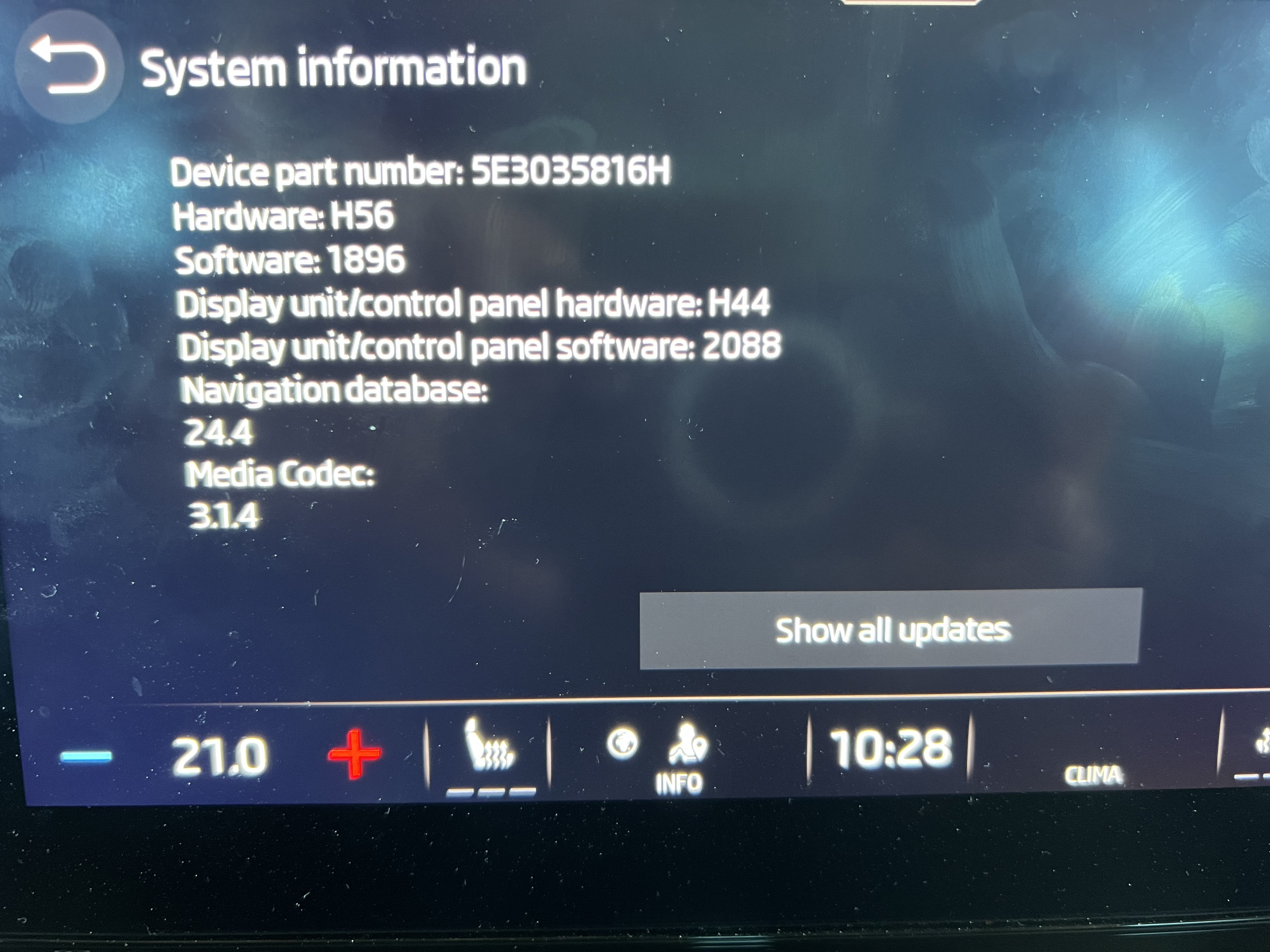
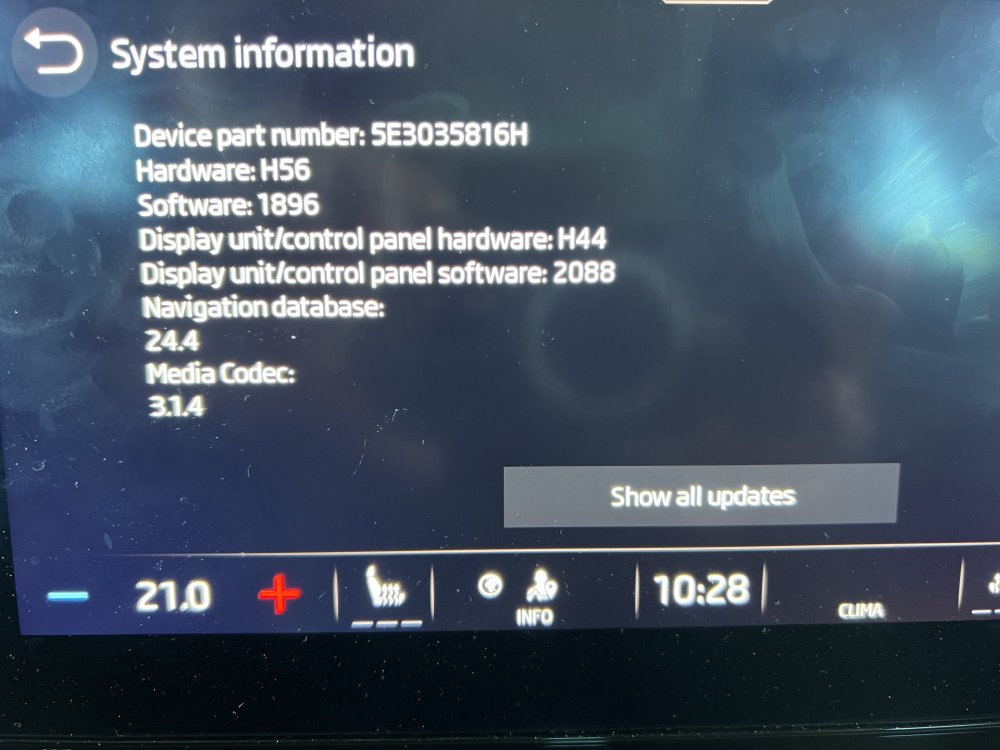
Update: Skoda called me, apparently they can see error codes from the app. wanted 50 € to test the 12 v battery. went to my own mechanic, they tested v12 and high volt. No issues at all. he said he saw plenty of error codes. somehow he say issues with reverse camera, I don’t have any.. Control box, guessing it was MCU and campus communication issues. No explanation as to why the car lost all power. Normally it turns of if I just leave the car for 10-15 sec. So don’t really understand how it could happen 😞 Something is way off with this car. attaching software and hardware versions…
-
Fun fact. Just drove 150 km without seeing the “Emission control system faulty warning light ON” The steering wheel blocked the view of the light. No performance impact. no warning in the MyŠkoda app or in the cars systems either…. sorry for capital, on mobile…
-
Had no cables 😛 but have roadside support… but I Will never make that mistanke again. And its certain I Will never use the “High voltage” battery to 0% again 😛 Im on hardware h55 display /controll hardware h44 if I recall correct…
-
12v system ran out.
-
Car does not turn on. Break lights are flashing like it’s the night rider theme… tried to turn it on, or lock the car… nothing happened. can’t even turn it on. final stage was constant red light from the break lights. no warning in the app, just a car that I cannot lock or start 😕 Somehow the car ran out of battery it seams. Drove 250 km, not quite sure what happened. Maybe I forgot to turn the car off. But I got a warning that charging stopped, to check the cable between car and charger. It was not connected or charging… not sure how to get it working again? charge it via the plugin? Maybe charge the 12 volt battery via my friends car? need to drive 500 km tomorrow :(