Barbadata
Finding my way
-
Joined
-
Last visited
-
You can do it în 2 ways: 1. Official (probably new card from Skoda with eu maps + probably adaptation in 5f) 2. Unofficialy - search for toolbox for prehnisat mib 2 (github olli) și apply The patch to allow any navigation card, download navi maps from Skoda website and that's it. Got second method working with help / how to form @pab567(Thank you :D) since I also needed component protection off.
-
Romania
-
Skoda dealer ... that's a joke in my region. I asked them to swap the codes and said they don't use second hand units. So ... unfortunately, I am on my own. @pab567 if you can do it remote, please let me know. If there is a cost to it, let me know so I can make a decision. Thank you.
-
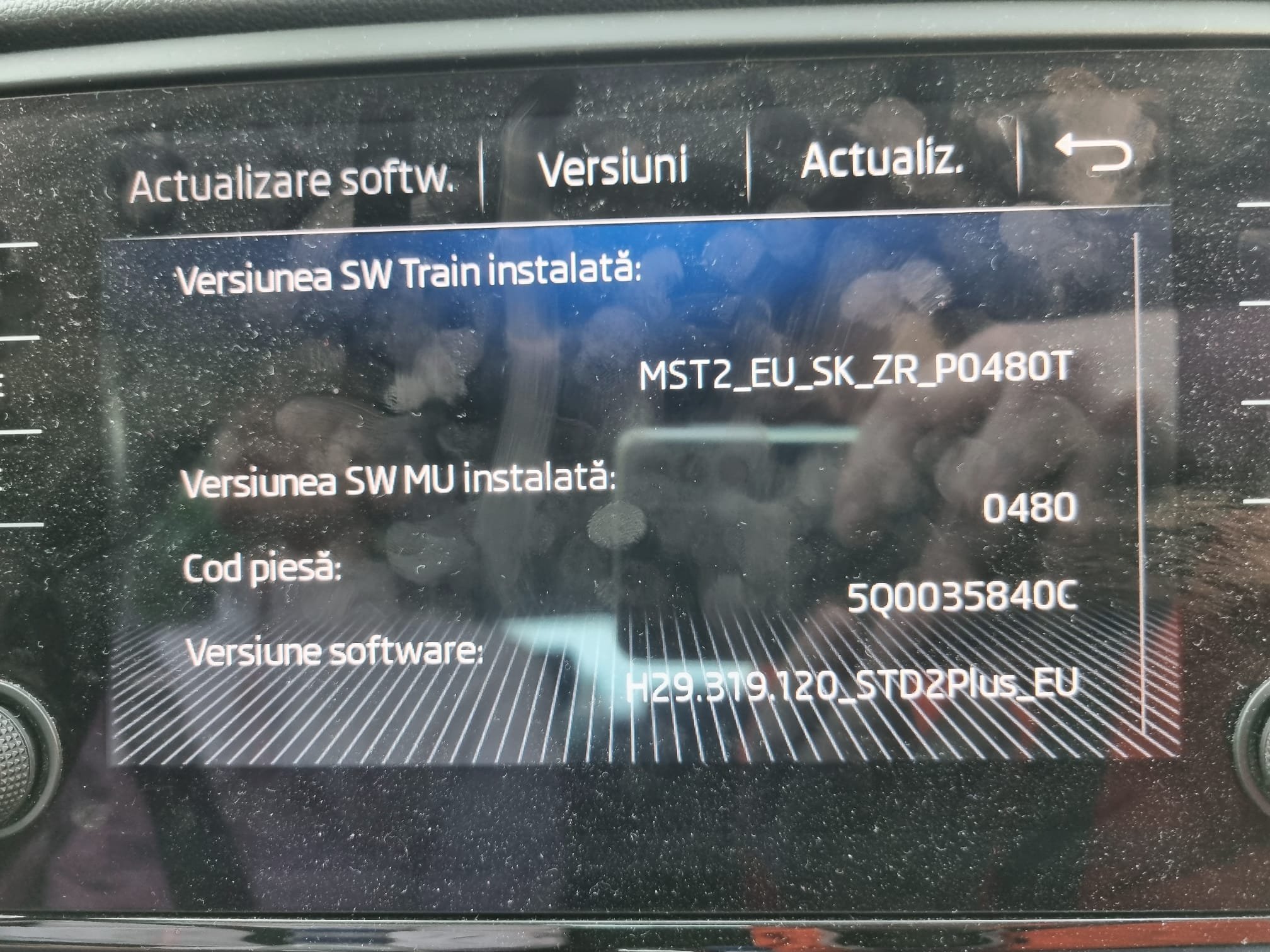
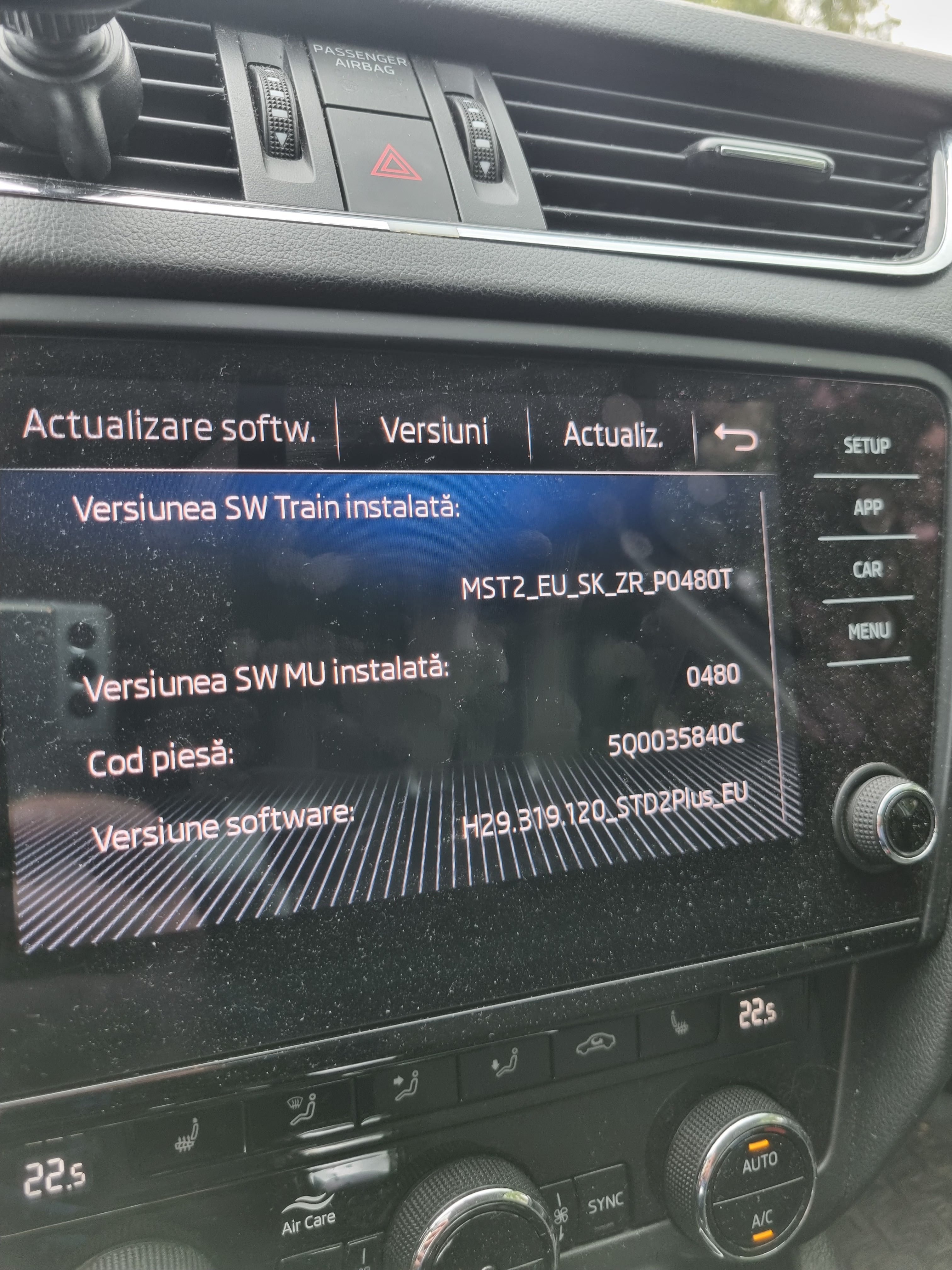
Also, I would like to update to latest firmware. The firmware which I have now is MST2_EU_SE_ZR_P0245T . Would love to have the software from previous unit, which was P0480T but I don't understand completely if it is possible and how to do it without bricking the unit.
-
So I managed to buy a used unit 5Q0053864A which I managed to do CP off with Oli's software. I don't know what coding I need to do to retrofit correctly the unit. Also there was somewhere how to change skin/ number of items displayed on screen since I bought the navi from 6.5 inch display and mounted it on 8 inch display. Any advice would be nice! @pab567 suggestions ? PS: I have an error code in OBDEleven scan that CP is not off, but the unit is working normal ... Can I do something about it? Thank you all!
-
@pab567 I have acces to Launch. Is it possible for me to do it myself? Is there somewhere a tutorial? Thank you.
-
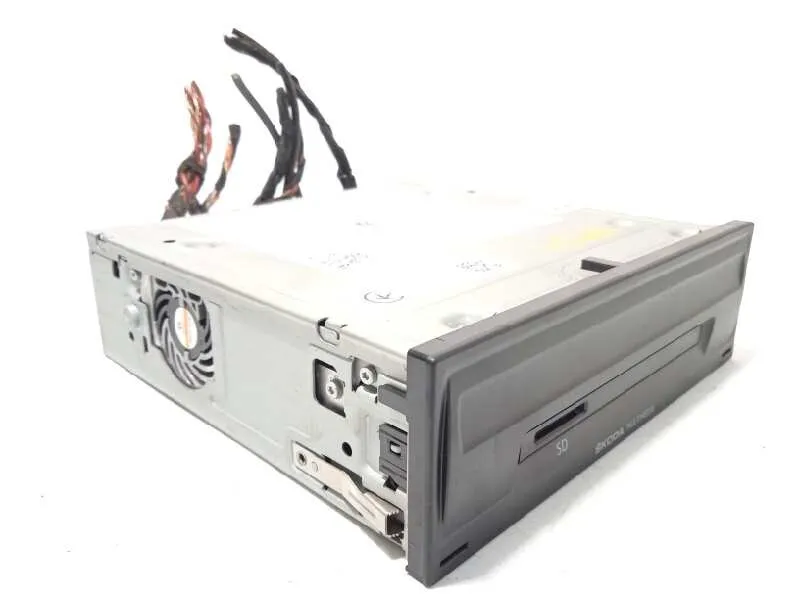
So ... I know computer hardware but i supose that ram is soldered and also the cpu. So there is necessary to replace something. @pab567 can i change only this part? attached photo. Also ... i think that the USB port it's not "perfect". I had troubles pluging the usb cable at some point and I straighened the port. The deffect was also before me straightening the port.
-
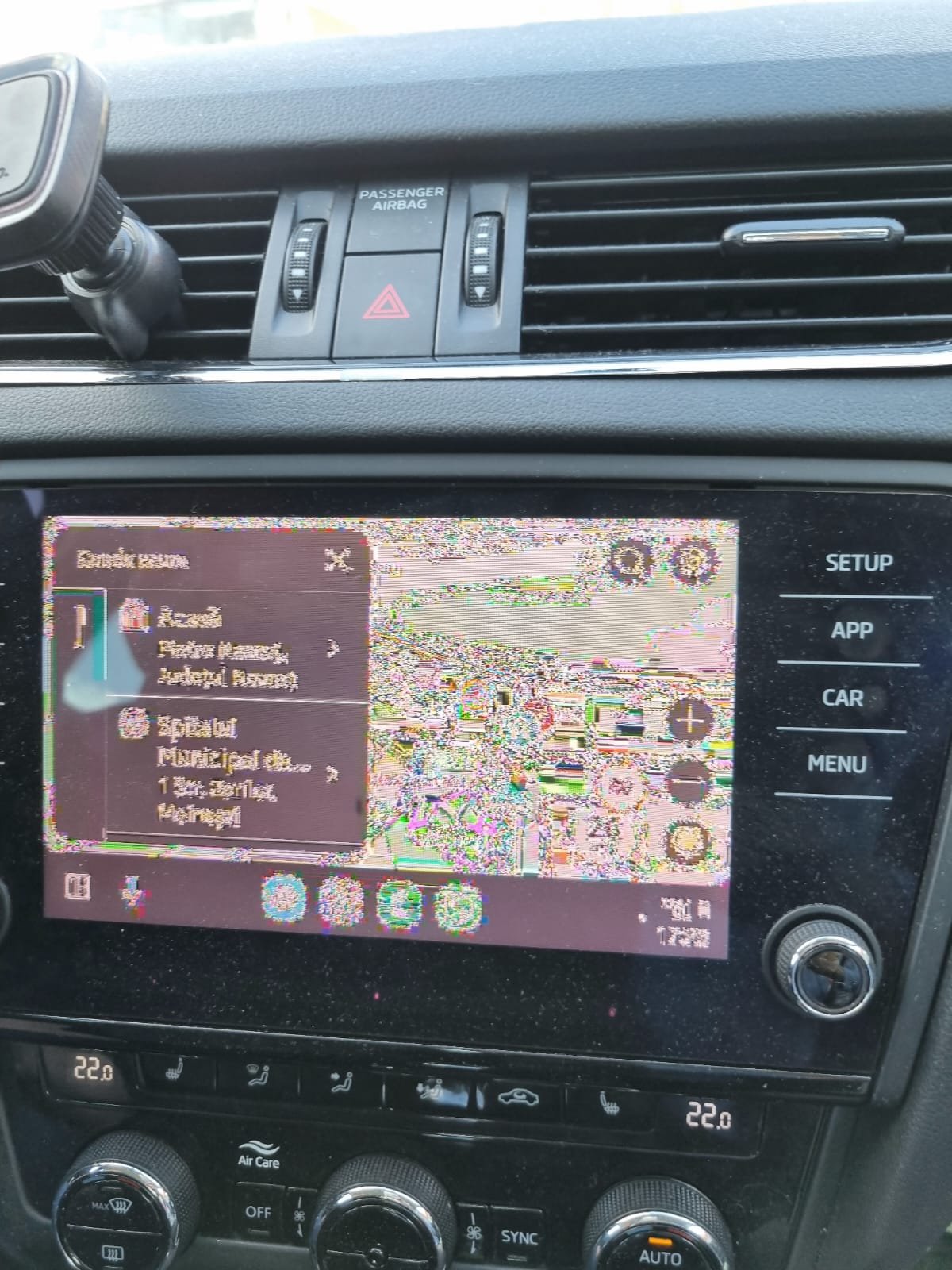
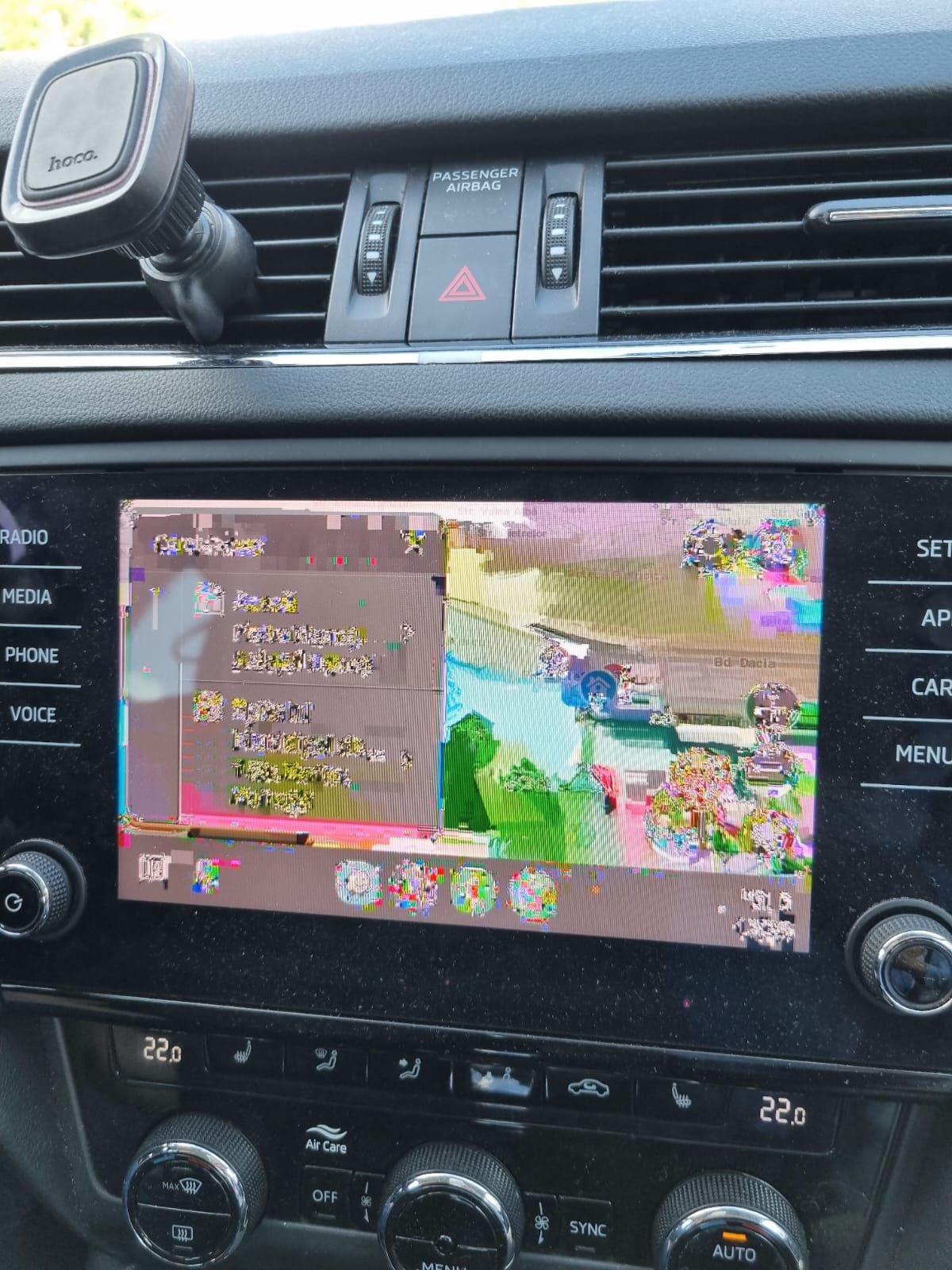
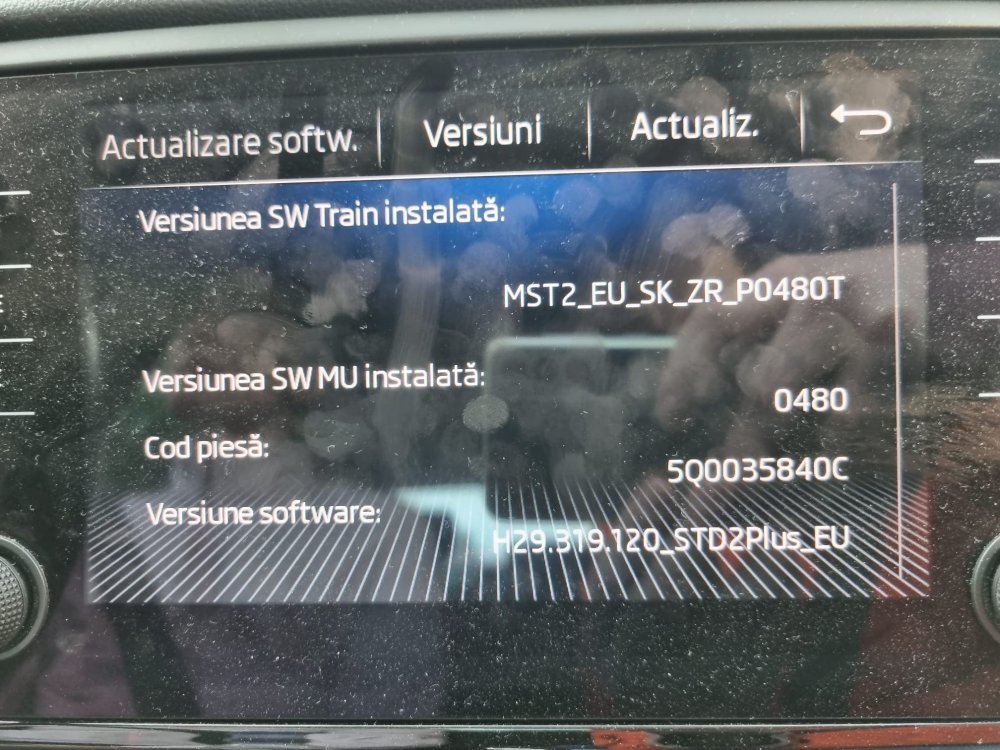
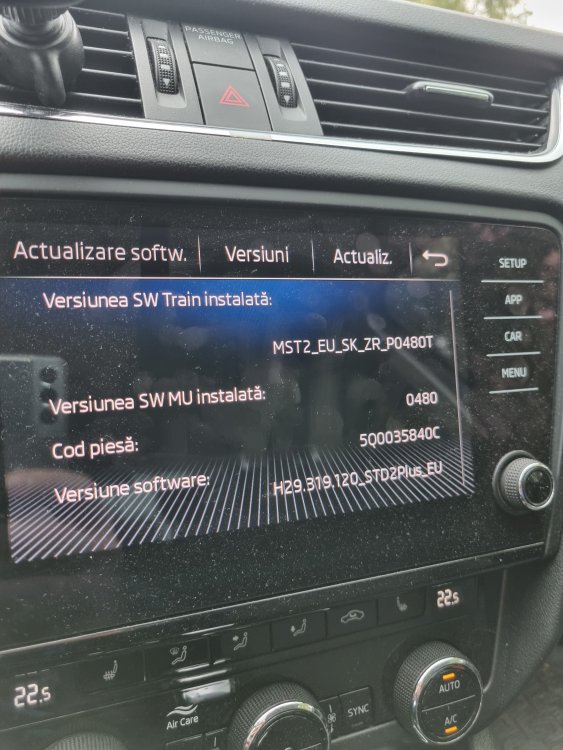
Well sometimes it works flawless but sometimes just turns blubberish. Cables are ok, triple checked Phones are ok, tested with multiple phones (Samsung S21, S20, etc) Firmware - just did the update. I have only one USB port under the MIB 2, above the ashtray. Q: If i replace only the box in the glove compartment, could I solve it? Is it ok to change only that unit or I need to change also touchscreen and everything else ?!?! I attached photo with hardware id and software. Thank you
-
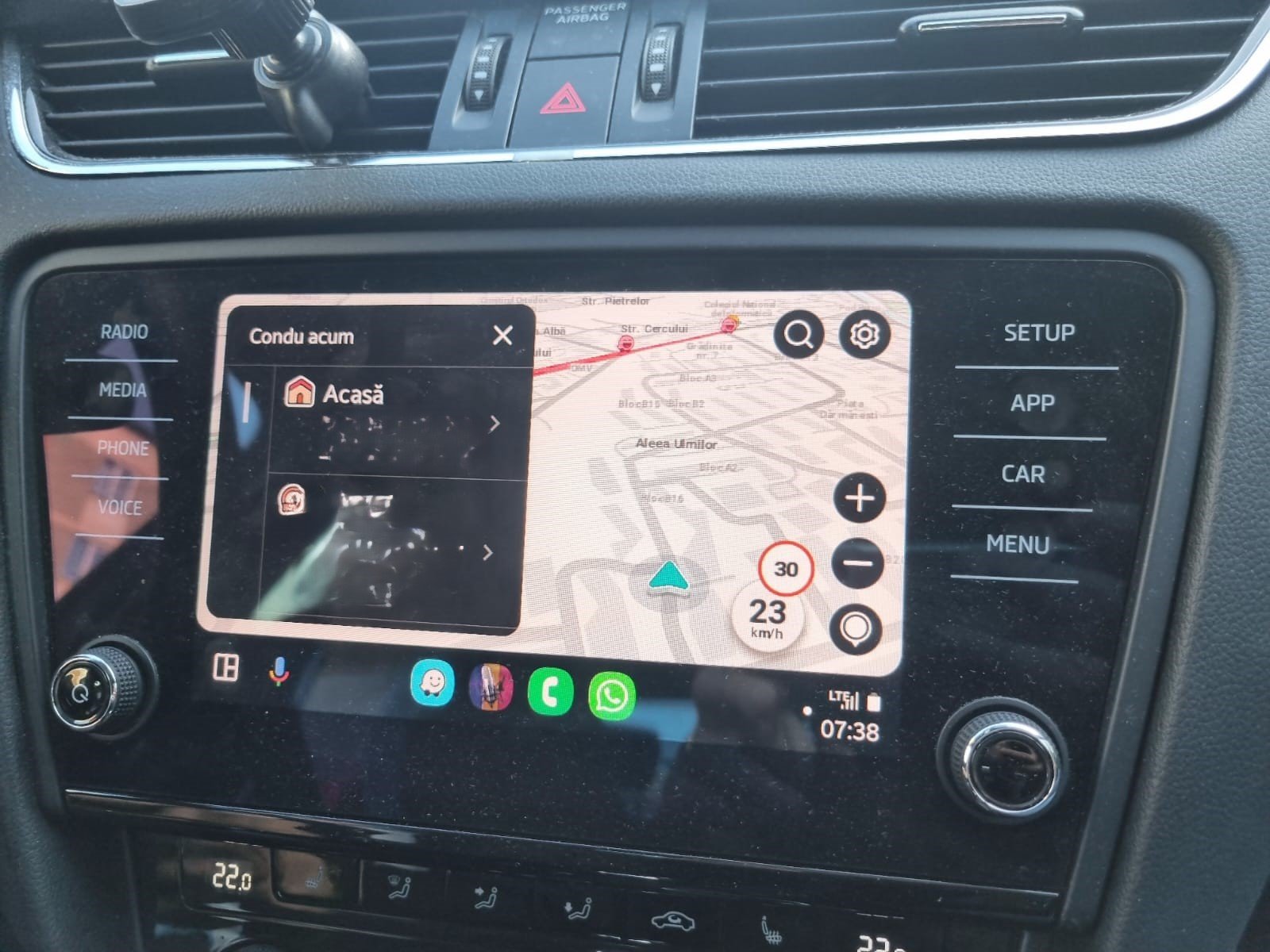
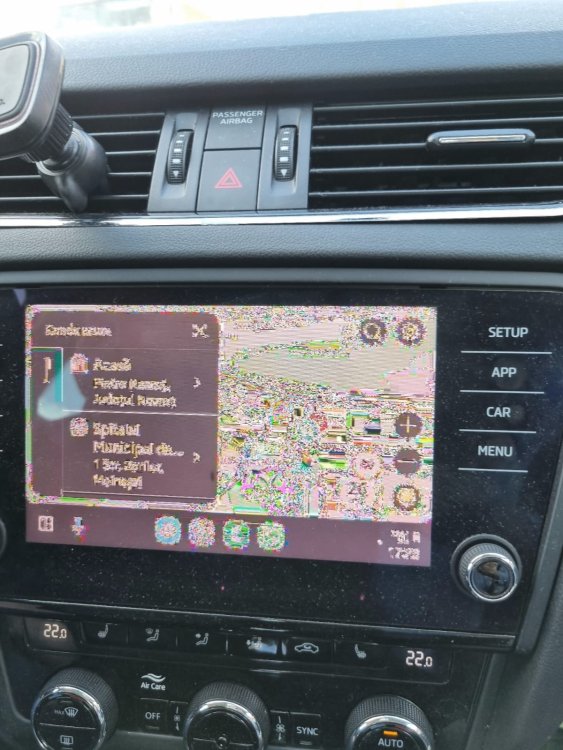
I don't understand why, uploading from android, crashed the previous uploaded photos. Here are the correct photos. In this waze it is displayed absolutely normal, i made the blur.
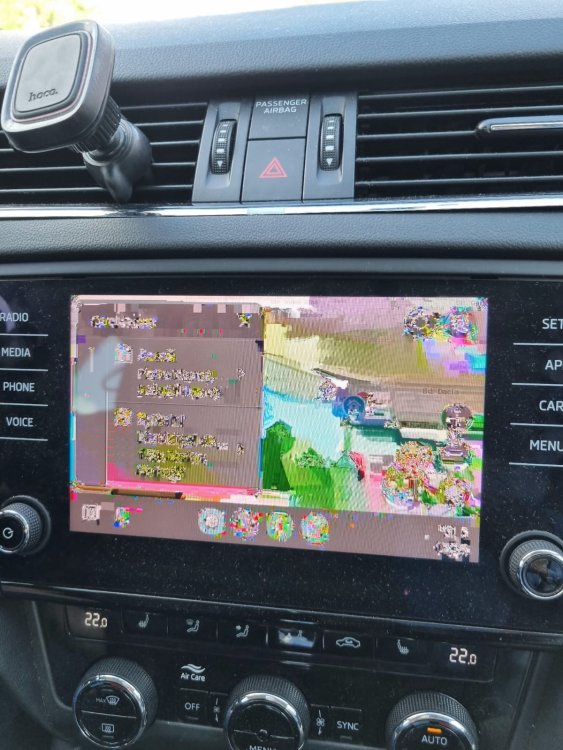
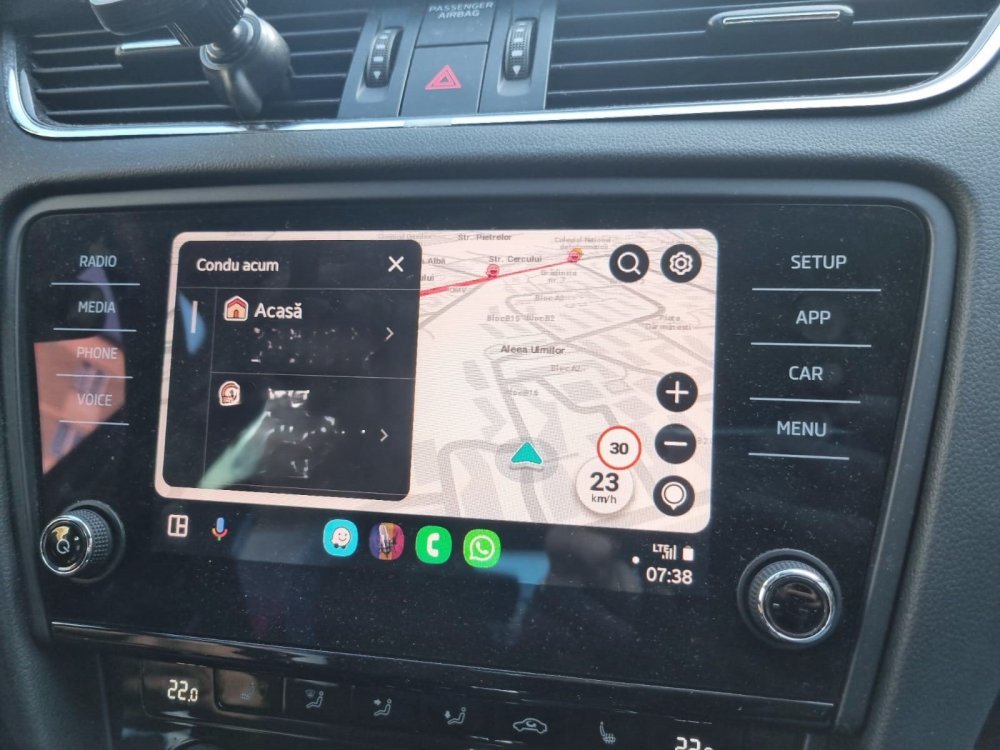
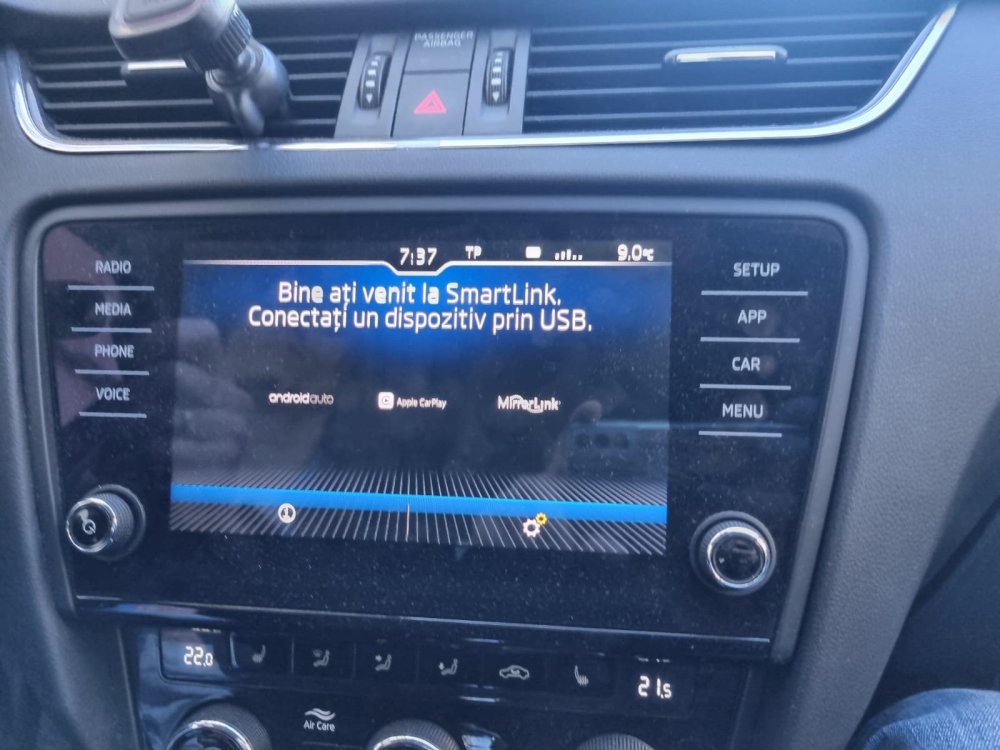
-
Hi, On my unit I get the problems as in the photos attached. Sometimes, android auto shows flawless and sometimes... It's just some blobberish things on display. Even it is not displayed correctly, android auto works and the unit responds to commands. Any advice? What to do, where to start looking? Thank you. @pab67 any suggestions? image%3A97492 image%3A97491 image%3A97490
-
Finally, update succeded. Is there a way to activate wifi android auto? Works only by cable and with some chinese toy attached...
-
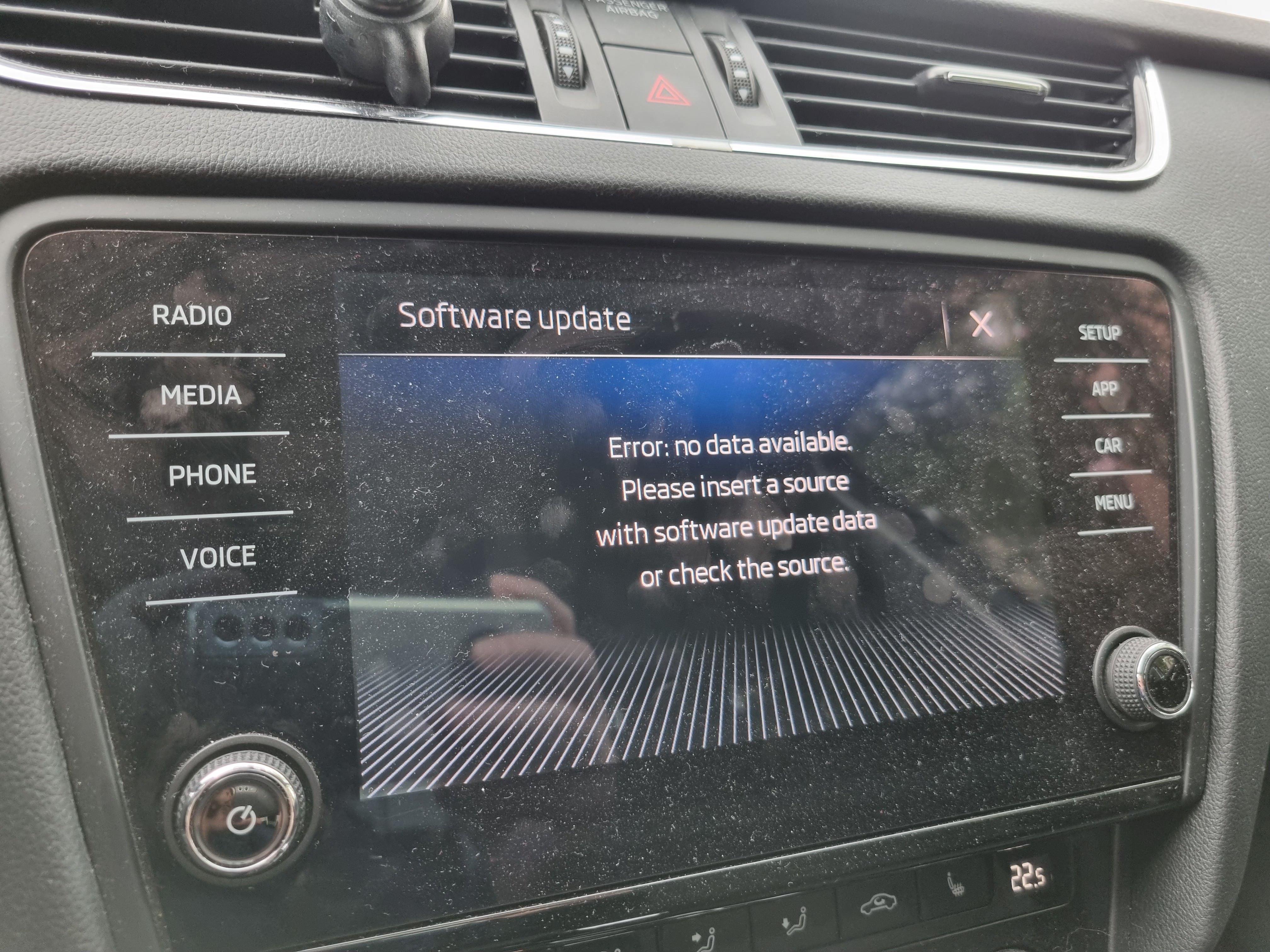
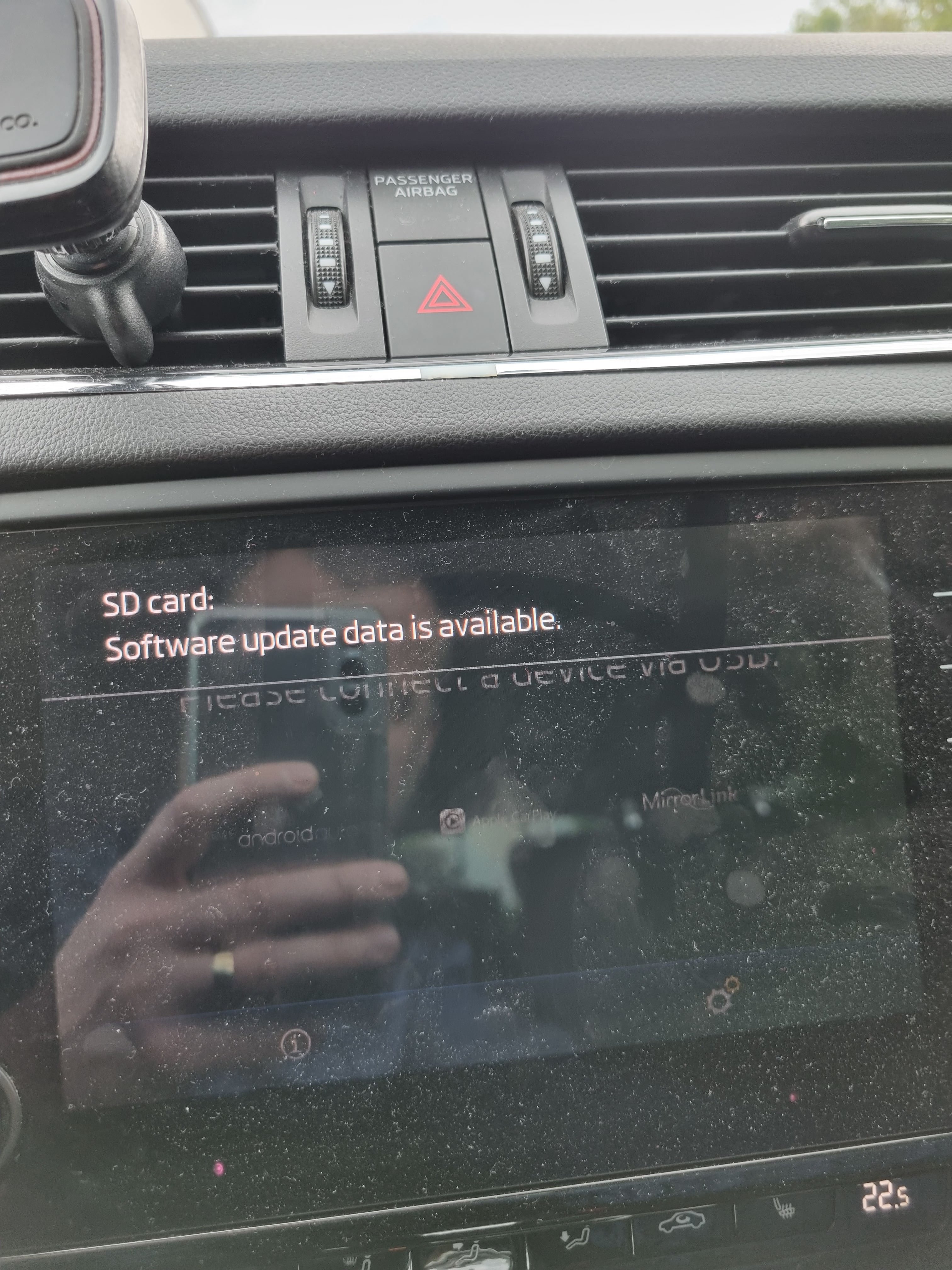
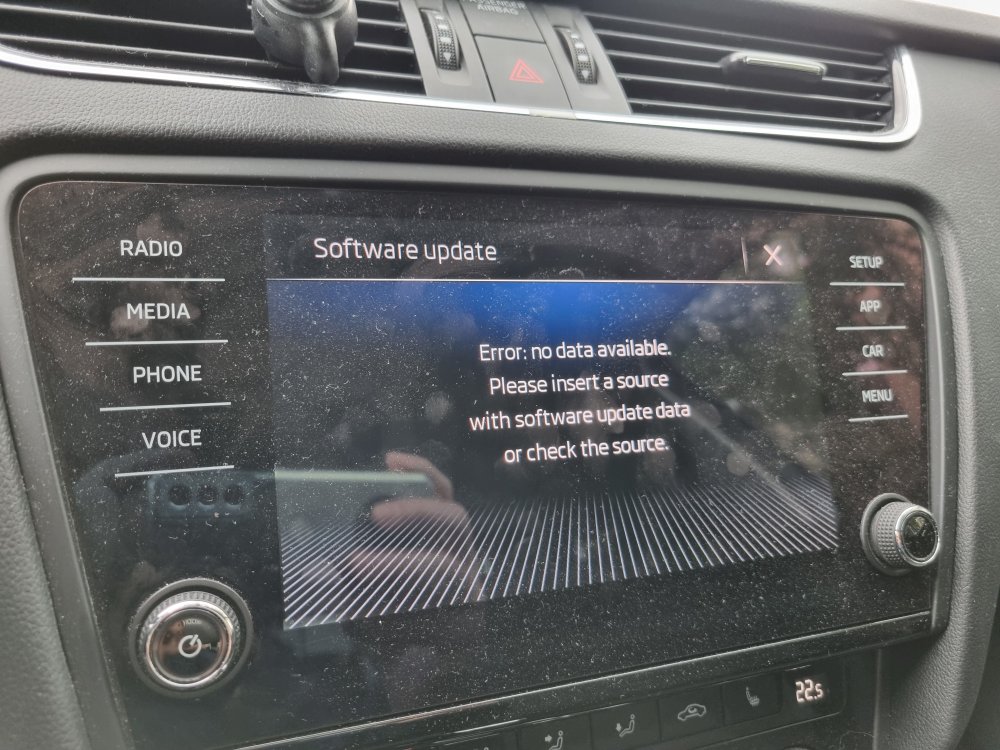
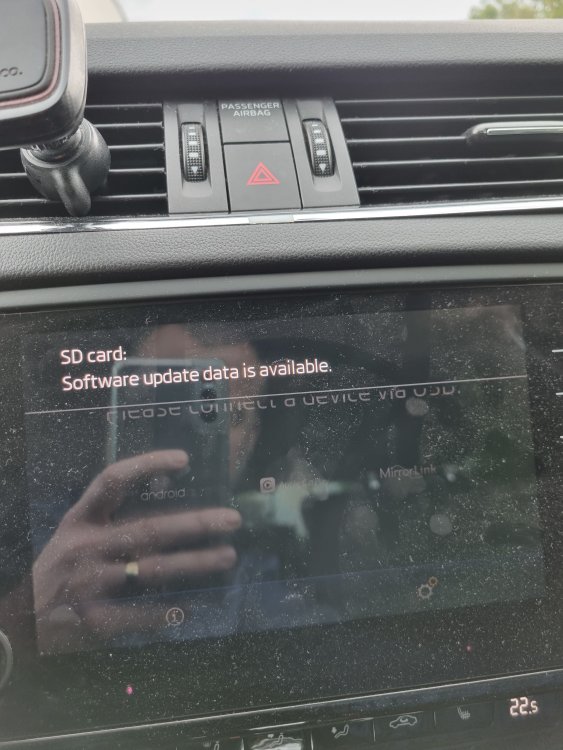
Hi, @pab567 Thanks for the Quick support but it will not upload. Check photo please. Thank you
-
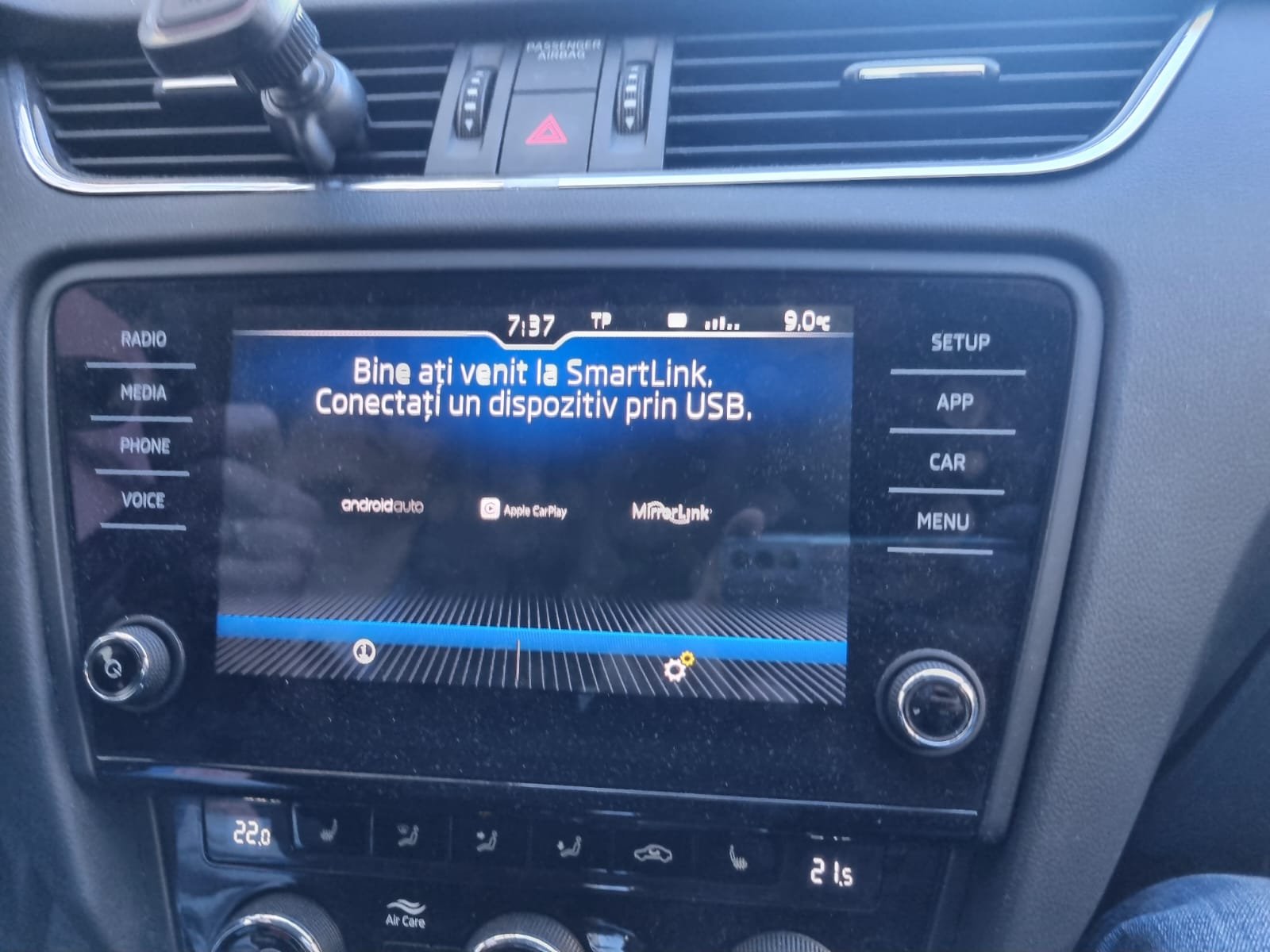
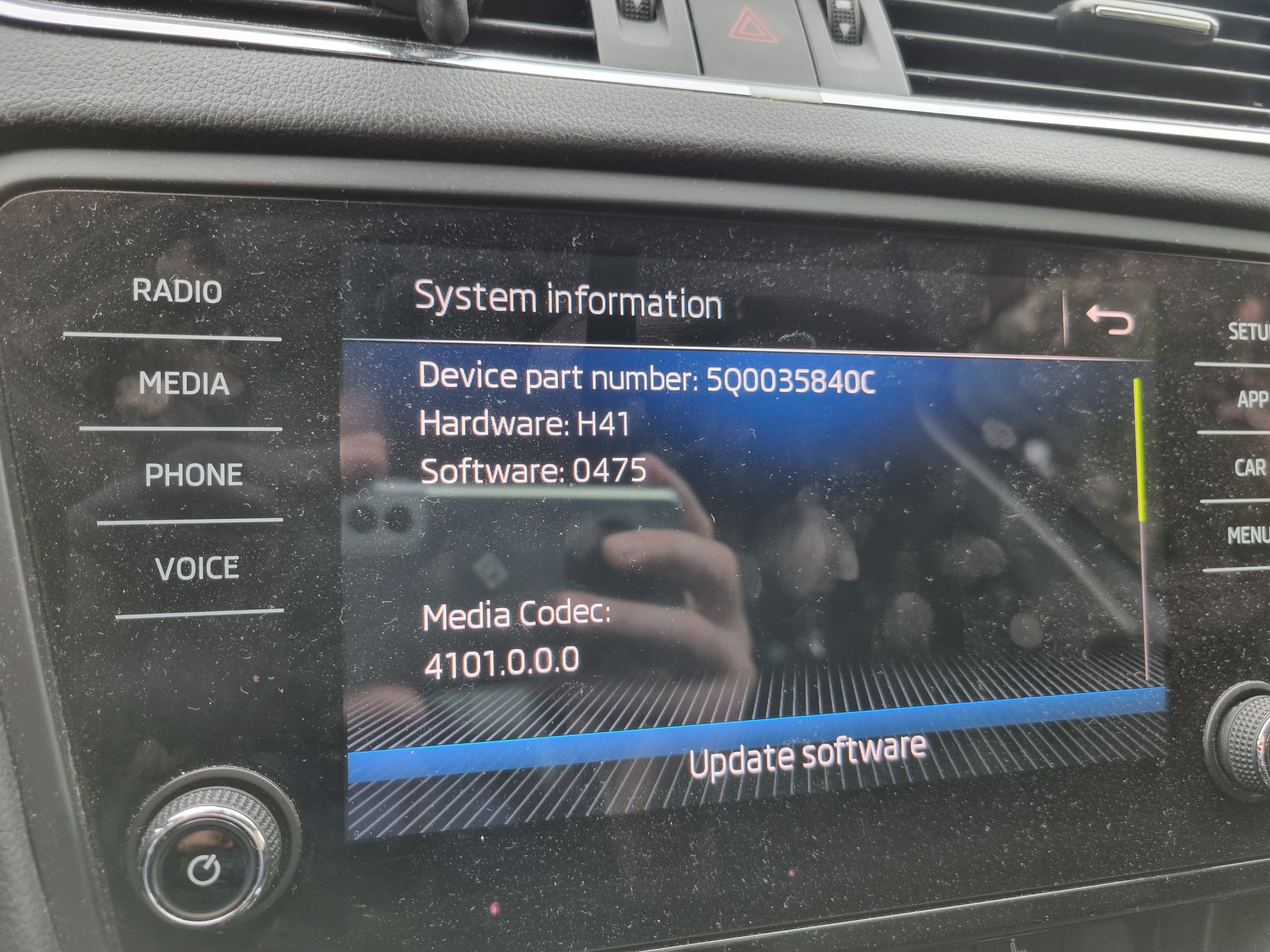
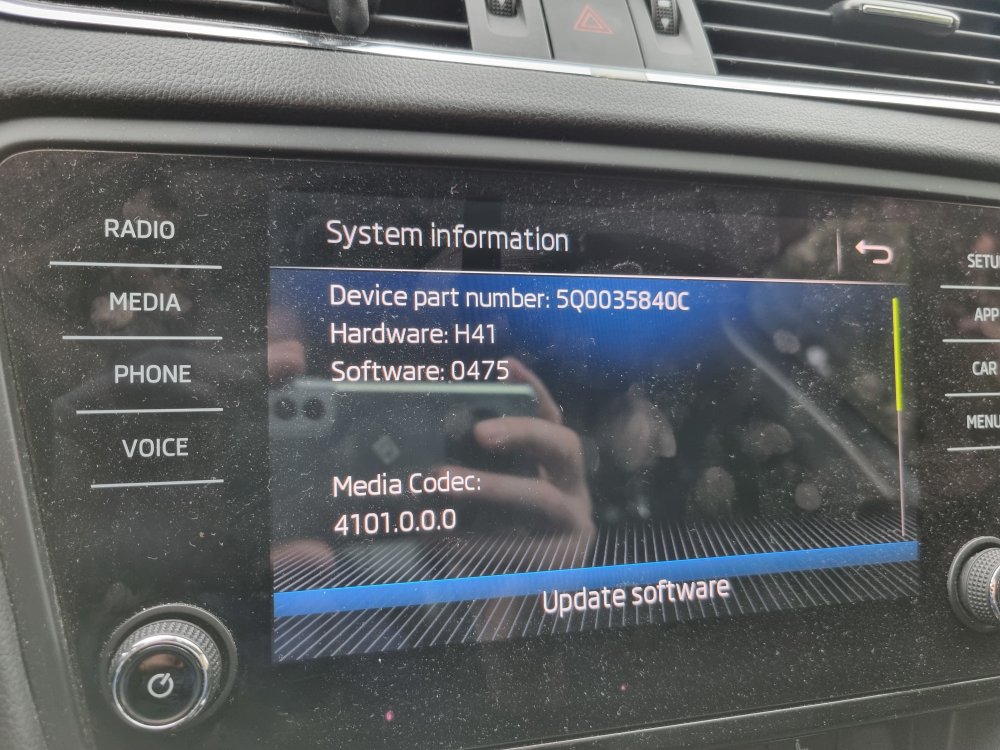
Hi, @pab567 Can you please provide a firmware for 5Q0035840c h41 newer than 0475? And how can i enable wifi android auto please? Thank you 20240511_124125.heic