mk1610
New here
-
Joined
-
Last visited
-
can you provide 0469 version files ? BTW , 0741 was the version the official service center installed on my unit 1 year ago after service ( back them i wasn't aware of this wonderful forum )
-
first , thank you for helping the main issue , is that i can't start a new update , as it boot loop when i enter the update menu and choose the update ( it boot loop every few min regardless ) is there a way to force update , or update as BRIK device ?
-
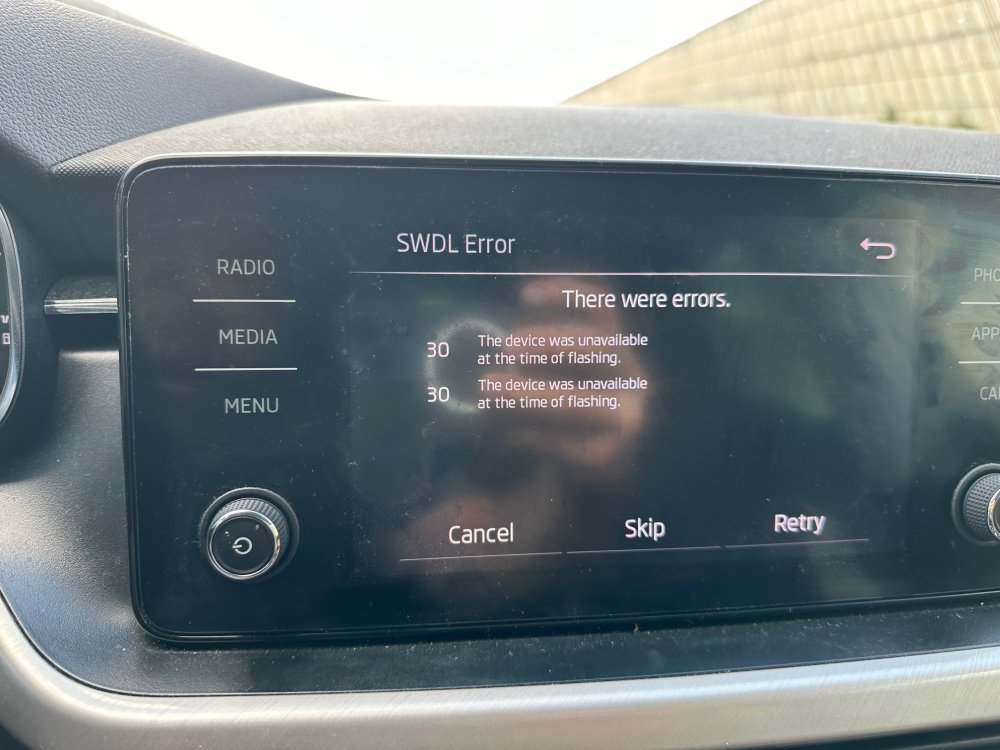
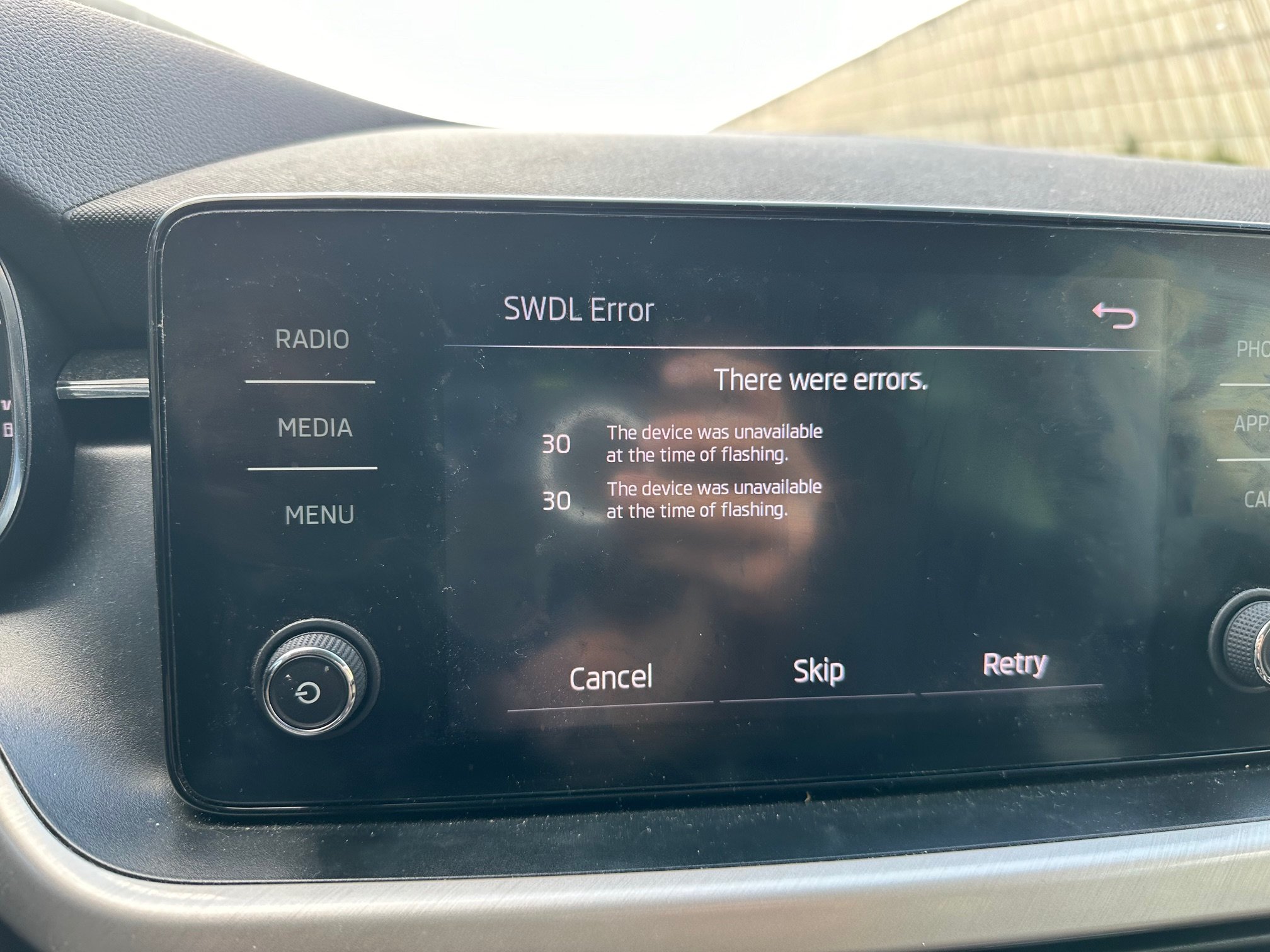
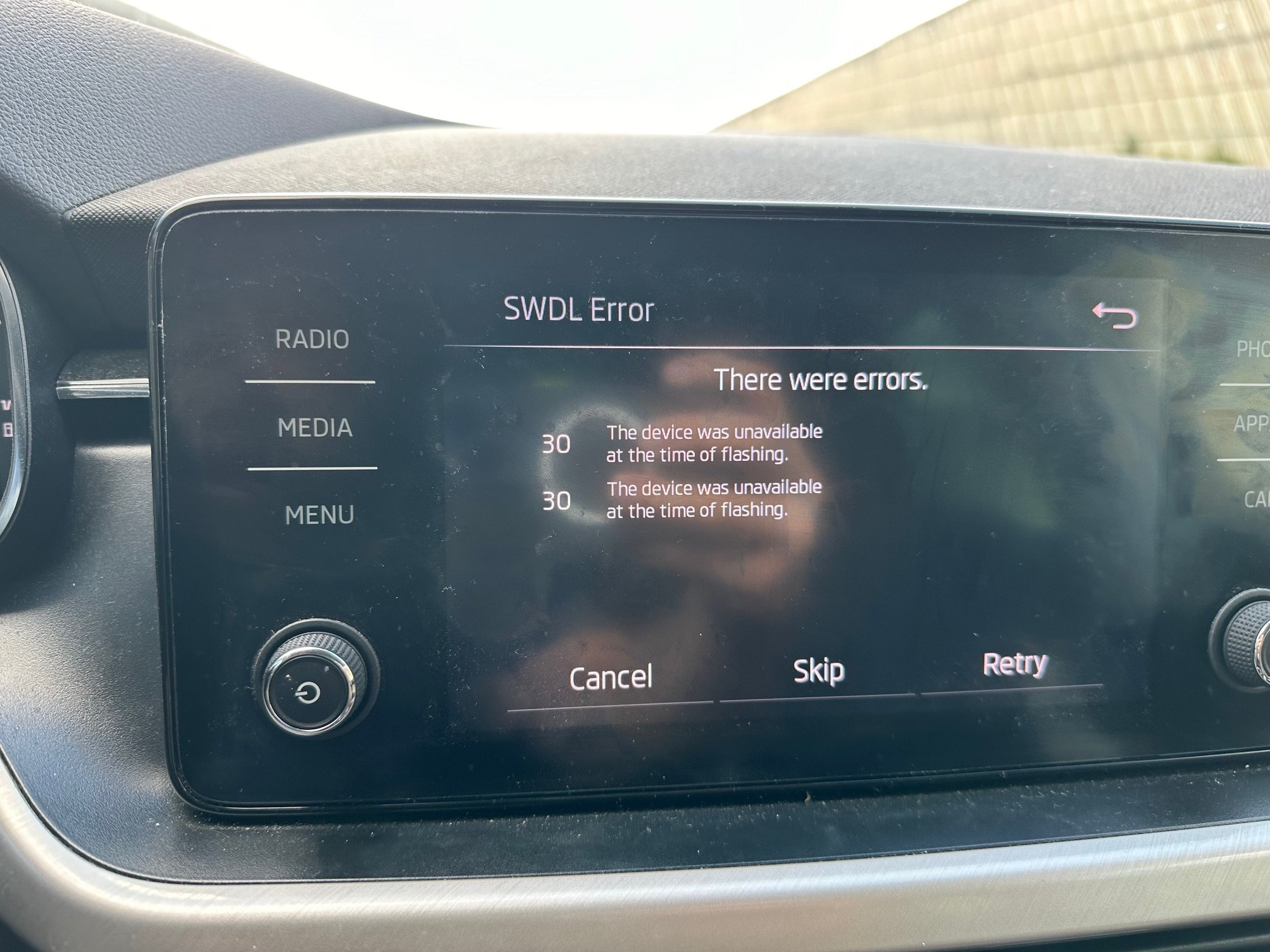
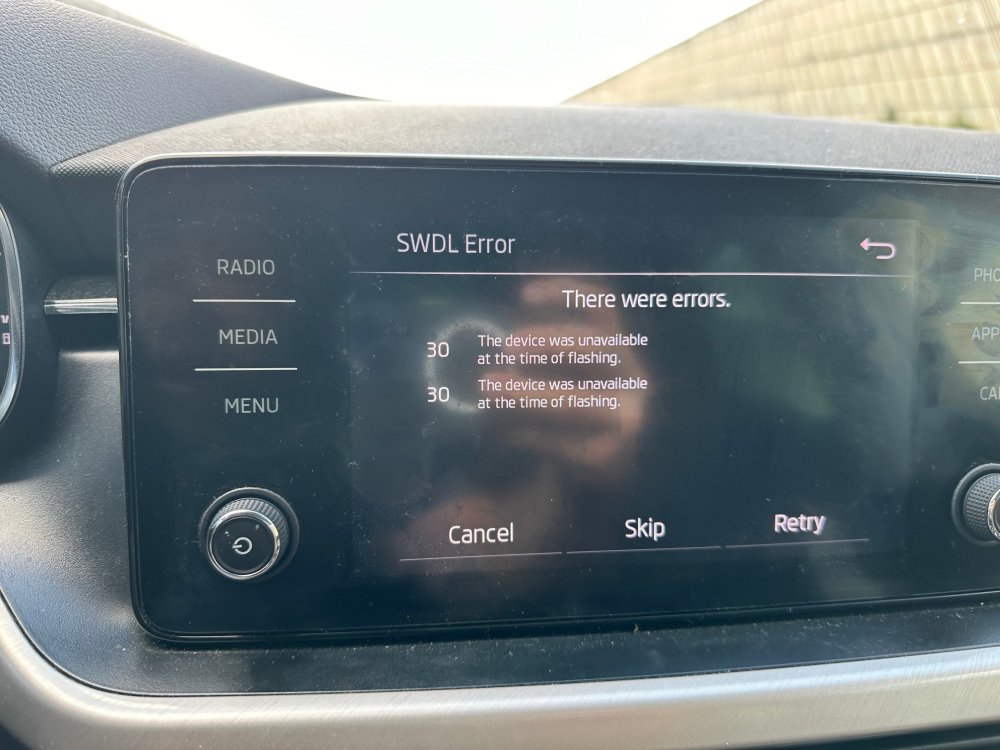
@varooom @Rainesh maybe you can help me i tried to update my system from version 0741 to 0742 , but the car battery died during the update now the system doesn't work good , with a lot of restart and i can start the update again as it always reboot i also get the following (pic) error displayed ( not all the time ) any suggestions how to upgrade to working system thanks
-
Hi, i tried to update Kamiq (2020) bolero ( MIB3 (MEN) ) from version 0741 to version 0742 due to car battery issue , the update was interrupted in the middle now the system boots , but does bootloop after few minutes also some time it show error 30 ( see image below ) tried to do the update again , but it rebooted while checking the USB files metadata does anyone has idea how to recover the system to working mode? thank you in advance