




Matt44
Finding my way
-
Joined
-
Last visited
-
Ah yes, i've had it like that since i was a kid, great tool, even bent !
-
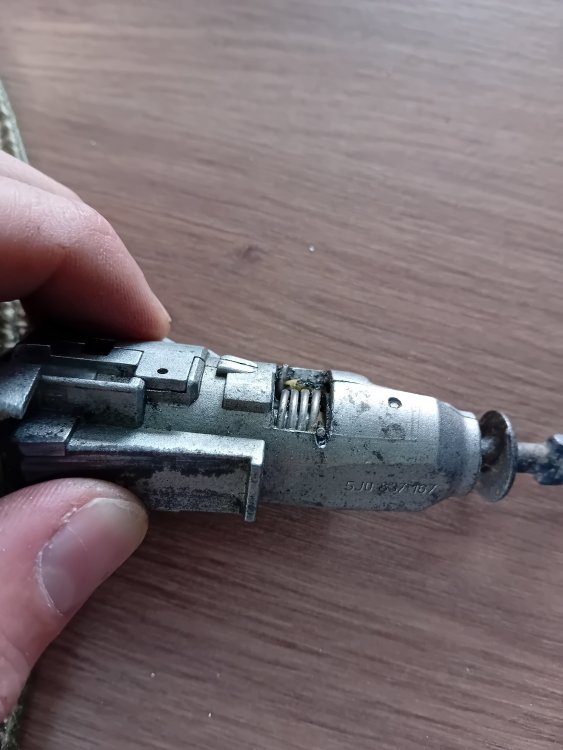
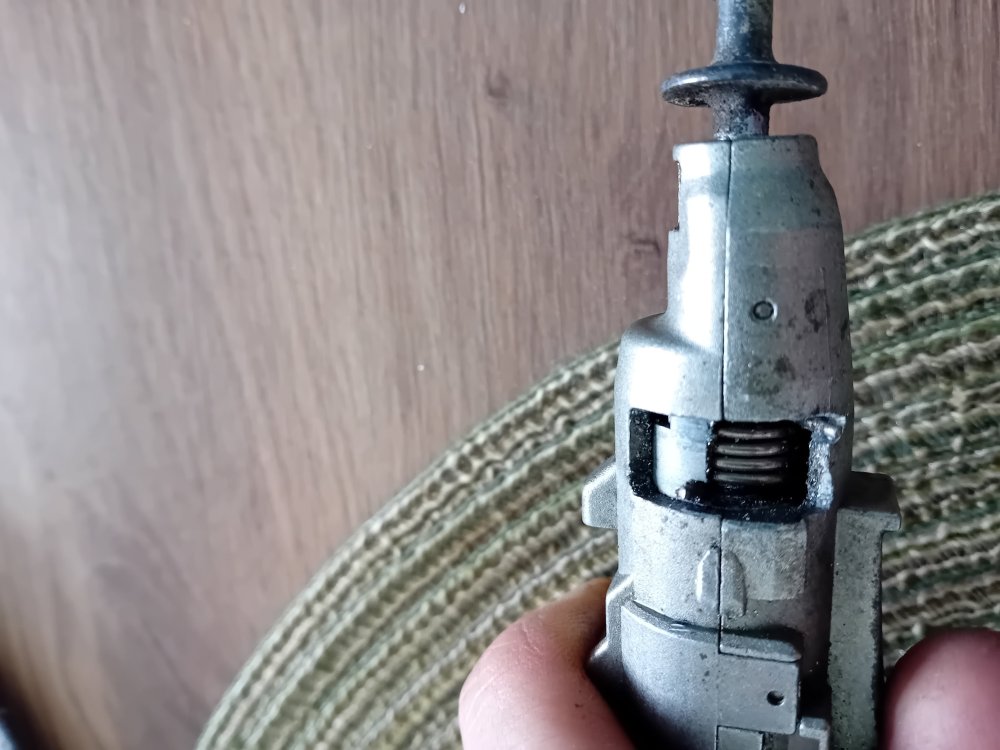
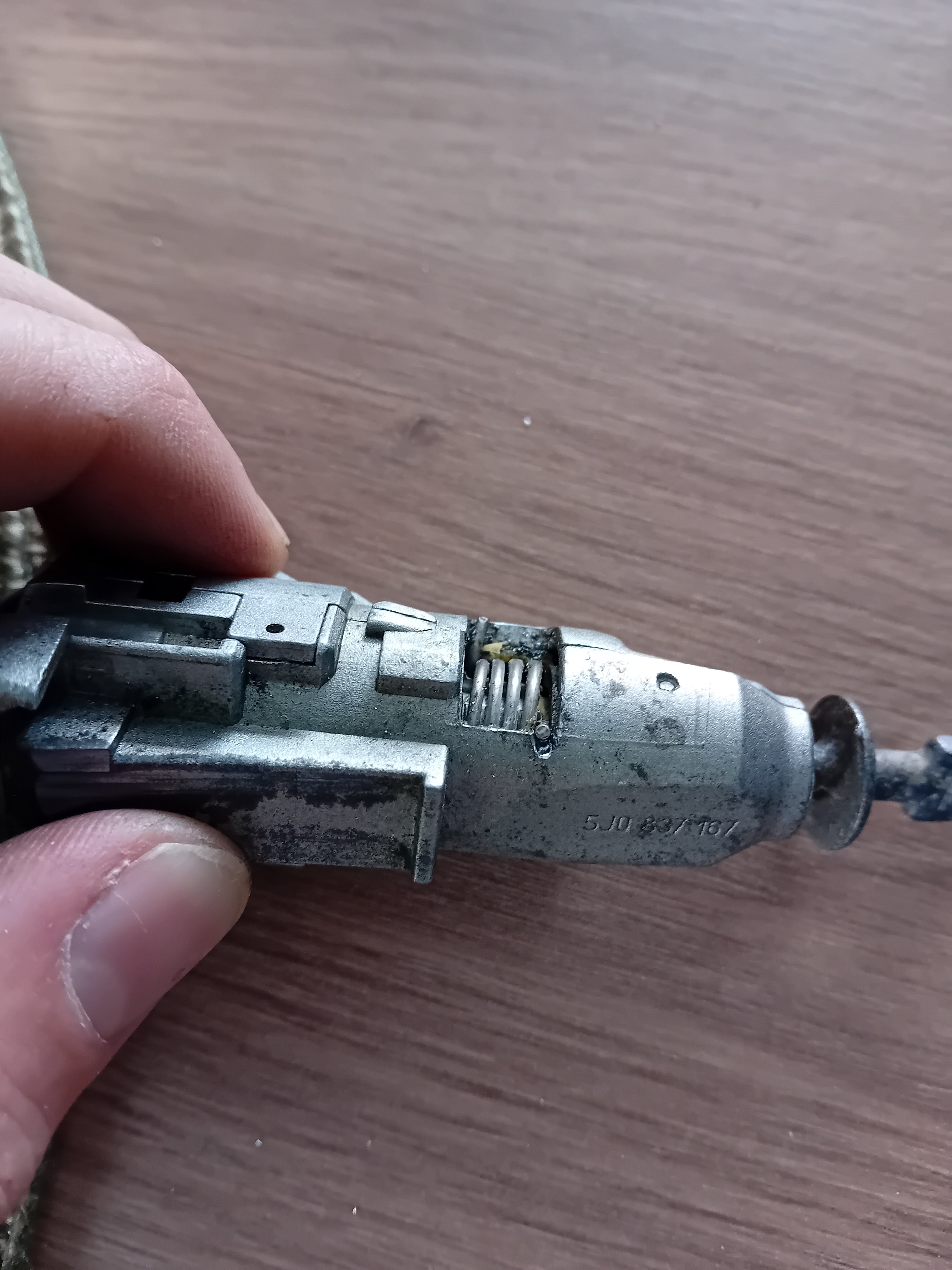
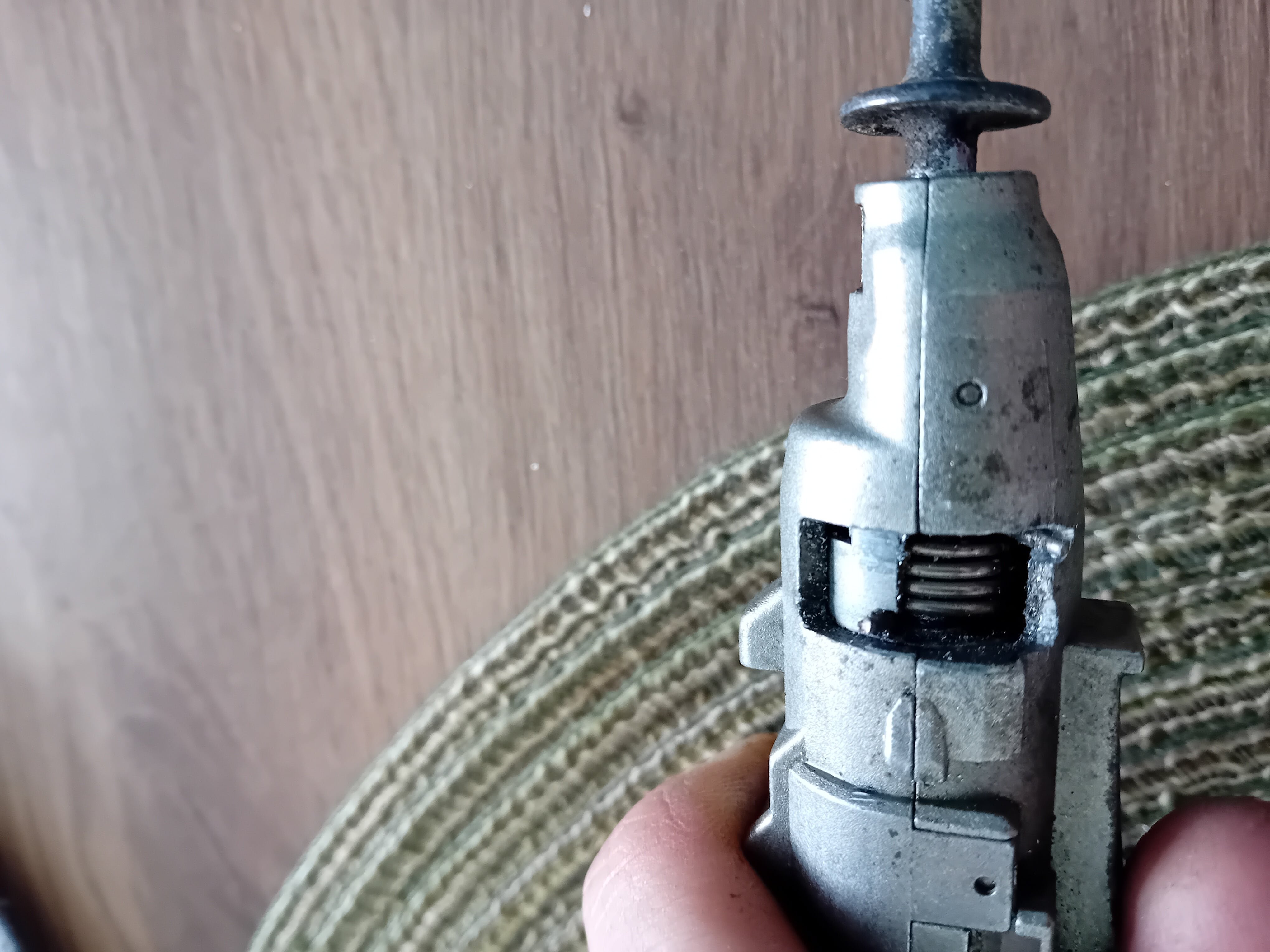
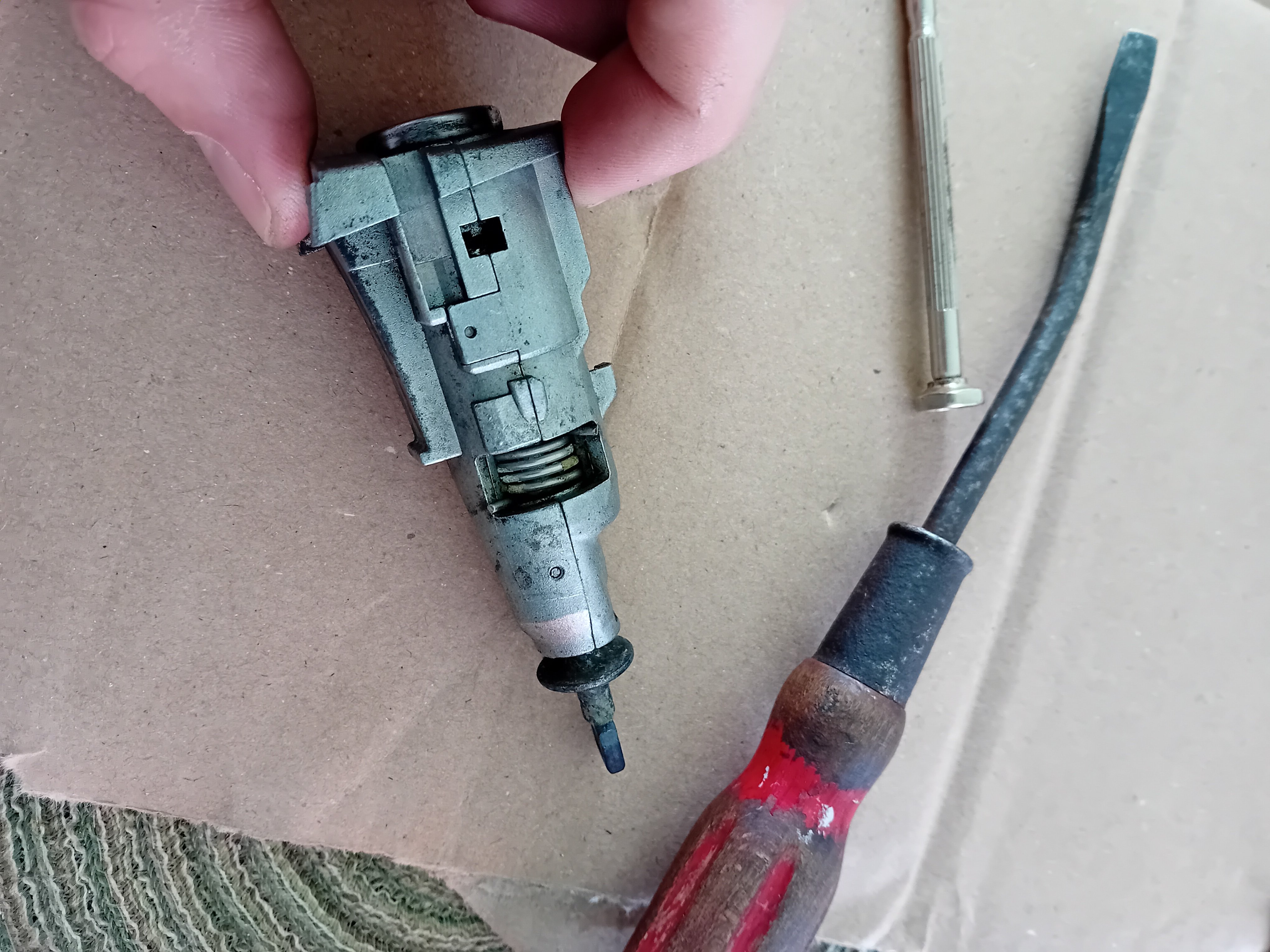
Problem is 100% fixed ! I cut a small groove using a parkside electric multi tool with a small blade with teeth to make the spring turn slightly more one way. It worked and it dosent trigger the windows anyore !
-
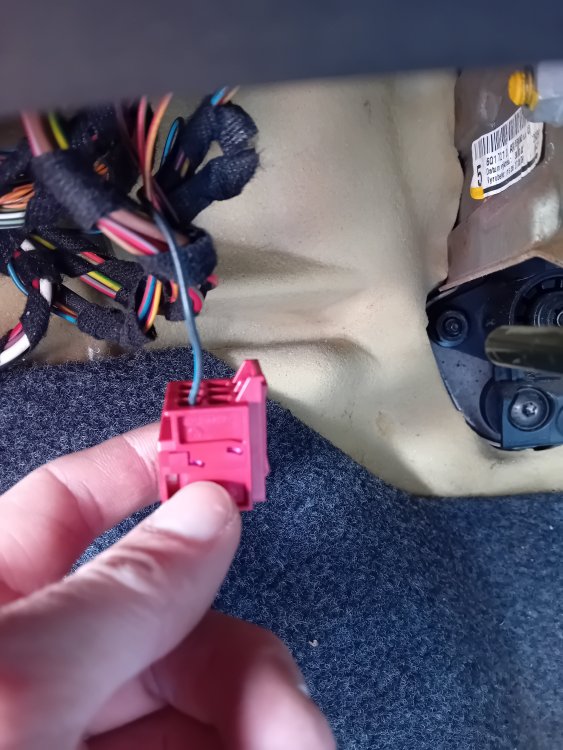
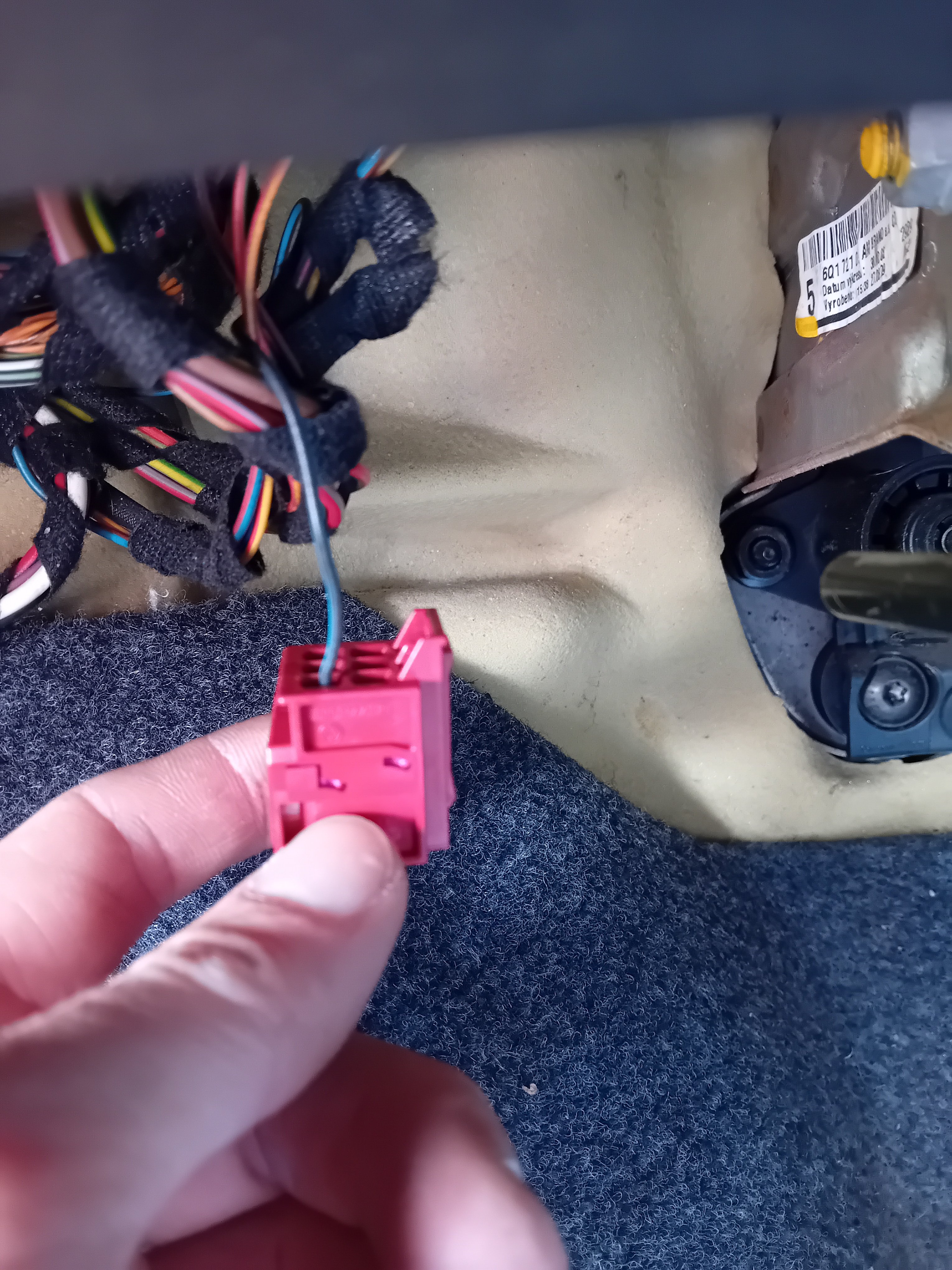
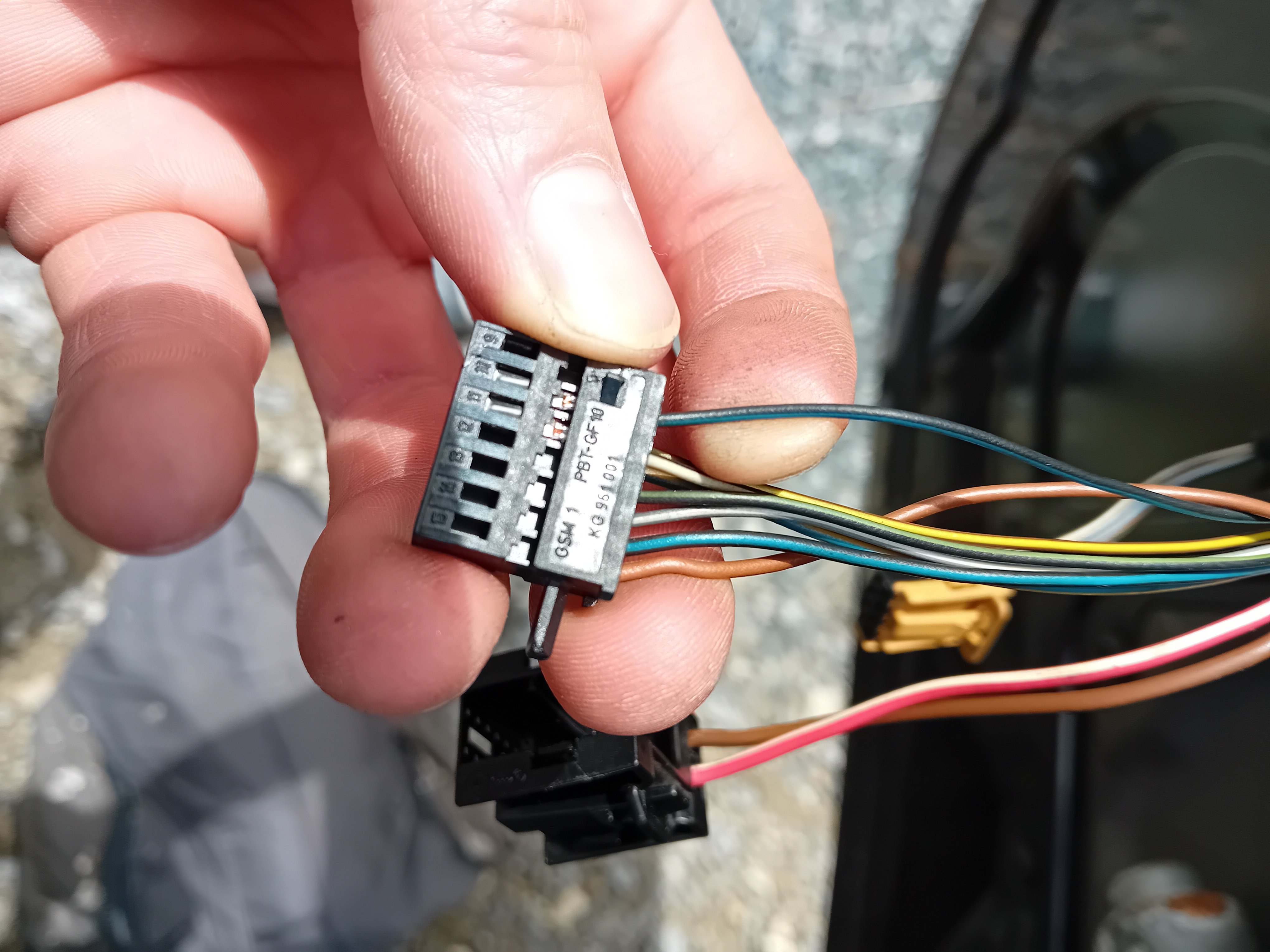
Looks like i've found the problem by accident, when i unlock the car with key in the barrel, and turn the key all the way back, the windows don't go down. Its only when i unlock the car and let go of the key, letting it turn all the way back up to vertical position that the windows go down. I've just taken the barrel out, going to see if i can tighten it some how. I guess that the barrel has lots of wear on it and has come slightly loose. I would of never of thought that it was that tiny movement in the barrel that set of the windows 20240619-154542_MszDlvyL.mp4My bad, it wasn't the same blue and black wire going into that red plug. The red plug came out of the central convenience unit under the fuse box. I've put it back together now. I did try to hard link the earth on pin 7 of the window motor plug to the bigger earth on pin 8. That didn't do the trick. I didn't put the earth on pin 7 back in to the plug, and everything worked as before , strange ?Ok so now its stopped raining i've tested all the earths they are ok, atleast i get a reading on the multimeter. I unplugged the wire that comes from pin 10 of the window motor plus that goes to the central convenience unit. Same as before, everything works but the windows still go down when i unlock the car, weird
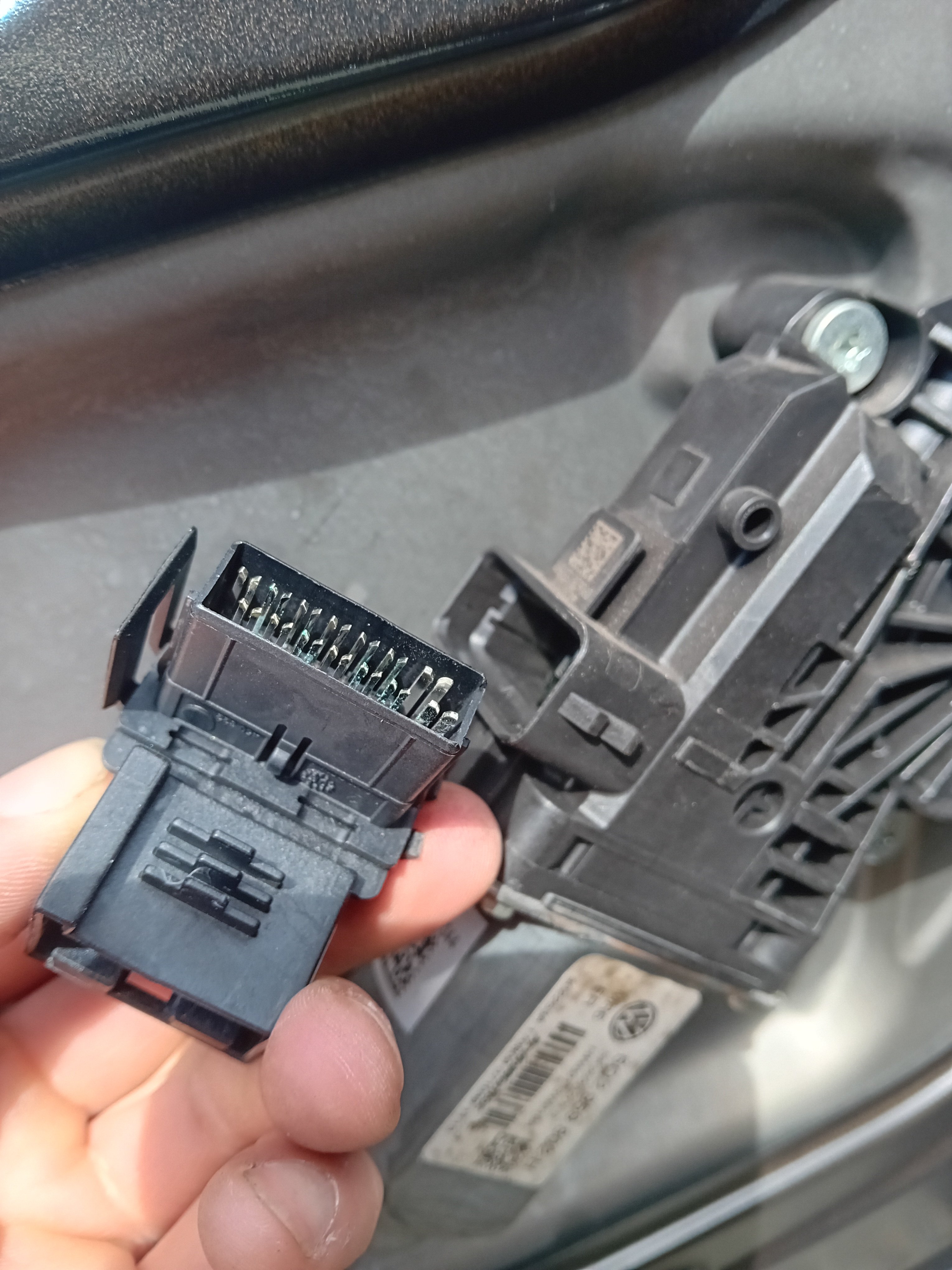
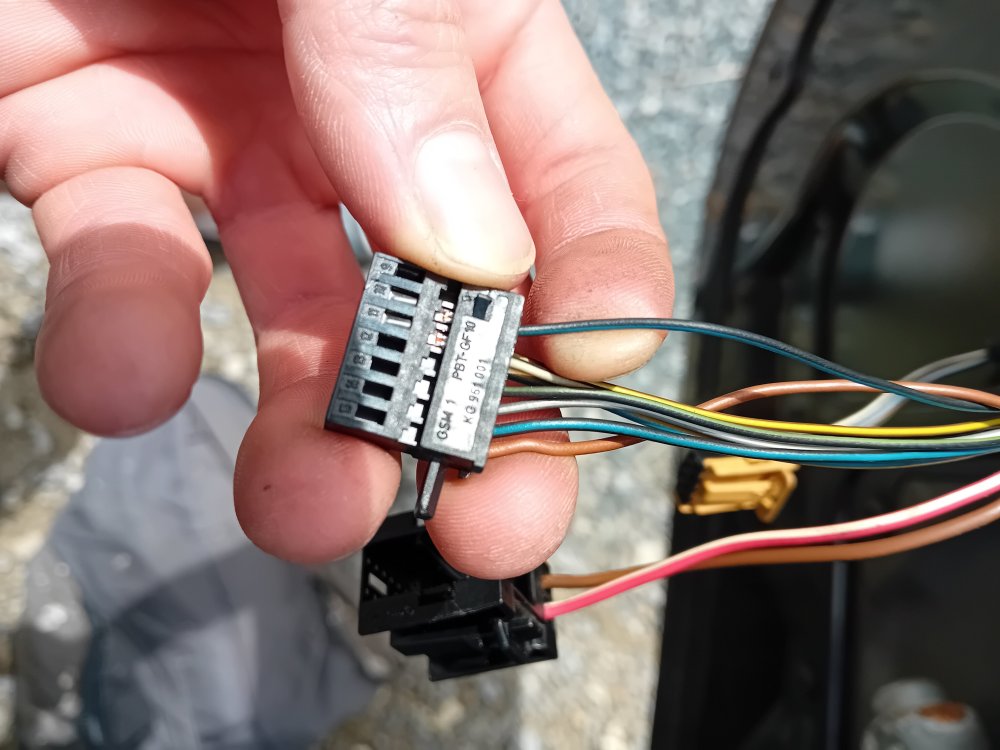 Thanks for the imput, i'll check the earths today, i suppose they are the brown wires. If its not that i'll try check all the wires that go through the A pillar just in case I missed a damadged oneAn idea would be to turn off the convenience opening of the windows. Trying to figure out how to do it in a mk2 fabia.Hello again ! Sorry for the late reply, I had trouble getting my hands on the right motor. I ended up ordering the wrong one ! I finally got the motor today, the windows still go down when I unlock the car, gutted ! Its not the motor then, could it be a weak earth ? thanks for any adviceThanks for the tips, i'll keep you updated as soon as i get the partsThanks for the photo. I guess its likely the same with mine. I'll source a replacement motor altogether. I could take the circuit board out and have a look but i don't really want to make things worse.Yes i guess it was a mistake ! I thought it was worth a go. Do you think the problem could be the window motor that has corroded the circuit board ?OK so I removed the window motor plug and there was a bit of green rust on a couple of the contacts. I cleaned that upwith contact cleaner. I put it back together with a big smile thinking the problem had been solved. Unfortunatley nothing changed. I then decided to take apart the new and old lock, and take the microswitch out of the new lock and put it in the old one. As i didn't have the window problem with the old lock, just central locking not working. So i reinstalled the old lock, now the door would not lock at all. I put the microswitch back in the new lock and put it back in the door. Now the door dosent lock at all, and i still have the window problem 😂 I think i'm going to go to a garage to get a diagnostics done !
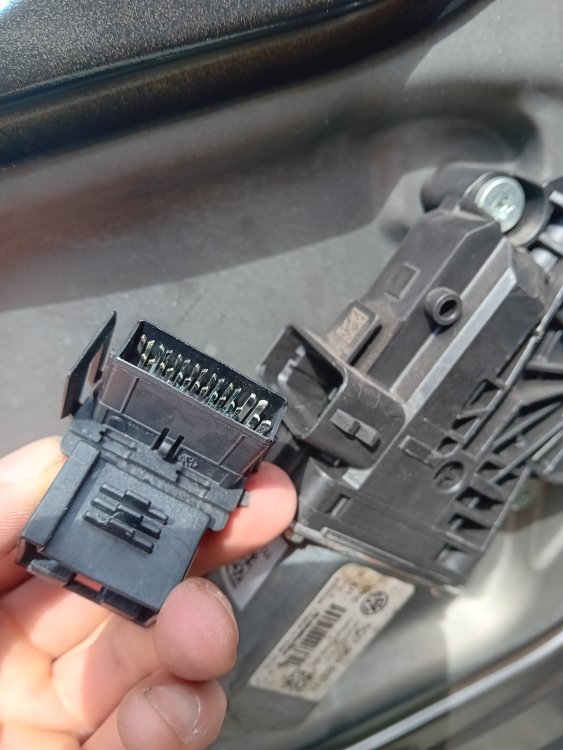 Thats interesting to know, first thing I will do tomorrow morning. Thanks a lot !They don't, they only go up again if I hold the key in locked position. When i unlock the car on the passengers side, the windows do not go down, strange


Important Information
Welcome to BRISKODA. Please note the following important links Terms of Use. We have a comprehensive Privacy Policy. We have placed cookies on your device to help make this website better. You can adjust your cookie settings, otherwise we'll assume you're okay to continue.