ToVa
New here
-
Joined
-
Last visited
-
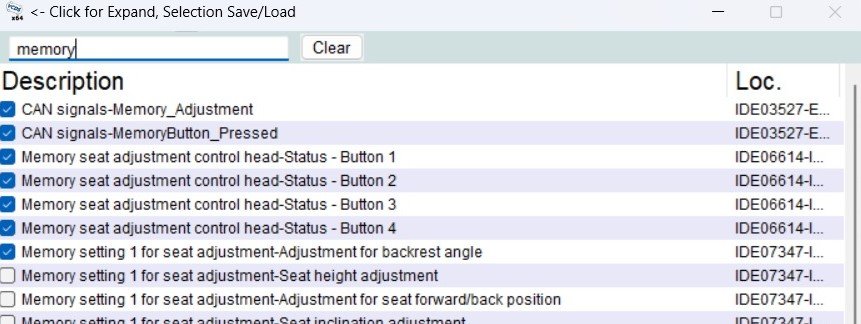
Hi, I'm having troubles with my new to me Skoda Superb 2015 TDI 2.0 memory seat and I'm starting to think that problem might actually be the physical memory buttons. I have a VCDS and I checked that there is no active faults on memory module. Then I checked Real Time inputs from the module and for example when I moved the seat I could see that position values were changing. However when I tried to find correct inputs for the physical memory buttons (SET, 1, 2, 3) and selected those, I could not see any change on status of the input. Those where constantly showing "not active" and I guess that is same as not pressed. Can someone please confirm that what variables from the variable list are the ones that are indicating status of the physical button (pressed/not pressed (active/not active))? I will add picture about what variables I tried. It would be nice to know that I'm checking correct variables before I start tearing out the wires..
-
I have 2015 Superb with memory seat and all the seat controls are working fine but memory buttons are not doing anything. I have tried all the calibration procedures mentioned here (and also some that I found elsewhere) but nothing seems to be working.. I have tried everything ignition on and off but I cannot get any "bong" sounds. Is there some specific order to do things that I'm missing or is it so that I have to get some software updated or something? Tried to move seat all the way back and then all the way front (nothing happened), then tried to move seat all the way front, tilt the front of the seat down and back of the set up, backrest all the way front (still nothing happened). This is quite frustrating, hope that someone knows how to get memory working again.
-
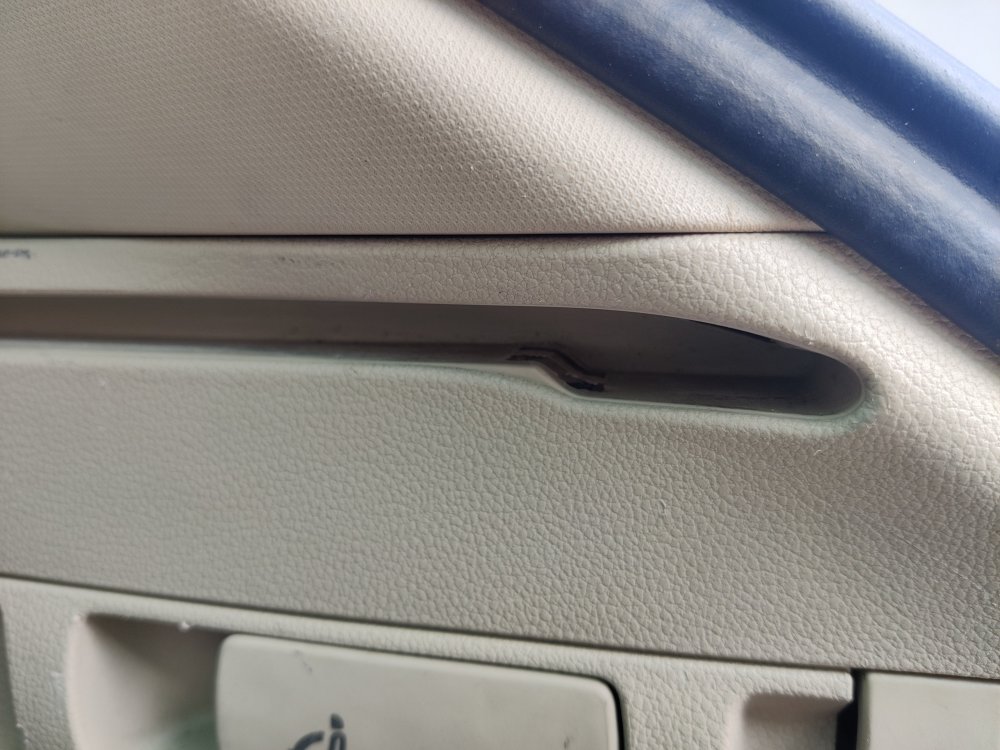
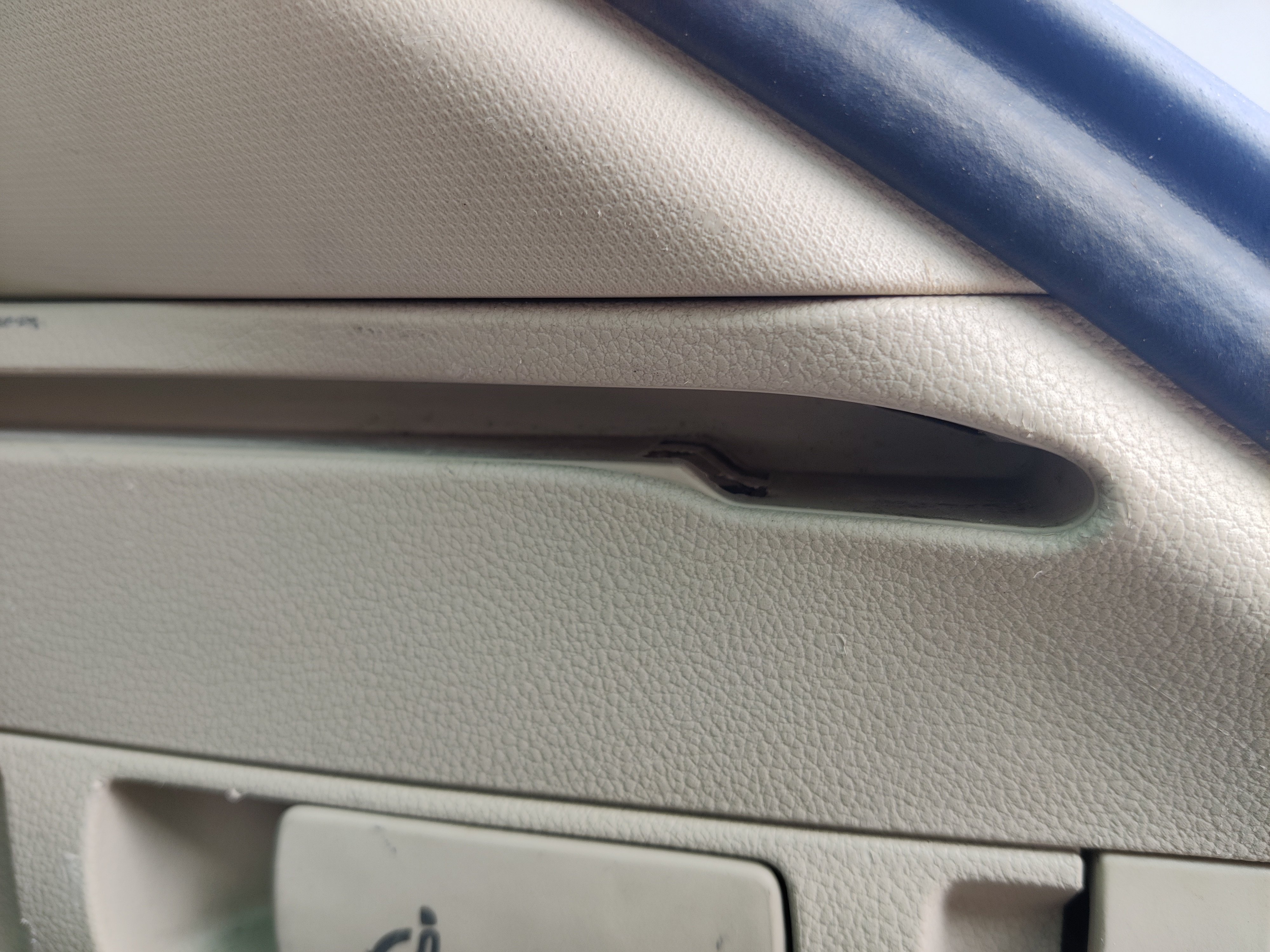
Hello, I have just bought a Skoda Superb and I'm having a problem that luggage compartment cover is not locked to out position. The cover itself is moving smoothly and it is getting locked into middle position as it should but when trying to pull the cover all the way out it is not locked. It seems that the small latches that should lock the cover are stuck to down position (picture attached). Is this common and what might cause it? I also found out that there is an option in opening and closing settings to select "open luggage compartment cover automatically", but even if I change that option to be enabled or disabled it doesn't have any affect. Both sides are stuck in down position in a same way so that made me wonder if it has something to do with that option or mechanism related to that one. Hopefully someone has experience about this issue because I really would like to get cover all the way out..