Jd89
New here
-
Joined
-
Last visited
-
-
-
-
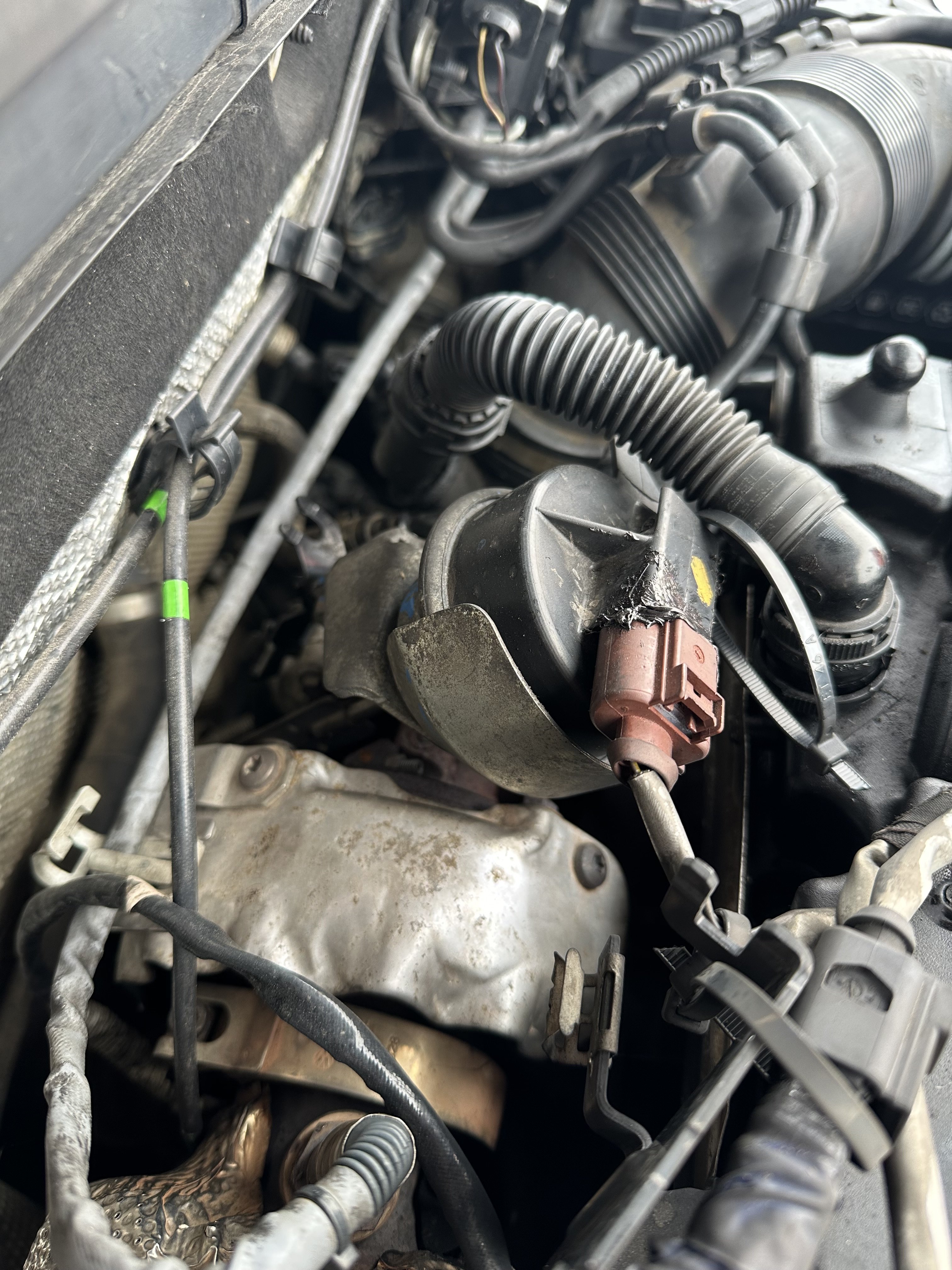
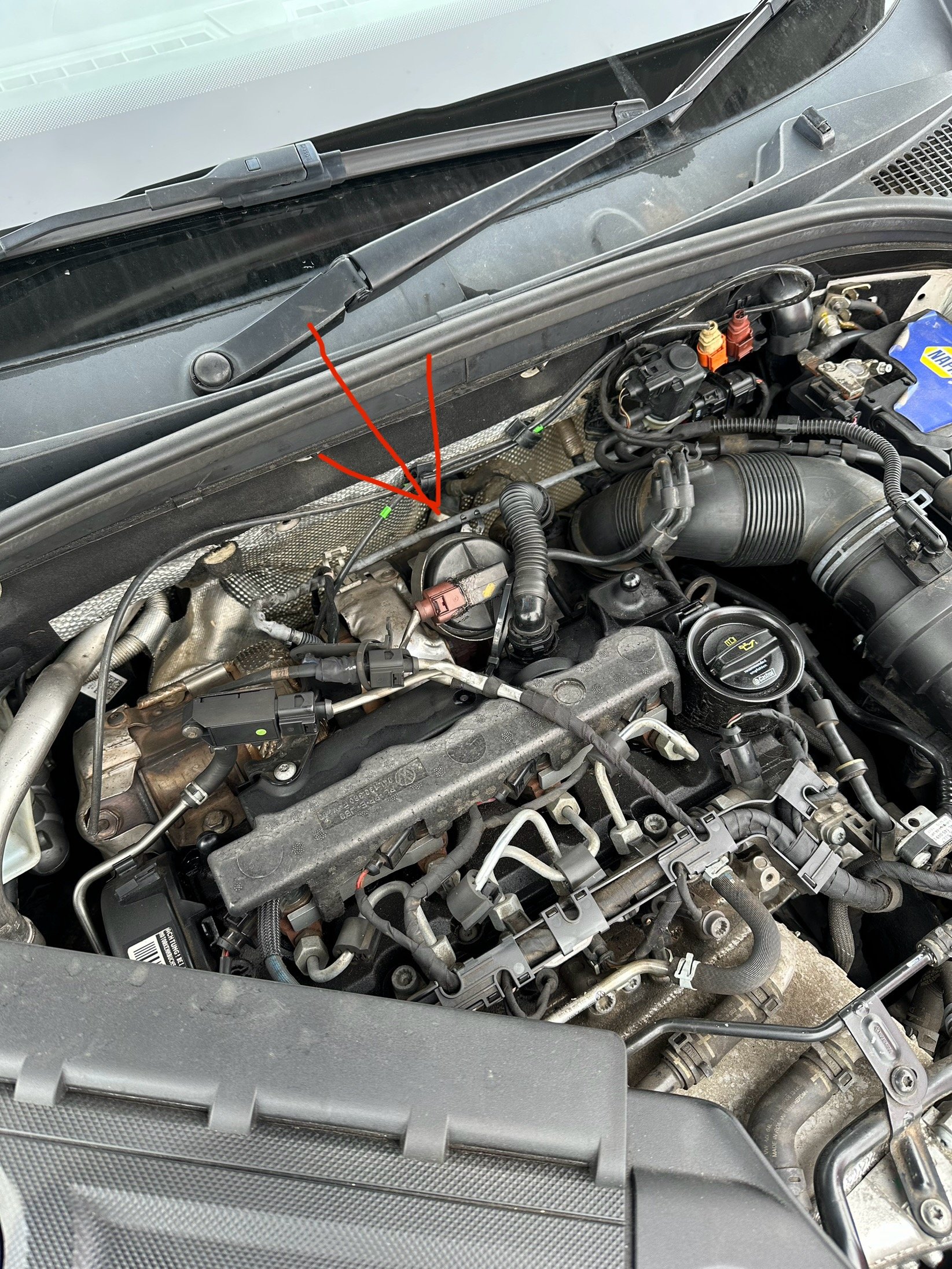
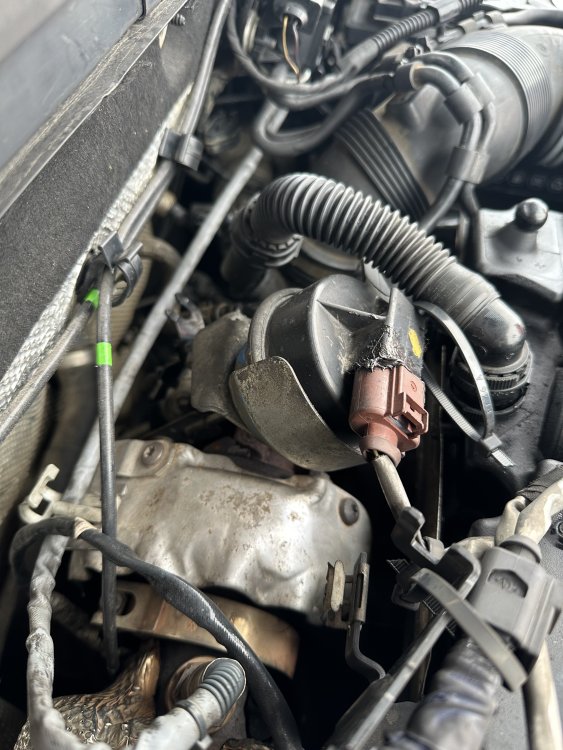
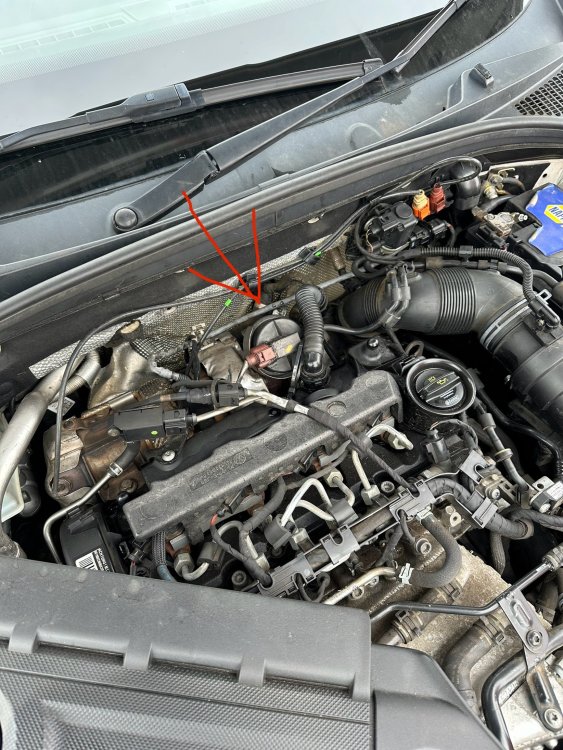
So I’ve recently purchased ( 2 months ago) a Octavia mk3 VRS 2014 The car drives absolutely fine however as you’ve read from the title it’s burning 1.5 litres of oil around an average of 500miles. I’ve seen other owners saying there’s consumes quite a bit and it’s part of having the live with it but mine seems quite excessive. So I’ve tried using the recommended oil and nothing changes. There’s no oil left where it’s parked. The car does struggle to start up when it’s been left for 6+ hours, it’ll turn over a few times then start and you do get a bit of white smoke out the exhaust. Have I bought a F£&ked car, or has anyone else had a similar issue and what did you do to resolve it. I’ve linked some pictures of a component which looks like it’s been changed and then bodged together with tiger seal. Could this be linked to the issue I’m having, or is the issue linked more to worn out piston rings or a head gasket?
-
Good evening all I’ve just recently purchased a Octavia VRS MK3 and I’m thrilled with it. However I’m thinking about upgrading the head unit to acquire more features like apple carplay and a sat nav. Has anyone done this in the past? What would you recommend. Did you loose any of the standard oem features or have any issues with compatibility?