ericdaniels
New here
-
Joined
-
Last visited
-
Update - according to the dealer the software I have is the latest available as it’s a basic system. They have suggested changing the usb port to see if that fixes the problem. Part ordered and I will replace it myself rather than pay the £130 they were charging. Hoping this fixes the issue.
-
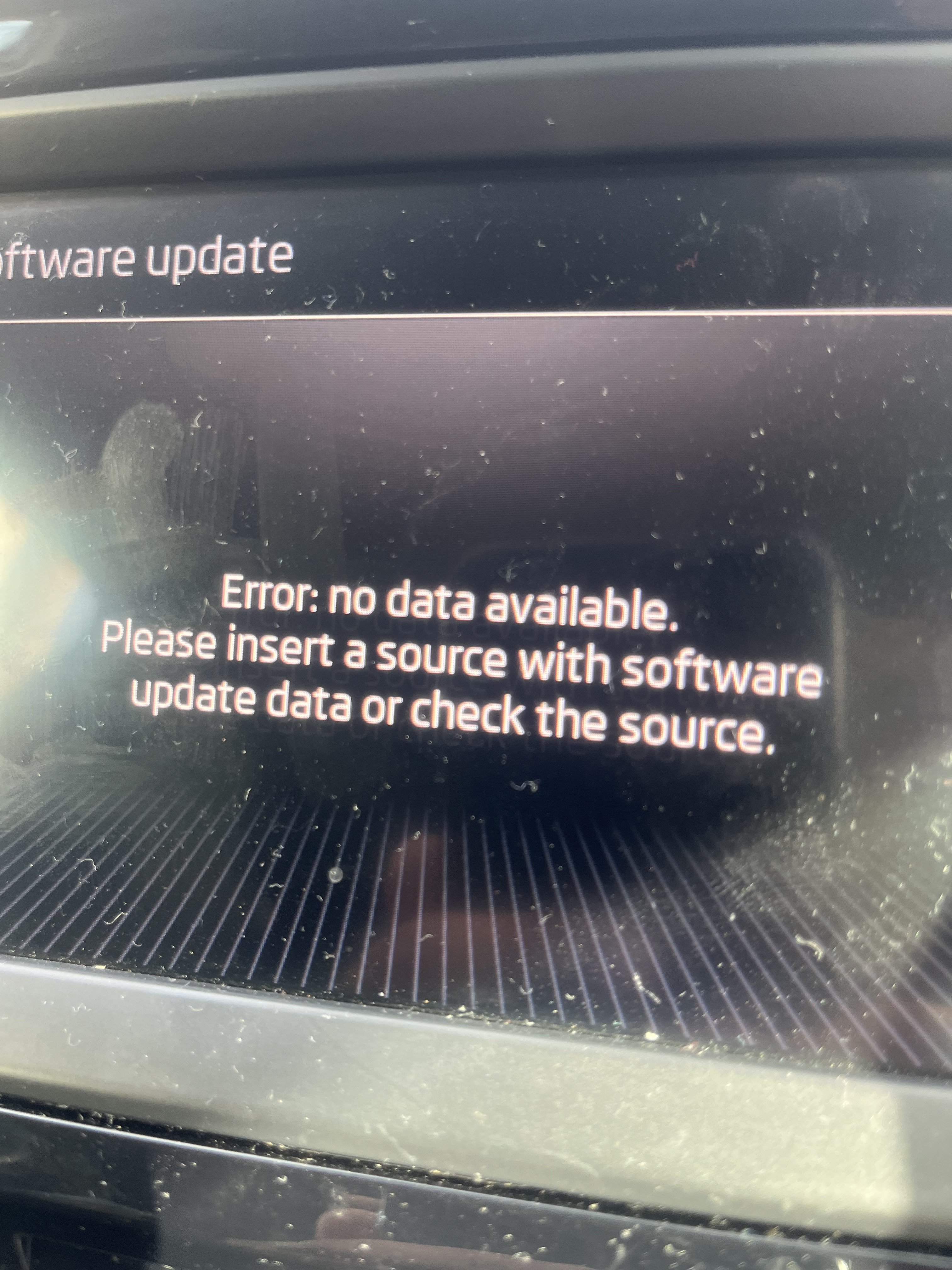
Hello, and thank you for your reply. When I hit the update button it comes up with the message in the picture. I have finally got through to a Skoda garage, a bit further than I wanted to travel but it is what it is, and it’s booked in for an update on Friday, free of charge so hopefully that will sort out the issue. If not I will be back for more help if I may.
-
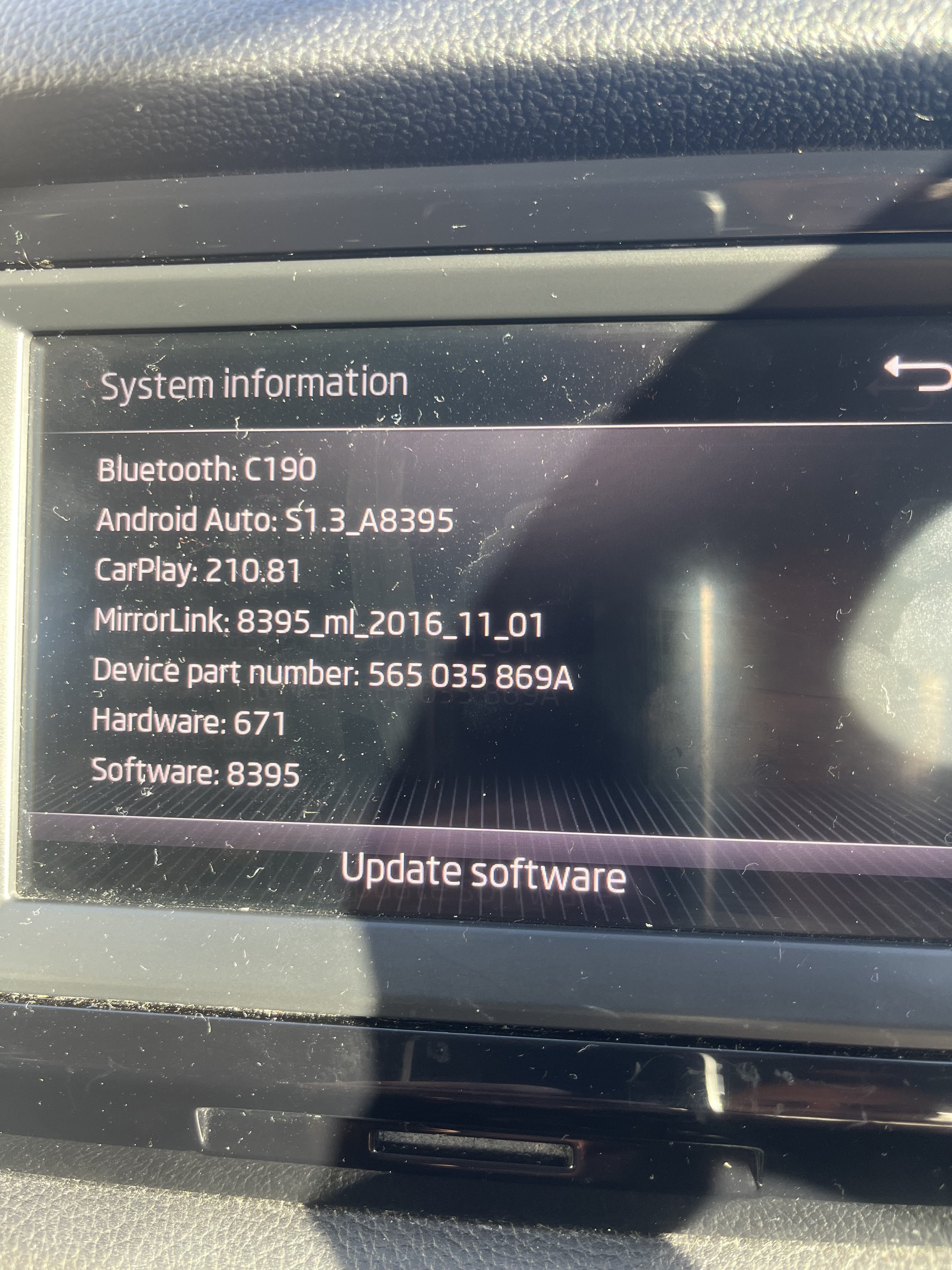
Hi, I have a 67 Kodiaq and am having issues with Apple Car Play, music whilst using CarPlay is very glitchy. I’m pretty sure over the air updates will not work due to the age of the car. Can someone advise how I get the software updated. Have tried calling my nearest dealer but it’s impossible to get through to them. Thanks in advance
-
Hi, recently bought a Skoda Kodiaq on a 67 plate. Really nice grey colour, haven’t seen many around but we love it. First time I’ve ever had a newish car and I’m into my 50’s so enjoying the ride so to speak!