Jeroen1981
Finding my way
-
Joined
-
Last visited
-
They don’t 🤨 Any tips how to solve??? Thanks in advance!
-
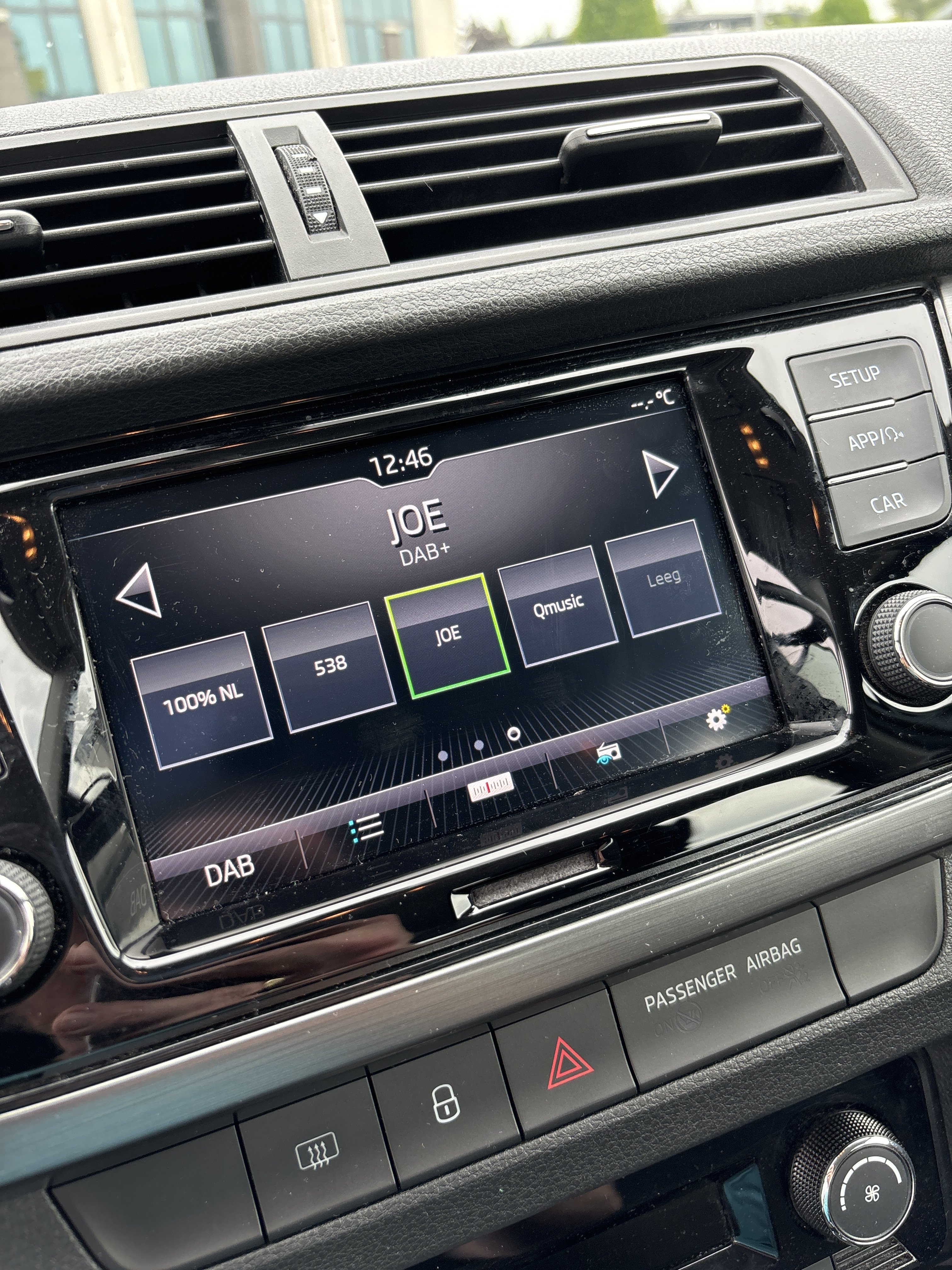
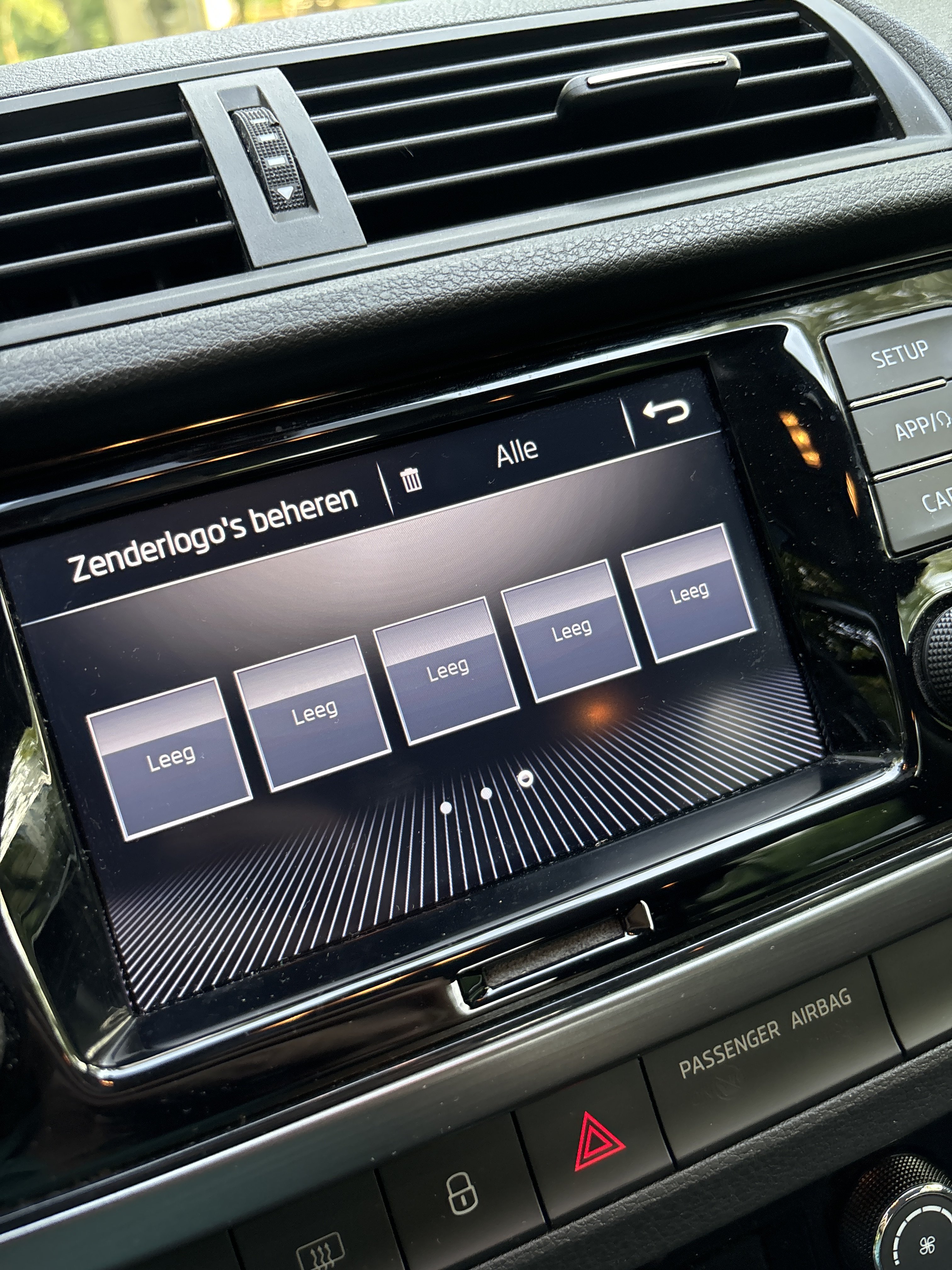
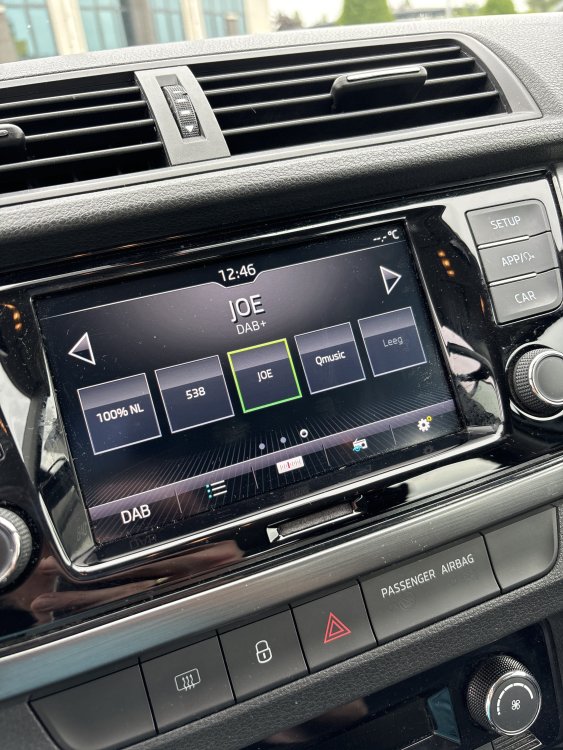
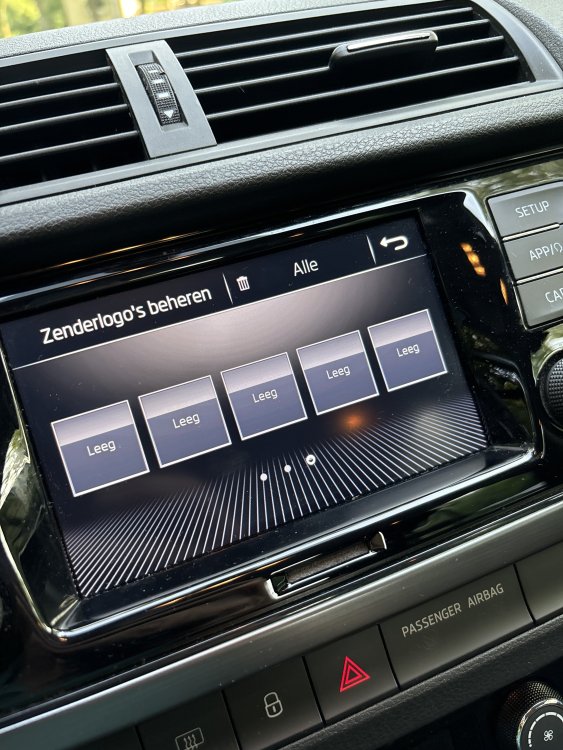
@pab567 Do you maybe also know how to get the radio logos in? There all empty!
-
Update succeeded! Thanks!!! 😊
-
Thanks for the link! The problem is there is a disturbing sound after a while… if you press pause it’s gone for a while but it always comes back
-
@varooom Would it be possible for you to send me an update file to? Is there also an how to, how to use the file? Thanks in advance!!!
-
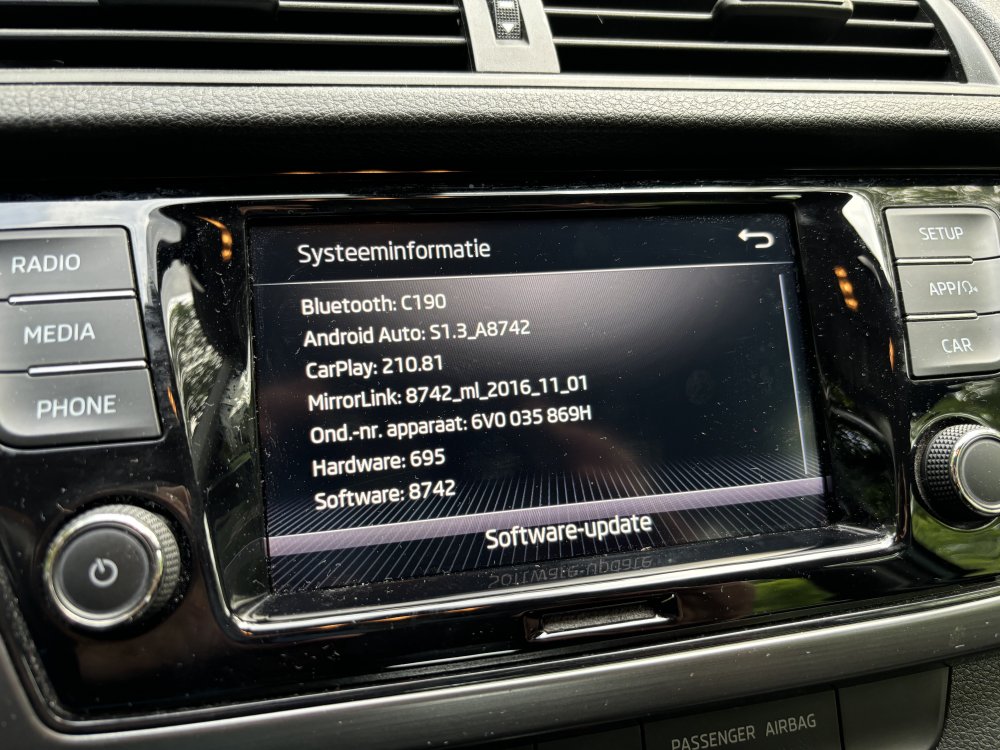
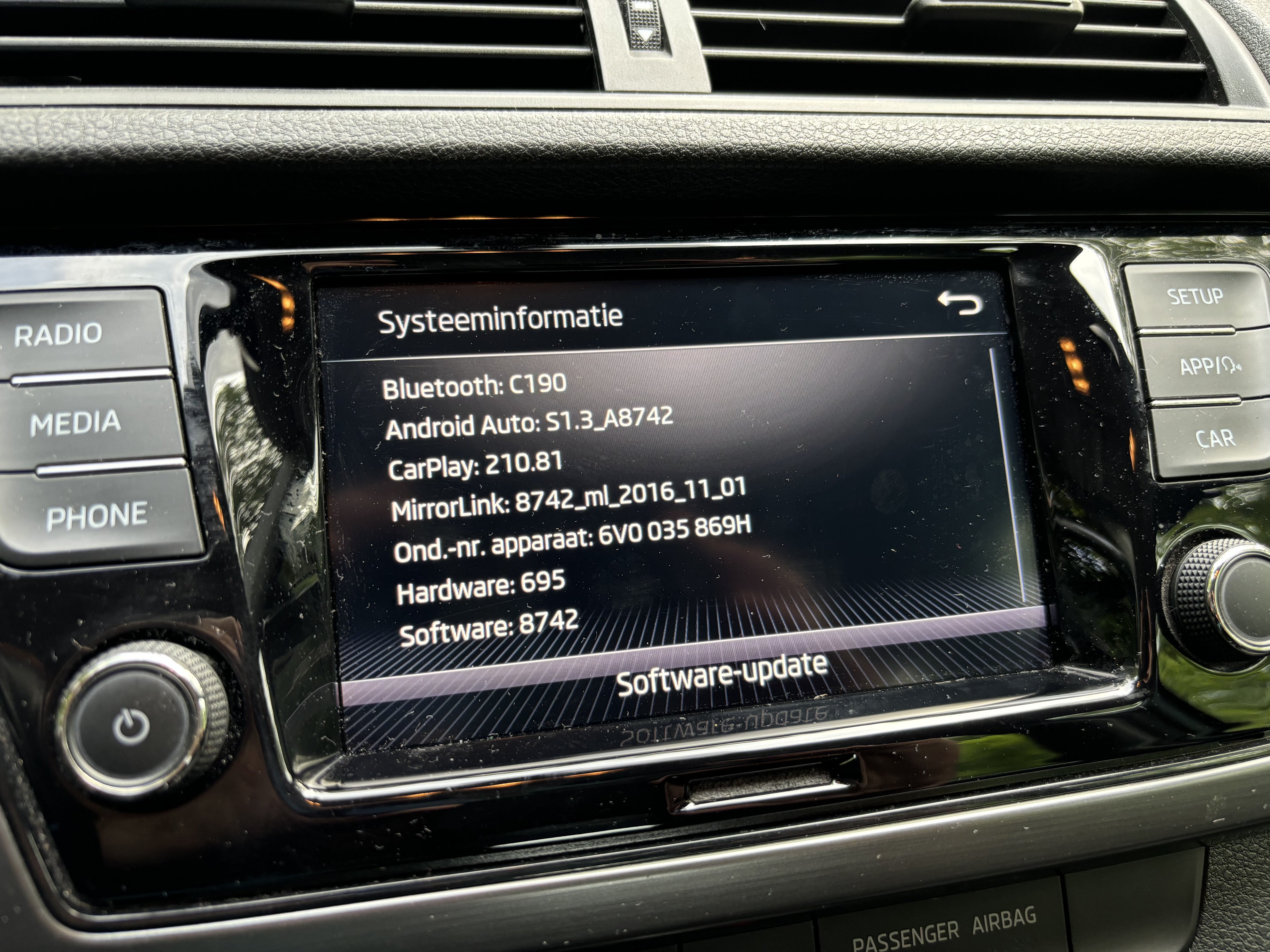
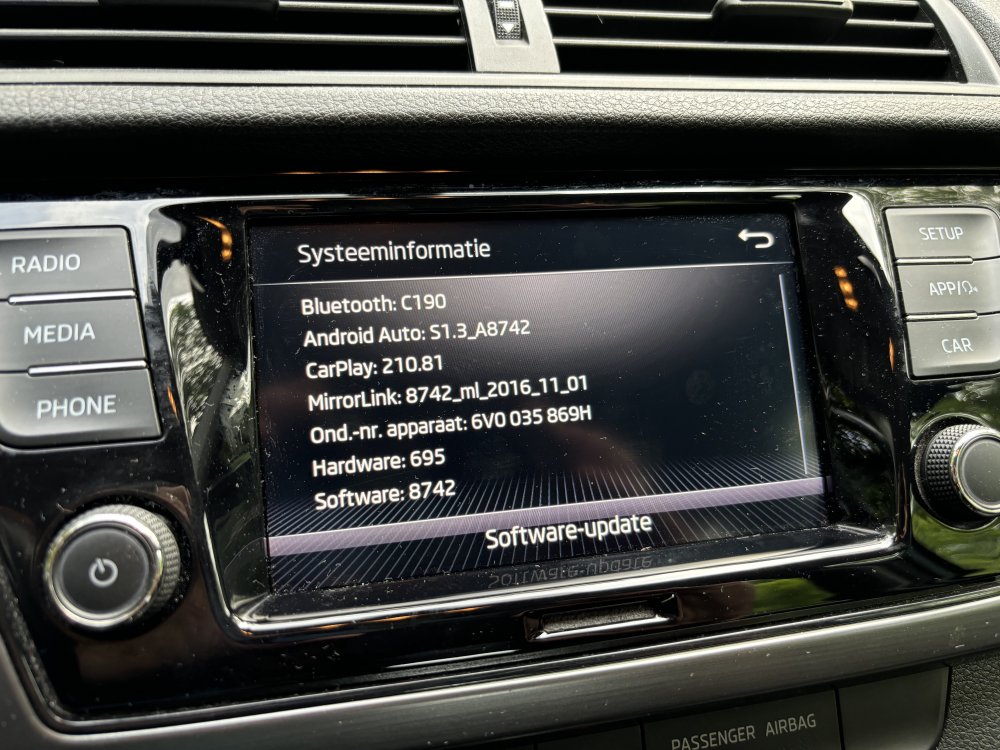
My swing radio needs to be updated since there is a problem with apple CarPlay. How can I do this without going to the dealership? see picture for the current old software version… it’s now 8742 and should be at least 8755 or even newer perhaps… Thanks for helping me out in advance!! Note; the update button says there is no update available; So I guess i have to put an usb stick with an update file in the usb connection??