



Skip to content

KodiaqAdmin

New here
  • Joined

  • Last visited

  1. Thank you all. I will check your opinions.
  2. I guess that’s the problem. I have only 2 keys. I had 3 keys for the Superb. Do you think I can activate them using the tools that you mentioned?
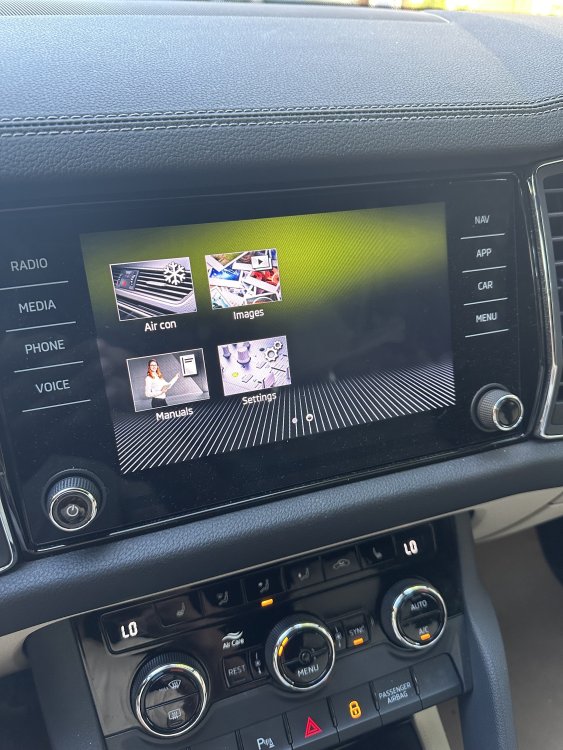
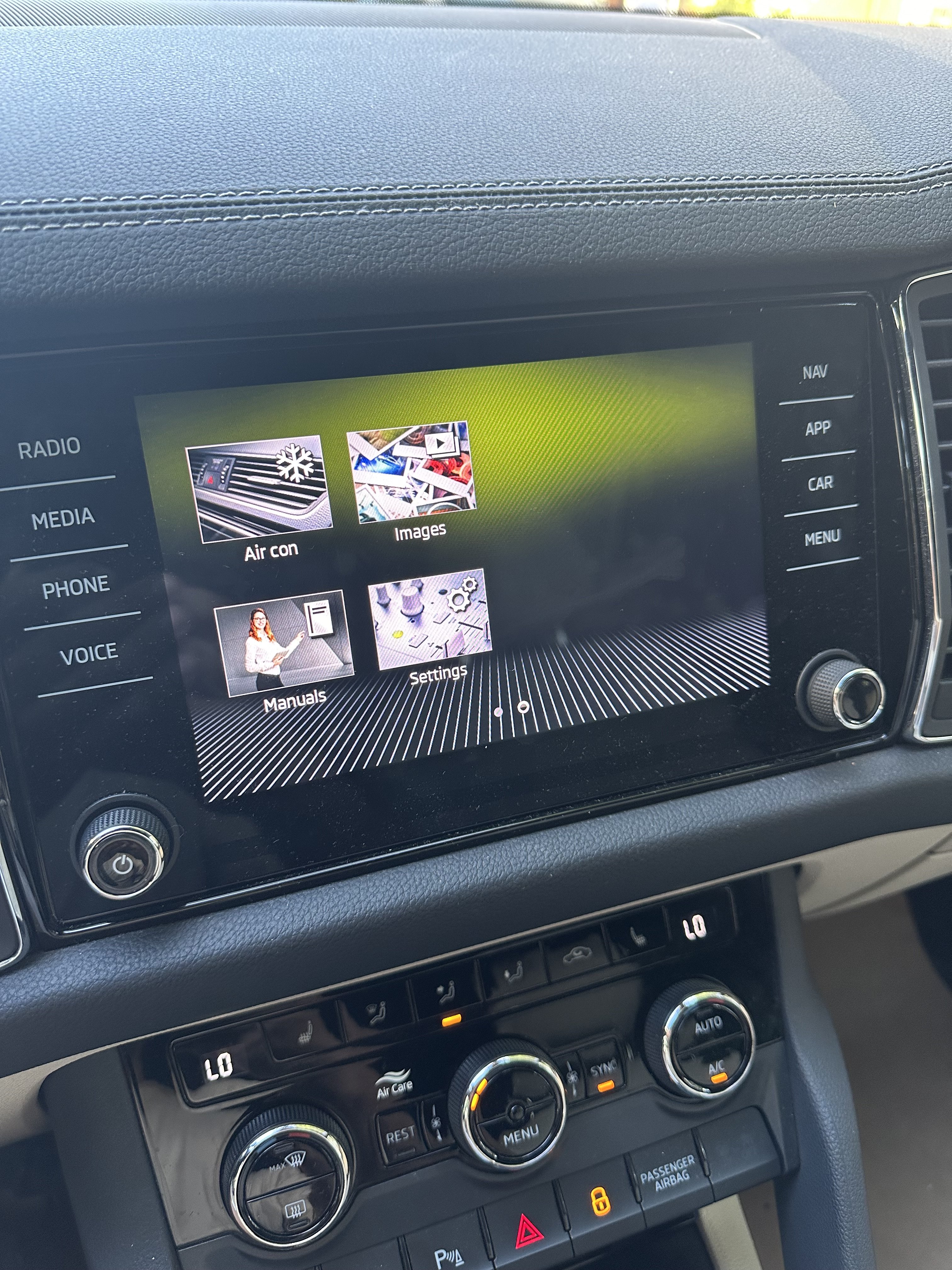
  3. There was no users option on the screen on my Superb. It was called personalization as you mentioned. My point is I am not able to personalize/add/set drivers to the system. I have seen that personalization option moved to the Users option but I don’t have that option tho
  4. “Users” selection missing from the menu I have a 2022 Skoda Kodiaq and I am not able to add or set user to the system. Only I have the physical buttons next to the seat. I had this feature on my Superb and it was so easy to switch between the drivers/users. Any idea to install it on Kodiaq?
Important Information

Welcome to BRISKODA. Please note the following important links Terms of Use. We have a comprehensive Privacy Policy. We have placed cookies on your device to help make this website better. You can adjust your cookie settings, otherwise we'll assume you're okay to continue.

Account

Navigation

Configure browser push notifications

Chrome (Android)
  1. Tap the lock icon next to the address bar.
  2. Tap Permissions → Notifications.
  3. Adjust your preference.
Chrome (Desktop)
  1. Click the padlock icon in the address bar.
  2. Select Site settings.
  3. Find Notifications and adjust your preference.