jimtendo
Finding my way
-
Joined
-
Last visited
Everything posted by jimtendo
-
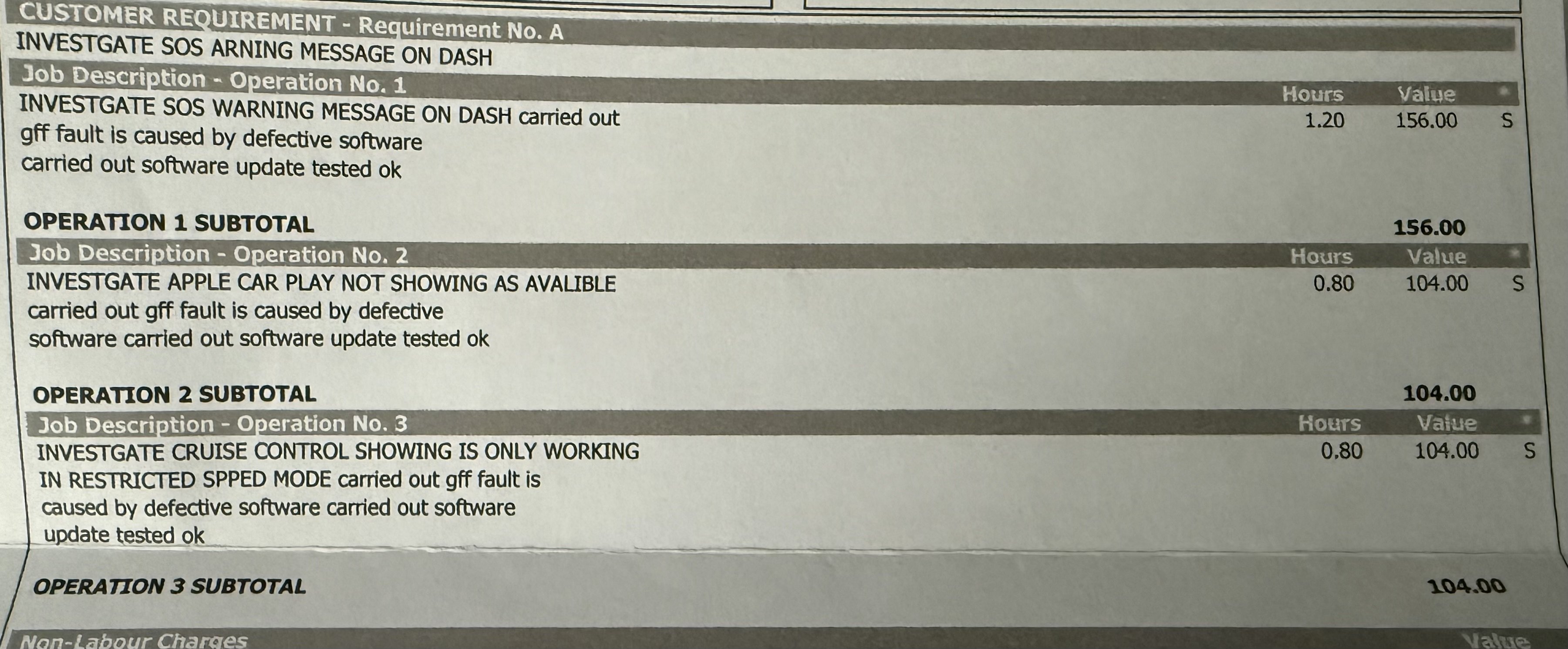
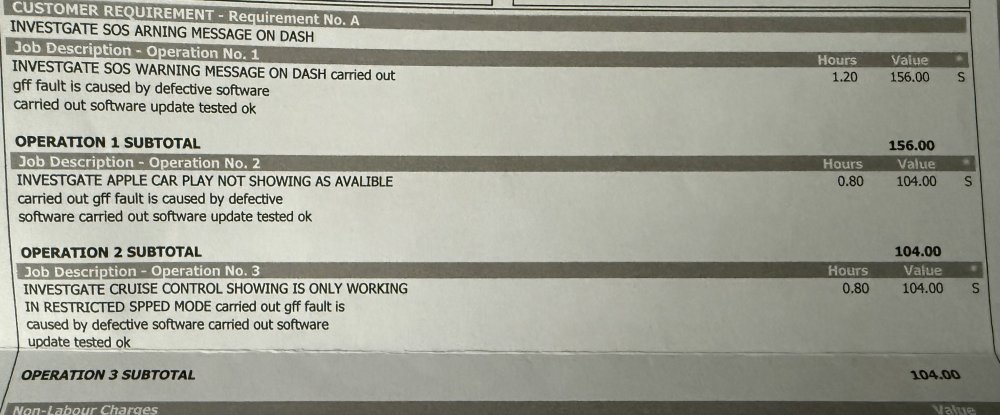
Just got a message about this so thought I'd share the resolution. I took the car to my local Skoda dealer and they upgraded the modules below, since then I haven't had any issues. Interestingly they didn't update the infotainment software which is still on the ancient version I mentioned above. However as everything seems to be working ok I've left it, I might ask to get it upgraded on my next service. Invoice from Skoda -
-
Thanks @Novascape @RobL50 - unfortunately it was purchased from Big Motoring World and coming from a Polo that's most advanced feature was a CD player has been a learning curve. I definitely won't be updating the software myself. I've spoken to my local Skoda dealership who estimated a minimum cost of £650 to diagnosis the issues and do software updates (it's the list below which I added the SOS call module and cruise control issue to). Frustratingly they were reluctant to deal with Big Motoring World's warranty department and provide a formal quote, so for now I've just emailed BMW and waiting on a response - I wonder if i'll need to use a independent Skoda specialist to get this sorted (for at least the software issues, unsure if they'll be able to sort the SOS module though I'm less bothered about that) Issues Cruise control only works in restrictive speed mode Sat nav does not load Car Play / Smart Link does not load Intermittent error with SOS call module
-
Yep no Skoda warranty and it does do the pop-pop emergency call thing occasionally. Skoda did update something yesterday so unsure if that was fixed then. Probably not! I should have checked this all with them rather than assuming the 'software updates' were the ones I needed. Will go back to Big Motoring World and see what happens...
-
Thanks that's super helpful @Psaandja It's not a hybrid but yes my cruise control is only working on speed limiter! Thought I'd not been using it correctly. It's pretty comical that a software version exists with so much core functionality broken. I do have a warranty with Big Motoring World however it doesn't cover main dealers. Do you know if a software update like this can be done by a regular Skoda specialist? If not I'll push for it as the car was advertised as having nav, carplay and cruise control.
-
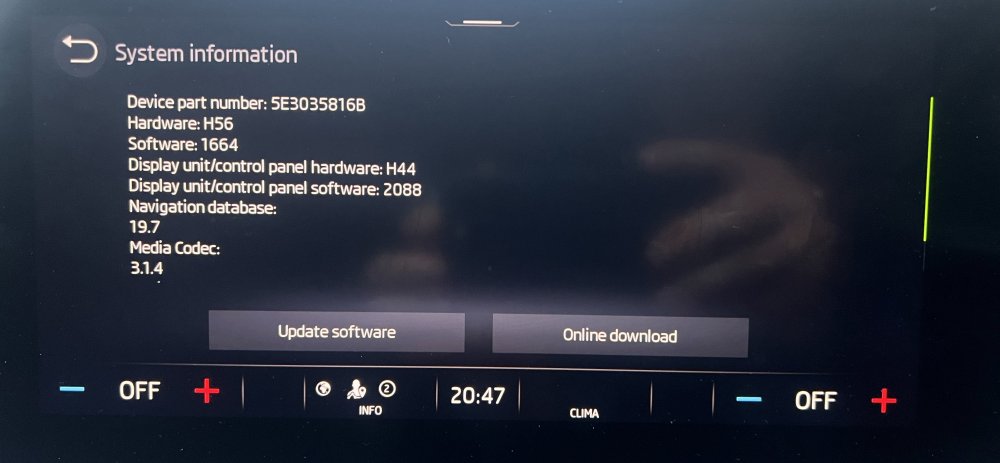
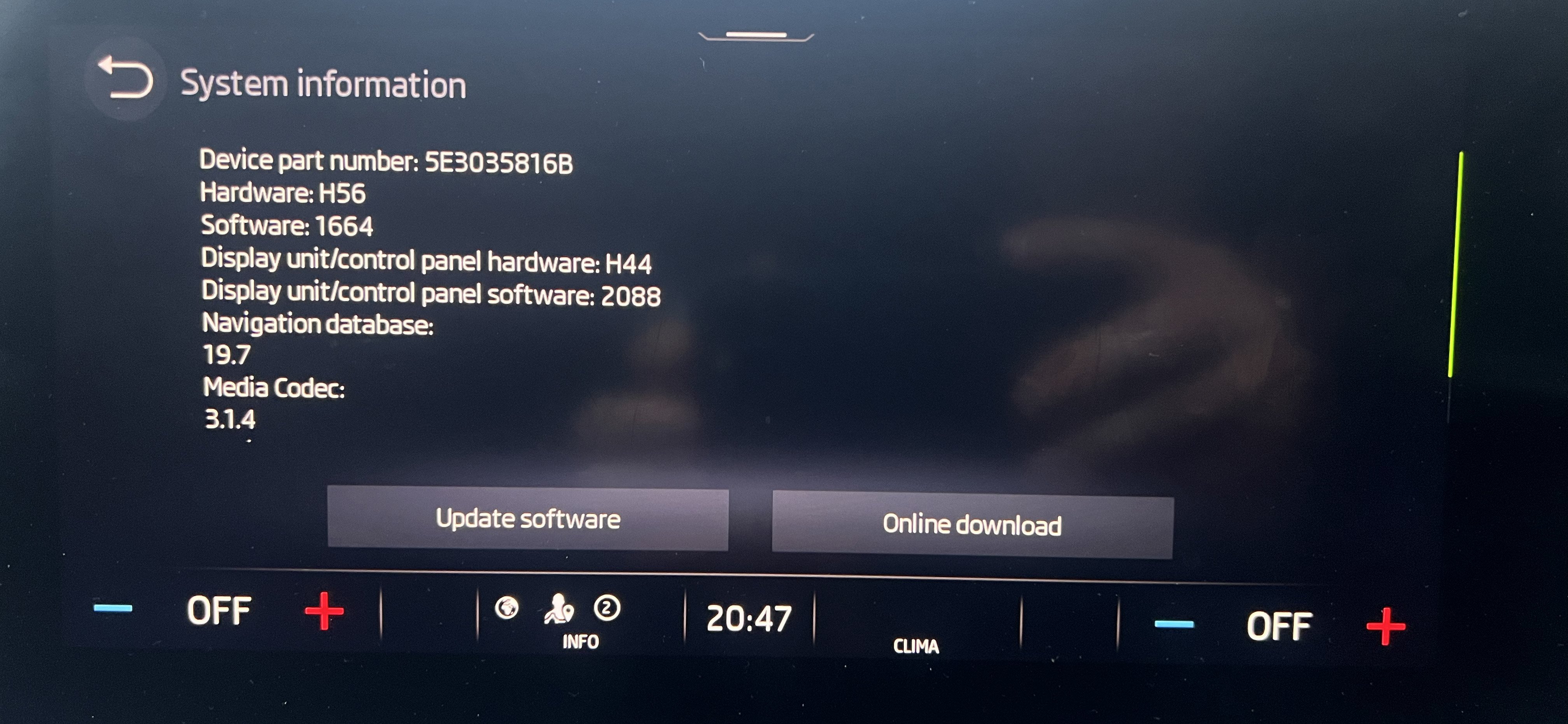
After some forum research it looks like I have the same problem this guy did - I guess the issue could be the ancient software version I have?
-
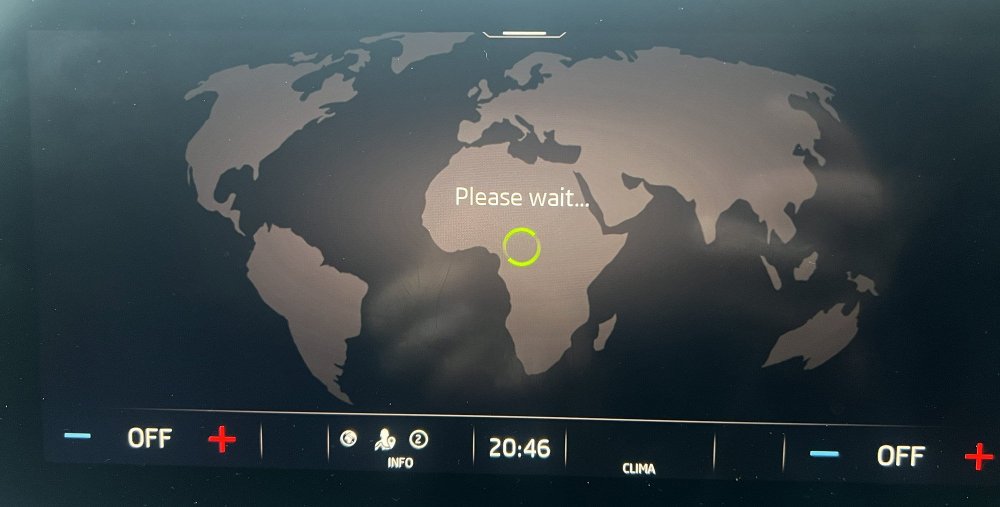
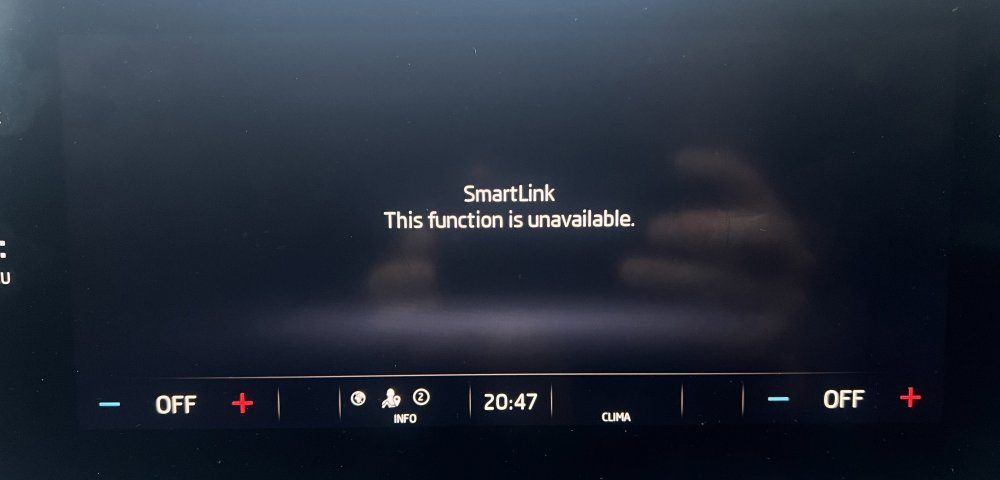
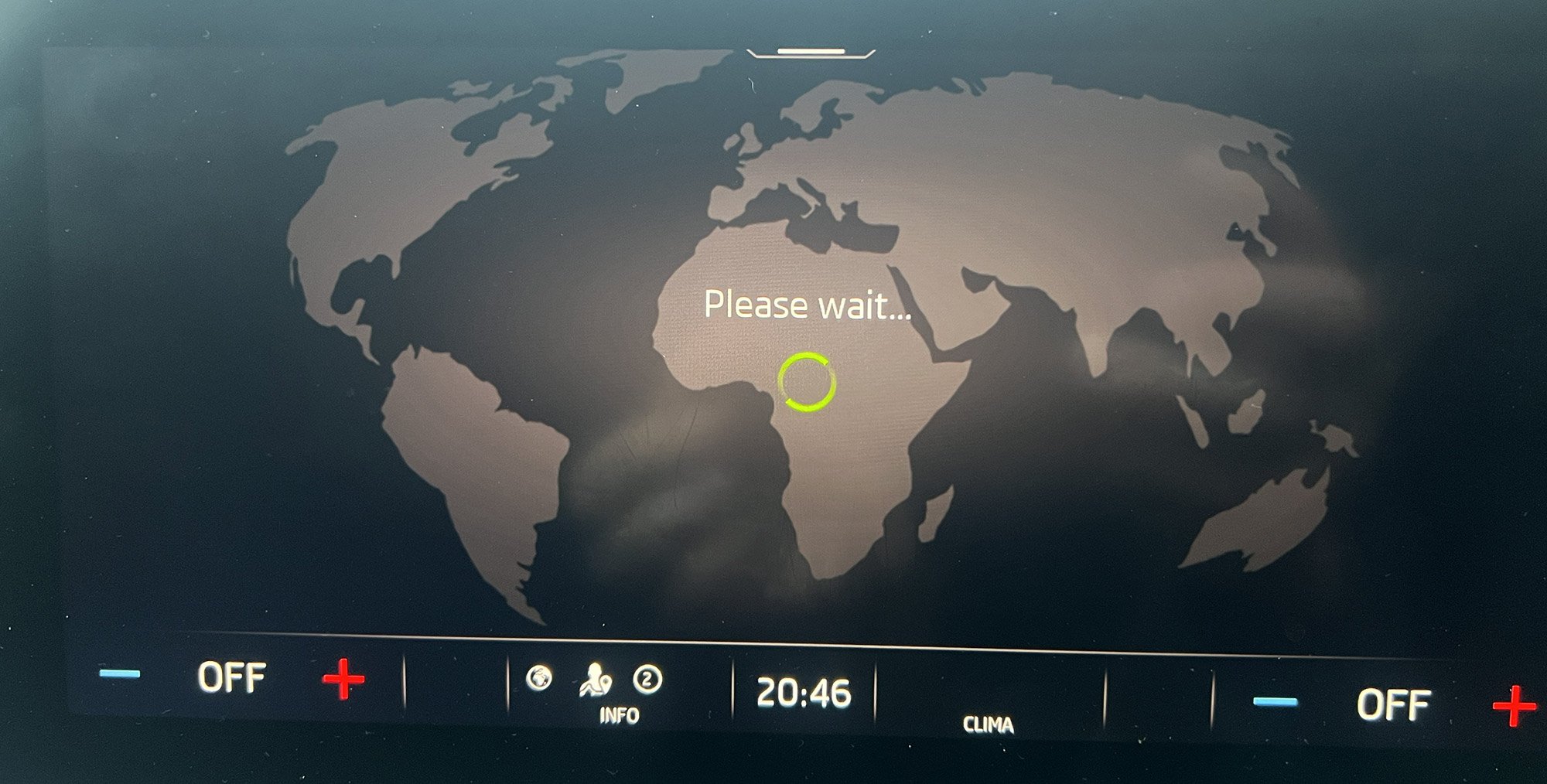
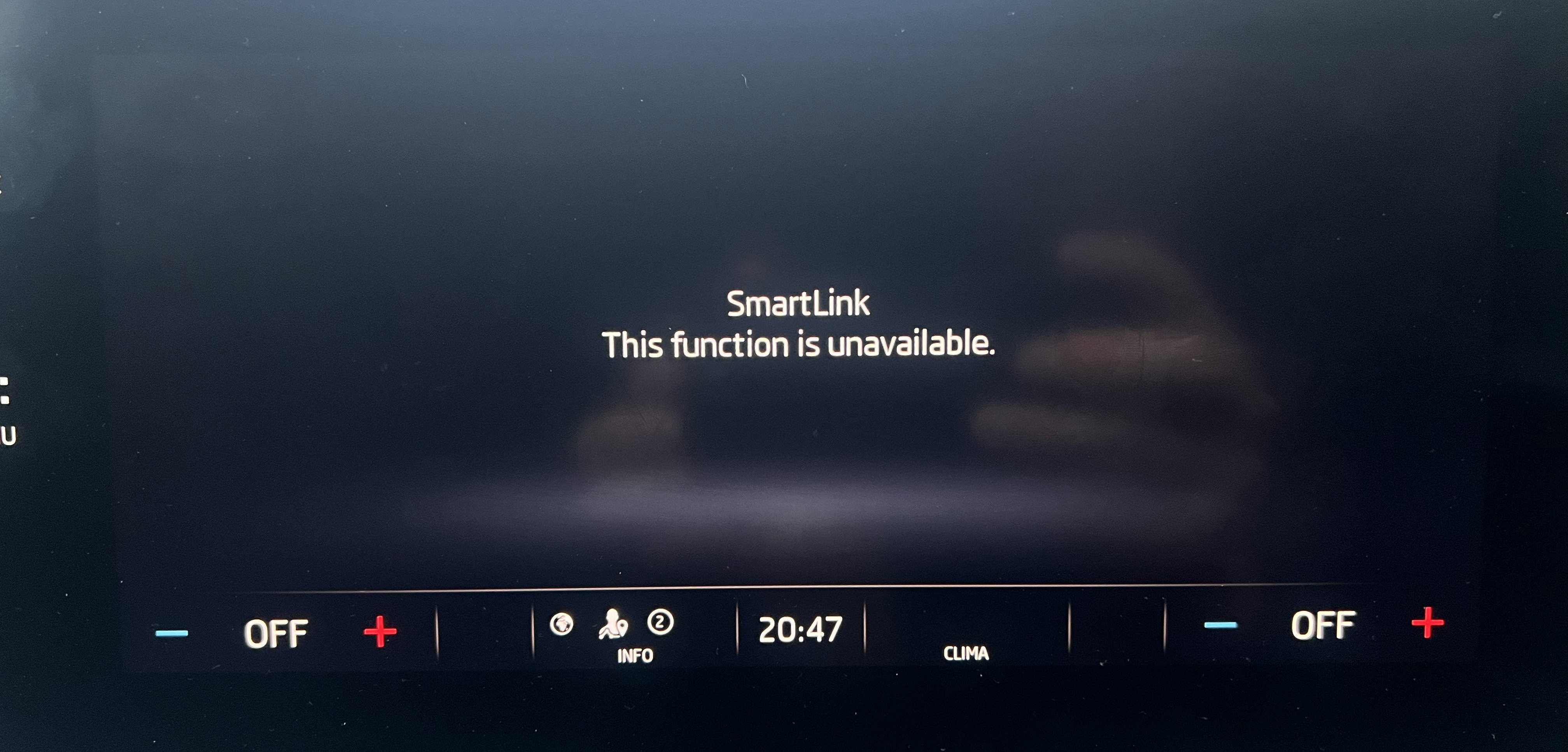
I recently purchased a 2020 Mk4 Octavia which has a few infotainment issues.... 1. Carplay doesn't seem to work. The car connects fine via bluetooth and can do calls / play music via the Skoda system but no Carplay icon appears when the phone is plugged in via USB, despite registering as far as I can tell. When trying the SmartLink app it says 'this function is unavailable' 2. Possibly connected to the above - navigation doesn't work. Just constantly says 'Please Wait' when opening the app. The car was supplied with only 1 key (thanks Big Motoring World) so I couldn't set myself as a primary user and I had thought once this was sorted I could install smartlink from the shop. I've finally got the second key today but this doesn't seem to be the case - Skoda setup the key and also did some free software updates earlier. I stupidly thought this would update the infotainment system which is on a pretty ancient version (1664) but they must have updated something else (Paket 7 on the work order?) I can see sometimes you need to purchase Smartlink for Mk3s but it's not clear if this is the case for Mk4s? I'll speak to Skoda but appreciate any clues as to what needs to be done! An added complication is if there is a cost attached I would want Big Motoring World to pay as the car was advertised as having Carplay.