KODYBear
Finding my way
-
Joined
-
Last visited
-
-
Wow! That's not really speak for the manual gearbox then. Thank you very much for the information!
-
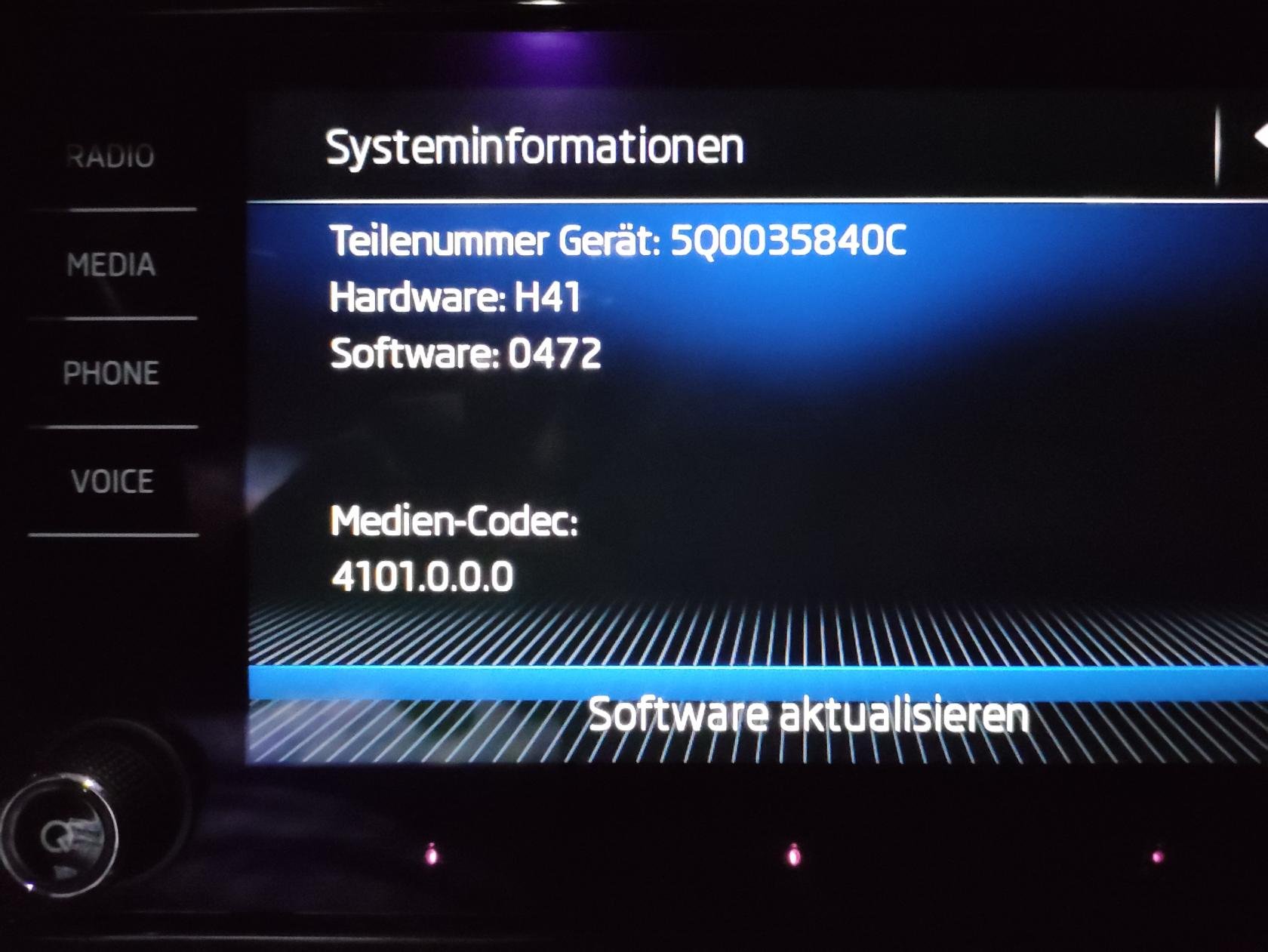
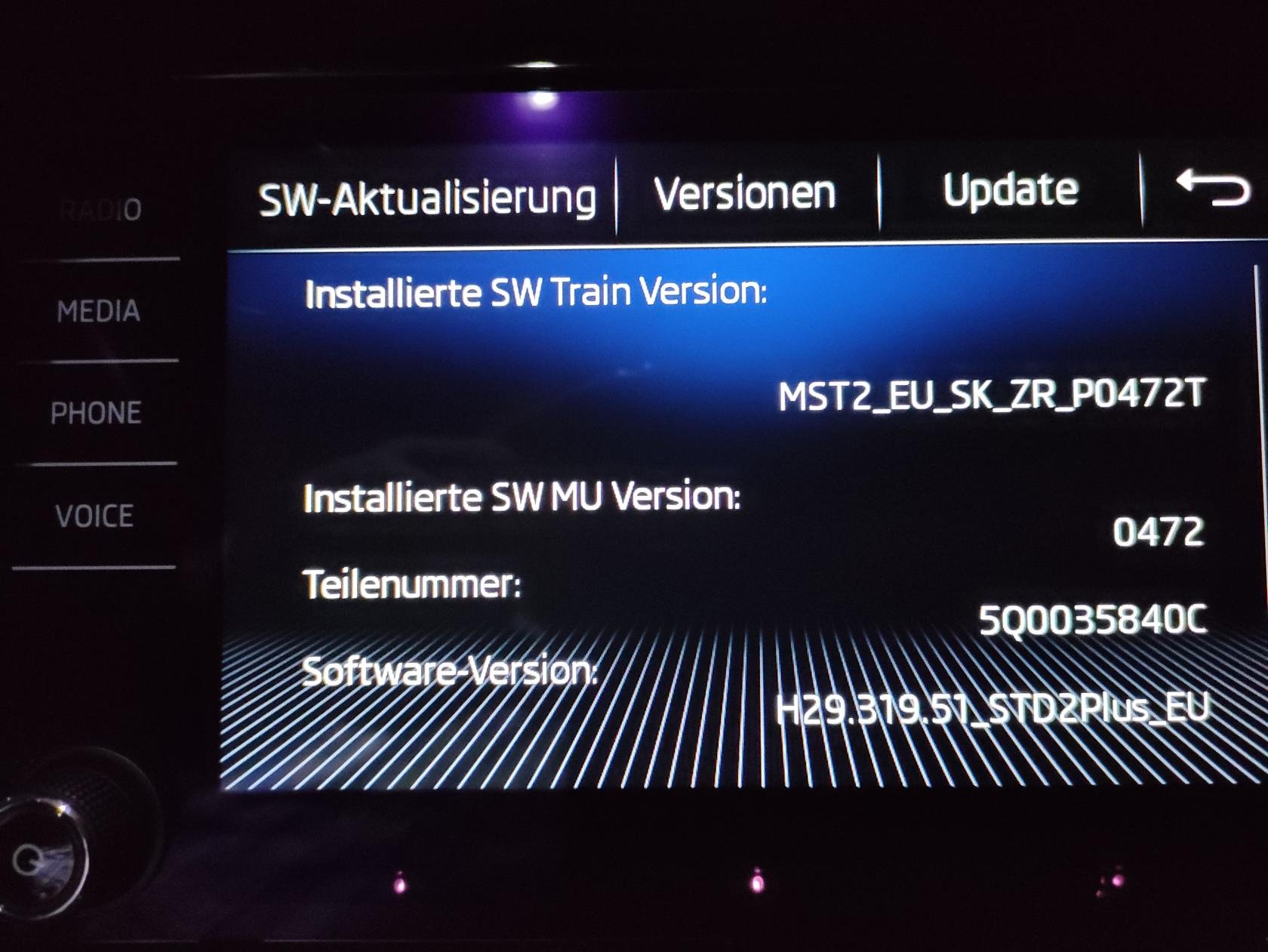
Sorry i'm not so familiar with miles and gallons, but in fact it drink way too much for my feeling and in MPG it looks also way more dramatic. I suspect this abolutely unneeded (and maybe wrong - in my opinion the 23DD was for 1.6 Tdi) MSG-"Update" (Raised Add-Blue-Consumption, AGR recircling, Higher Diesel-consumption from higher frequented DPF-Regeneration aso... 🤢
-
The numbers i told are litres of Diesel, not gallons, if it were so, i had to light it up instantly. 😉 But still way more than enough. In fact not when driving. 😁
-
Hi EnterName and thank you! At the moment we are standing and 7.5 and going up. The Octi took 5 to 5.3. (I am not the "racer" anymore.) More than 2 litres more for +400kg and +40hp is not really that what i expected for a 17 1/2 year "more modern" technic. And it not only consumes Diesel, but also AddBlue quite generous (But not have exact Values at the moment) I also noticed, that it got a "voluntary" MSG update (23DD) in 2021 🤢. Thank you and Sorry Ootohere, of course i am greeting all Gals, Ladies and the other 22 or 26 genders too... 😉 It seems it will be best to greet the whole community to keep it simple in the future.
-
Also wierd, that the 5-seater also is only homologated with 2000kg braked trailer in Austria... 750kg unbraked is clear, but why just 2000kg with brakes? Is the gearbox also to weak for 5 persons and a trailer with the original towbar???
-
-
-
Hi Briskoda-Community, friendly greetings from Austria to you all! I found to you having some "troubles", clues and doubts with my Kodiaq Scout built in 2018. (First on street 06/18, so Model 2017) I found it, because my earlier car, an Octavia 1U2 Ellegance Tdi 81kW died of rust after 23 1/2 years. And this made me really sad, because it was the best car i owned in my life and the motor hasn't even the half of its "lifetime". It was fast, absolutely not thirsty and was a "faithful friend". Now i got a 6 year old Kodiaq with few Km which is a kind of a "drunkard" and a "technical overkill", with that i have to make friends first. One thing that i allready love is the Way to get in and out of the car (my spine is no longer the best), the overview, and the room on every seat (o.k. the middle one in the 2nd row is still not the best 😉 ) and in the trunk. And i also like the easy kind of handling it. But for 150 hp it is way to "tired" and drinks way too much. So i hope you all can help the car and me to get friends finally and we will get a similarly good friendship as to my "Octi" with your help. Thanks to you all in common for your hints and help and of course i will do my best to become also a usefull member of the Briskoda-Community. Here’s to a good cooperation!👍🌞