ArunD
Finding my way
-
Joined
-
Last visited
Everything posted by ArunD
-
Yes. With H49, the issue is resolved. Its been more than a month now and I have driven 2000km. No issues.
-
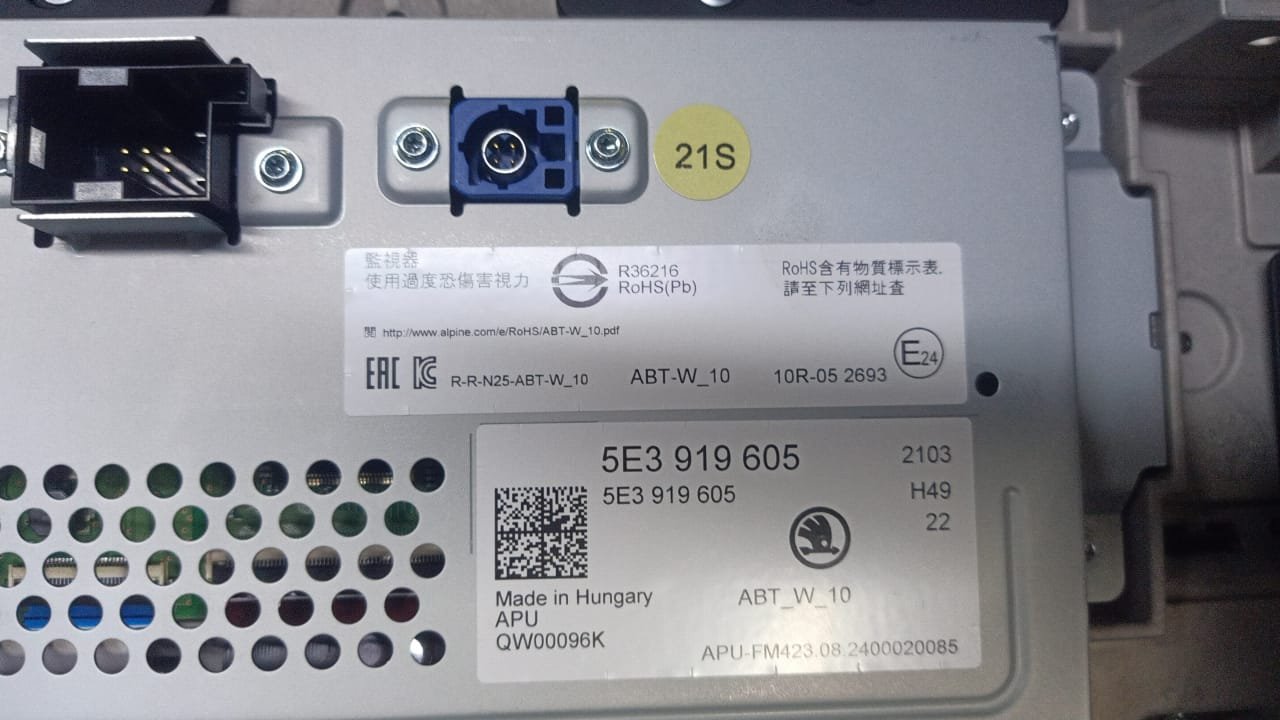
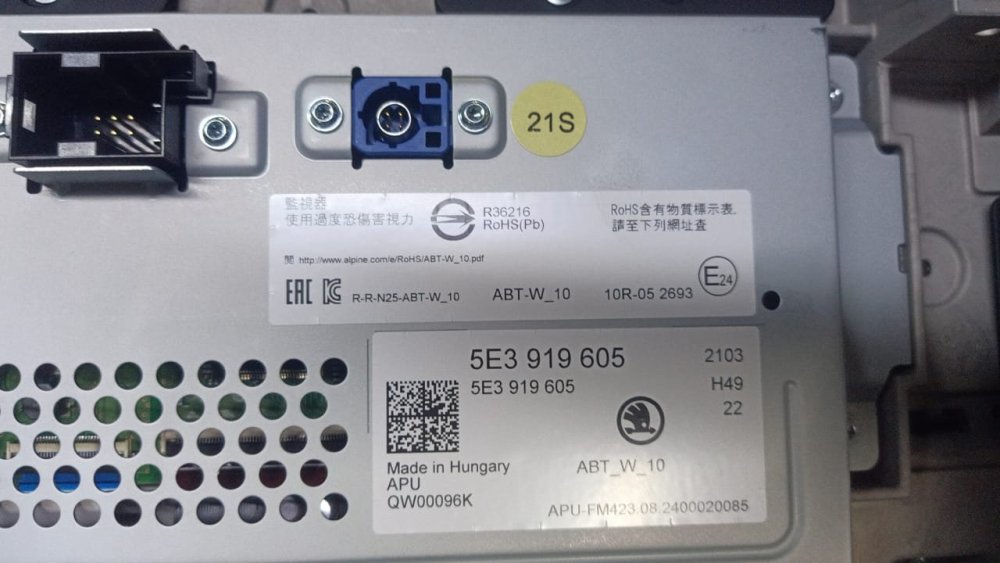
The display unit is replaced with new one. The new version is H49. Hope it should solve the issue.
-
Just an update on this issue. The Skoda service center agrees to replace the display unit. The older version of the display unit is H47 and the newer unit version number is H49.
-
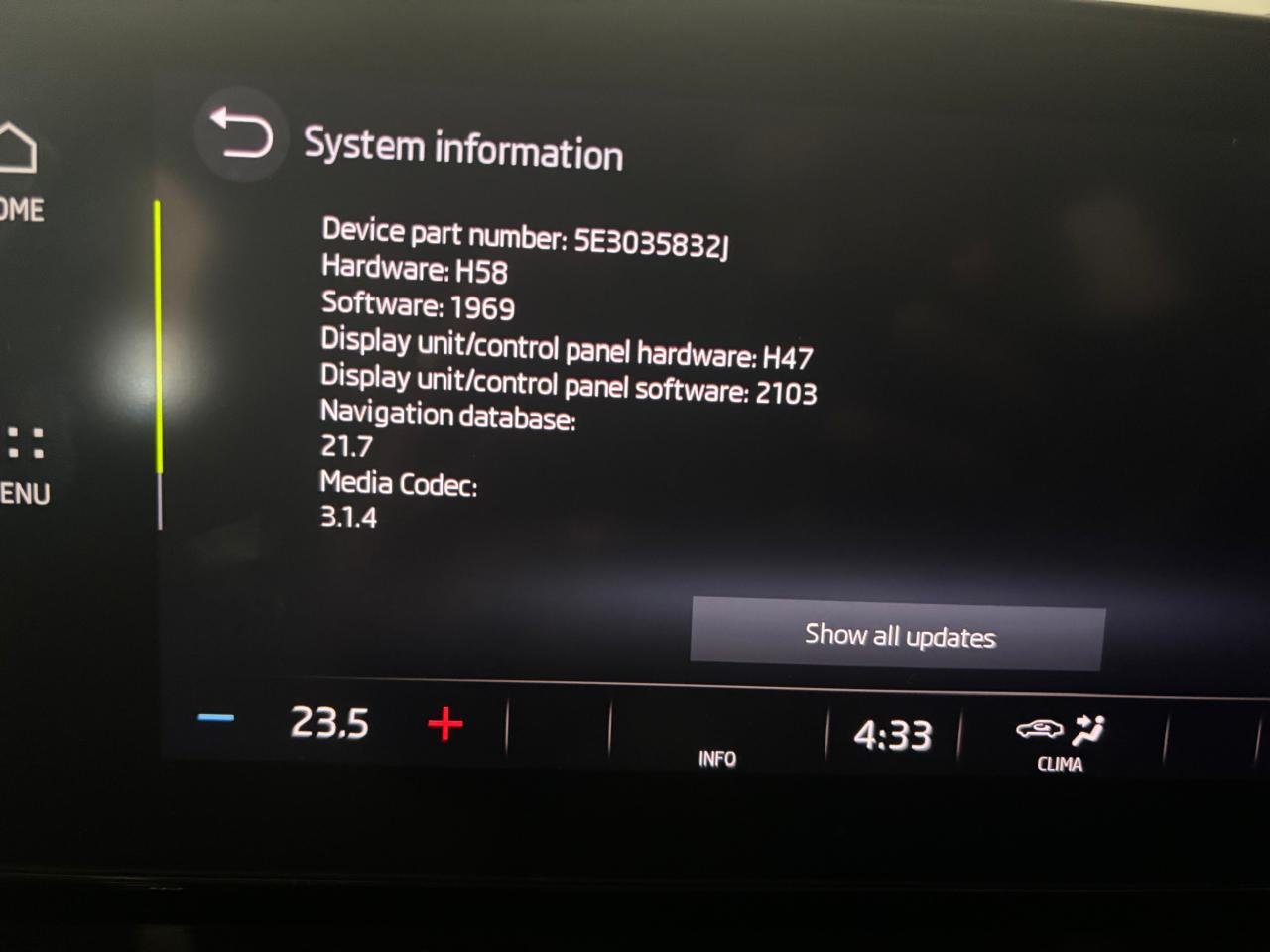
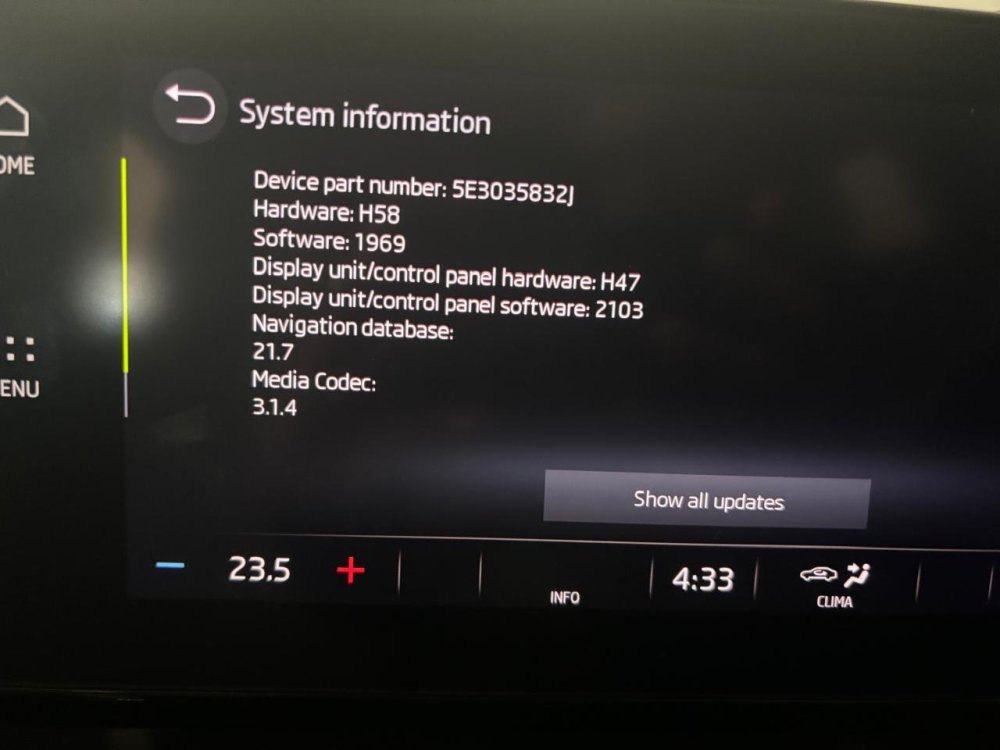
This issue started happening again even after software upgrade where Skoda claims it fixed the volume increase issue. Informed dealer and waiting for update from them.
-
Skoda service center updated my Octavia infotainment software to the latest one where they claim Skoda understand and fixed this volume increase issue. The software version is 1969. Have driven more than 100km after the updated software and could not see the issue. Will update after a month. Note: Some 8 months ago, I already replaced the control module and the issue did not go away.
-
I own 2022 Octavia MK4. I am facing this issue from November 2023. Initially it is a rare occurrence and later a month, the infotainment restarts automatically and play radio automatically. Finally the dealer replaced infotainment controller. Then I did not see the issue for 6 months. The issue surfaced again from mid of July. I suspect the problem in touch bar under the screen. It is getting faulty signals. Planning to contact dealer next week. The attached video taken during the problem. Volume increase problem.mp4