Slav3k
New here
-
Joined
-
Last visited
Everything posted by Slav3k
-
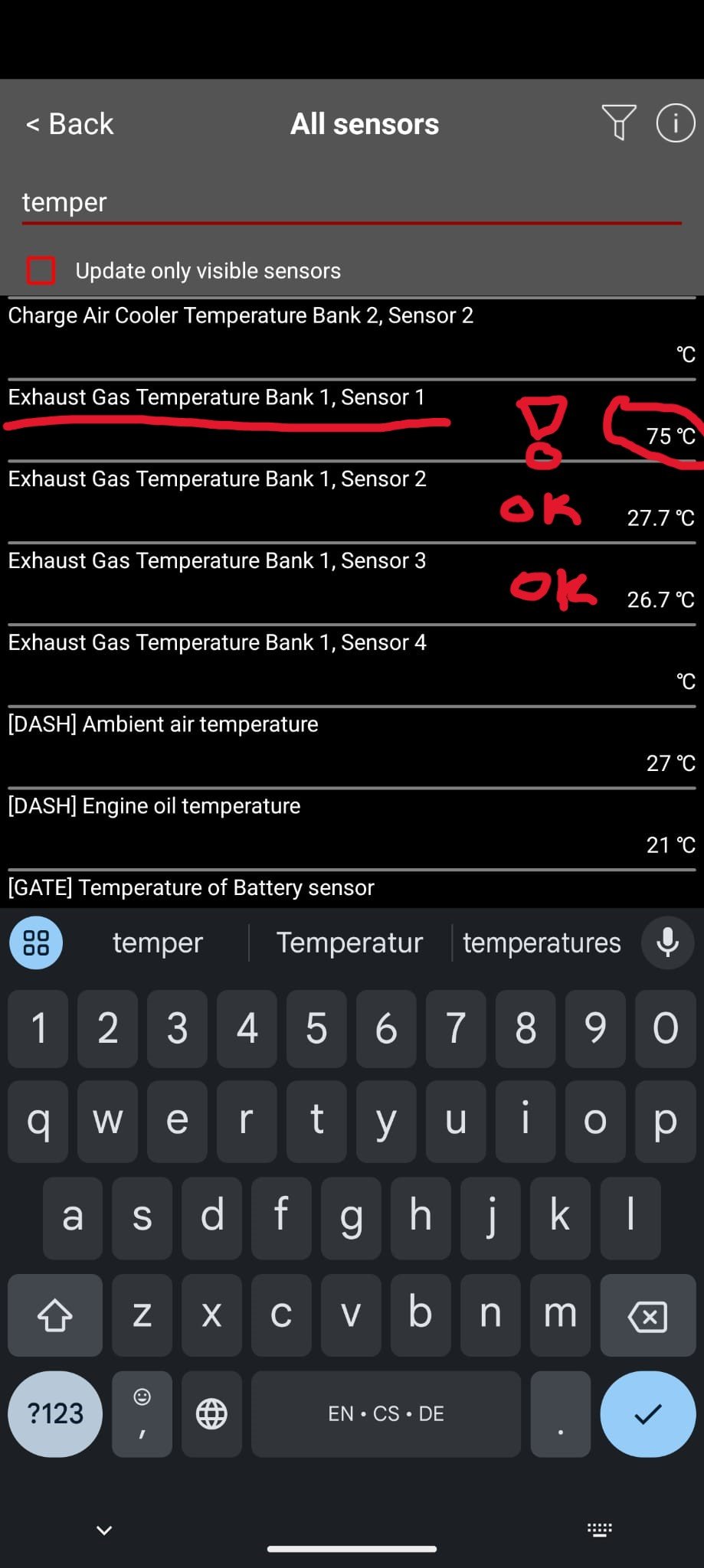
Ok I just have learned from my mechanic, that this is normal. This particular sensor cannot show less then 75°C.
-
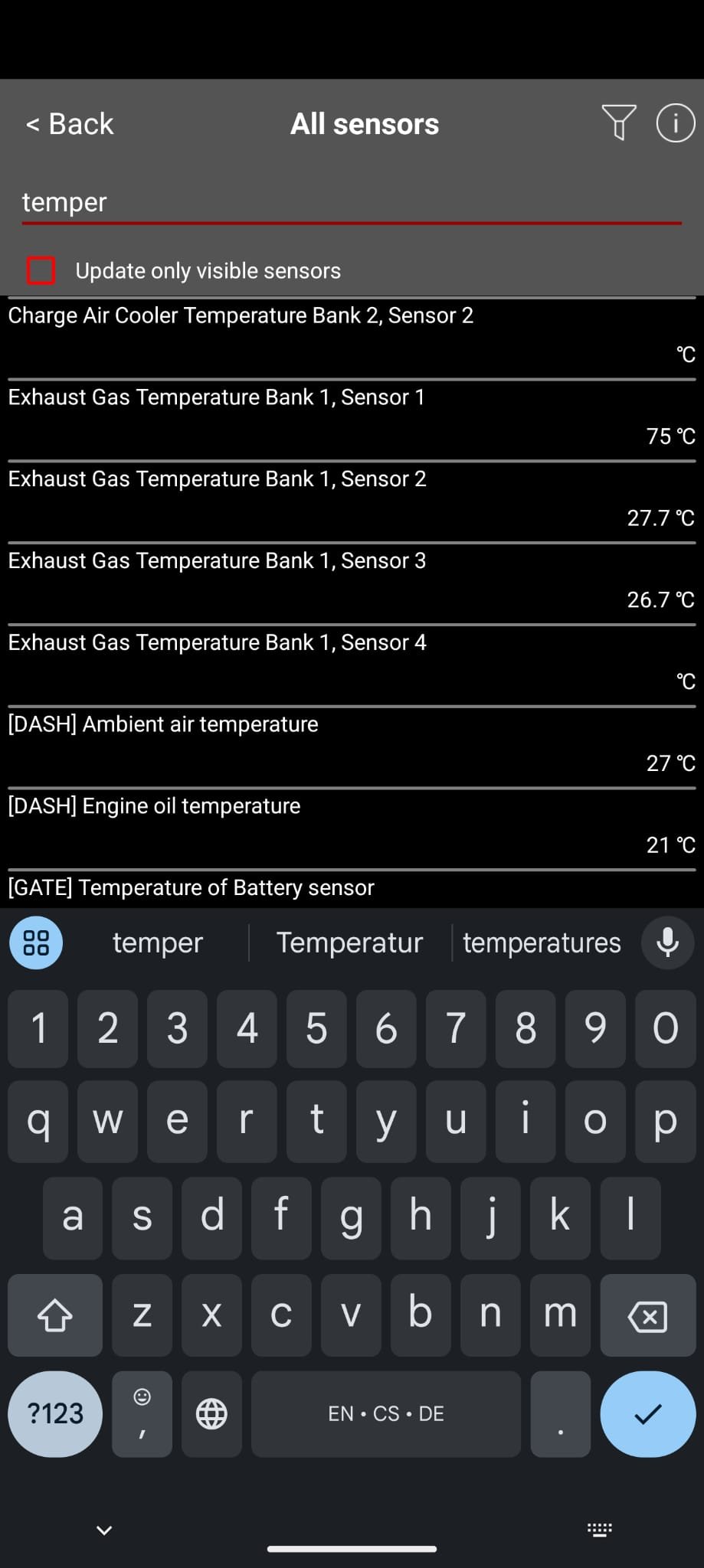
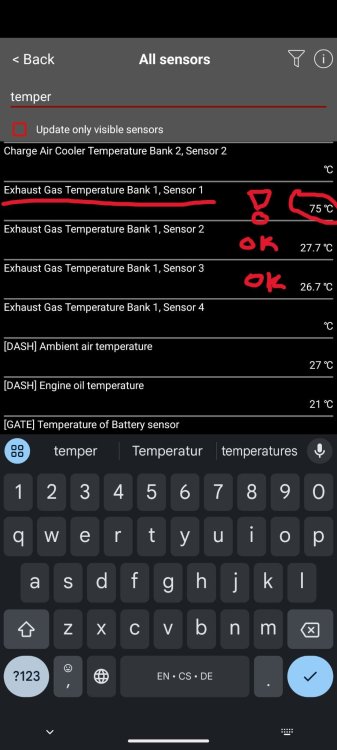
Here just to make it very clear which values I am talking about. I wonder, if it is normal that the EGT senzor 1 is not going under 75°C Octavia III 1,6 TDI 81KW (5E5, 5E6) 2012–2020
-
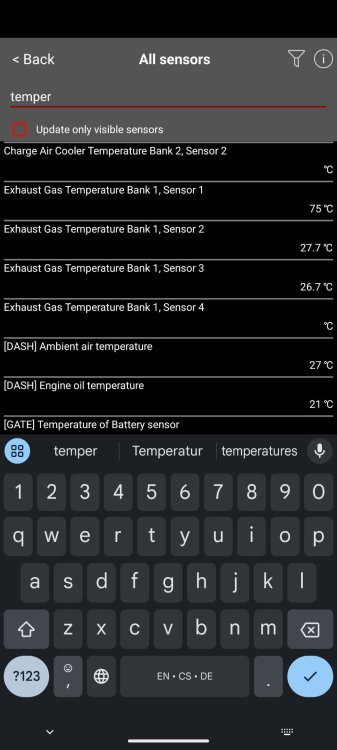
Hello! Simply said in the morning when the car was completely cold (at ambient temperature) when I take a look at my EGT sensors, I can see that two of them are reading cca the ambient temp around 27°C while the first of them is reading 75°C I have no error codes from the ECU and immediately after I start the engine, the temperatures start to go up, but I cant help but wonder if this is normal? Perhaps the sensor is measuring with an absolute error of 50°C in the whole range of temperatures and this is what is causing my troubles with low temperatures while performing DPF regeneration? Should I just replace the sensor? Any thoughts?
-
Anybody has any recommendations or directions for me please? I would really appreciate any help Many thanks!
-
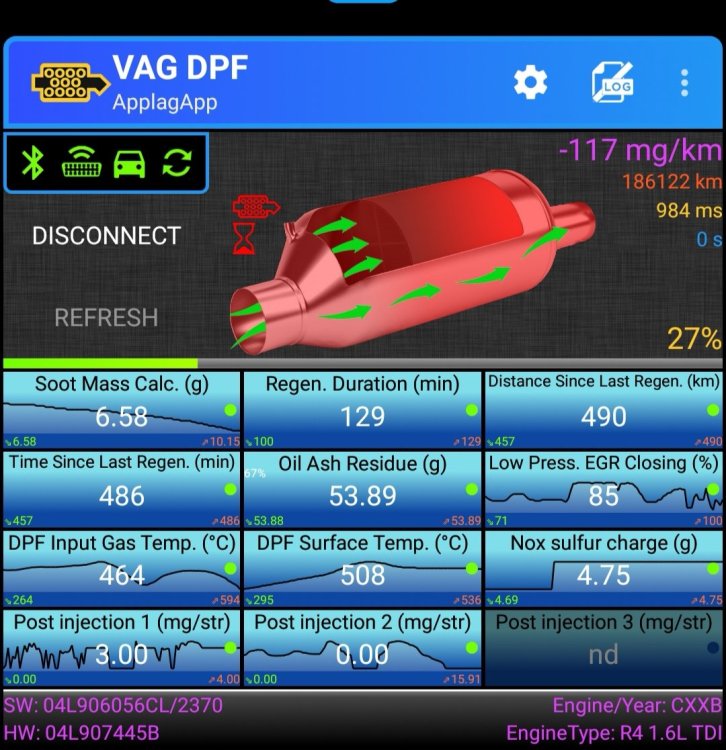
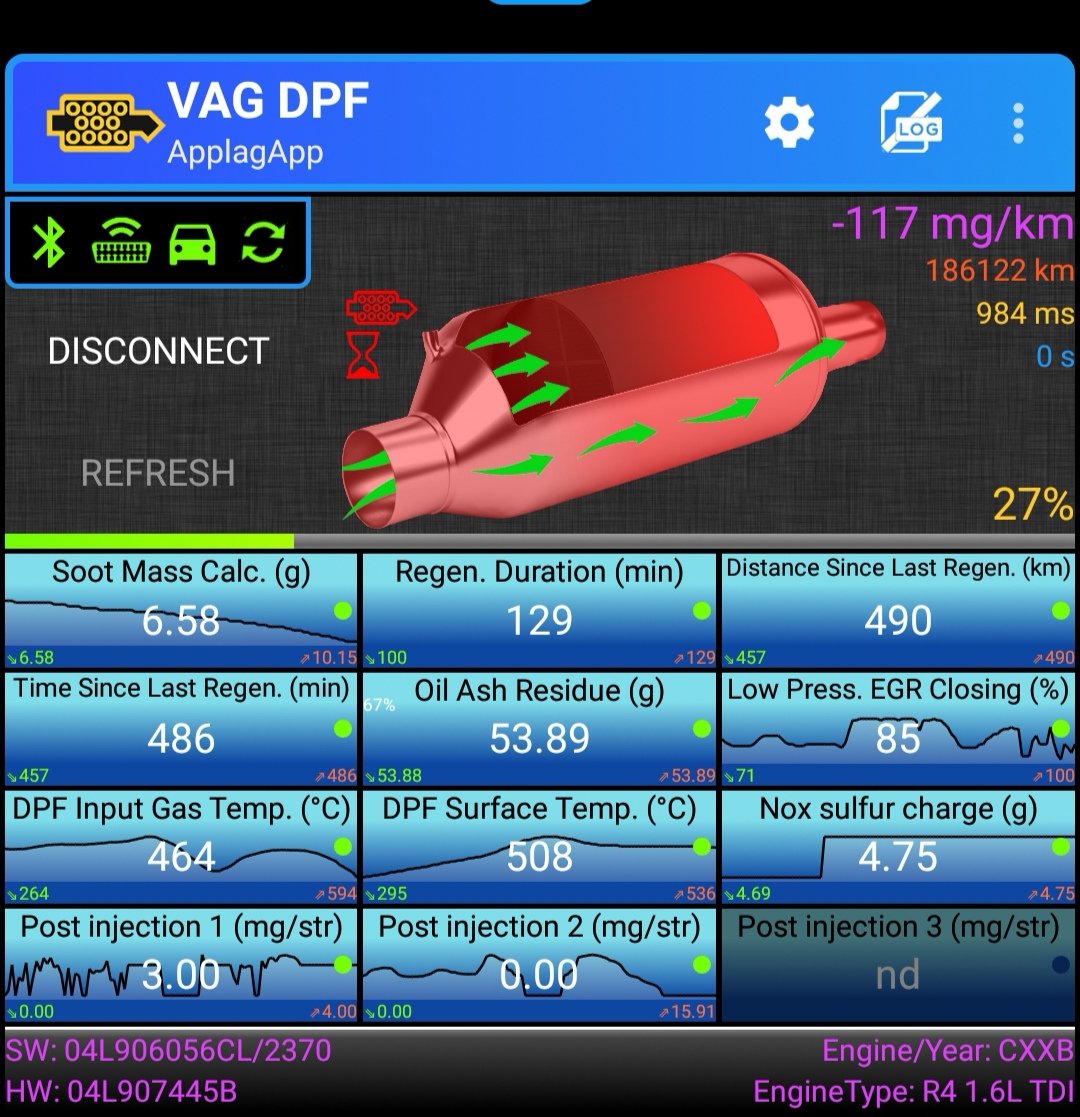
Hello everybody, I would like to consult issue I am having with DPF in my skoda octavia III 1.6L 81kw 2016. Simply put the regeneration takes too long. Usually i takes over 120 minutes, then I get a warning indicator on my dash, then the regen continues another 20 to 30 minutes and then it stops at 25% (5g soot mass) finished regen which also removes the DPF warning from my dashboard. This is not normal right? I have read that the regen should be done under 30 minutes. Anybody faced similar issues? My plan is to chek the sensors related to dpf and the EGR valve. If the values seem normal, then I guess I should try to clean DPF somehow?