Argjenddre
Finding my way
-
Joined
-
Last visited
-
Hello Skoda lovers I have changed my disck brakes and put (Bosch) but after 3/4 weeks they started vibrate the steering wheel when i brake Where can be the problem?
-
I was exiting the parking lot when a warning light appeared: ‘Error: Airbag.’ Since that moment, none of the buttons on the steering wheel work, and the horn doesn’t function either. What could be the issue? What could be the issue?
-
Hi guys few times ago i have asked about some noise comming from the back in my skoda octavia 2.0 4x4 (haldex gen4) Today i have changed the bearings on it and definitely no more noise from the back 🙏💪 filtered-91F824B2-97EB-466B-93F6-9A3CC0083134.mp4
-
Hi my mechanic put 75w90 oil in haldex,he did that mistake and after few days i changed it again and added Febi haldex oil but in rear diff he didnt change the oil,4x4 works good thanks good but in my book i havent seen written that have changed rear diff oil lately what should i do haldex gen 4 is in my car
-
Yes definitley its comming from the rear down,you can hear also in the video
-
. Im not sure because the car service history its in sweeden and i do not understand nothing but both oils very pretty dark and the filter not in good condition
-
Yes,i have changed it but the noise is the same
-
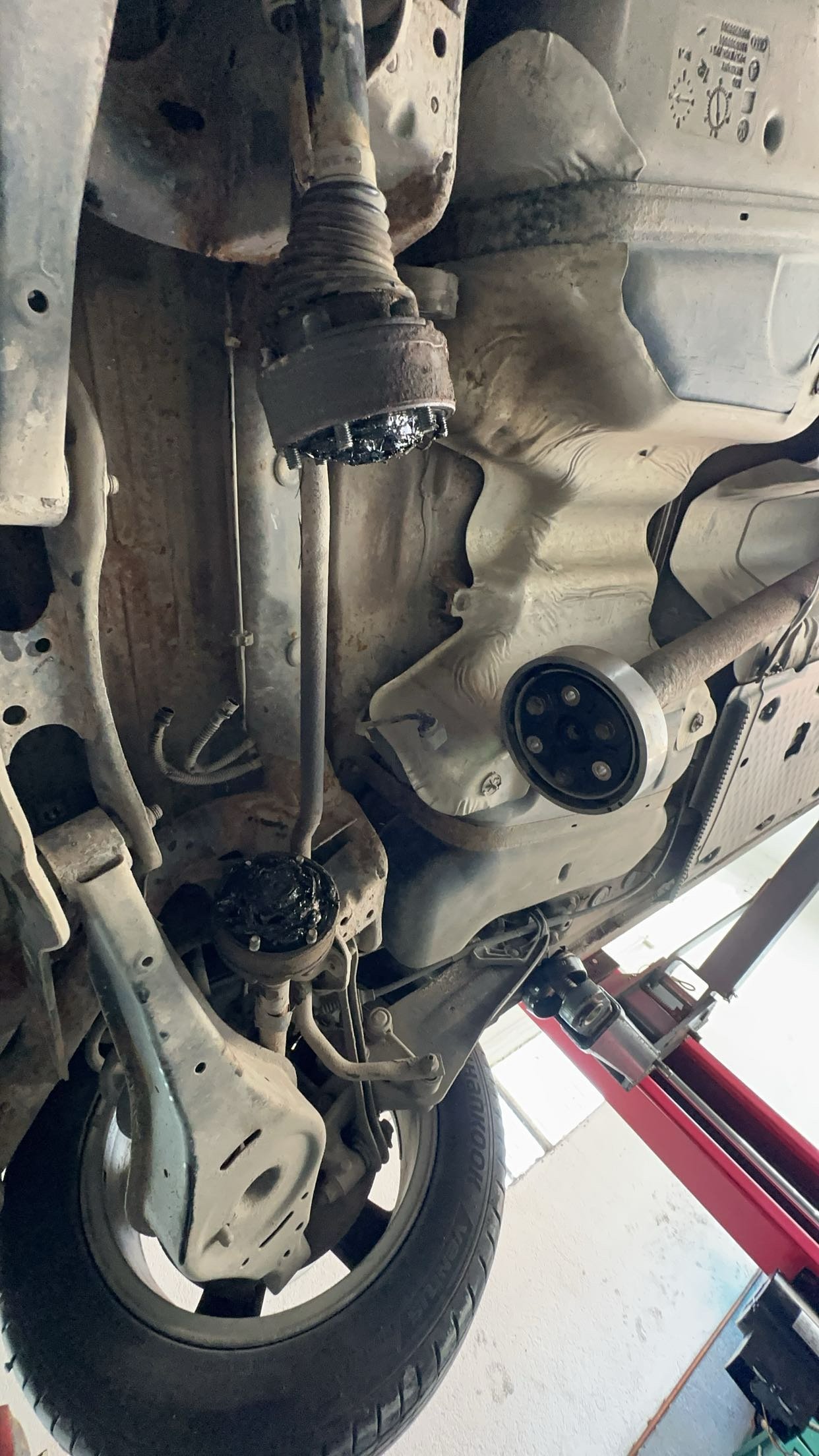
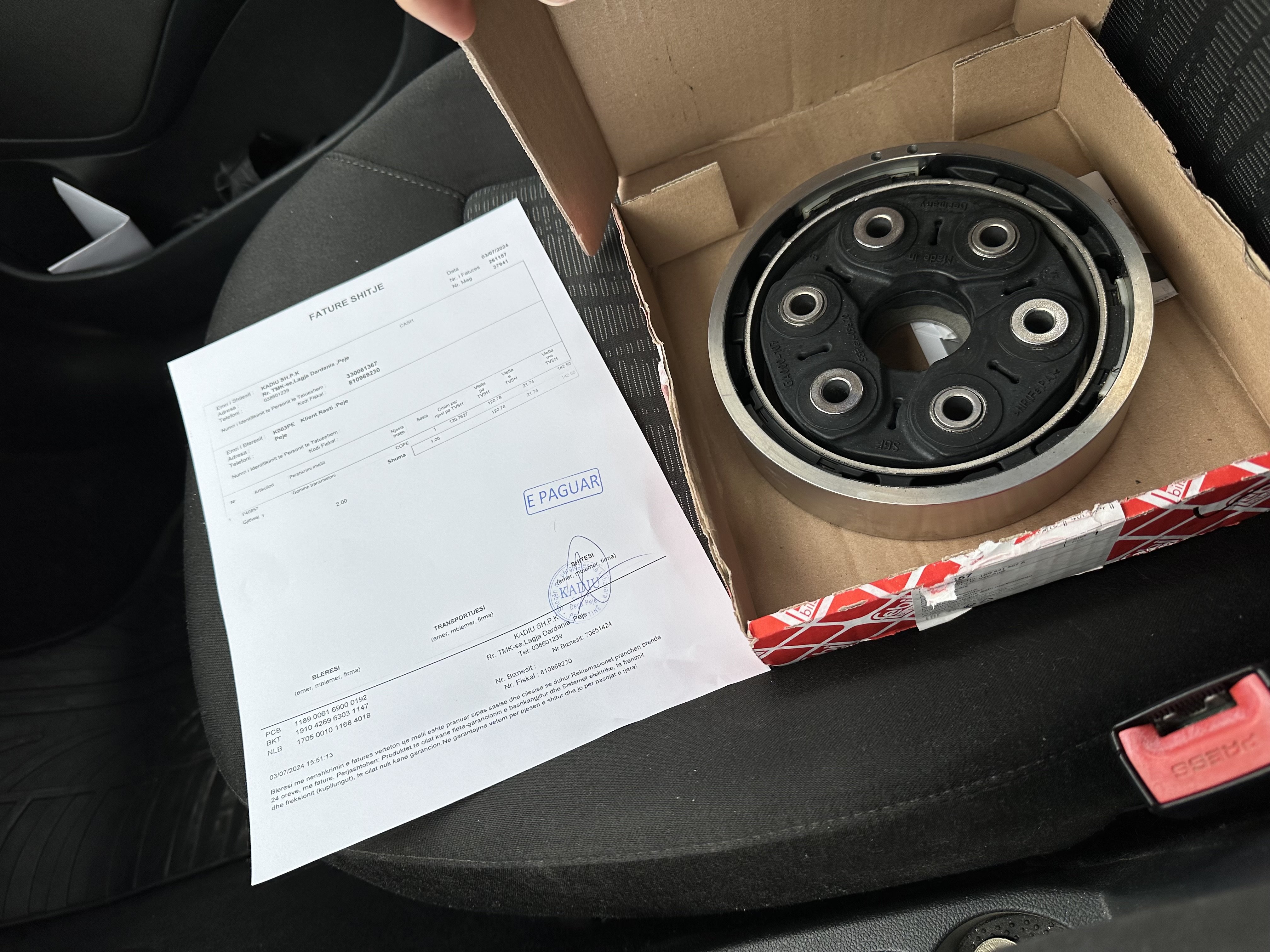
Hello guys! this is my first post here,i have an skoda octavia 2012 2.0 4x4 manual 103kw almost 400.000km pased but i have a problem with 4x4 when i drive my car,after 10/15 minutes of driving,more than 60/70kmh i start hearing a noise from the back and it looks like comming from rear diff,i have changed haldex oil, rear diff oil 2 times,filter but its still the same when im more than 100kmh the noise its pretty high I also checked the wheel bearing but they are in good condition here below is the video (100kmh plus) because the forum does not allow to upload more than 10mb https://files.fm/u/y94cjuubm5 https://files.fm/u/f47dmdu2d6