mickymoor
Finding my way
-
Joined
-
Last visited
-
Thanks muddyjim have done that seems to have worked thanks for that. Regards Derek
-
Tried both keys they both don't work even manually putting the key in tge lick
-
Hi again My 2017 yeti is playing up again , this time it's the door locks. When you press the key fob it only opens the drivers door you need to press it 3 times to get all doors open. Had it to a auto electrian when it first started with just the front passenger door not opening he fitted a new actuator which worked for 2 days then went again , he got in touch with VW who say it could be the module ? anybody else had this problem. Thanks in advance for replies.
-
I only had a 2 inch gap to get into the back tight arse skoda builders
-
All sorted now blue plug was miniscule not connecting to receiver
-
Prezafab I've read it that many times I could recite it to you lol
-
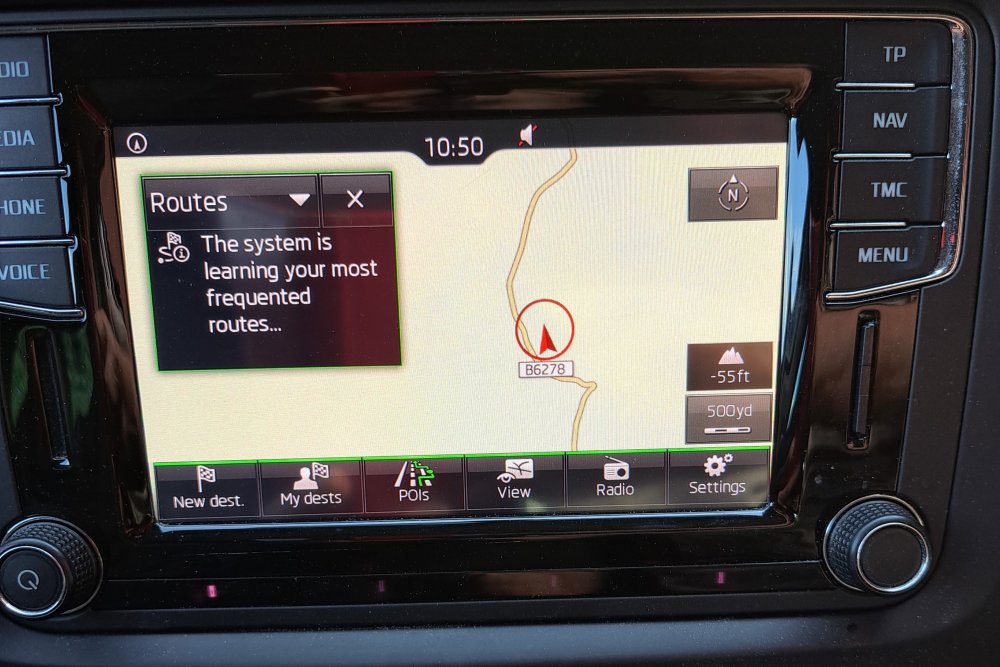
Sorry but your owners manual must be different to mine as fig 32 is pairing up to a telephone , gone into split screen and all I get is the below message please see photo
-
Hi It's a 2017 yeti it does not have a map button only a NAV one
-
Thanks for that but don't help as I've had it away to get the touch screen repaired not sure if they have caused the problem or the aerial has now failed , just need to know if there is a secret menu to check for satellite reception.
-
Yes but us there a way on the unit to show if you are receiving satellite signals
-
Hi Can somebody please help my Amundsen sat nav seems to be not picking up a satellite signal it's the one with a double sd card holder , it's got me 15 miles from home in a field lol. Is there a way I can check on screen to see if I'm receiving a signal . Thanks