GoudaVRS
Finding my way
-
Joined
-
Last visited
Everything posted by GoudaVRS
-
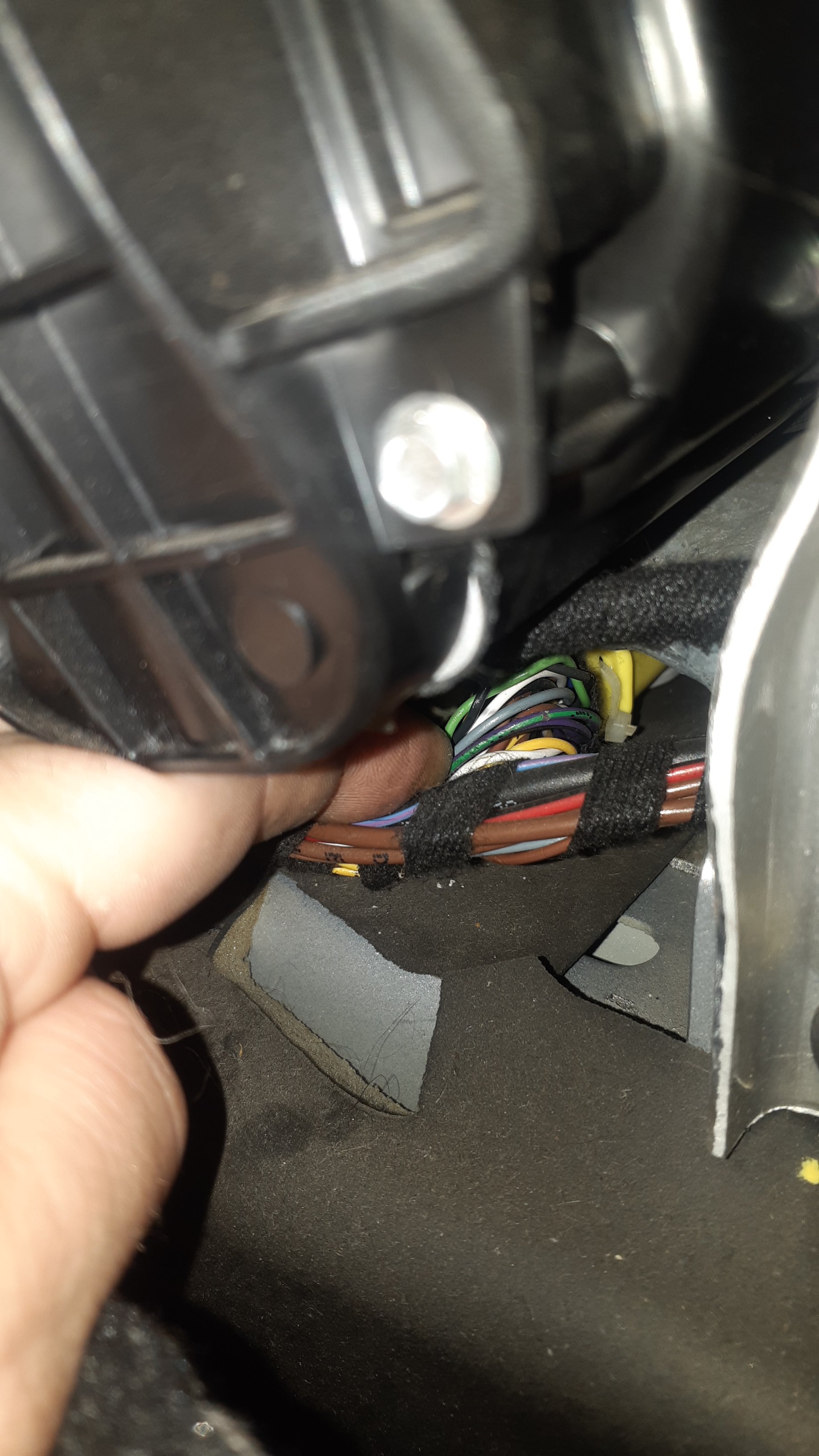
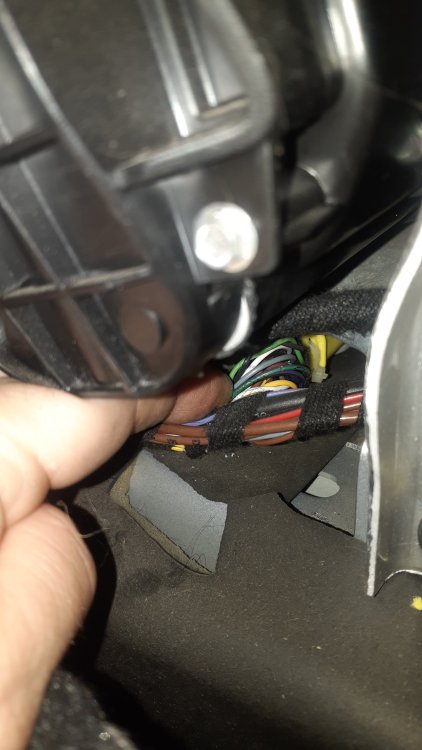
Hurrah!! Finally found what appears to be the culprit, purple and green from the SRS module to the cutoff switch small chaff in the insulation making ground with parts of the chassis behind the dash.
-
Cheers Dave
-
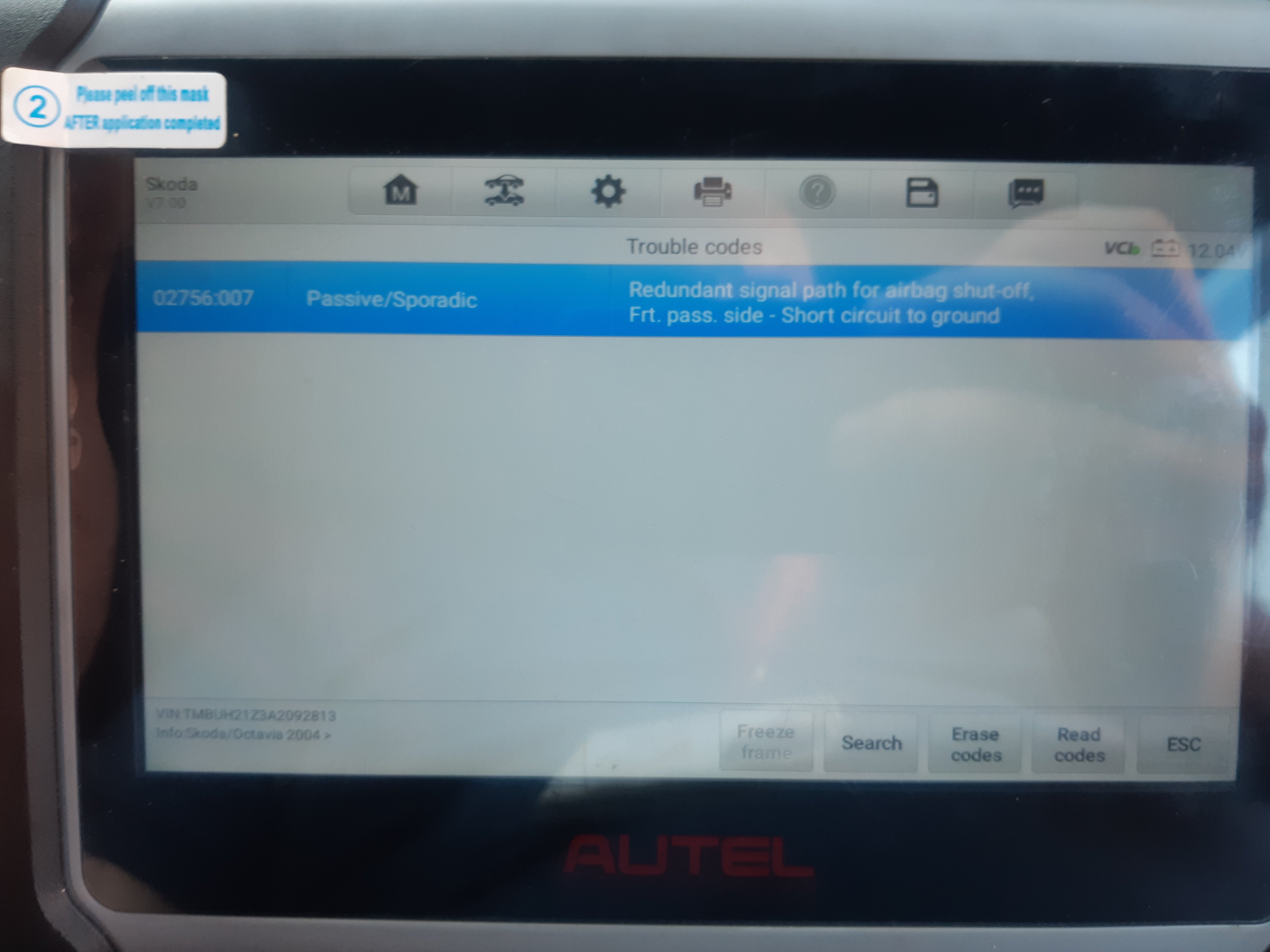
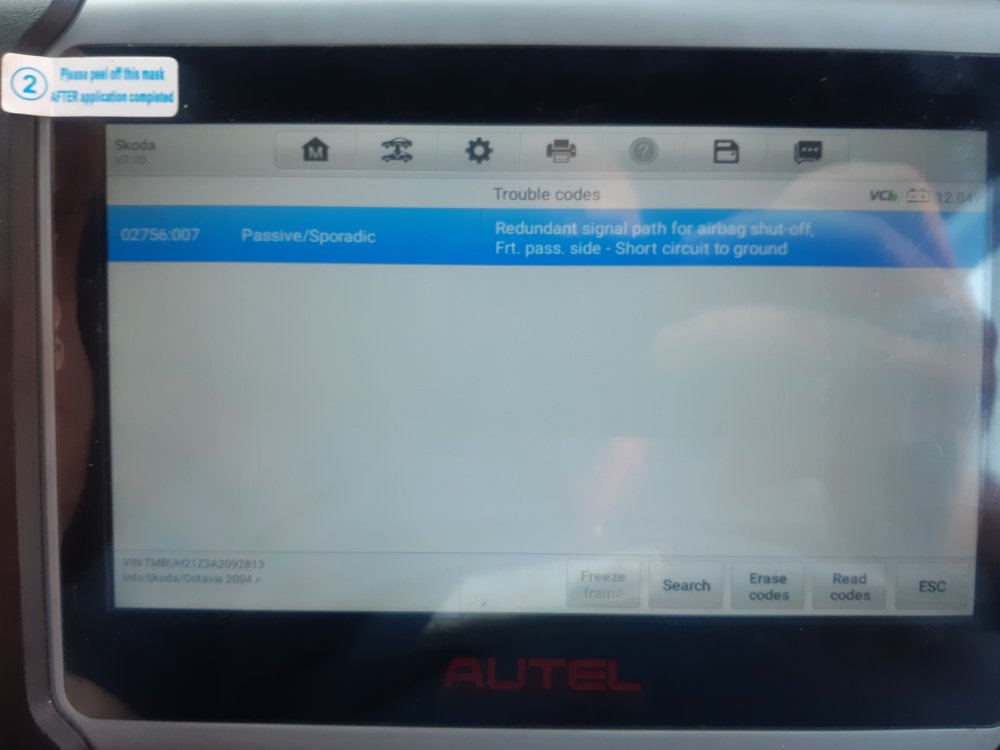
was this the same code 02756 for airbag cut off switch? I'm assuming a short to ground is infact a short from the (white) Positive wire to the car body or another grounded wire? does anyone have a detailed workshop manual diagram? I cleaned the ground in the passenger side footwell and the ground on the passenger side airbag itself. as well as the connector on the passenger airbag. I'm at the point where I'm about the strip to door and the carpets and cut all the loom insulation back to look further and strip the seat down to the airbags to search for a bare or broke wire.
-
Yes mate I am aware that is my scanner that is photographed in the OP. I clear the codes everytime I do something.
-
Cheers my worry is that mine states it's for the cut off switch so I wonder if its linked to the seat bags or the dash bags or the plugs that isolates either or both of them. I have gone through all 4 connectors under the seat and cleaned the contacts but it will return almost instant which makes me believe its elsewhere or a damaged cable.
-
I've been chasing this for a while used to clear for a few days now comes up almost instantly. Have tried 3 different switches. Cleaned all 4 plugs under the seat. 2010 vrs 2.0 tdi cega Any ideas where to look next?
-
AC compressors are permanent drive and have a shear plate on the front I believe they have 2 styles of plate. you'll probably find the pully is spinning independently too the shaft.