




TimmyS360
Finding my way
-
Joined
-
Last visited
-
TimmyS360 changed their profile photo
-
I just had the Sales Manager spend an hour with me in the showroom running through all the features of the car. Mind is blown. He did mention that if I'm reversing down a steep slope the car might suddenly stop if it thinks it's going to hit something. So maybe using the Offroad mode might be useful in this case to switch off some of those collision avoidance features.
-
Have you looked at snow socks? There wont be a clearance issue with these.
-
Thanks Spud Good tips and good to note about the DSG reset procedure. It's already got a boot liner which I'm pleased about. On the chains, why do they not fit on the front wheels? Surely not a clearance issue?
-
Thanks Yogi I've come from a 2012 Kia Sorento 2.2 diesel, so I'm used to the class of vehicle, just wanted something newer, faster, more comfortable and better looking 🙂 Have read you can get a DSG tune to improve it's behaviour, which is normally done with the stage 1 tune. Will just live with the vehicle for awhile before thinking about anything like that.
-
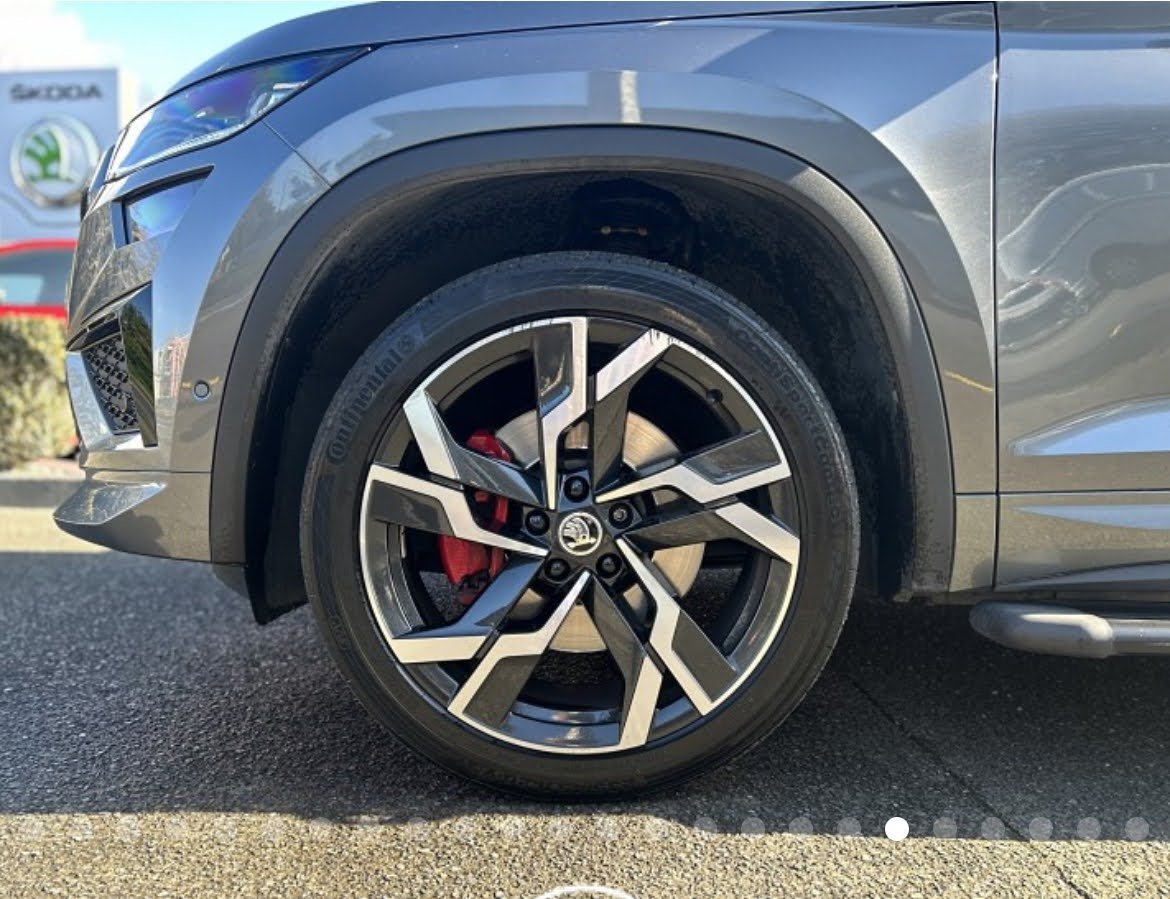
I'm about to take custody of a 2022 2.0l 180kw Kodiaq RS, done 30,000km. Very excited! As I'm new to the Skoda family I'd love to learn any tricks and tips that would be useful to know for this vehicle. What do you suggest? Also, are there any maintenance tips I should be aware of for the next 10-20k?
-
Hi Matt, also from NZ and also just bought a Kodiaq RS! I was looking at the diesel but then came across a 2022 2.0 petrol that I couldn't refuse. We were tossing about between a 2023 Tiguan Allspace R-Line, which had the same engine. Lovely car but the Skoda just had so much more personality, and that sound in sport mode grrrrr.
