Paulcap
Finding my way
-
Joined
-
Last visited
-
For advice I followed this Youtube - It's all about a Golf but was virtauly a perfect match for the Superb.
-
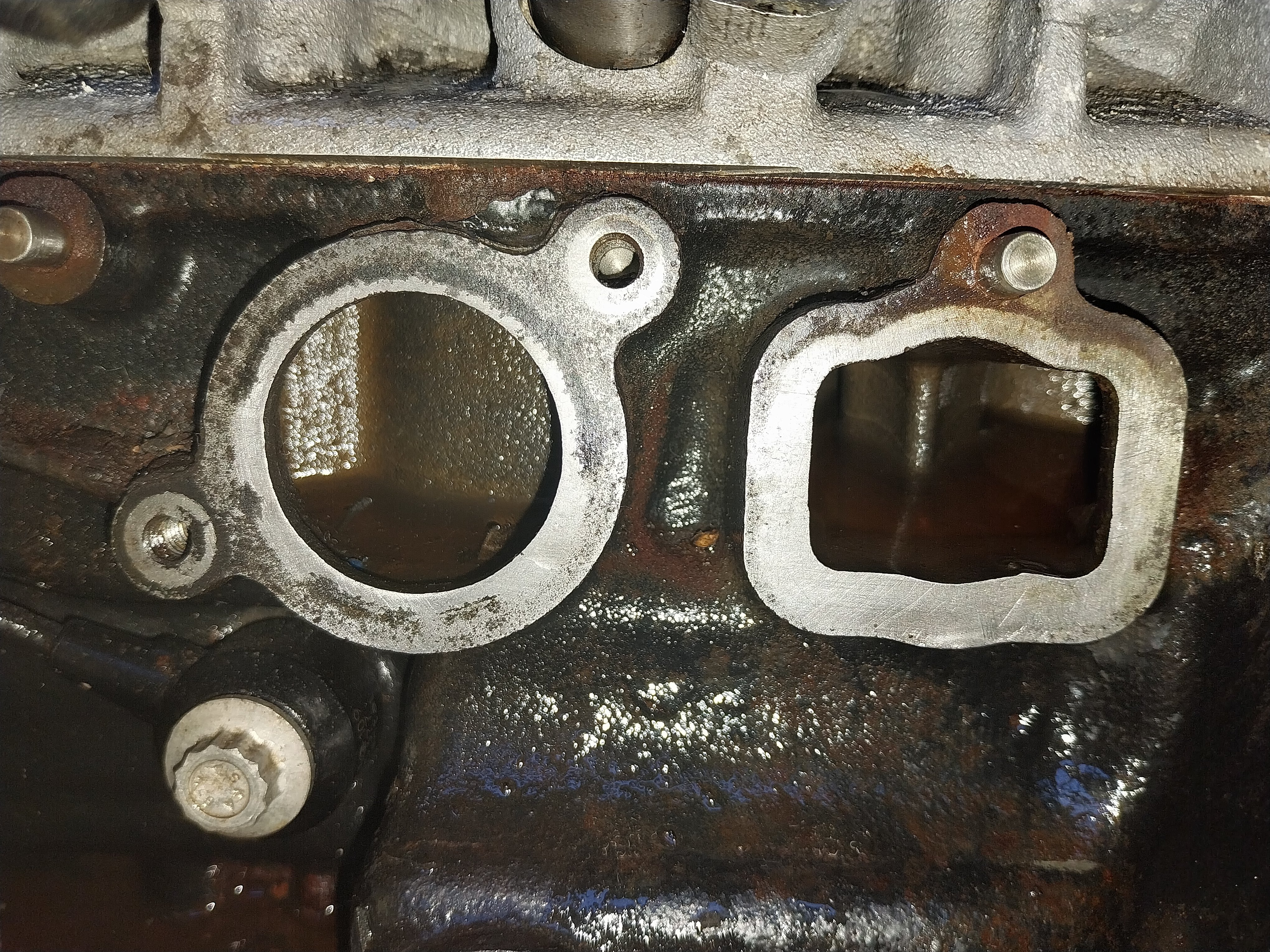
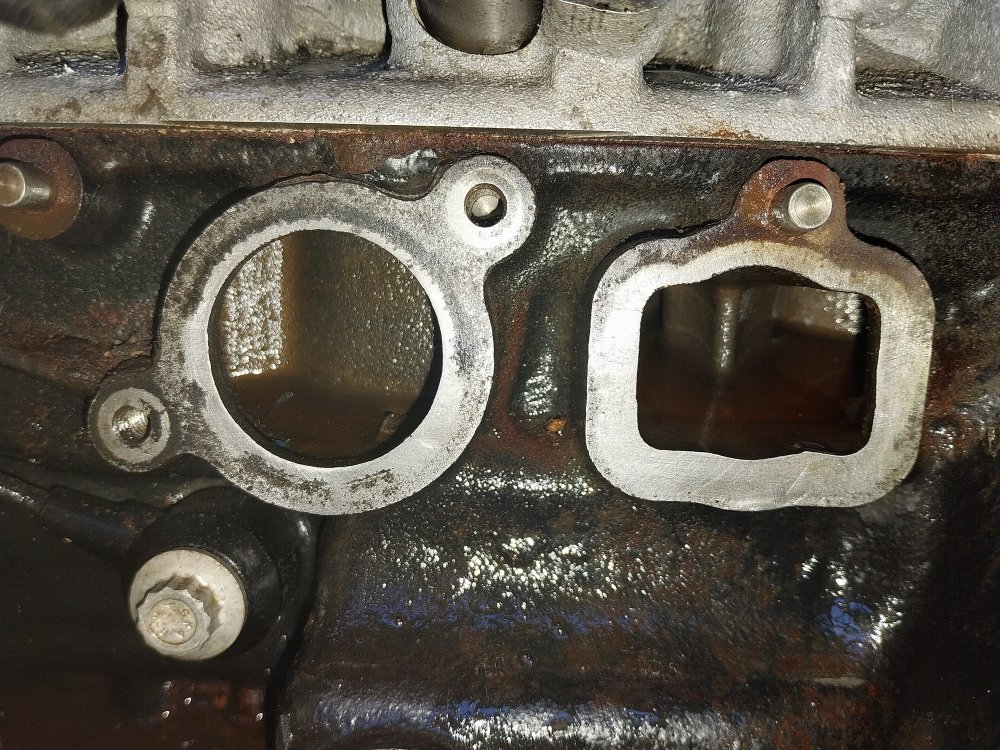
Hi Windybum, After cleaning up the block I checked the coolant pump and thermostat housing and could find nothing wrong so I decided not to buy the new assembly. I replaced the housing to block seal and the O rings on the 'cotton reel' (plus the intake manifold seal). I pressure tested with air and it held pressure overnight and it now has done some decent motorway mileage with no problems.
-
I haven't finished yet but it's much better than before -
-
Hi Windybum, I'm using a honing stone (for sharpening wood chisels). It goes across both ports making sure I don't start rounding off corners and it is slow and gentle so I can keep checking and not go too far. Ebay has some claimed OEM ones for about £50 more but I'm not too sure how 'fresh' the stock is ?
-
Sorry, yes, it's actually the seal between the thermostat housing and the block of a pump which is belt driven of the end of a camshaft.
-
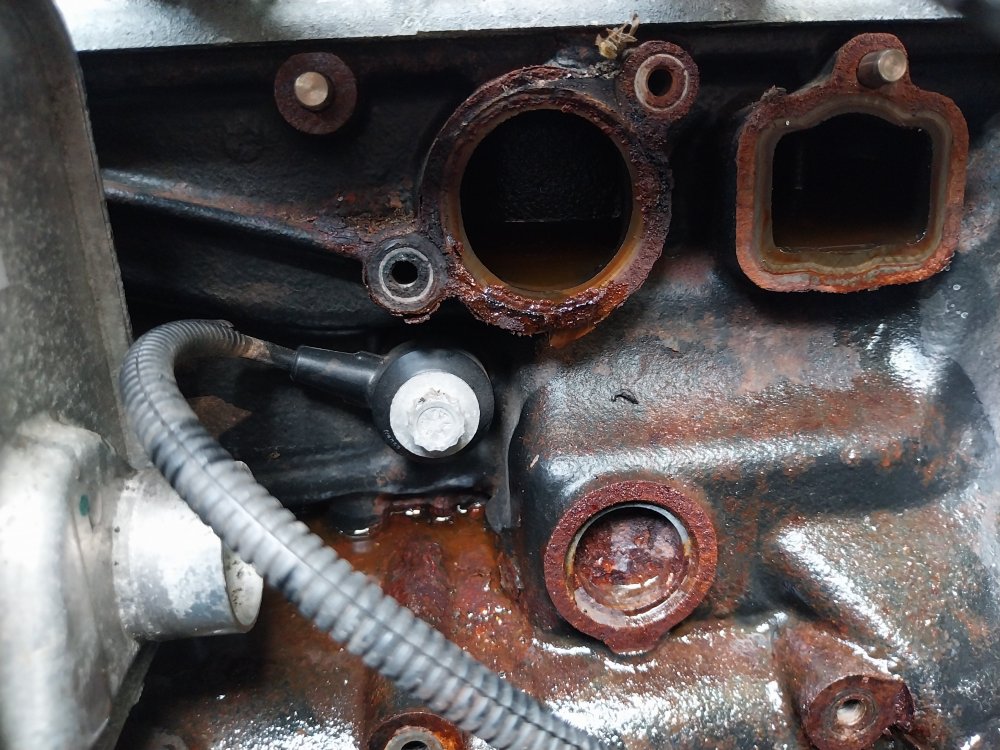
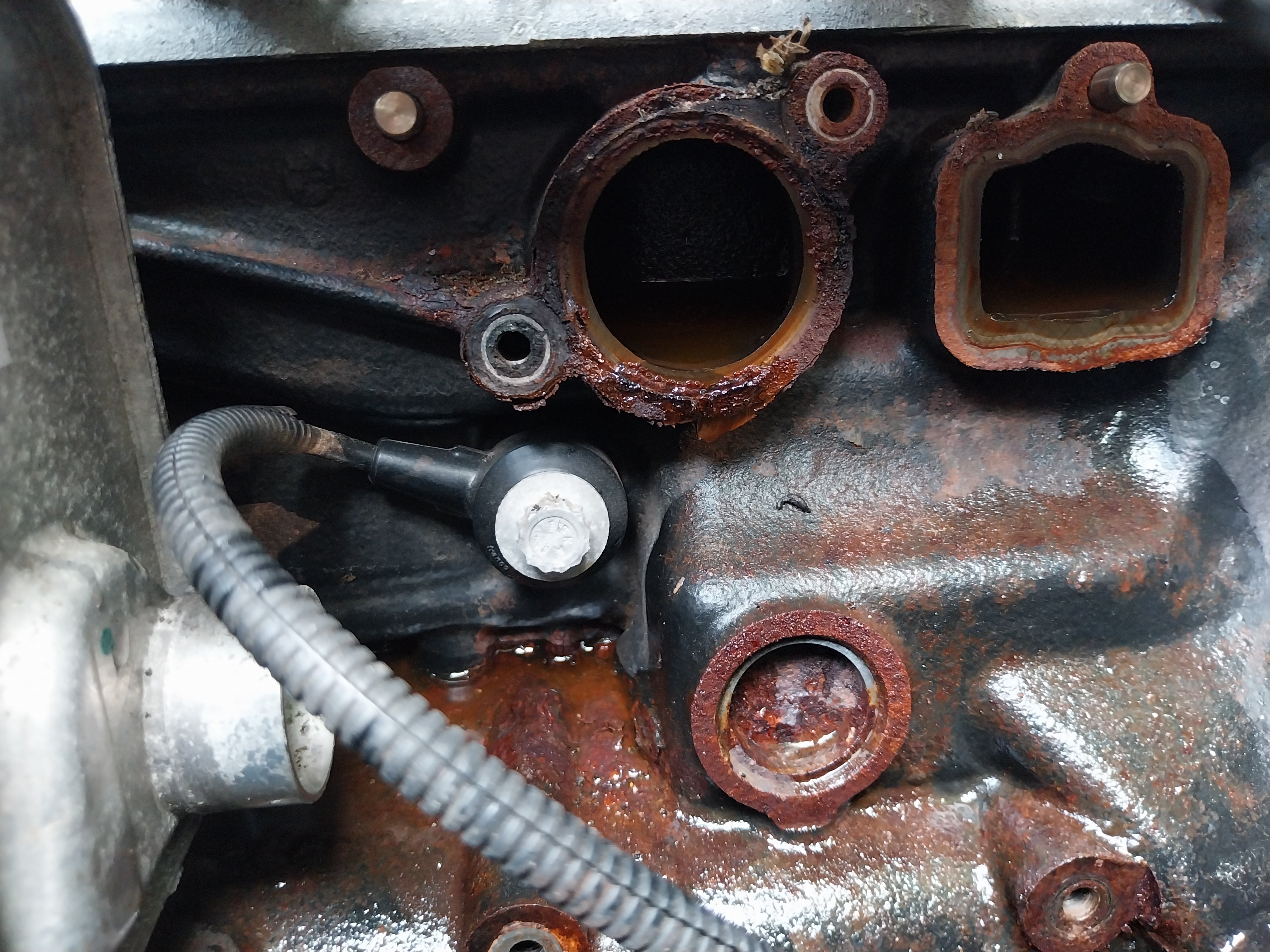
Thank you Warrior193. The seal looks pretty bad where it's been in contact with the corrosion on the block. I will definitely have to clean up the corrosion and replace the seals as a minimum.
-
The garage advised that my 2.0 4x4 280 Superb needed a new water pump but I didn't like the price so I took it all apart to have a look myself, including removing teh inlet manifold so I could see the thing. The pump looks perfect and the surface that meets the block measures totally flat. The problem is the block itself see the picture attached. The question is - How stupid would I be to clean it up and refit the old pump with new seals ?