BigHair
Finding my way
-
Joined
-
Last visited
-
Thanks. That’s what we figured. Where is the module? Any idea?
-
Thanks Langers
-
I did. It came from a dealer. He’s never seen one before and was as clueless as me.
-
Thanks for the replies. Yes, it is in the headlight levelling position. The car was leased prior to my purchase. Suggestions that make sense so far are: 1) Switching from bio to petroleum diesel. However, here is only one tank so this would be switching engine settings and I’m not sure a leasing company would have allowed this. 2) something to do with the alarm system, maybe switching to allow a dog to be in the car while the alarm is set but not setting it off. 3) Tracker. Nothing appears to happen when I switch it. But maybe it is doing something I can’t see.
-
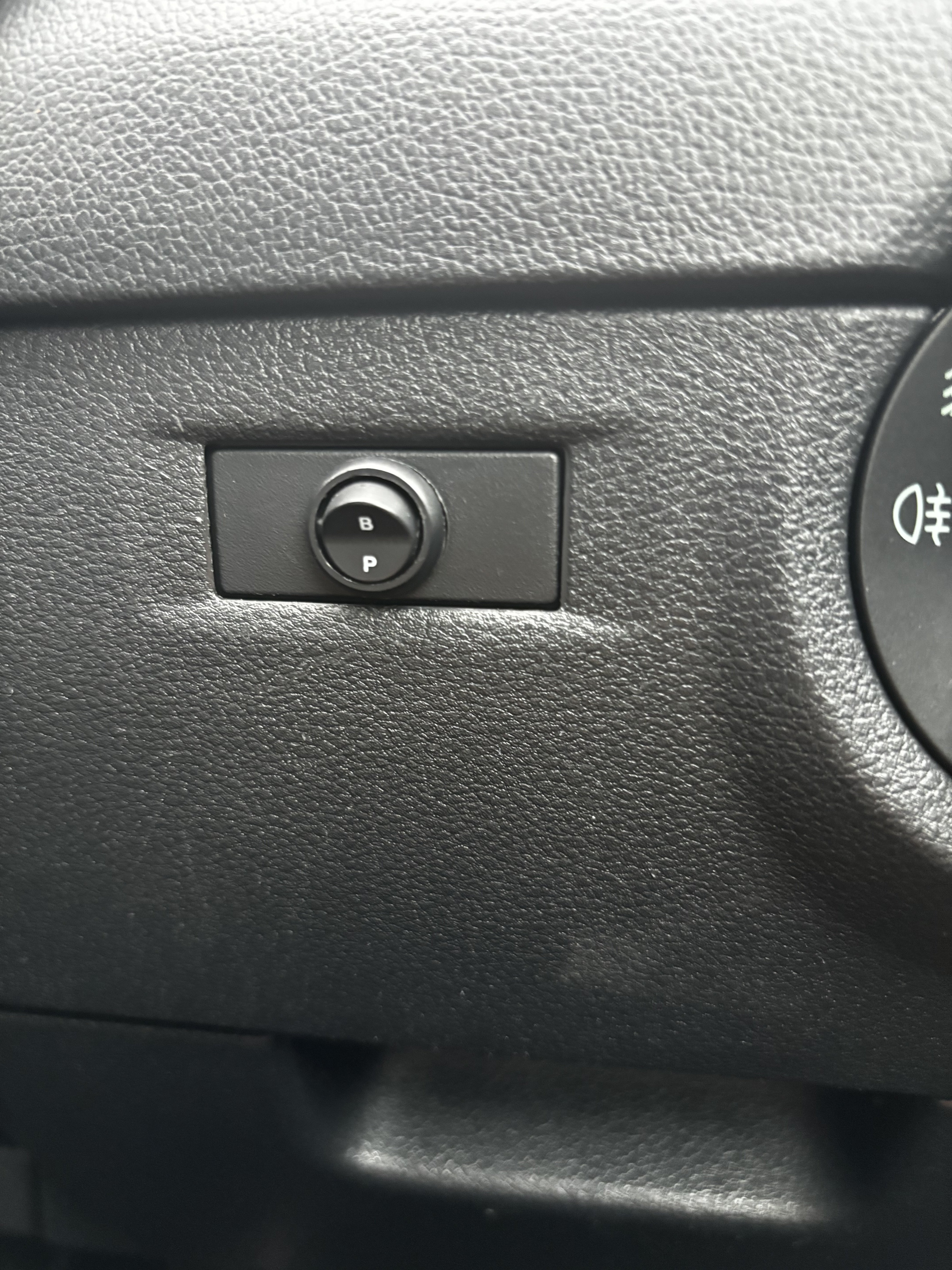
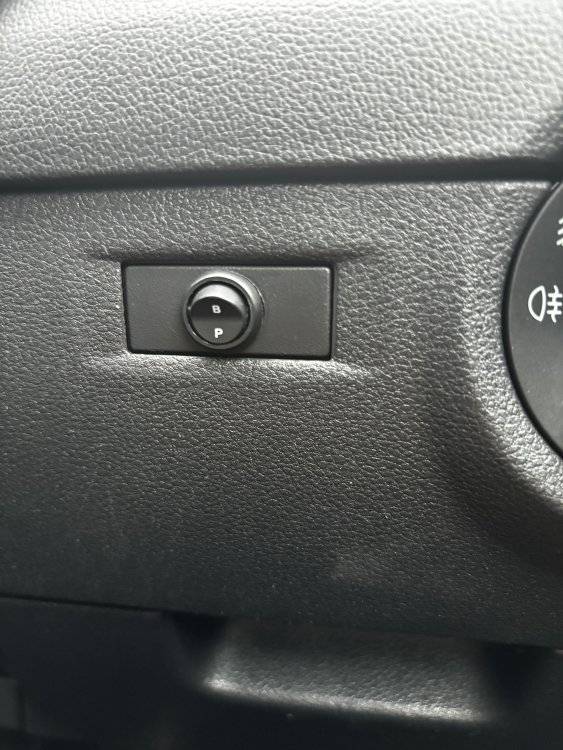
Just bought a 2018 Octavia. All very lovely. However, there is a button that no one knows what it’s for. Any ideas?
-
Interesting. Will keep an eye. Thanks
-
I really like he look of Octavia’s but which one? I know I want an estate as this matches my cycling/camping lifestyle better. We have had diesels for many years and so are drawn this way. Much of our driving, except the weekly shop and one trip to mother in laws will be of at least an hour at motorway speeds. When we go away on cycle touring, at least one weekend a month in summer, we will have two bikes and luggage on board. We also plan on going to Europe in the car once a year (Alps etc) Still have kids of the age that they need occasional house moves. My first choice was 2.0 diesel because the 1.6 has been reported as having injector issues. How common is this? 2.0 are hard to find in our price bracket. My sister has the 1.0 petrol and thinks it’s good but would it have the power I need. any views most welcome.
-
I am a potential Octavia (pre 2020 model) owner. Sister has a petrol model.