Octavia993
Finding my way
-
Joined
-
Last visited
Everything posted by Octavia993
-
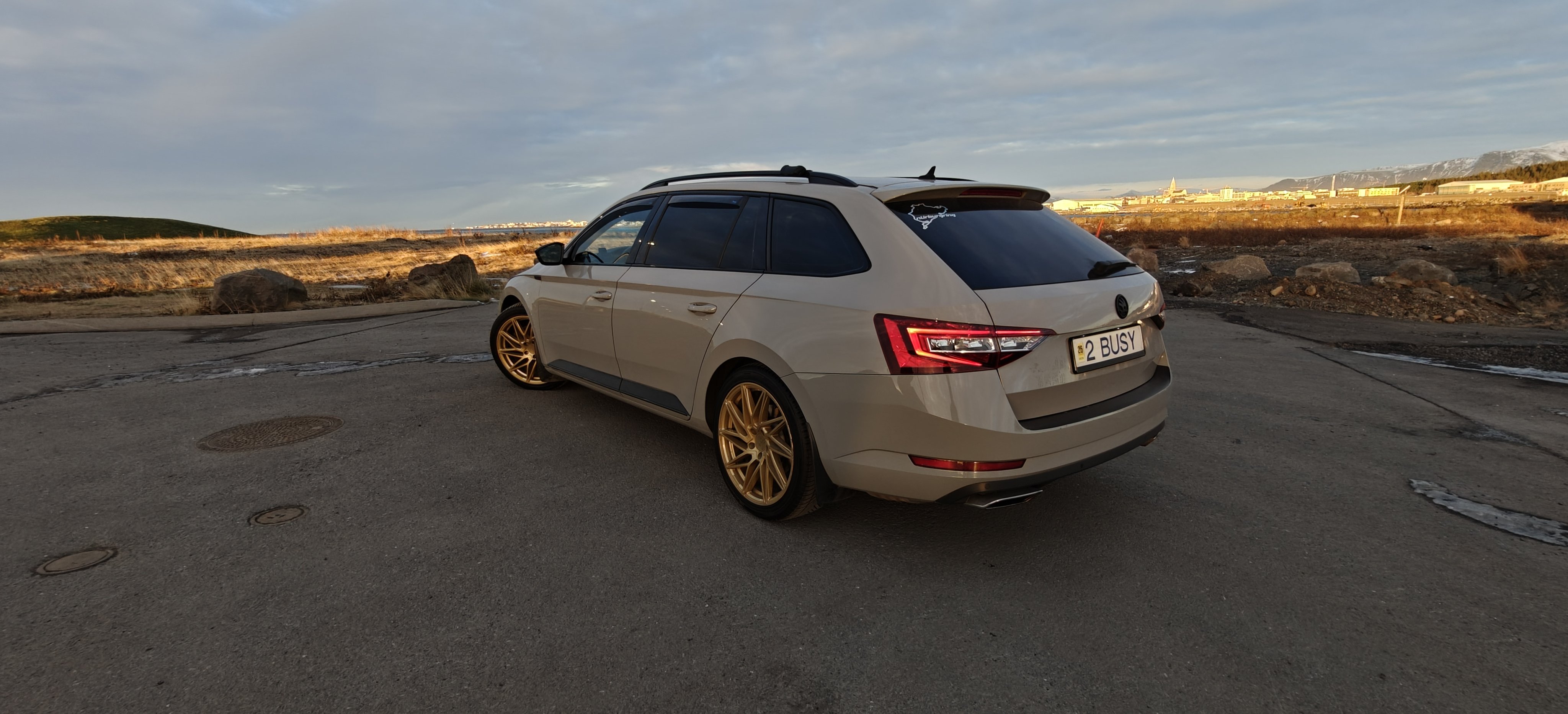
Hi, I have remapped superb 280hp, 2018 with 155tkm Under start of load turbo whistle, and after sport mode driving aggressive for few mins at night, I stopped, and feel seems burning smell and open hood turbo was glowing, I checked with obd pressure seems fine, what should I check or is time for new turbo?
-
And after driving in sport mode , and stop car i can smell burning smell, but can't find from where, not in the engine
-
Did dsg service, but this started happening even before I did service,
-
did service of dsg and haldex 10 tkm ago, in november,put new timing chain, new camshaft and exhaust magnets, bought car at 127tkm, don't know much of history of service, Remap I did in Germany, Hamburg
-
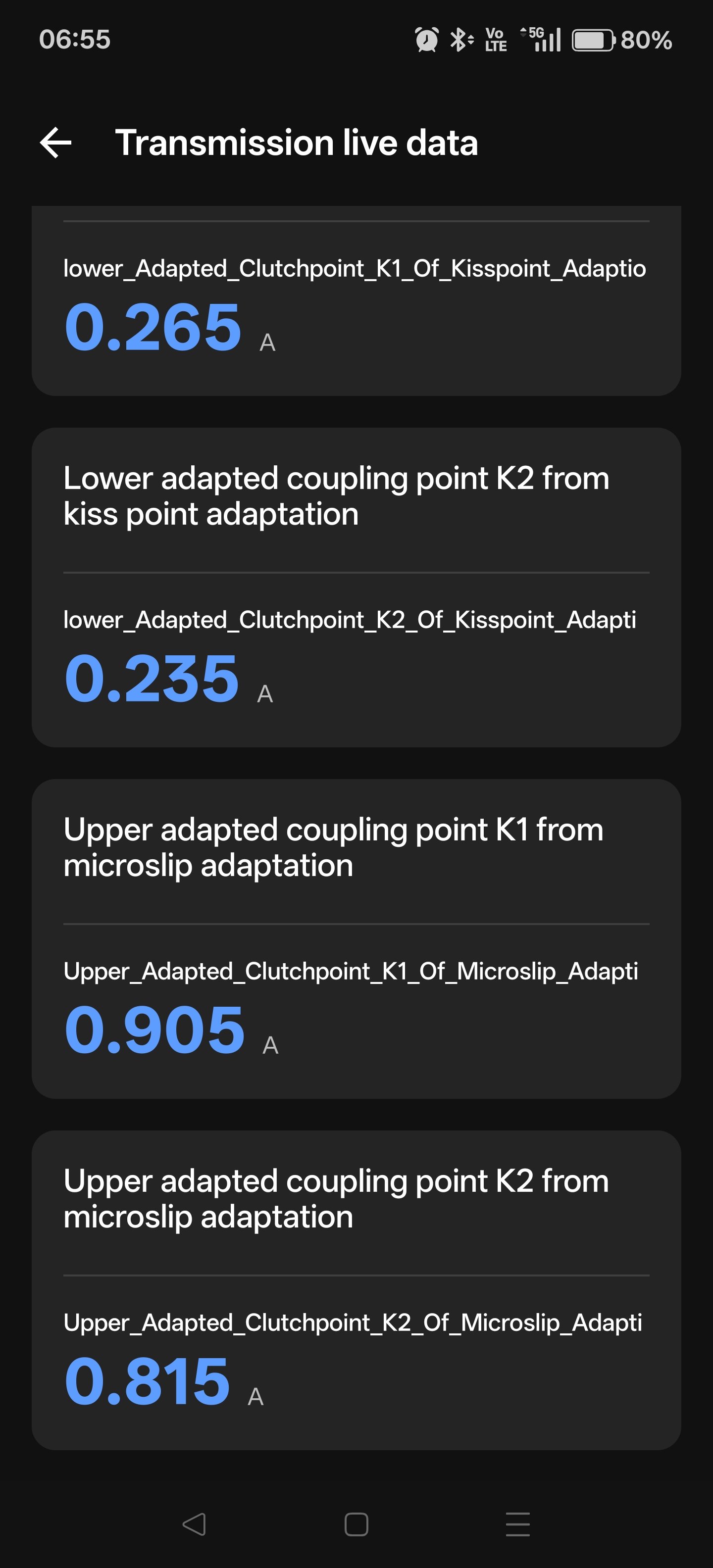
Hi, I have skoda superb 2.0 TSI 4X4 280 hp (2018). Did remap (ecu tcu) After a month, shifting is jerking between gears in D ,it shifts like French automatic now 😅 it's not smooth anymore, and in sport mode full power, when it hit limiter it stays like a second and then upshift. Is possible to check clutch wear in obdeleven pro? Attached kiss points, can check wear with this? Any advice? Am thinking to contact again person who did remap, to check and rewrite again, could solve shifting? Did basic settings reset, still same... Car have 145tkm
-
But front discs are like 2 yrs old and brand new on back
-
Hi, Recently changed rear brake pads and discs, previous owner changed front pads and discs like 2 yrs ago , and still braking is inconsistent /uneven When you press brake and hold at certain level, it brakes more then less more then less, like pulsing. Car is octavia 2015, 237tkm, What should I check next? Regards