rakchendoor
New here
-
Joined
-
Last visited
-
for to prepar usb it's necessary 1-format in exFAt 2- créat an folder and it must be named the name for update for exemple MEN3_EU_SK370_P3355L_1800 3- it must be extract the files to folder
-
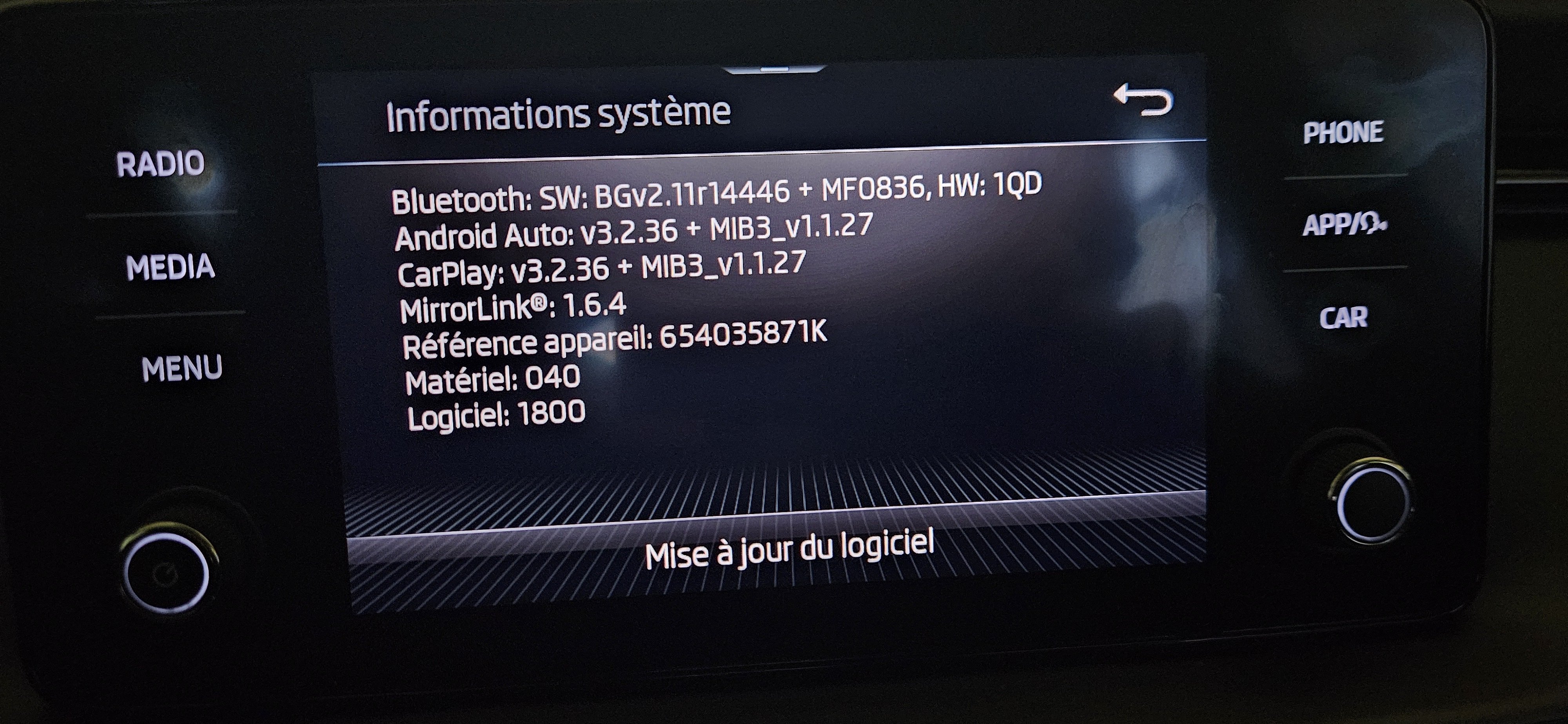
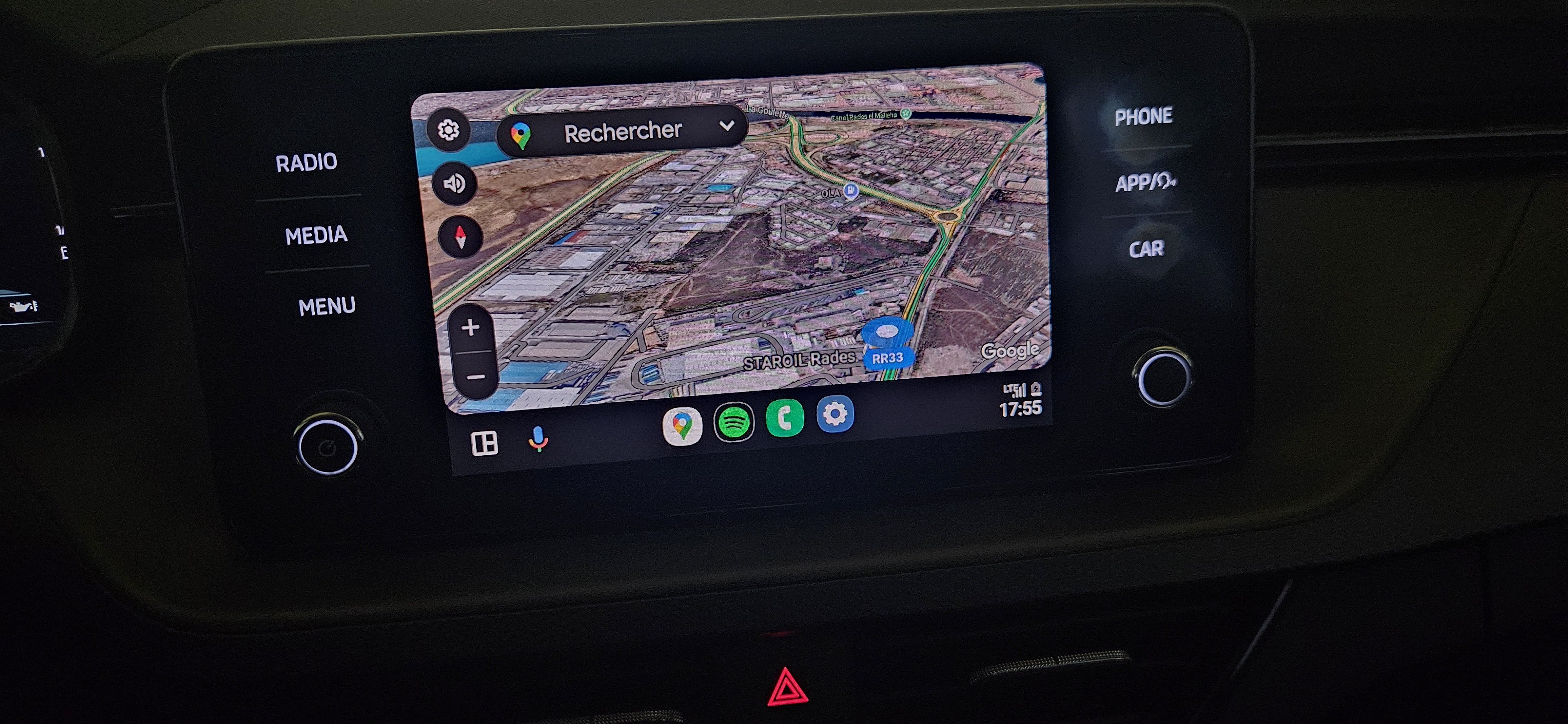
i confirm l update 1780 to 1800 with succes without any problem and i m Very happy android auto work with my samsung s23+ after 2 years i thank all membre to group
-
THANK YOU @radoszczak CAN I DO an UPDATE directly from version 1780 to 1800 OR 1780-1790-1798-1800?
-
@Eyalbis @varooom
-
hi i have skoda kamiq MIB3 MEN3_EU_SK370_P2295L so can i update to MEN3_EU_SK370_P3355L_1800?? and if there is anyone who tried to tell me if there is any problem and does that solve the androidauto problem i hace samsung s23+ thank you 1bff39c4-7058-4e31-a2ba-5aab0bce477f.jfif c5ec722a-8594-4d83-9ed7-df4fe1550c44.jfif