MorriYeti54
New here
-
Joined
-
Last visited
-
Do you know the easiest way to access the part number? Can't see a way in through the wheel arch. Is it viewable with the undertray off maybe? The only thing I knew to be wrong with the AC system when I bought the car was the radiator core being described as "rotten" on the previous owner's service report. Could this lead to a locked compressor or blockage? I assumed it would just eventually lose gas and I'd need to replace. Once I know the OE part number I may take a punt and just replace the plate, they're less than £20 by the looks and try my luck. Like I say, the compressor seems to spin fine using just my fingers. Thanks for the info!
-
Hi Meyannos, There is a slight noise coming from the pulley when at idle but I can't hear this from the driver's seat, only with the wheel arch off. Not to say that's not the issue you're having. I've read that some others with a different pulley experience a rattle sound.
-
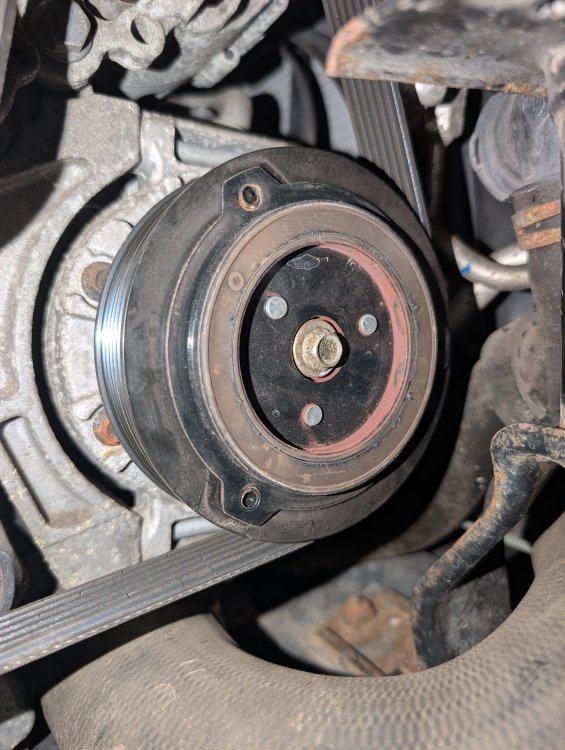
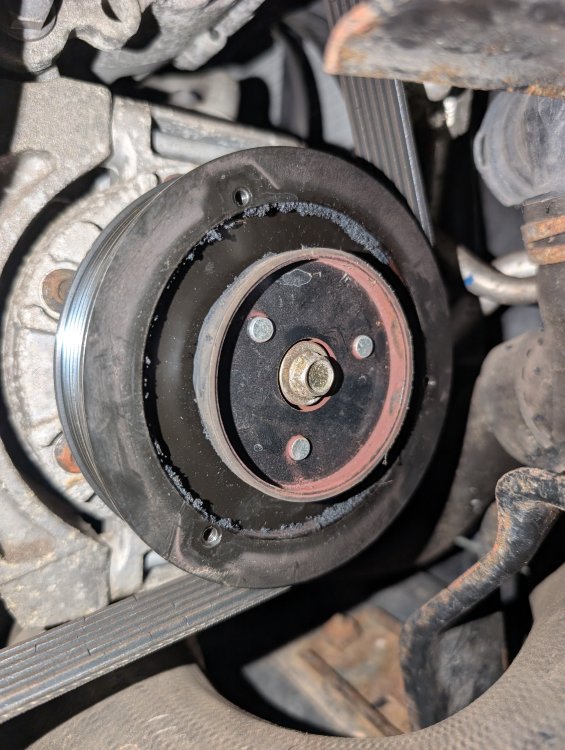
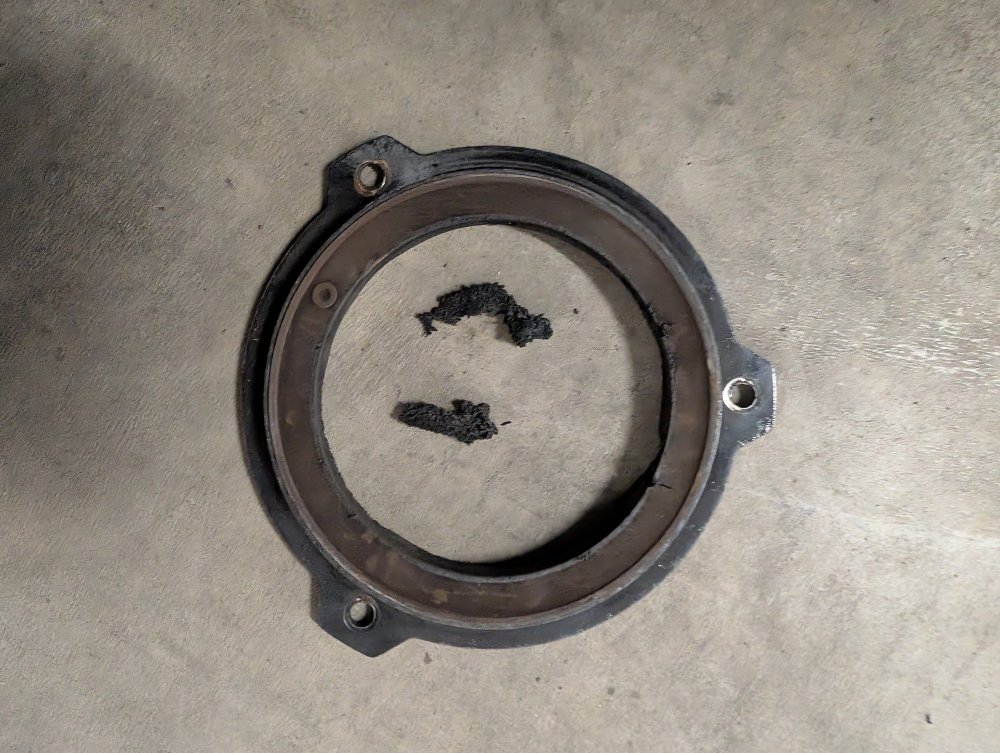
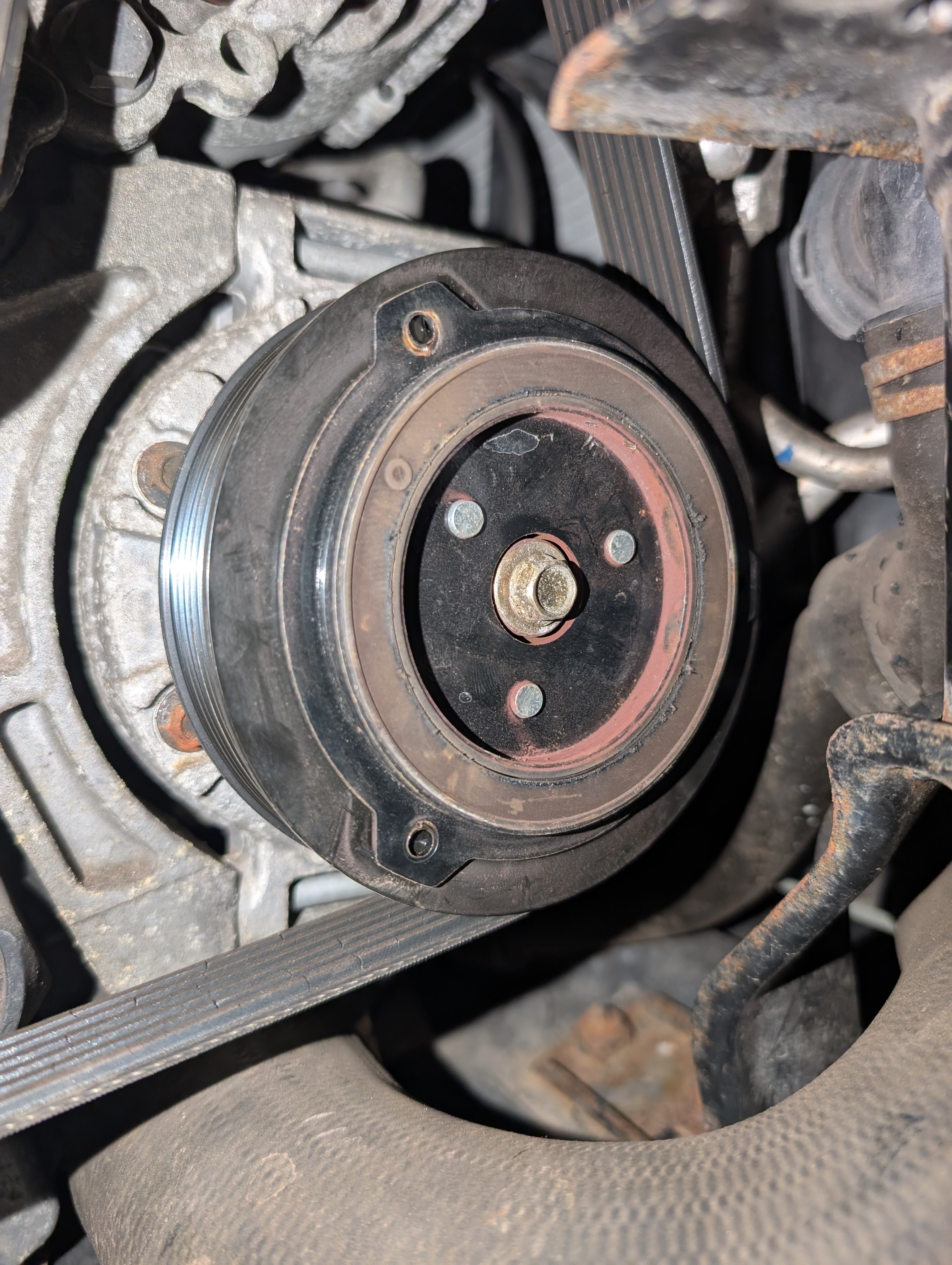
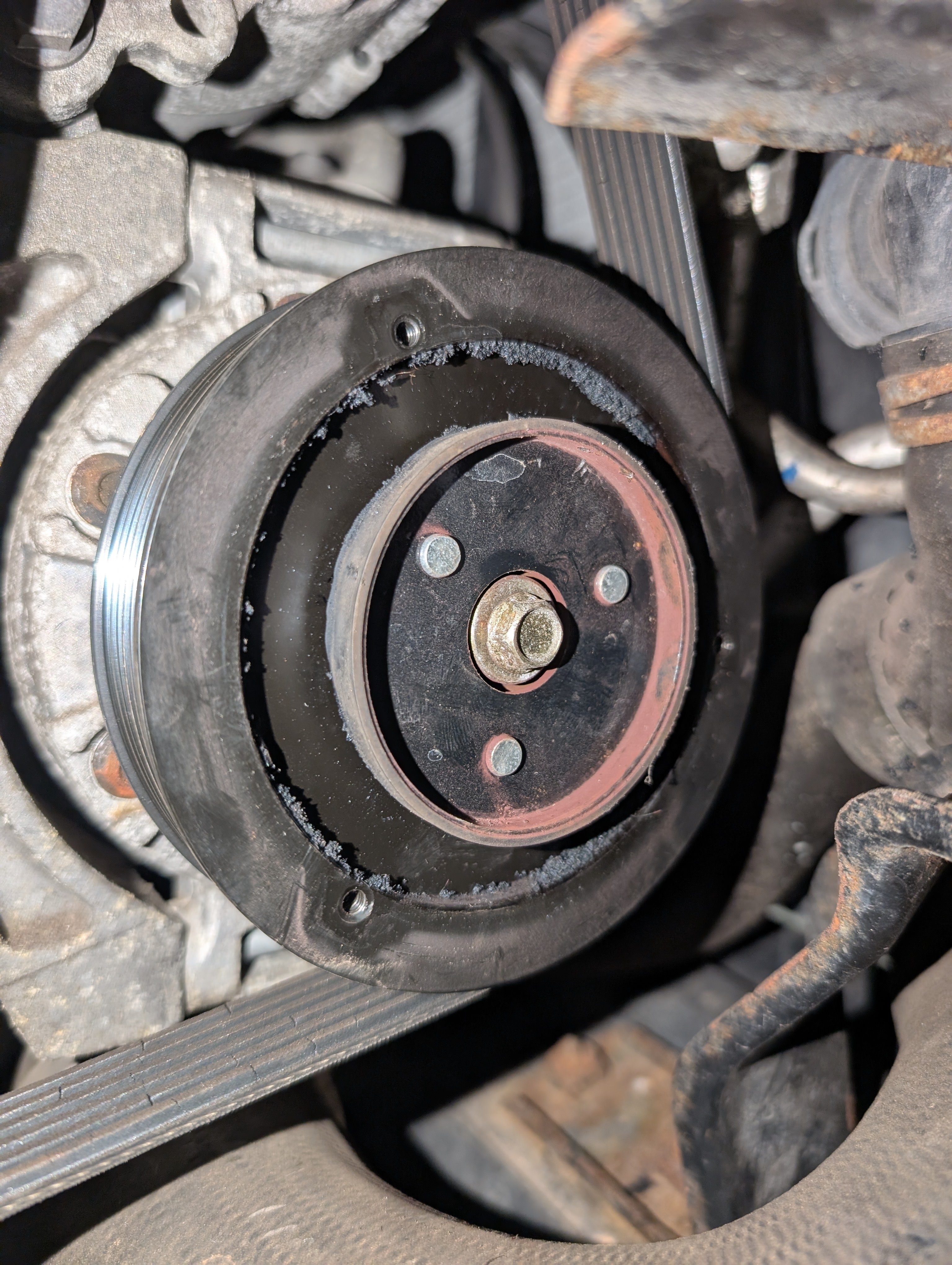
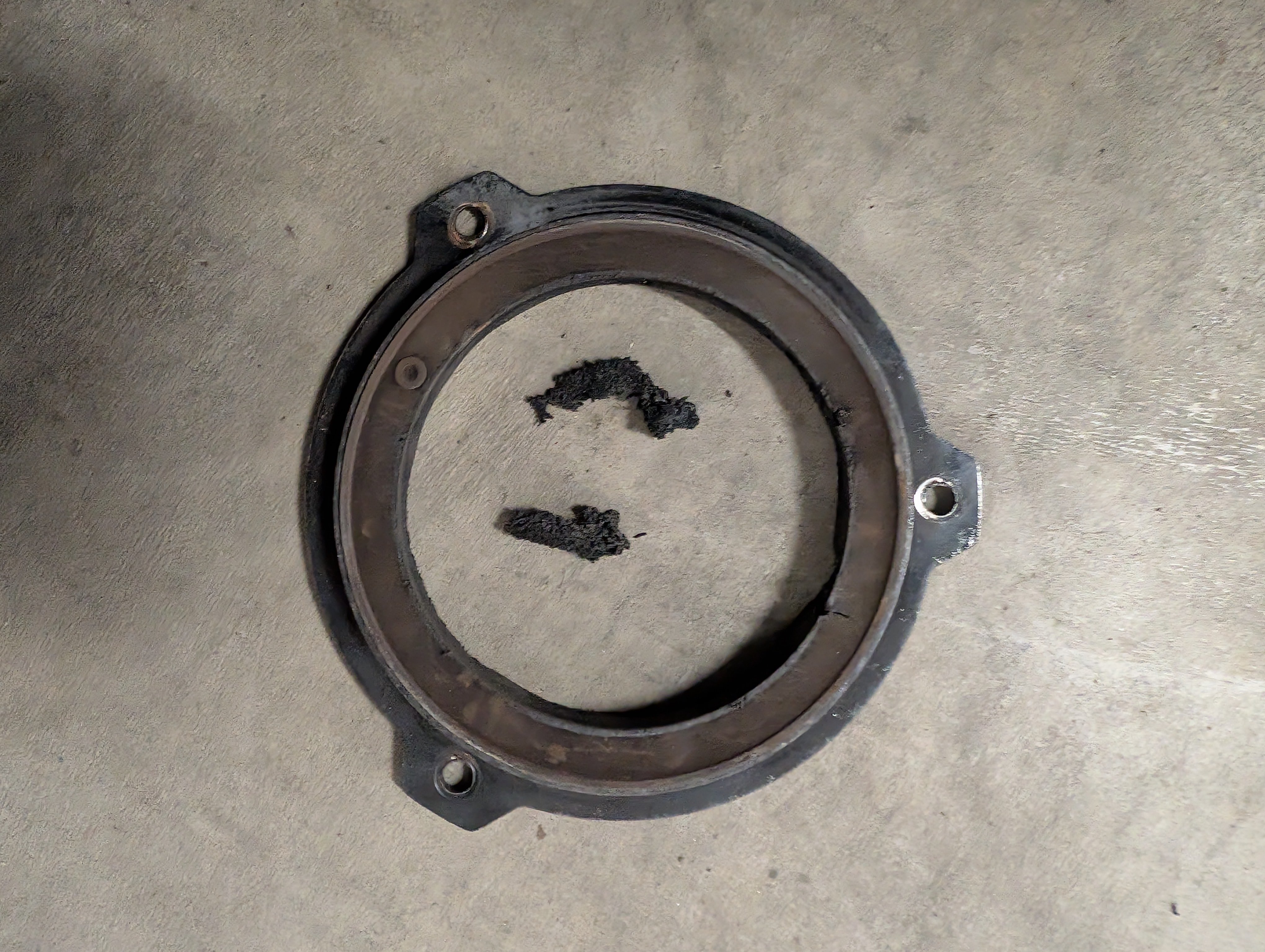
Hello all! Towards the end of last year my AC stopped working in my 2013 (pre-FL) 2.0tdi Yeti. I've finally got round to having a look at it and I discovered the pulley that drives the compressor has failed. After looking through the forum I noticed that the pulley on my yeti is somewhat different than the usual metal shear plates that are fitted. Mine appears to be a plate with three bolts on the OD which attach to the compressor spindle by a rubber mount (brown ring). The rubber has completely torn itself away from the compressor spindle and now the pulley simply spins the rubber around, without driving the compressor. With the plate removed the compressor spindle spins freely using finger pressure, so the compressor seems to not be seized. Has anyone seen this type of pulley before? I can't seem to find a replacement of this type anywhere. If not, can I buy a shear plate type and replace? Help would be much appreciated! 😁