Sttatto
New here
-
Joined
-
Last visited
Everything posted by Sttatto
-
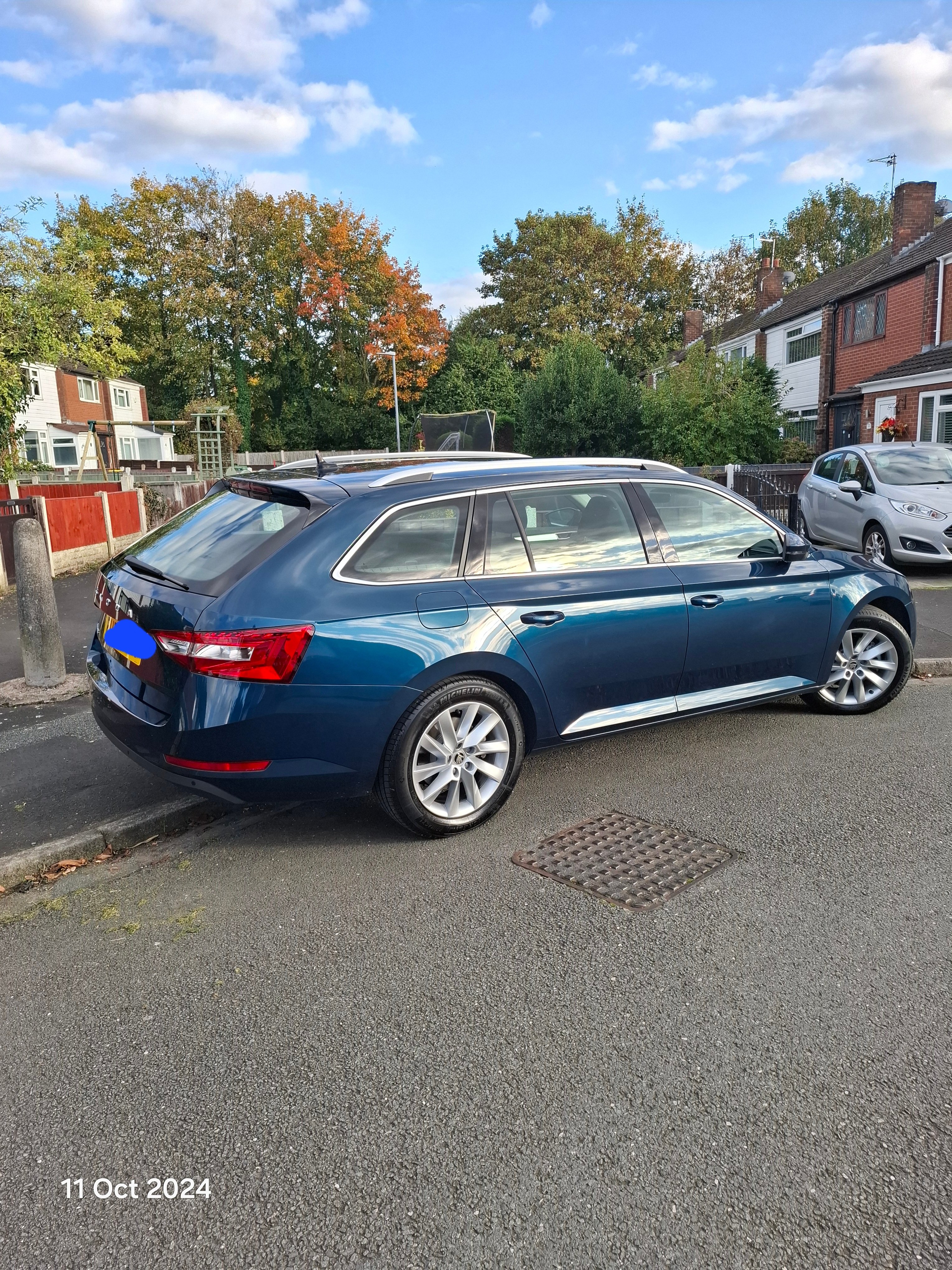
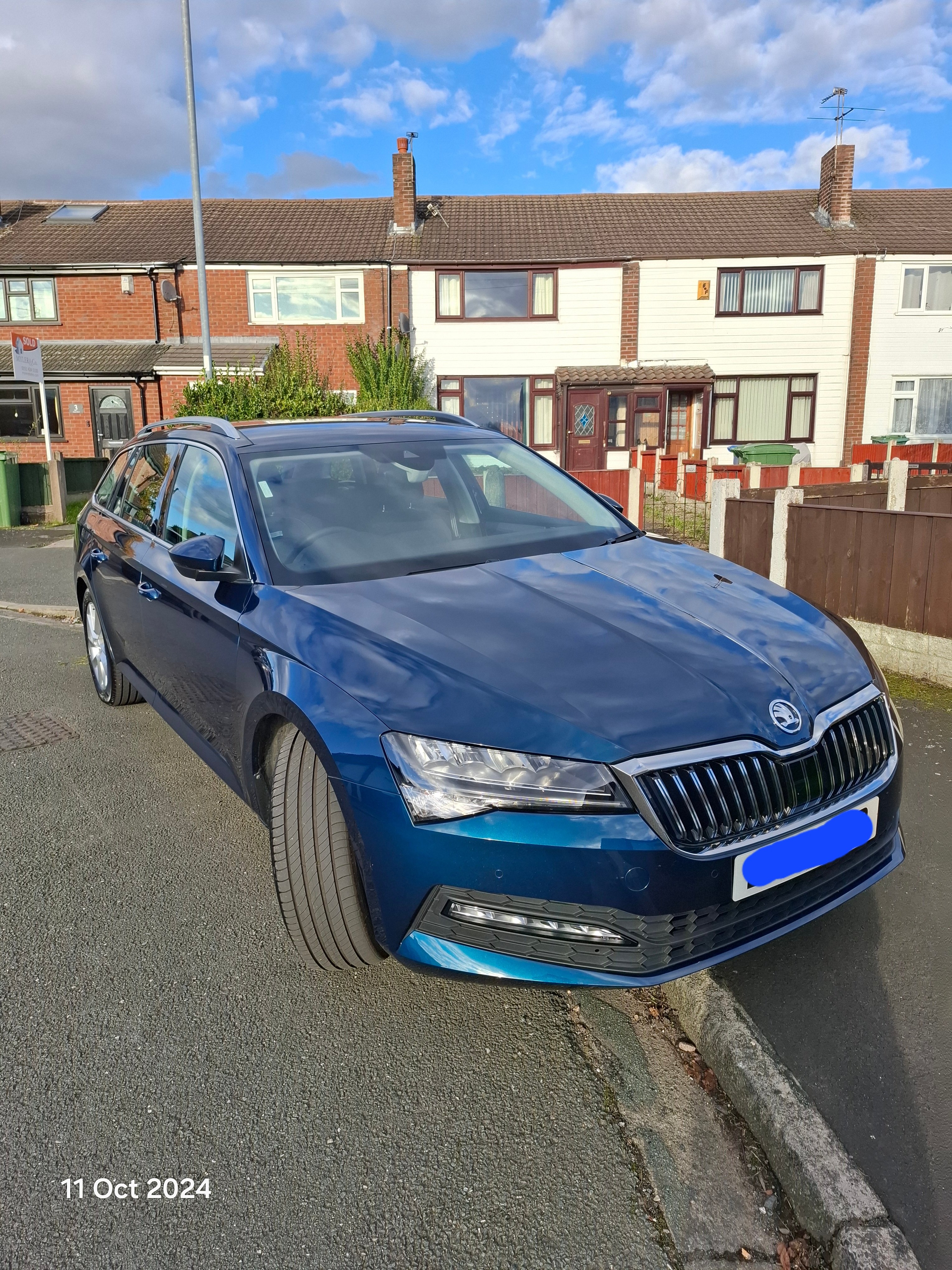
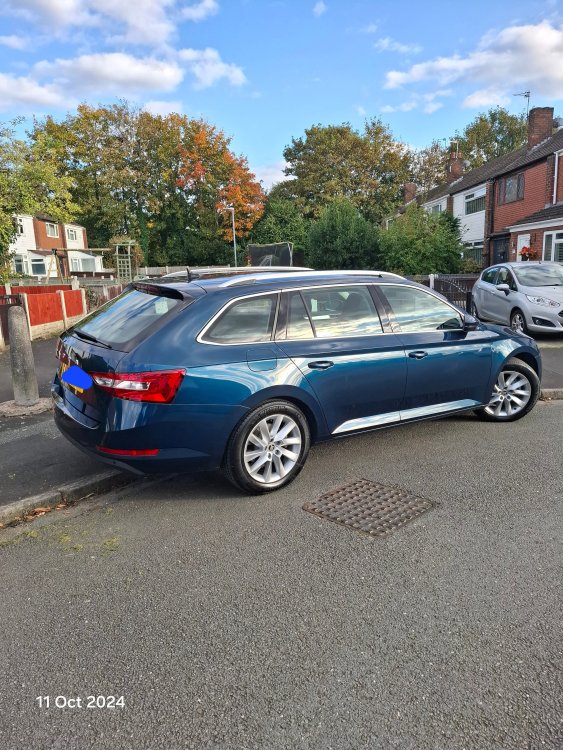
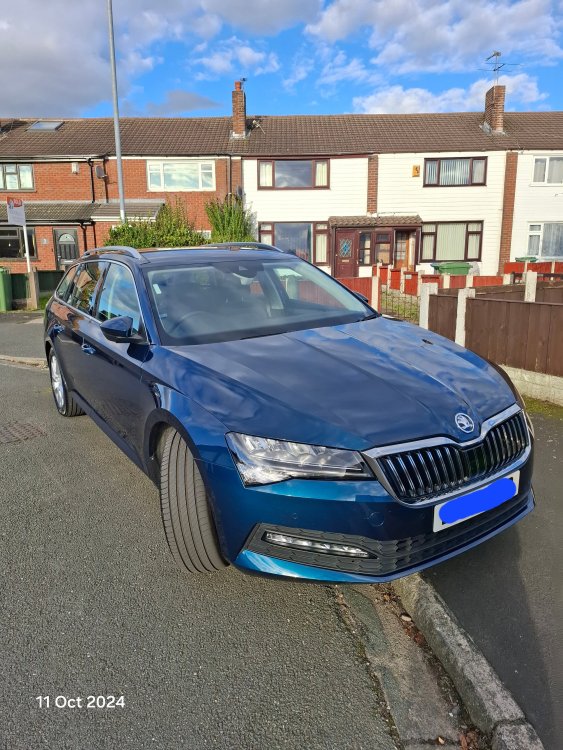
About two weeks ago I purchased this 2.0 Superb Estate SE 150PS DSG. I'm finding a huge difference with everything, and loving the smoothness and luxury, aswell as the obvious change in available power under my right foot compared to my old 2.0 VW Caddy Maxi Life 105PS.
-
Try ultimate-components-shop on ebay. https://www.ebay.co.uk/str/ultimatecomponentsshop?mkcid=16&mkevt=1&mkrid=711-127632-2357-0&ssspo=e_IIvwIWTn6&sssrc=3418065&ssuid=W15sBKqxSum&widget_ver=artemis&media=COPY I needed one for my VW Caddy not long ago and they do OEM goods at decent prices.
-
Hi Mattblack000 I understand where you are coming from here, however if you have the Bixby App on your Android phone you can set up a routine that detects when your in the car/driving, and then automatically sets up your phone, ie. Switches off WiFi, switches on Mobile Hotspot etc. All you need to do is plug in your charging cable and unlock your phone so it can connect to the infotainment system. I've used this for a couple of years now on a VW Caddy, but more recently on my Superb Estate. Hope this makes sense. Cheers ....Sttatto
-
I'm based in North Cheshire and have recently purchased a Mk3 Superb 2.0 SE Diesel Auto. I've drove VW's for years and have moved over to the Superb after watching and reading all the reviews on it. Will be fitting a tow bar soon so i can tow our caravan to all areas of UK. I look forward to joining in with you all.