Monty19
New here
-
Joined
-
Last visited
-
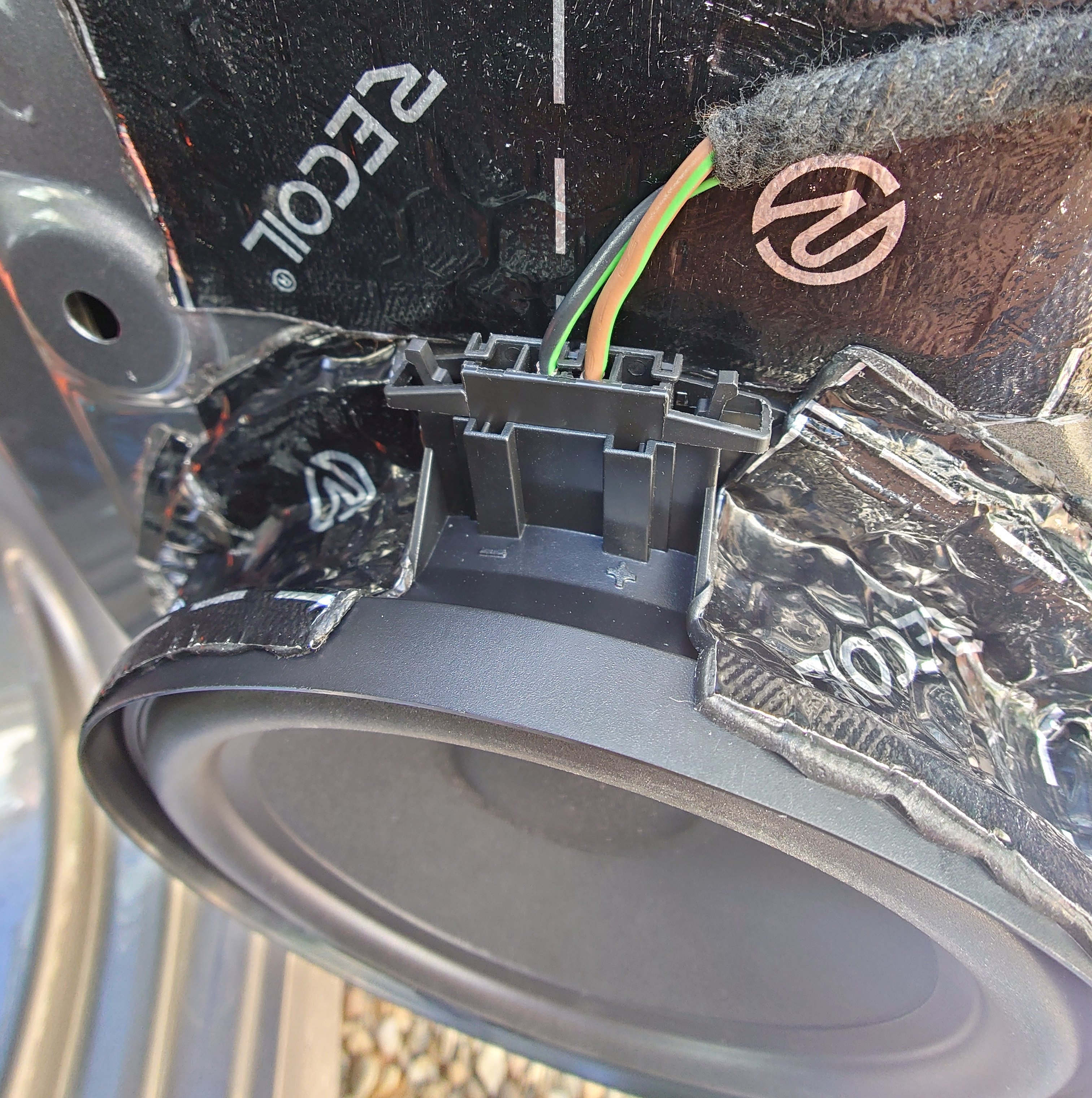
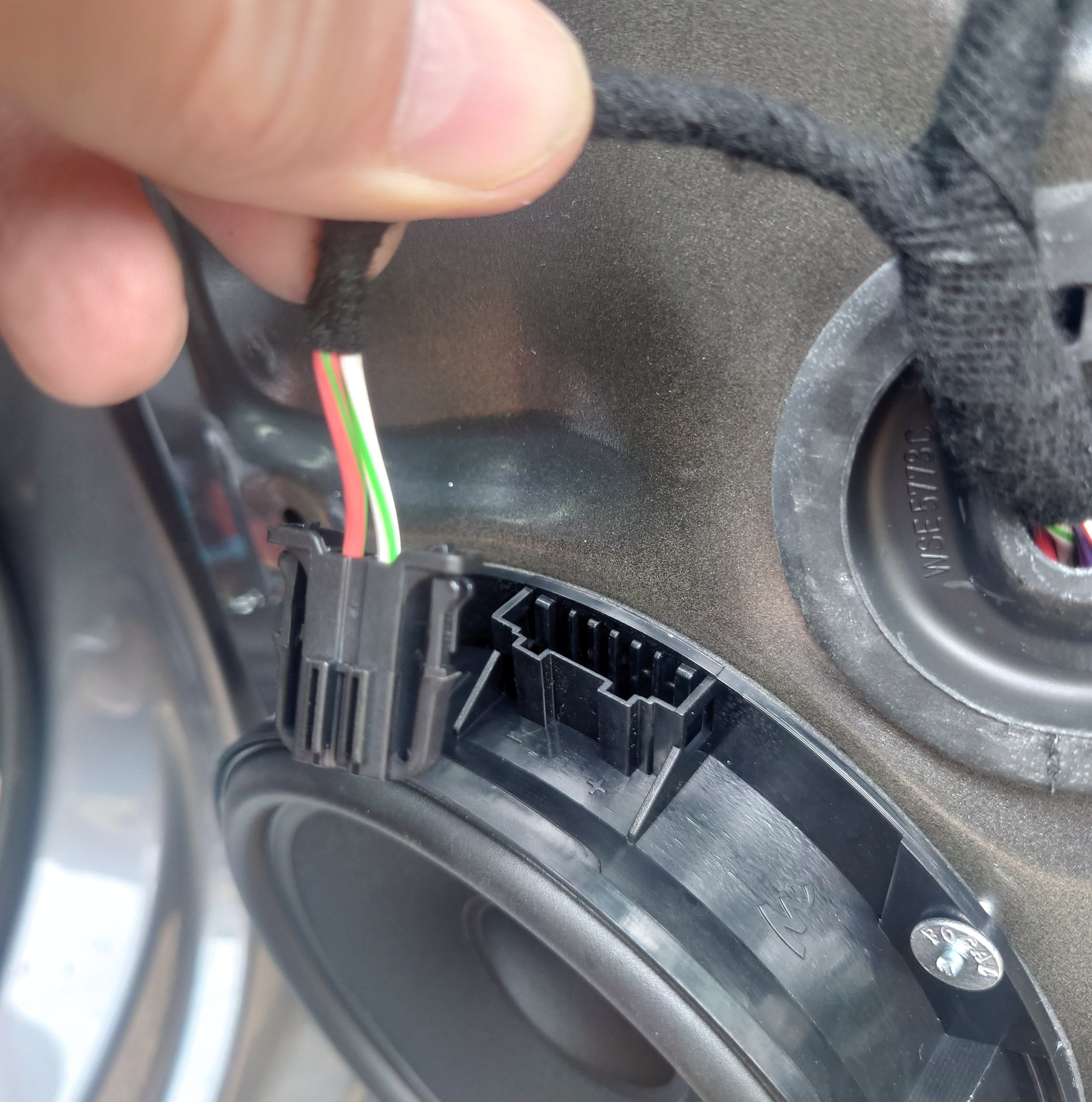
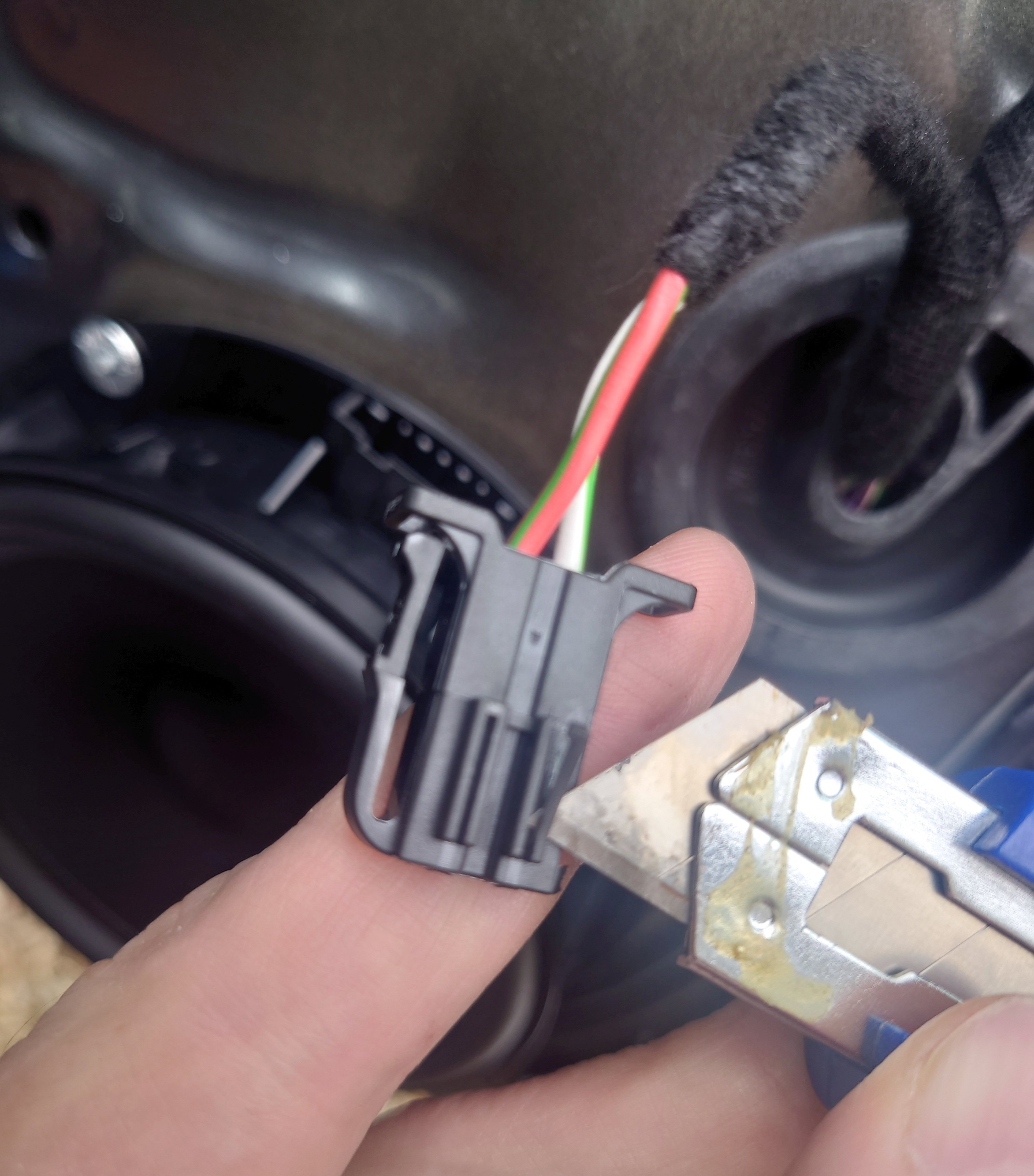
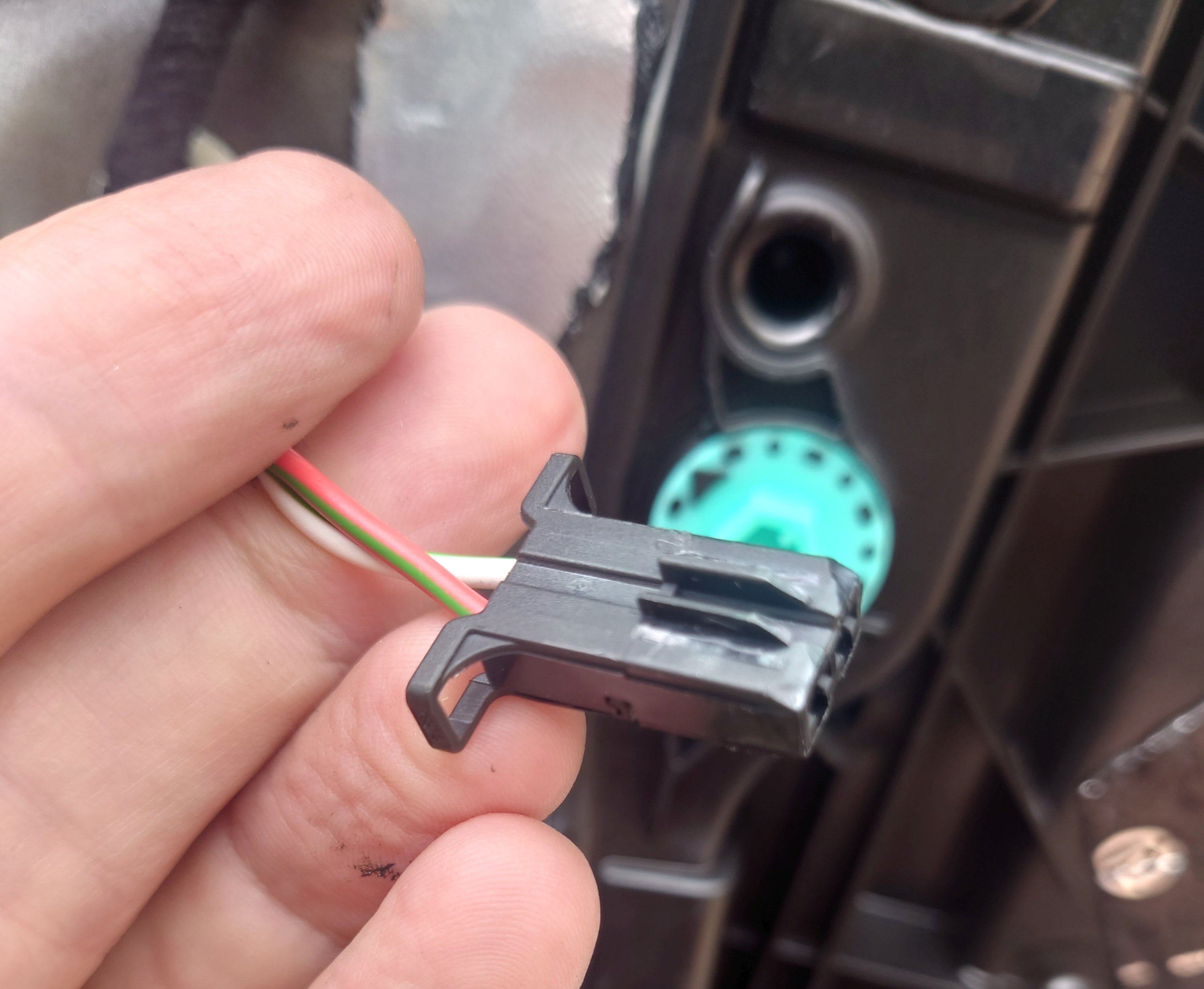
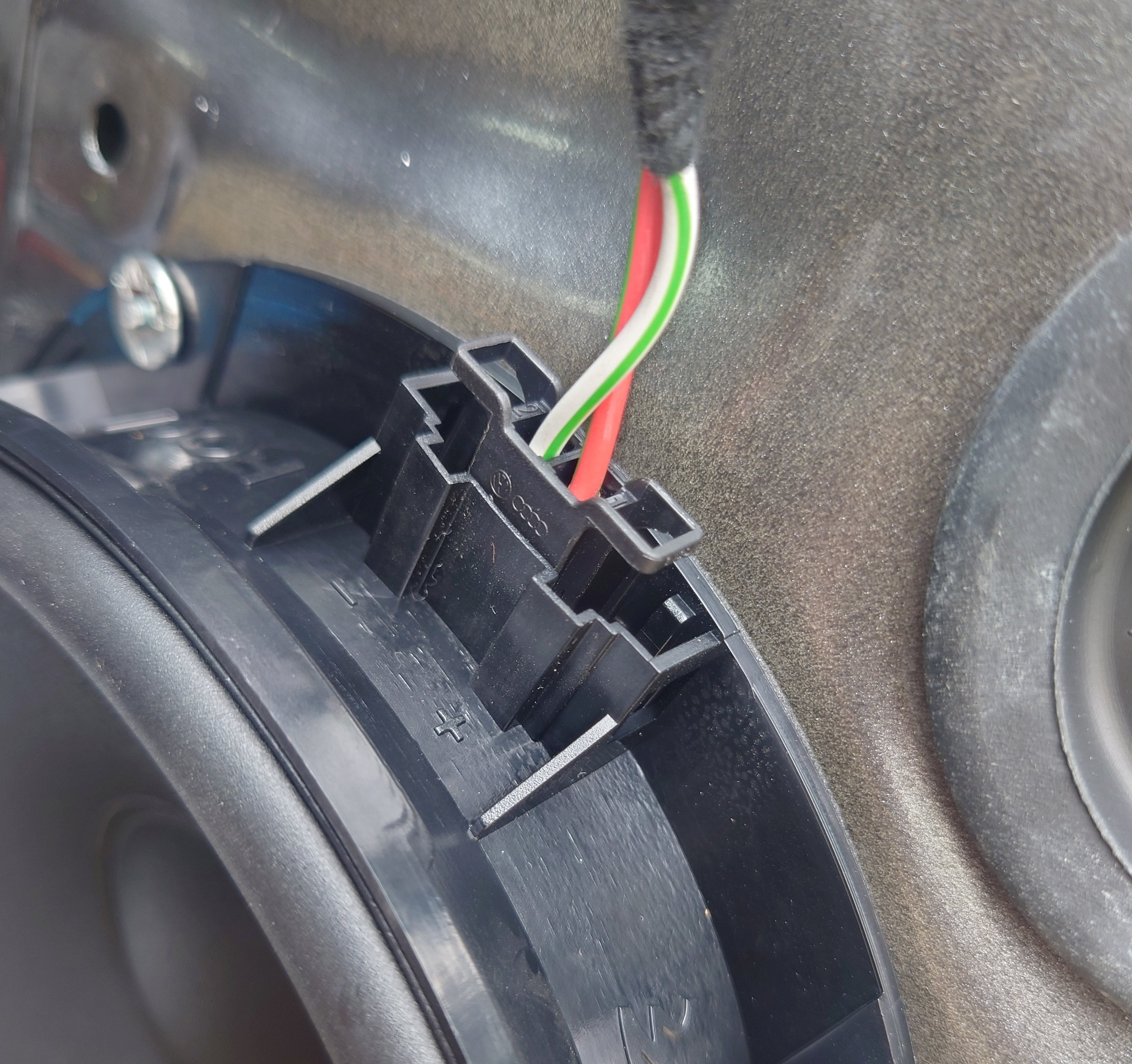
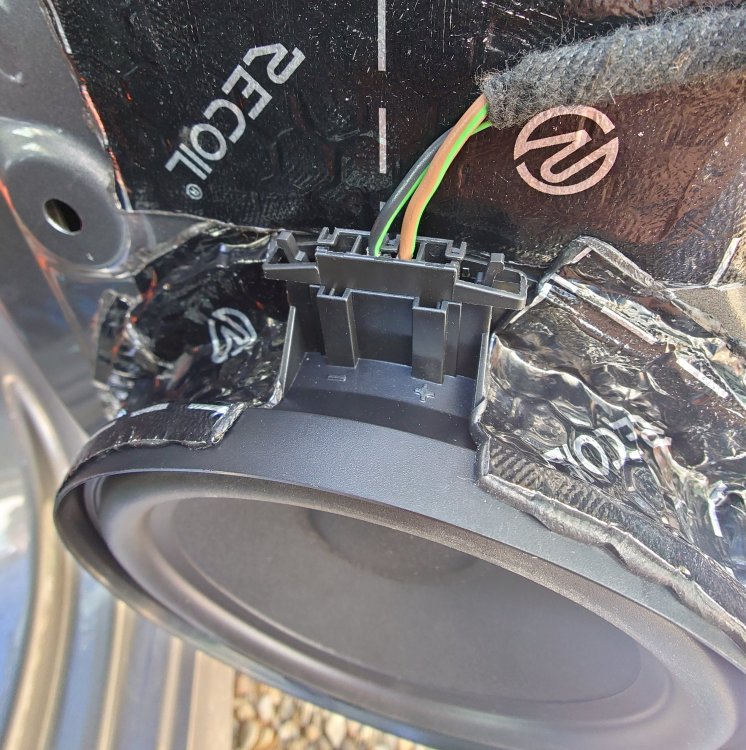
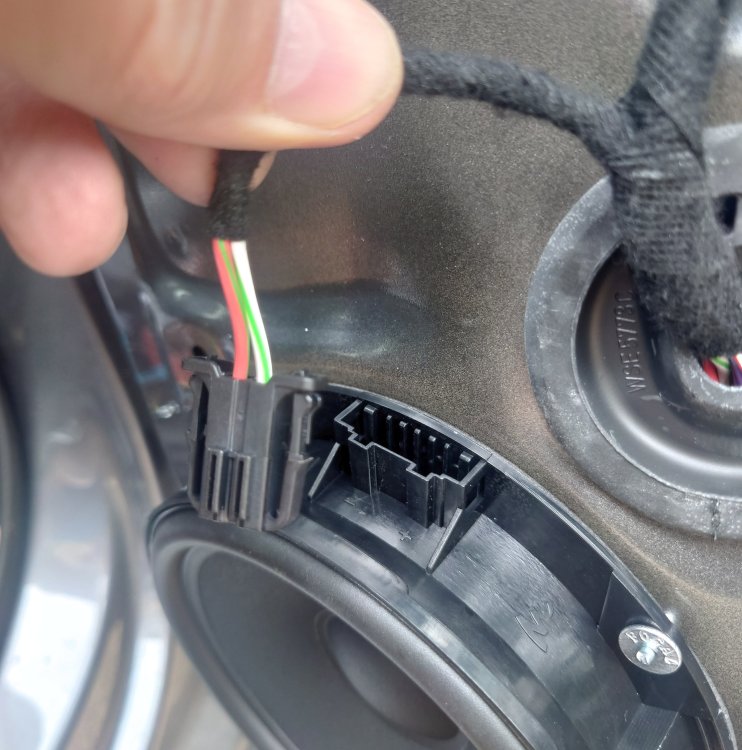
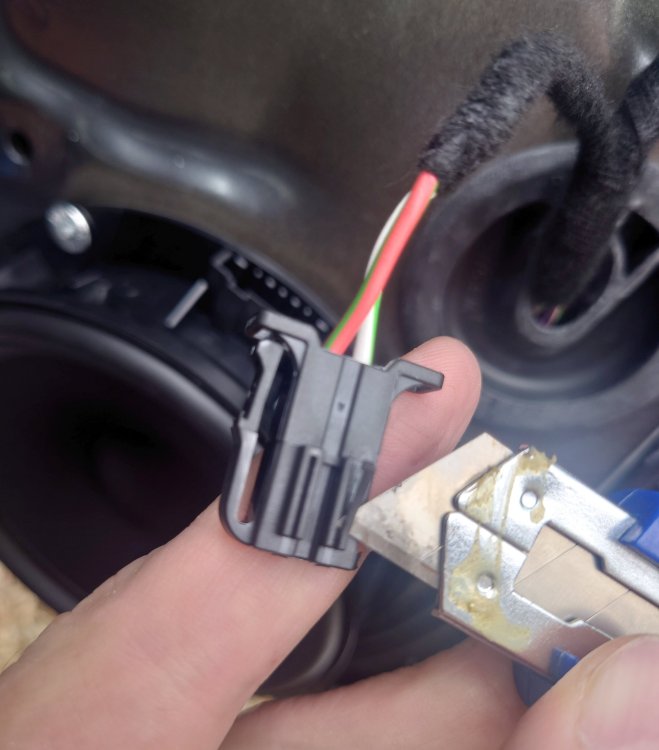
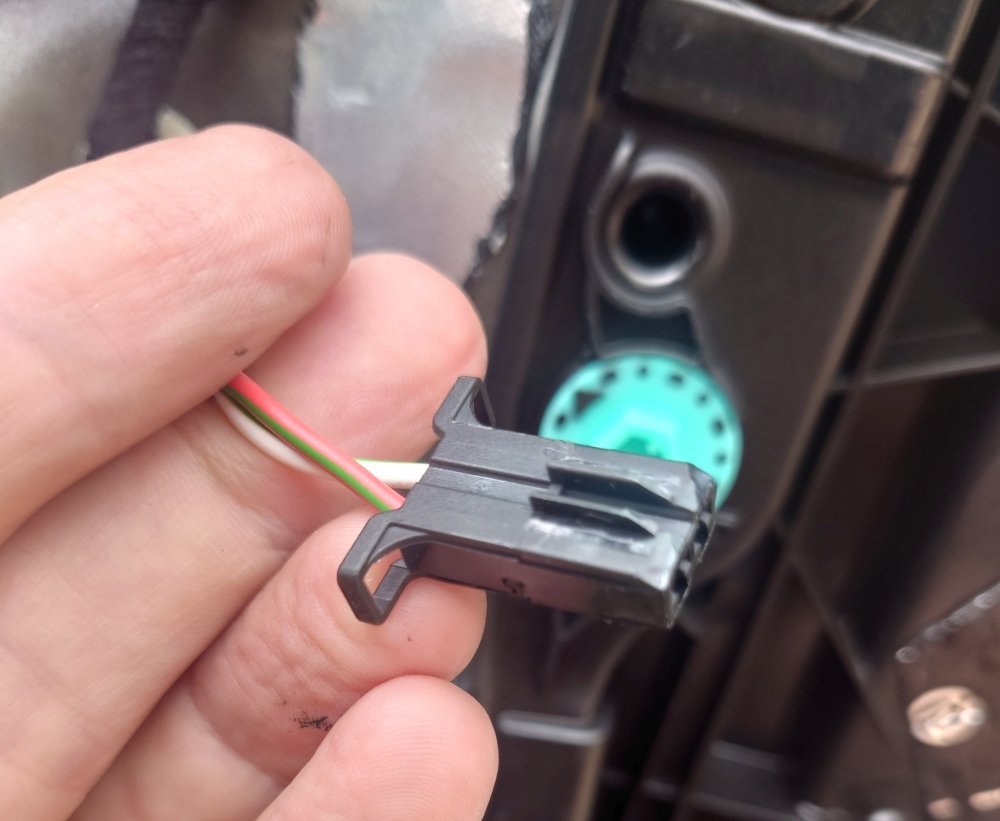
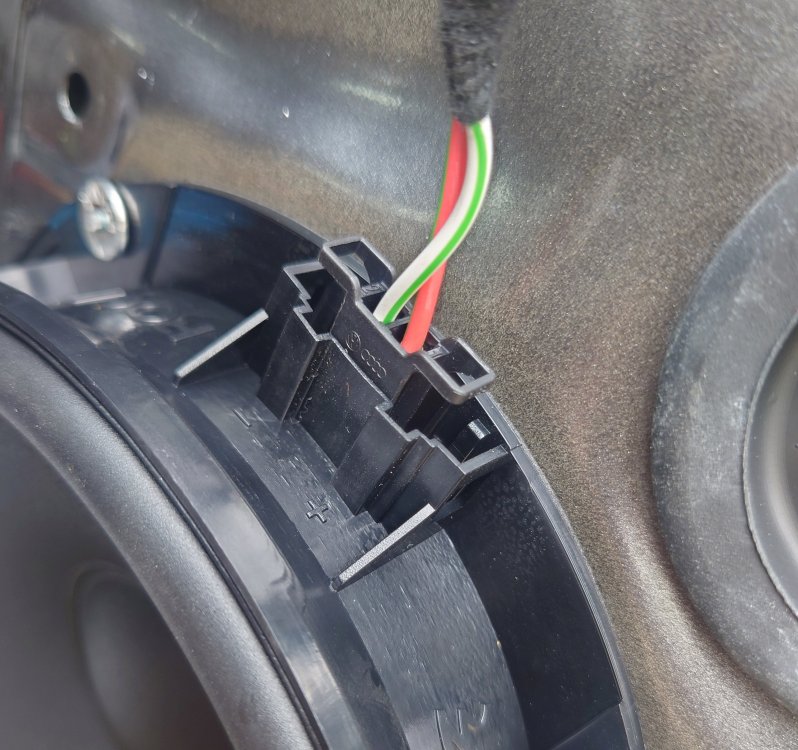
An update to my previous post after rear doors speakers installation: 1. I would not recommend re-shaping plastic connectors with a knife exactly the way I described in my previous post. I tried to keep some existing raised guides on the Skoda plastic connector for tighter fit. But, due to that, I had to reverse the connector and the polarity of the connection. This should negatively affect sound quality (though it still was better than original speakers). If use this approach, better cut off all the guides and insert the connector in the correct position. My assumption that "red goes to +" was wrong. In fact, both the original and Focal speakers have a "+" sign on the right-hand side of the connector, so the wire that originally went to the right should also go to the right in the new installation. 2. I bought and used VW 1J0972704 connectors, they are perfect fit to Focal. Disassembling Skoda connectors was not as easy, I had to cut it in pieces by side cutters and heat the remains of the plastic with a hair dryer to release metal parts. Assembling was just insert and click. 3. I used IS VW 155 speakers for the rear doors because their smaller size makes installation easier. With the wider IS VW 165 it was quite complicated, as I couldn't position my rivet tool over the hole at a right angle.
-
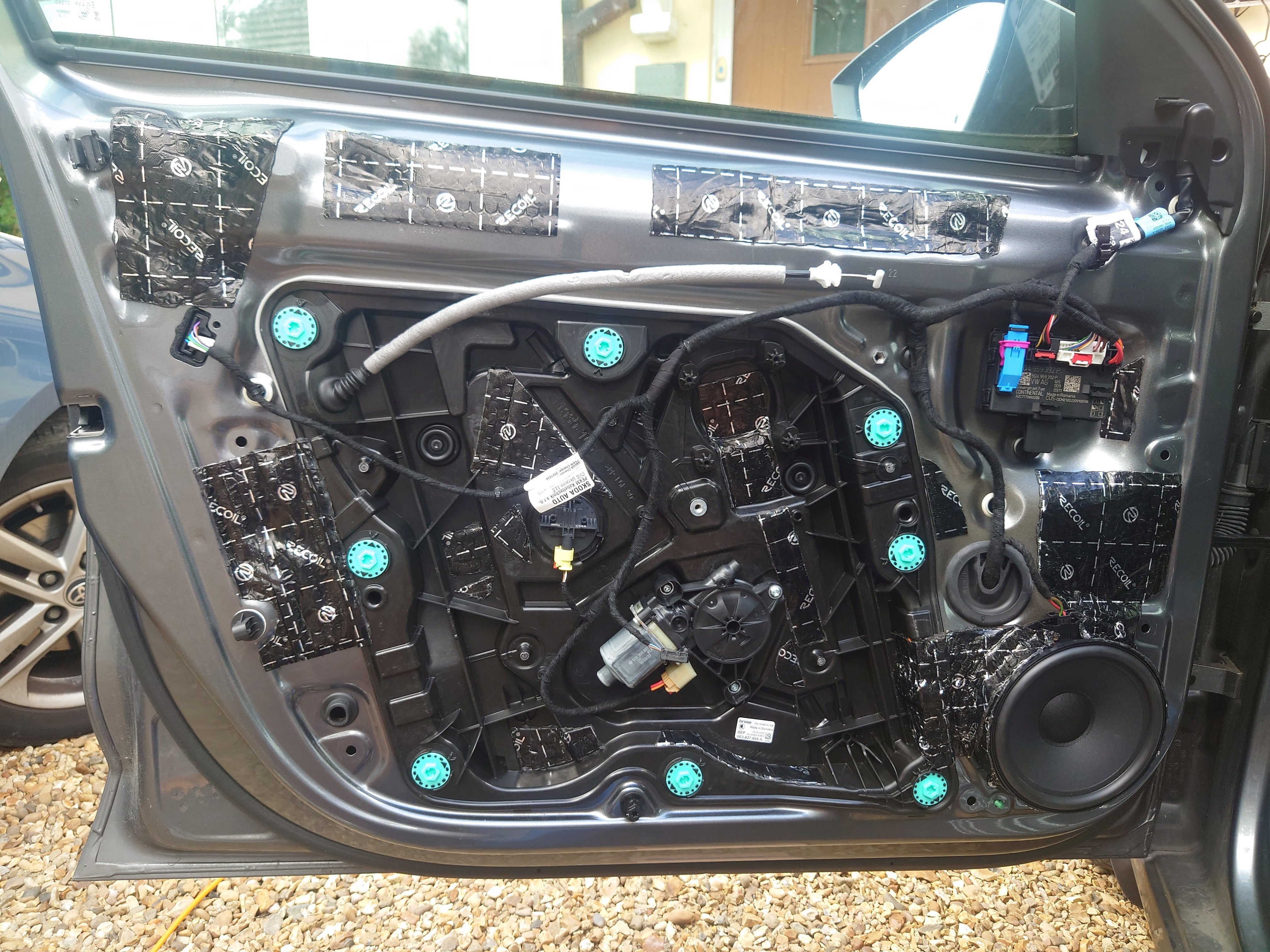
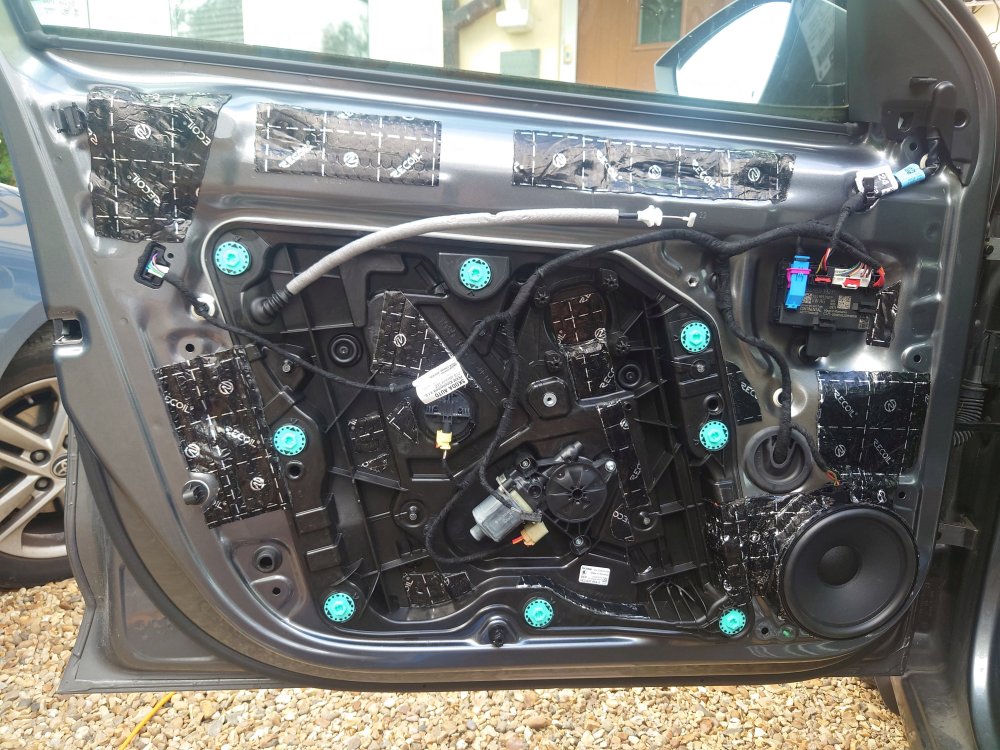
I did the upgrade a few days ago, and here is my update: 1. I installed Focal IS VW 165 (2 tweeters and 2 woofers) in the front. I also put some sound deadening inside the doors, as much as I could without dismounting window lift. The sound has definitely improved. Where there was just mush instead of sound, now I can hear proper distinct sounds. Especially noticeable on lower volume. 2. I encountered the connector mismatch problem. First, I tried to find proper adaptor and failed. Maybe there is such a thing, but I was unable to find something 100% compatible and ready to order. Then I realized that the connector could be disassembled easily and plastic housing could be removed from the wires. I found VW plastic housing p/n is 1J0972704, which looks like the one that will fit both the metal connectors at the end of the wire and the speakers. I ordered it, and I'll find out later if it actually fits. 3. But, as I wanted to check new sound setup here and now, I was looking for immediate solution. To achieve this, I cut corners, literally. Metal female connectors of the Skoda wires fit speakers' male connectors perfectly. The only differences were in the plastic locking tabs and guides. So, I fine-tuned them with a knife, and got everything connected. Actually, I don't know if it's worth replacing plastic connector housing now… 4. To be honest, I still have one concern. Have I connected proper lines? I had no resistance tester at the moment, but speaker itself has only two electrical contacts, and I assume that four outer metal pins are short-circuited in pairs. Therefore, I connected to couple of pins in the middle, red wire closer to the '+' sign, and it seems to work fine. I would appreciate any advice on this matter.
-
Check Bosch A 335 H
-
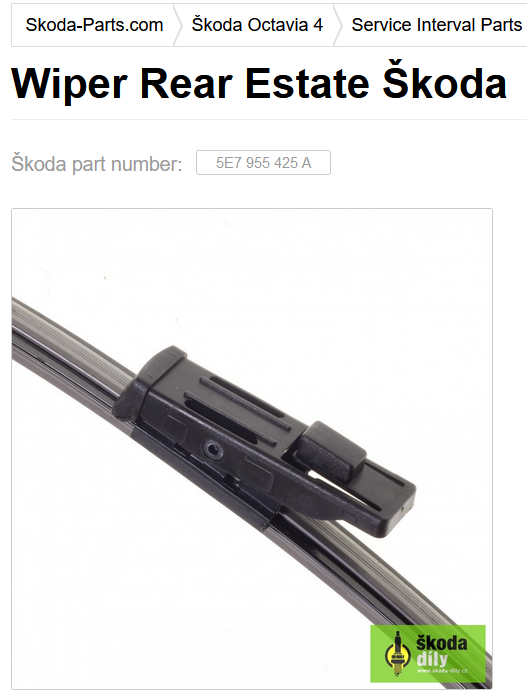
AFAIK, there are two types of rear wipers. Skoda part numbers 5E7 955 425 and 5E7 955 425 A. Your type should be 5E7 955 425 A.