




Lamplighterson
Finding my way
-
Joined
-
Last visited
-
Thanks. So it’s a DHFA code?
-
Up in the North West. Mechanic is trying everywhere to get a replacement but having difficulties due to the engine being so modern.
-
So my 2019 Euro 7 2.0tdi engine is seized. Any idea where I can get a second hand replacement / rebuild (if a rebuild would be cheaper) Thanks.
-
Thank you
-
Well everyone else on this forum has been so helpful so I’ll wait for their replies. Thanks though.
-
Its the throttle valve mentioned above.
-
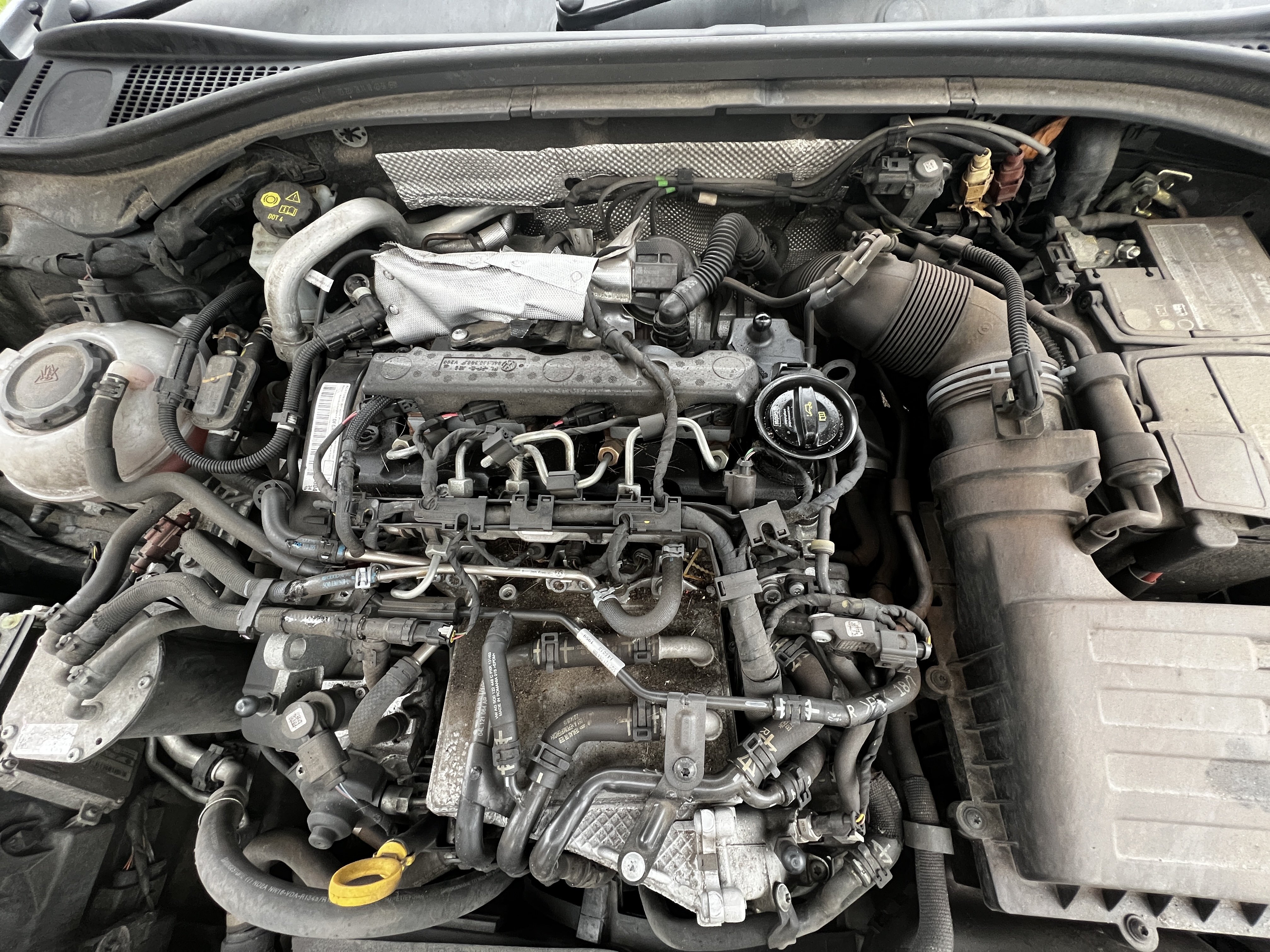
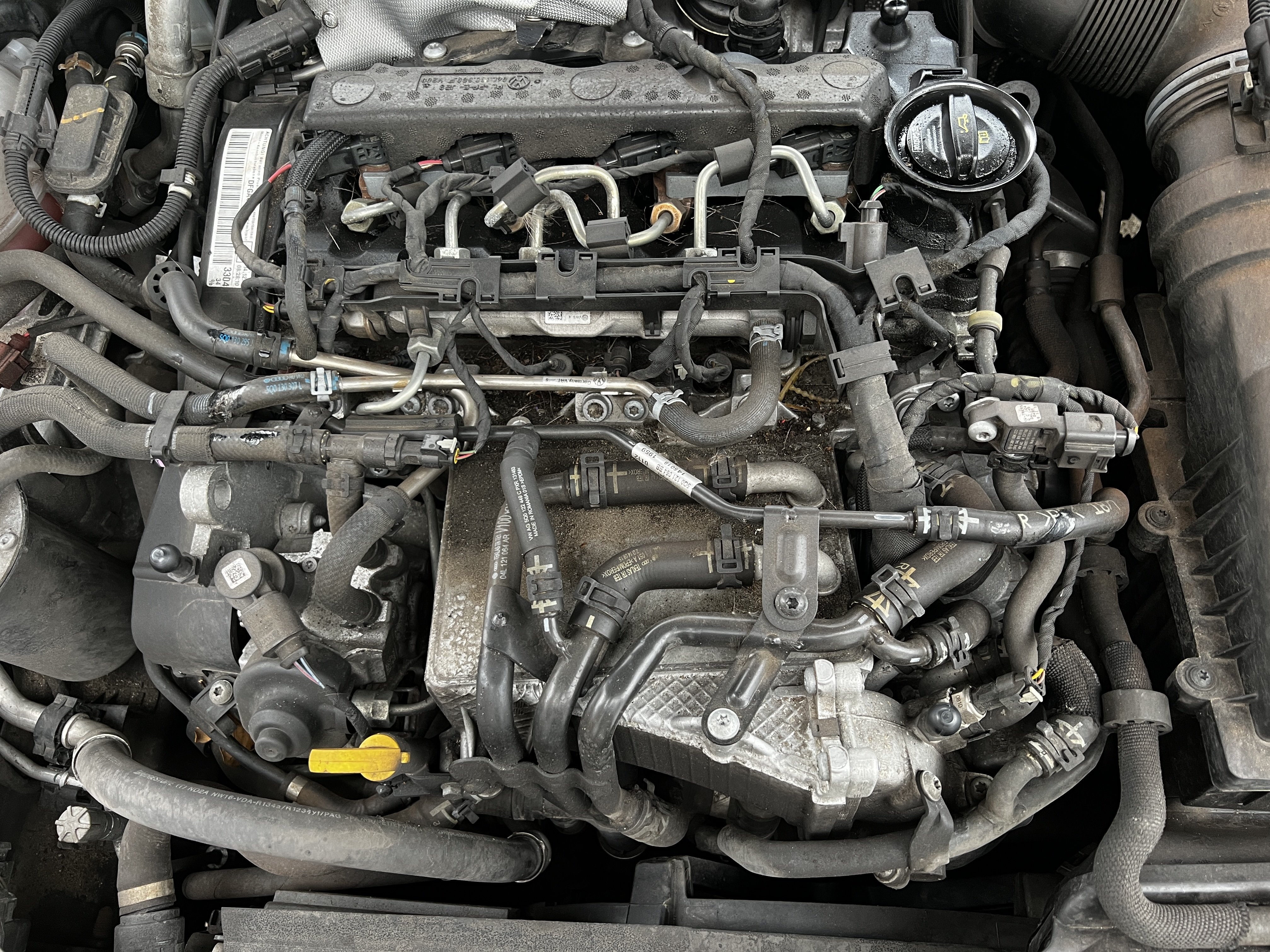
Trying to find the throttle valve - can anyone help please?Thank you so much. Must be something else. The car is running rough as if on three cylinders. Really appreciate the help.Well I have an ODB reader but that reports no faults. It feels like it’s running on three cylinders - as if it had a dirty spark plug in a petrol engine. Which is why I thought it might be the glow plugs. Will check the throttle valve. Well I’ll go search on where it is first 🤣🤣🤣Thanks for the help. Hmmm. I’m wondering if it’s the timing belt then possibly?270k now and still on original plugs. Tickover is lumpy.Hi, Need to replace the four glow plugs as part of general maintenance due to mileage. Someone said when I was about to purchase that I needed one with a pressure sensor? Could anyone point me in the direction of 4 plugs that are the correct ones please? 2019 Diesel Superb estate 2.0 TDIThank you SO much! Really appreciate the help.Thanks so much. That’s not the long cables though is it - I need the two short cables, small metal bracket and small lever that you push when the bonnet is ajar?



Important Information
Welcome to BRISKODA. Please note the following important links Terms of Use. We have a comprehensive Privacy Policy. We have placed cookies on your device to help make this website better. You can adjust your cookie settings, otherwise we'll assume you're okay to continue.