petluk
New here
-
Joined
-
Last visited
-
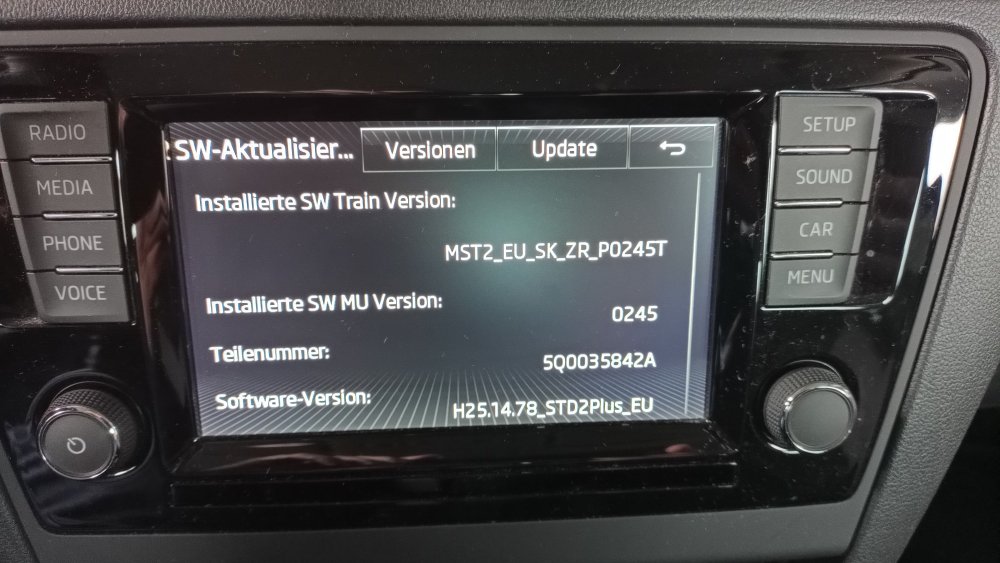
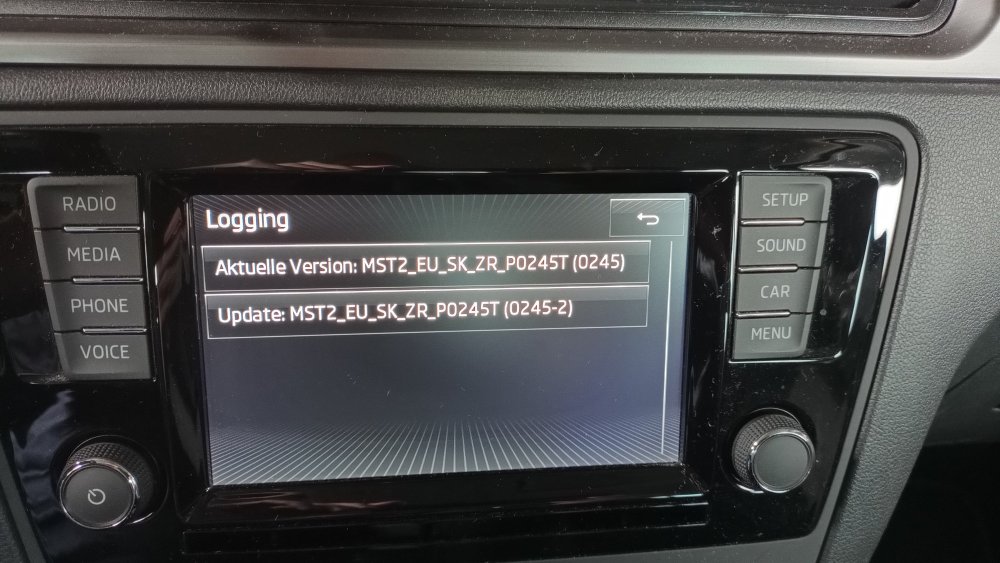
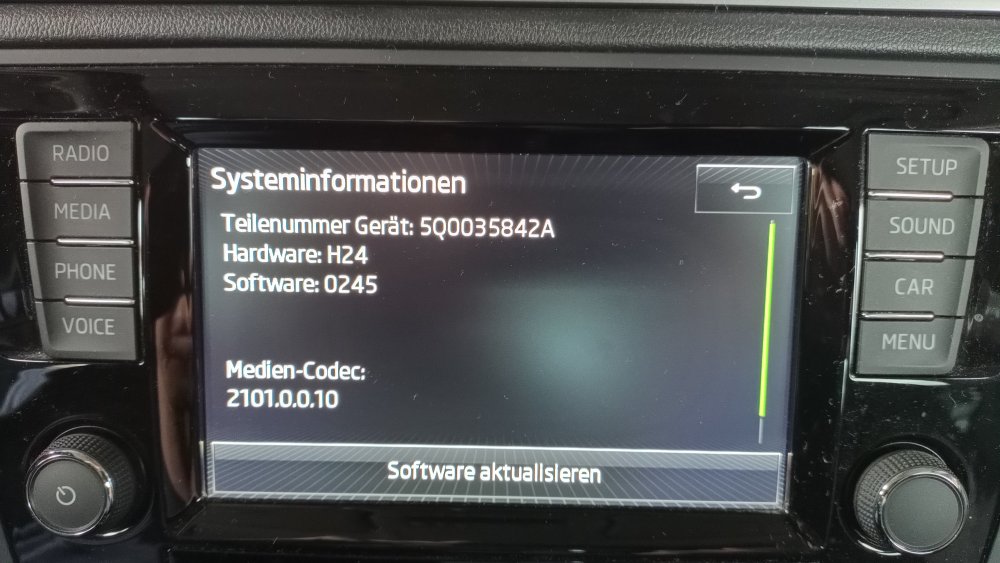
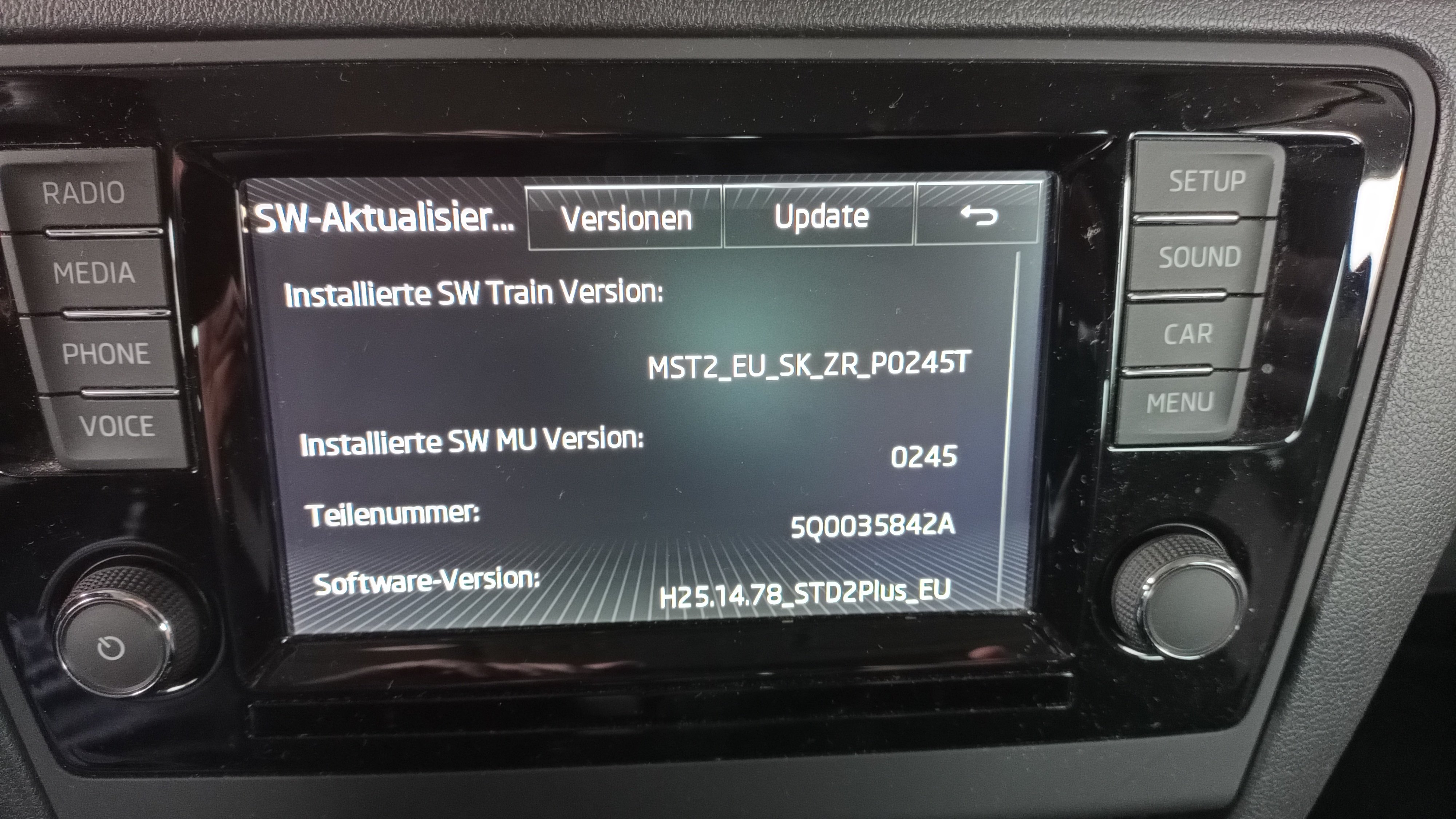
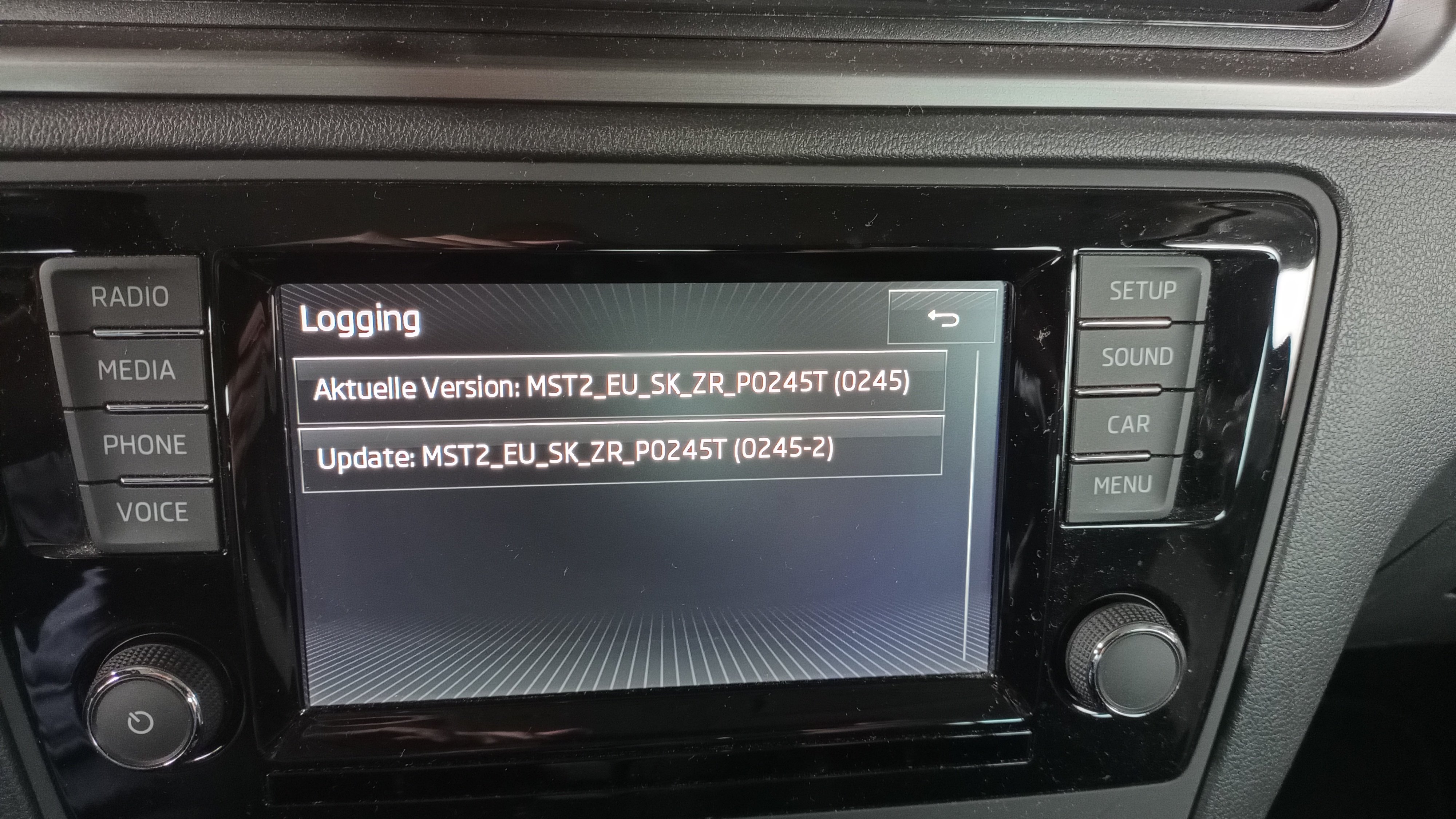
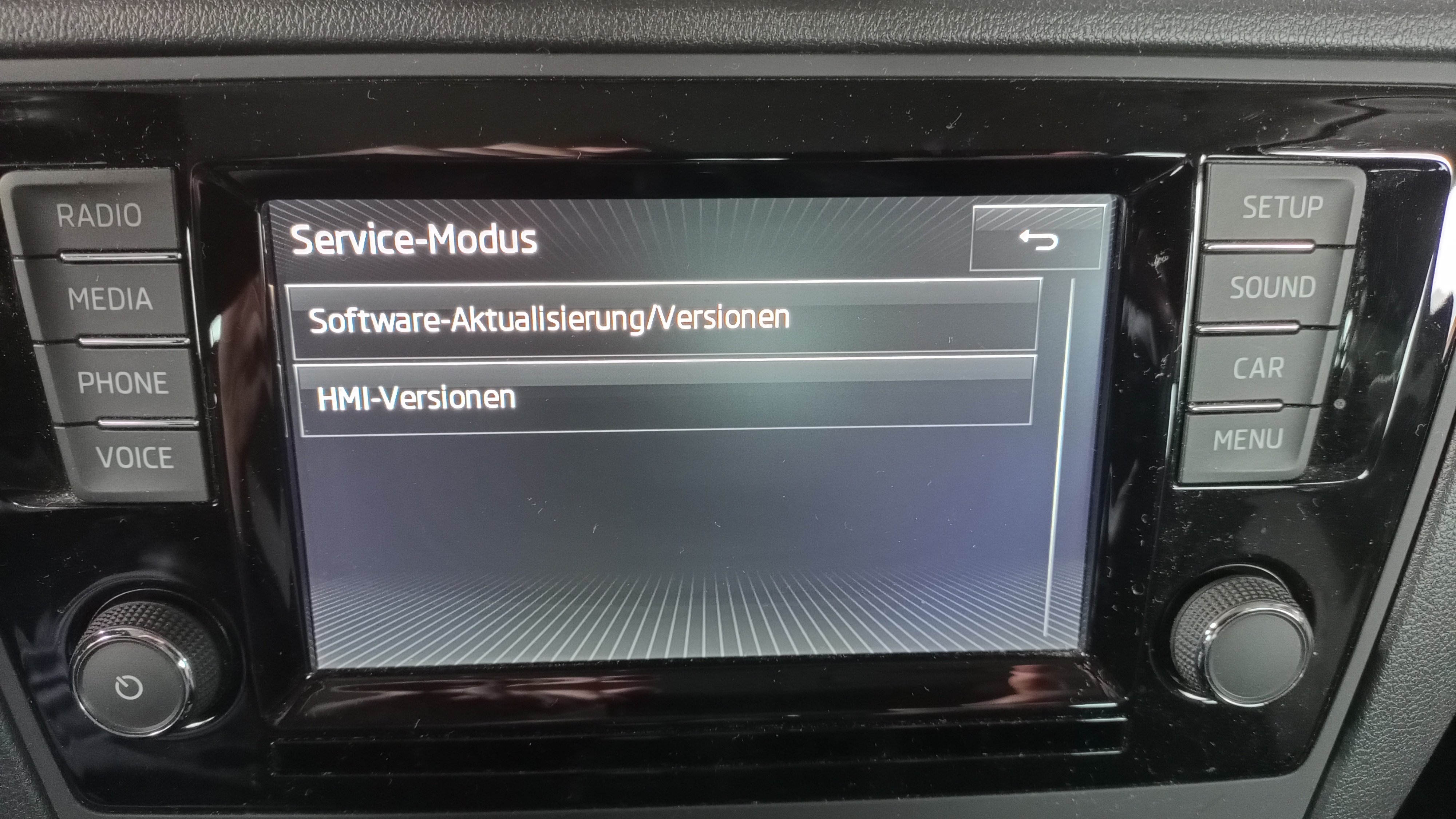
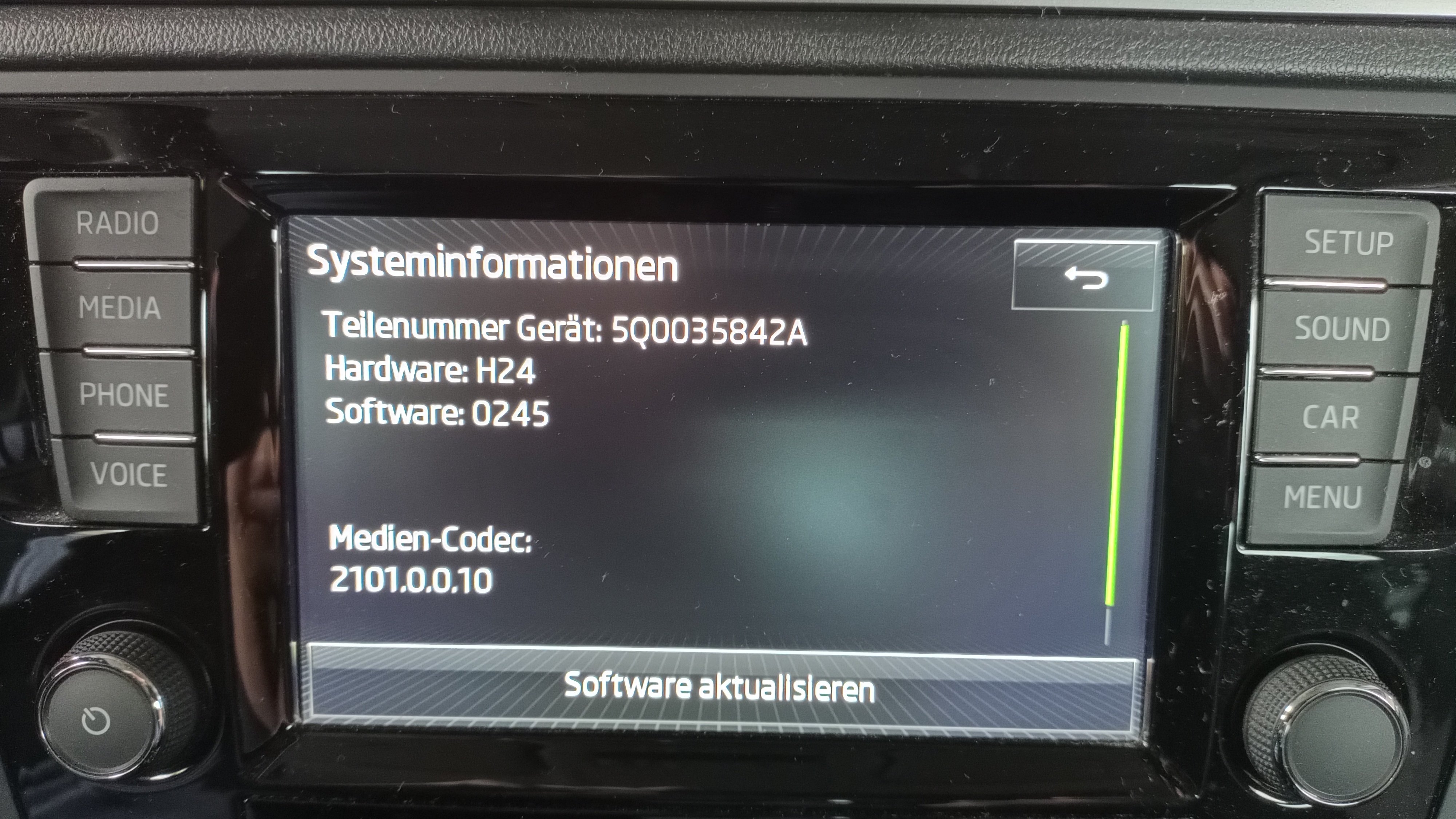
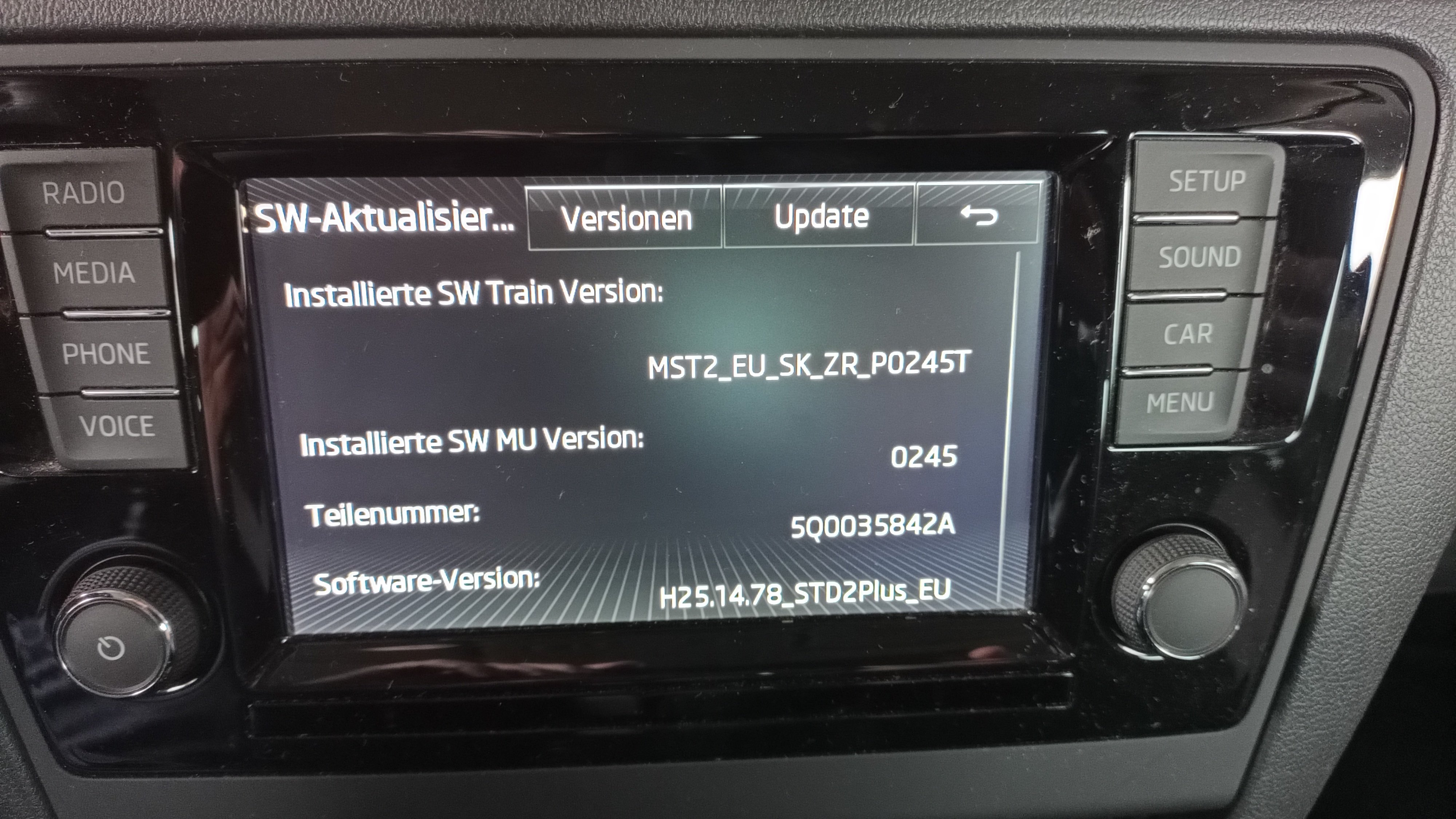
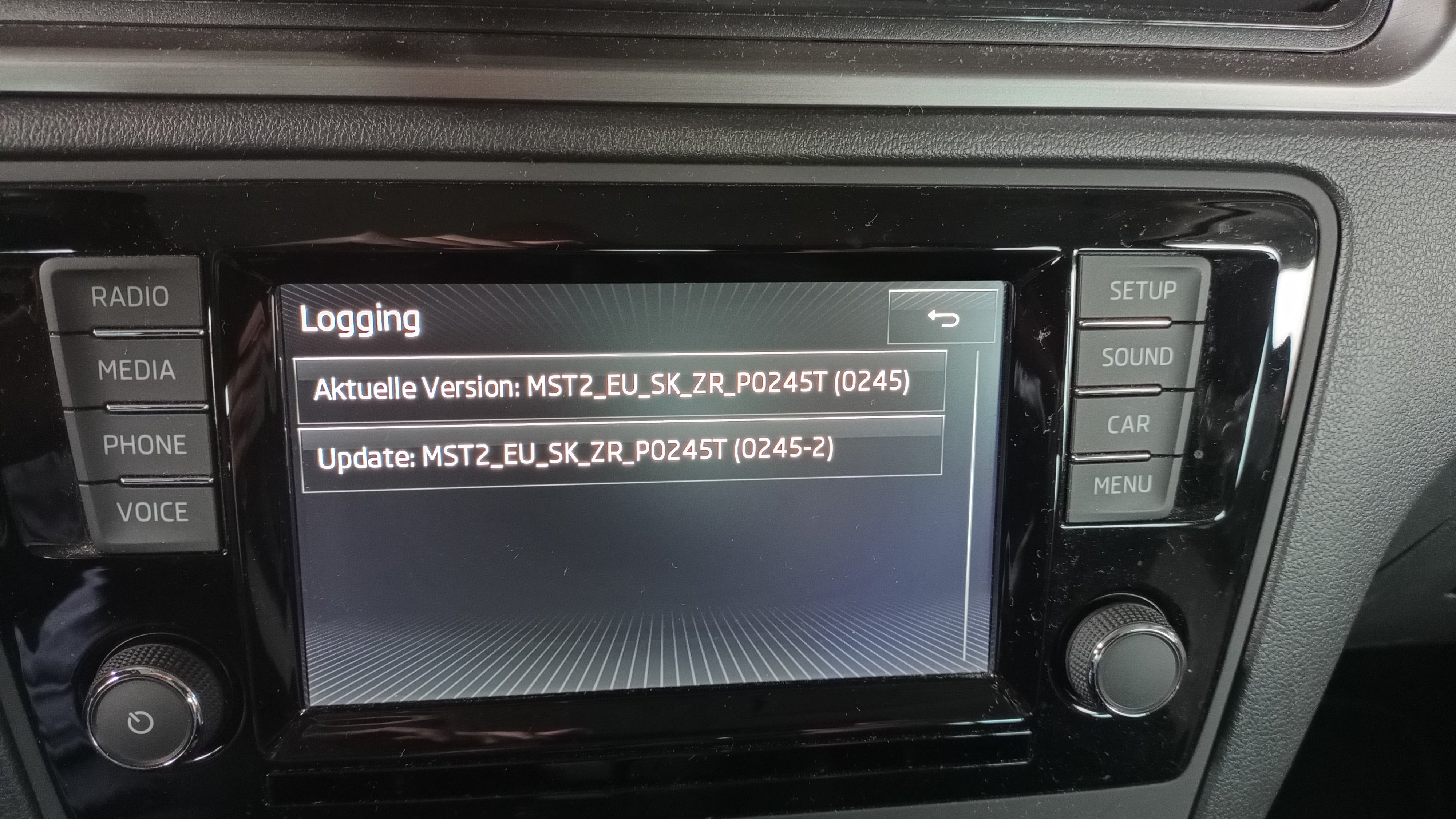
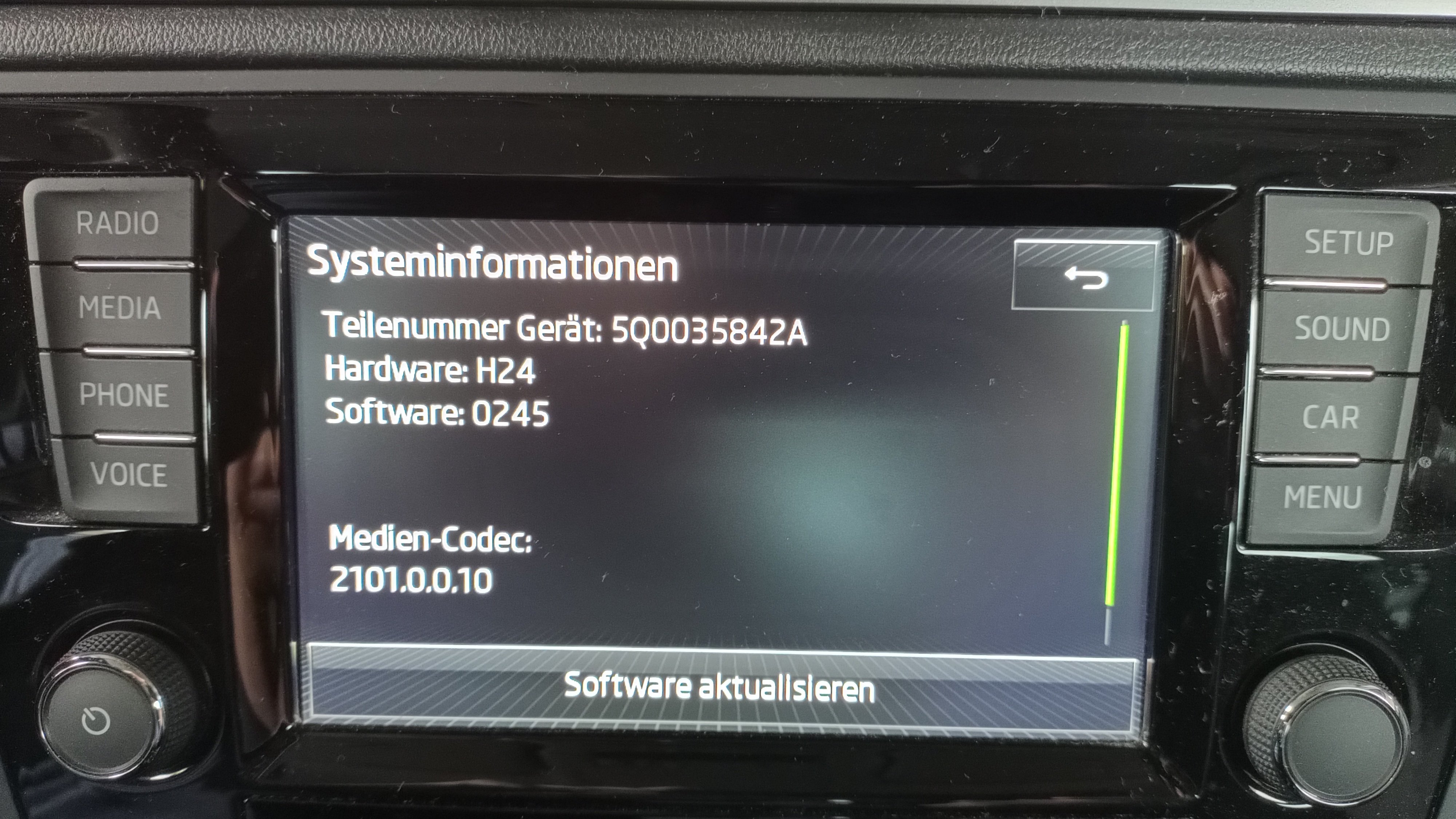
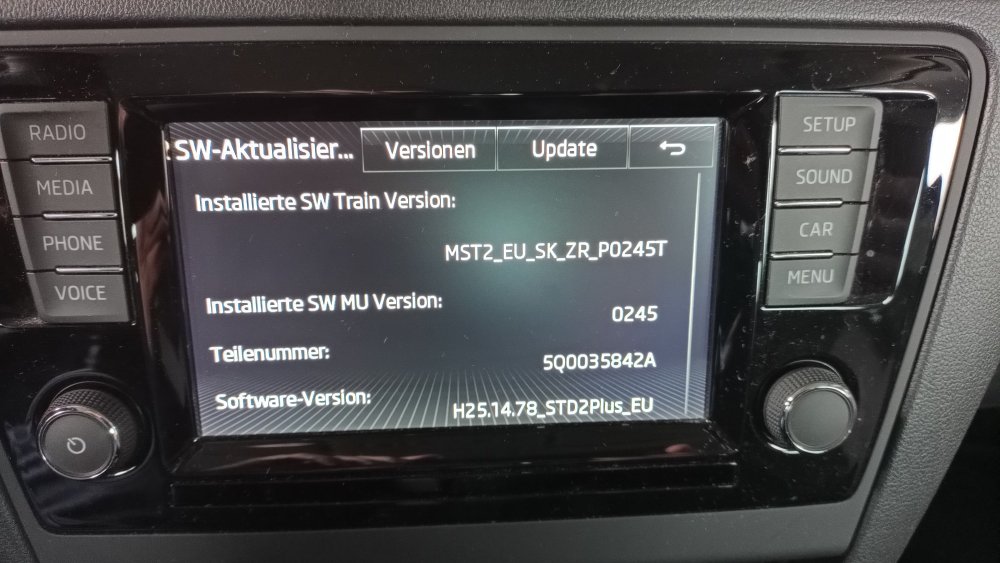
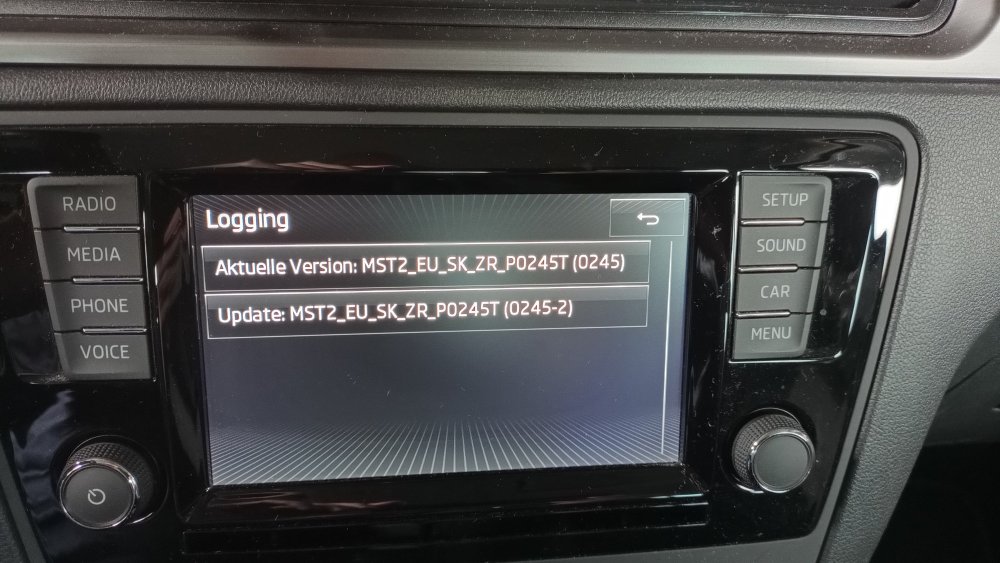
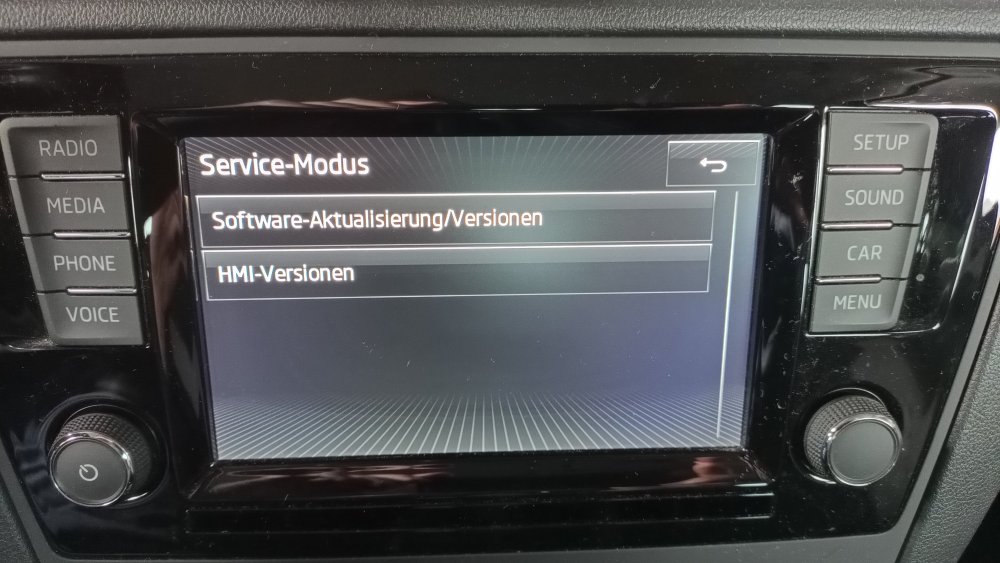
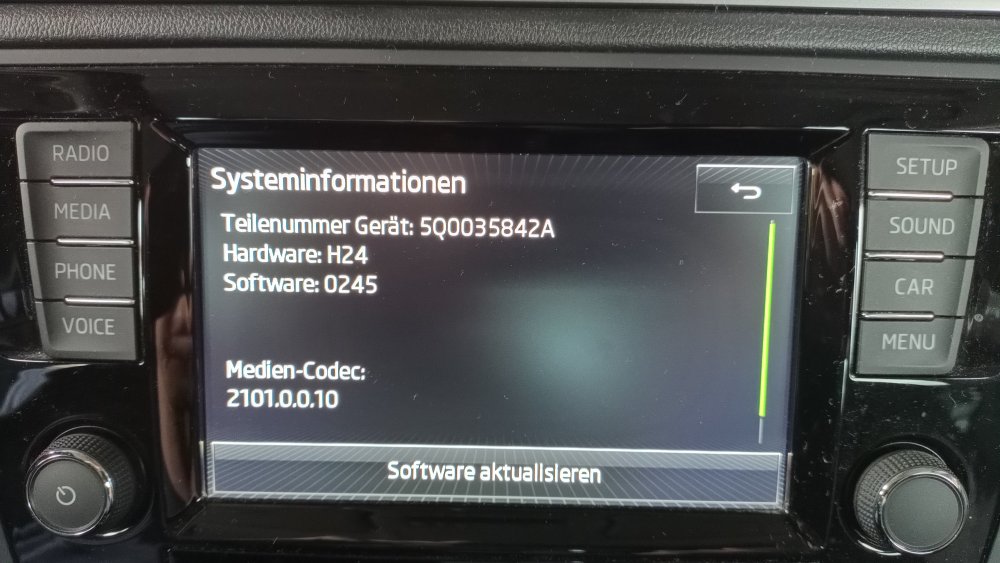
The display has recently been freezing irregularly, i.e. you can no longer make any entries. It does not respond to "pressing" or "swiping". This happens both in radio mode and in the other menu items. When the radio is in operation, it switches back and forth between the different stations automatically. If you unplug the infotainment system (remove the fuse) and plug it back in again, full functionality is restored for a short time. Question: could this be a) a hardware problem? Touch display defective? b) a software update help. Thank you for your expert advice.
-
Recently the display has been freezing at irregular intervals, meaning you can no longer make any entries. It does not respond to "pressing" or "swiping". This happens both in radio mode and in the other menu items. When the radio is in use, the station switches back and forth between the different stations on its own. If you unplug the infotainment system (remove the fuse) and plug it back in, full functionality is restored for a short time. Question: Could this be a) a hardware problem? Touch display defective? b) A software update will help. Thank you for your expert advice.
-
Seit kurzem friert das Display unregelmäßig ein, dh man kann keine Eingaben mehr machen. Es reagiert weder auf „drücken“ noch auf „wischen“. Dies sowohl im Radiobetrieb als auch in den sonstigen Menüpunkten. Beim Radiobetrieb wechselt der Sender selbständig zwischen den verschiedenen Sendern hin und her. Wenn man das Infotainment vom Strom nimmt (Sicherung ausgebaut) und wieder ansteckt, ist für kurze Zeit die volle Funktionalität wieder gegeben. Frage: kann es sich hier um a) Handelt es sich um ein Hardwareproblem? Touchdisplay defekt? b) Ein Software-Update hilft. Vielen Dank für einen fachkundigen Rat.